



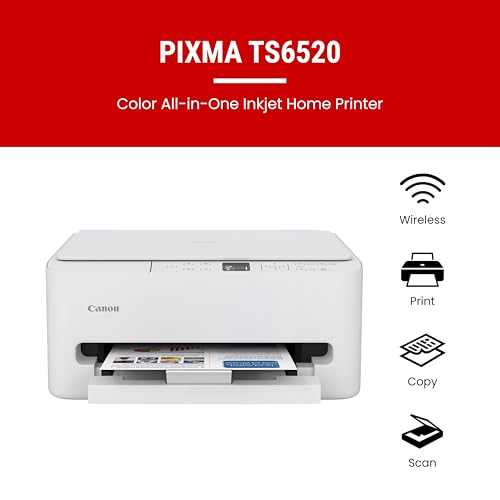



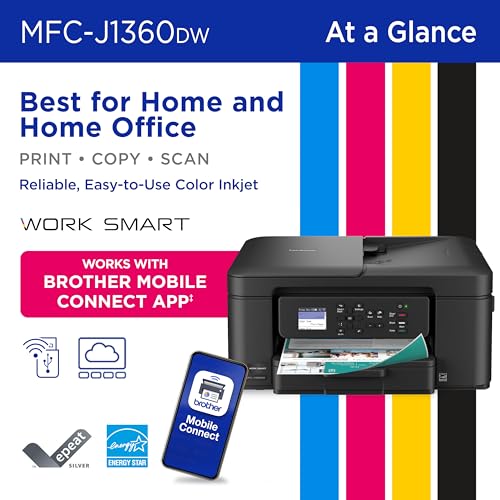
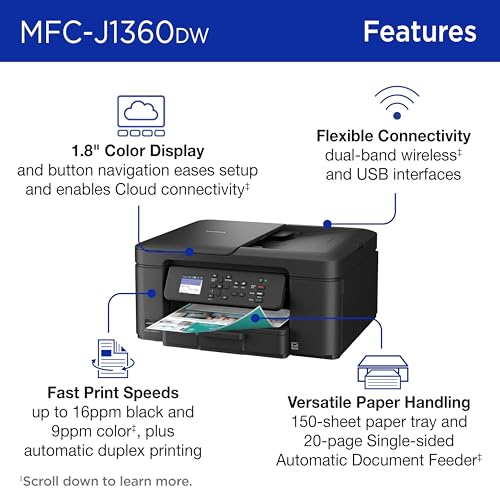




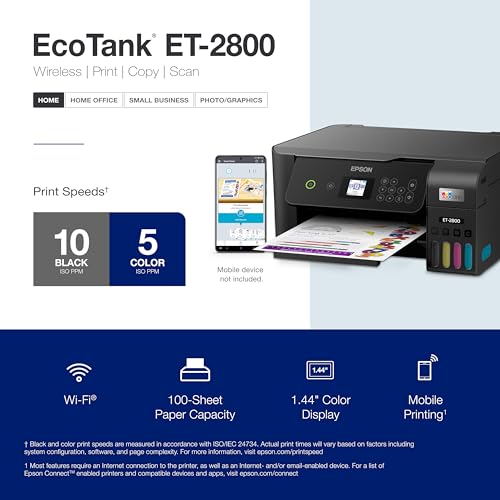

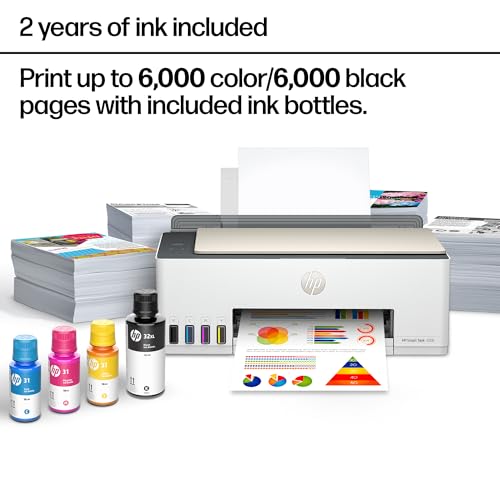
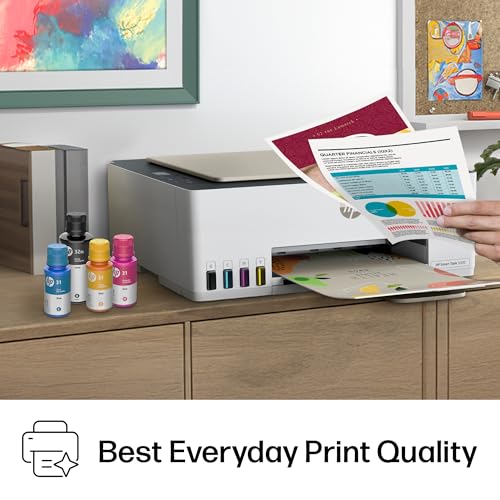


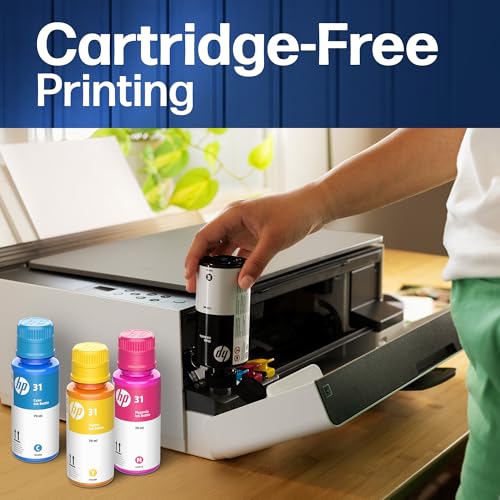




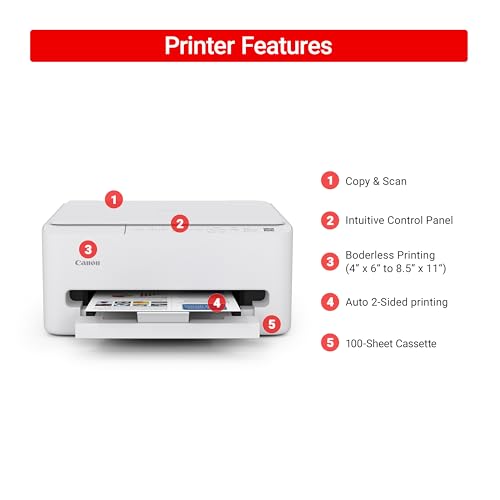


We also considered 10 others:



Our Top Choice
Compare Features


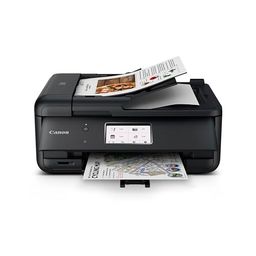


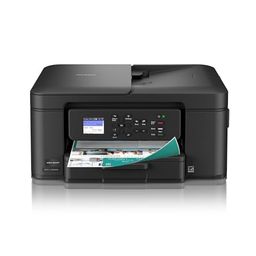
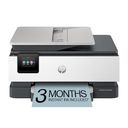
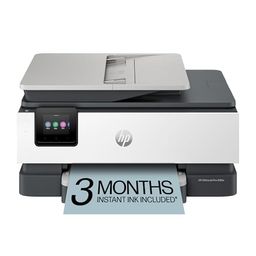


The order above is not editorial opinion, and it is not paid placement. It comes from what shoppers across our network actually do - which mac compatible printers they compare, and which they ultimately buy. We re-rank as new data comes in, so the long-term favorites have to keep earning their spot against new entrants. The full method, including how we make money.
Mac Compatible Printers Buyer's Guide
Mac-compatible printers live or die on the gap between “it says wireless” and “it reliably appears on a Mac when you need it.” The sharpest concerns are AirPrint/macOS driver support, wake-from-sleep Wi-Fi stability, and whether the printer’s ink, toner, or thermal system fits your actual Mac workflow—documents, photos, scanning, or labels.
Quality
Print quality determines how sharp your text looks, how clear fine details appear, and how accurately colors reproduce in photos, graphics, and presentations. You’ll want to look for crisp lettering, smooth gradients, consistent color, and minimal banding or smudging, while remembering that results can vary by paper type, ink or toner, and print settings.
For Mac use, judge print quality only after confirming the printer supports the kind of output macOS can actually drive well: AirPrint is usually fine for documents, but photo printing, borderless sizes, color profiles, duplex settings, and scanner features may require a current macOS driver or vendor app. If you print photos from Photos, Pages, or Preview, look for explicit macOS support for borderless photo sizes and color management; if you mainly print contracts, schoolwork, or forms, a monochrome laser model will usually give cleaner text and fewer ink-related quality problems than an inkjet. Owner feedback supports this split: buyers often praise all-in-one inkjets and tank models for good everyday color and photo results, while monochrome lasers are repeatedly liked for sharp, crisp black-and-white documents and copies.
Speed
Print speed matters if you often produce long documents, multiple copies, or last-minute pages, because a slow printer can turn small tasks into bottlenecks. Look beyond the headline pages-per-minute rating and consider how quickly the first page comes out, whether speed drops for color or duplex printing, and how well the printer handles larger files without long processing delays.
On a Mac, do not look only at rated pages per minute; check first-page-out time from sleep, how quickly the printer wakes over AirPrint, and whether large PDFs or photo jobs spool slowly from macOS or iOS. For frequent short jobs, a laser printer with fast wake and first-page output will feel much quicker than an inkjet with higher advertised speeds; for labels, a thermal model can be fastest if its Mac label-size presets work correctly. Owners back this up by praising compact laser and thermal printers for quick everyday output, fast first pages, and efficient routine document or shipping-label printing, while some note that photo or mobile jobs can slow down or crop unexpectedly beyond basic documents.
Reliability
A reliable printer saves you time and frustration by completing jobs without frequent paper jams, error messages, dropped connections, or half-printed pages. Look for signs that it handles your typical workload and paper types consistently, and watch out for models with complaints about misfeeds, stalled print queues, or needing frequent resets.
For Mac households, reliability depends heavily on whether the printer can keep working through macOS updates, router changes, sleep/wake cycles, and mixed-device use from Macs, iPhones, and iPads. Favor models with proven AirPrint support, Ethernet or USB fallback, replaceable consumables that do not dry out if unused, and clear firmware support; be cautious with printers that rely on a fragile proprietary app before they will print or scan. Owner sentiment reflects this divide: many users describe basic laser, label, and simple home-office models as dependable once installed, but others report uneven longevity, jobs that fail to start, slow behavior, or units that develop problems shortly after setup.
Connectivity
Connectivity determines how easily you can print from the devices you actually use, whether that’s a computer, phone, tablet, or shared office network. Look for reliable Wi-Fi, useful wired options if you need stability, and straightforward mobile or app setup; watch out for printers that are finicky to pair, drop off the network, or require awkward workarounds for everyday printing.
Connectivity is the make-or-break Mac criterion: verify native AirPrint, Bonjour/mDNS discovery, compatibility with your Wi-Fi band and security settings, and whether the printer has Ethernet or USB for a stable backup. Avoid models that only work smoothly through a phone app or require repeated reconnection after sleep, router reboot, or firmware changes; if your Mac is on a mesh network, guest network, VPN, or separate 2.4 GHz/5 GHz SSID, confirm the printer can stay discoverable across that setup. Owner feedback strongly supports treating this as a watch-out, with recurring complaints about Wi-Fi drops, sleep-related disconnects, Bluetooth or Wi-Fi retries, driver issues, reboots, and having to reconnect before basic printing works, even though some users do find phone pairing and everyday printing easy.
Setup
Setup matters because a printer that is hard to install can turn a simple purchase into driver conflicts, connectivity issues, or repeated troubleshooting before you ever print a page. Look for clear first-time instructions, reliable Wi-Fi or wired connection options, and driver support for the devices you use. Watch out for printers that require complicated account creation, unclear app-based setup, or limited compatibility with your computer or mobile devices.
For a Mac-compatible printer, the best setup is one that can produce a first page through macOS without hunting for old drivers: look for current macOS version support, AirPrint setup, Apple Silicon compatibility, and scanner access through Image Capture or a maintained app. Before buying, check whether setup requires account creation, a mobile-only app, subscription prompts, or a 2.4 GHz network; for offices, also confirm you can assign a static IP or add the printer by IP if Bonjour discovery fails. Owners generally reinforce that setup can be a strength in this category, often describing quick unboxing-to-first-print experiences, straightforward pairing, simple phone printing, and especially smooth AirPrint or Mac installs when the printer is designed for them.
Value
Value matters because the cheapest printer can become expensive if ink, toner, maintenance, or paper handling costs add up quickly. Look for a printer whose performance matches what you actually print—documents, photos, or high-volume jobs—and watch for models that seem affordable upfront but have costly consumables or features you will not use.
Value for Mac users is not just the purchase cost; it is the total cost of staying compatible and low-friction over years of macOS updates. If you mostly print black-and-white documents, a monochrome laser can avoid dried ink and reduce per-page frustration; if you print high color volume, a refillable tank may beat cartridges; if you print shipping labels, a thermal printer avoids ink entirely but must support the label sizes and Mac workflow you use. Owner sentiment aligns with this: buyers often see laser models as economical for routine documents because toner does not dry out, tank systems as valuable because ink lasts longer, and thermal printers as strong value for frequent label printing because they avoid ink, toner, and messy refills.
1,000,000+ shoppers use Buyer's Guide every week to find the best products and services online.

Helping millions of users make smarter purchases online.


