














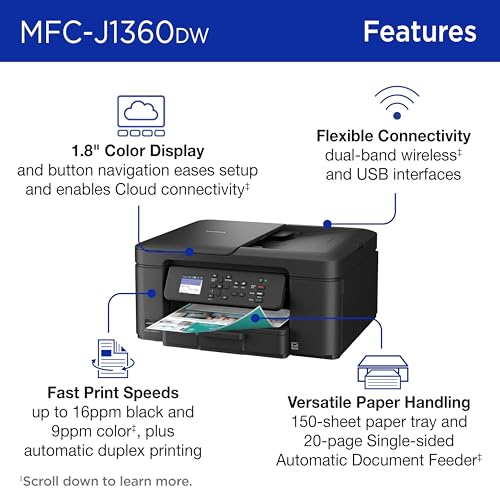

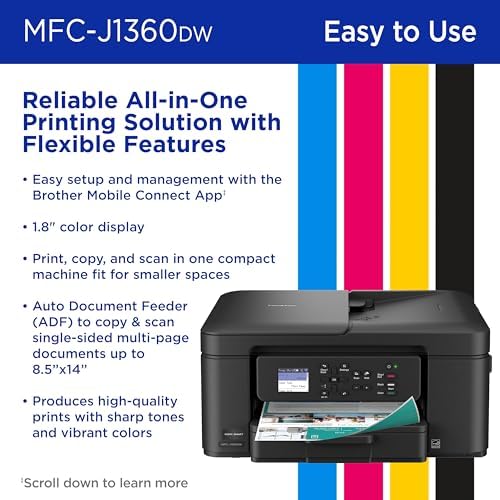


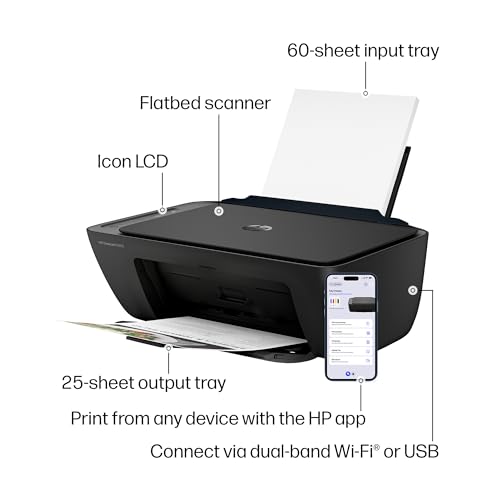

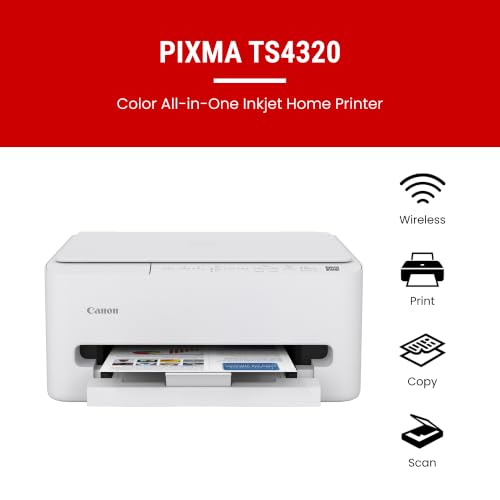


We also considered 10 others:






Our Top Choice
Compare Features
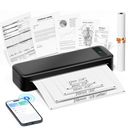
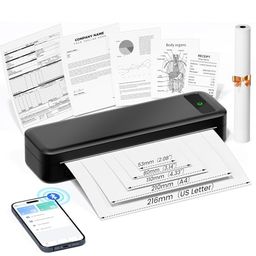


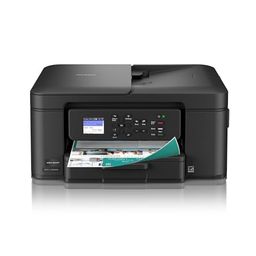


The order above is not editorial opinion, and it is not paid placement. It comes from what shoppers across our network actually do - which printers with bluetooth they compare, and which they ultimately buy. We re-rank as new data comes in, so the long-term favorites have to keep earning their spot against new entrants. The full method, including how we make money.
Printers with Bluetooth Buyer's Guide
Bluetooth printers trade cable-free convenience against app dependence, pairing quirks, and narrower use cases than many shoppers expect. The sharpest checks are whether Bluetooth actually supports the device and task you want, and whether the print engine fits your output: labels, photos, office documents, or portable notes.
Quality
Print quality determines how sharp your text looks, how clear fine details appear, and how accurately colors reproduce in photos, graphics, and presentations. You’ll want to look for crisp lettering, smooth gradients, consistent color, and minimal banding or smudging, while remembering that results can vary by paper type, ink or toner, and print settings.
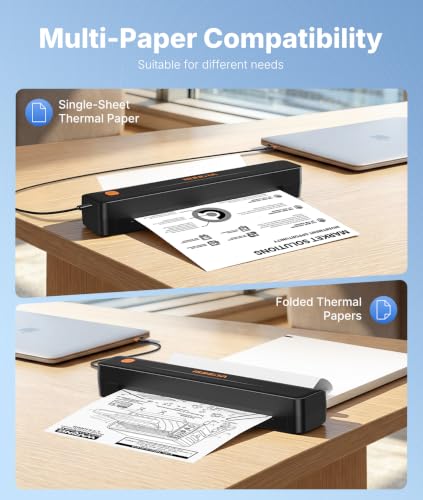
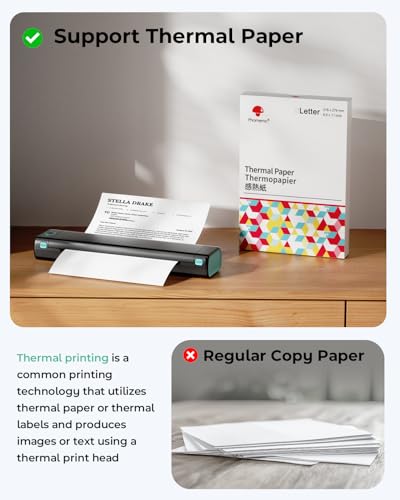
Start by choosing the print technology for the Bluetooth job you actually need: thermal pocket and label printers are great for monochrome stickers, shipping labels, notes, and simple line work, but they are not for color, archival documents, or photos; inkjet/photo models are better for color and images but need ink maintenance; laser models are best when crisp black text matters more than color. Check maximum paper or label size, supported media thickness, stated resolution, borderless/photo options, and whether mobile printing crops or compresses images before you buy. Owner feedback supports this split: shoppers often praise strong photo color and clean everyday documents on full-size models, clear black-and-white output on laser-style document printers, and crisp, ink-free output from portable thermal units when used for labels, notes, and basic documents.
Speed
Print speed matters if you often produce long documents, multiple copies, or last-minute pages, because a slow printer can turn small tasks into bottlenecks. Look beyond the headline pages-per-minute rating and consider how quickly the first page comes out, whether speed drops for color or duplex printing, and how well the printer handles larger files without long processing delays.
For Bluetooth printers, do not judge speed only by headline pages-per-minute: check first-page-out time after sleep, Bluetooth transfer time from a phone, label inches-per-second, photo print time per sheet, and whether the printer slows during battery use, high-resolution mode, duplexing, or thermal cooldown. If you print shipping labels or batches of office documents, prioritize fast wake-and-print behavior and continuous-feed handling; if you only print occasional photos or family documents, slower output may be acceptable. Owners commonly describe compact laser and label/thermal printers as fast for routine documents and shipping workflows, while some mobile/photo and general-purpose models are reported as slow or frustrating once jobs go beyond basic documents.
Reliability
A reliable printer saves you time and frustration by completing jobs without frequent paper jams, error messages, dropped connections, or half-printed pages. Look for signs that it handles your typical workload and paper types consistently, and watch out for models with complaints about misfeeds, stalled print queues, or needing frequent resets.
Reliability in this niche depends heavily on whether the printer can recover from sleep, reconnect to a phone, feed small media accurately, and keep working without the companion app or cloud service becoming a bottleneck. Look for a real fallback connection such as USB or Wi-Fi, accessible rollers or printheads, supported replacement paper/labels/ink, a duty cycle that matches your volume, and reviews mentioning months of use rather than only first-day setup. Owner sentiment is mixed in exactly these areas: many buyers find phone printing and daily label workflows dependable, but others report units that are inconsistent, develop problems early, fail to start jobs, or rely too much on software behaving correctly.
Connectivity
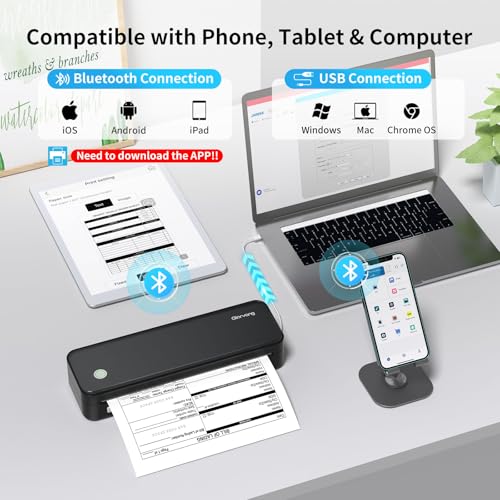
Connectivity determines how easily you can print from the devices you actually use, whether that’s a computer, phone, tablet, or shared office network. Look for reliable Wi-Fi, useful wired options if you need stability, and straightforward mobile or app setup; watch out for printers that are finicky to pair, drop off the network, or require awkward workarounds for everyday printing.
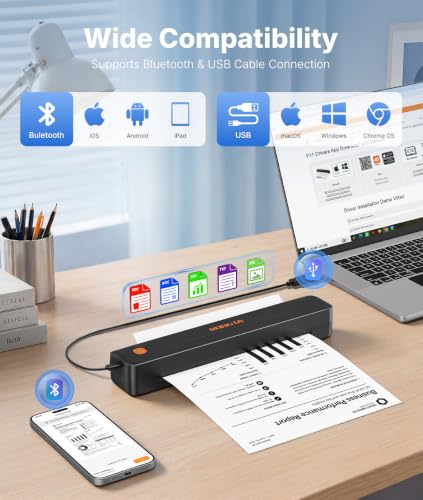
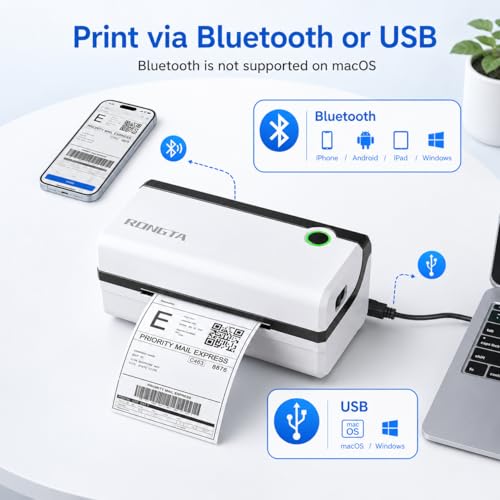
Verify what “Bluetooth” actually means before buying: some printers use Bluetooth only for setup or app-based phone printing, while laptops, AirPrint-style printing, shared household use, or network printing may require Wi-Fi, USB, or specific drivers. Check iOS/Android/macOS/Windows support, whether the app is mandatory, whether multiple phones can pair, how it behaves after sleep or router reboot, and whether it supports your label, photo, or document app without awkward exporting. Owner feedback makes connectivity the biggest watch-out: many people like quick phone pairing and app-based label customization, but recurring complaints mention dropped Wi-Fi, Bluetooth retries, driver issues, resets, cables, and repeated reconnecting before a basic print job works.
Ease
You’ll interact with a printer often through setup, paper loading, app or computer software, scan/copy controls, and error prompts, so ease of use can matter as much as print quality in daily life. Look for clear menus, straightforward driver or mobile workflows, accessible ink or toner replacement, and helpful status alerts; watch out for confusing displays, fussy wireless setup, or maintenance steps that turn simple jobs into chores.
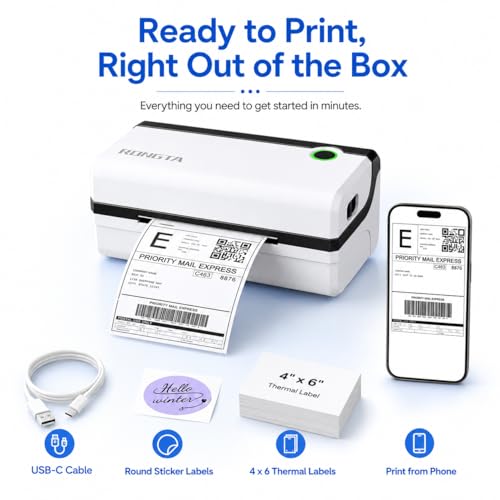
The easiest Bluetooth printer for this category is the one whose daily workflow matches your media: label users should look for automatic label detection, simple calibration, templates, and easy roll loading; photo users should check crop controls and paper/cartridge loading; document users should value an intuitive scanner/copier interface, duplex controls, and clear ink or toner access. Be cautious with phone-only controls if several people will use the printer, if you need laptop printing, or if the app requires accounts and permissions you do not want. Owners often praise these printers when setup is quick, phone printing is simple, and common tasks like stickers, labels, notes, photos, copying, and scanning become low-friction.
Setup
Setup matters because a printer that is hard to install can turn a simple purchase into driver conflicts, connectivity issues, or repeated troubleshooting before you ever print a page. Look for clear first-time instructions, reliable Wi-Fi or wired connection options, and driver support for the devices you use. Watch out for printers that require complicated account creation, unclear app-based setup, or limited compatibility with your computer or mobile devices.
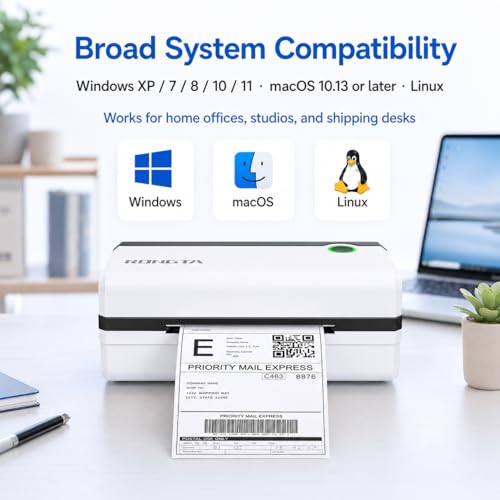
Before purchase, confirm the exact setup path for your device: supported operating systems, app availability, Bluetooth pairing steps, driver downloads, firmware updates, 2.4 GHz Wi-Fi requirements if applicable, and whether USB setup is possible if wireless pairing fails. For label and thermal printers, also check whether the first setup includes media calibration and correct paper-size profiles; for inkjet and photo models, check alignment, cartridge or tank filling, and test-print steps. Owner feedback is generally positive on first setup, with many buyers getting from unboxing to a successful first print quickly, but that good experience is most likely when the printer’s app, drivers, network requirements, and media setup match the buyer’s devices and intended use.
1,000,000+ shoppers use Buyer's Guide every week to find the best products and services online.

Helping millions of users make smarter purchases online.


