
Best Budget Printers Updated August 2026

Best Budget Printers
2026 Buyer's GuideUpdated August 2026
Sort by:
1

10.0

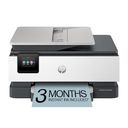
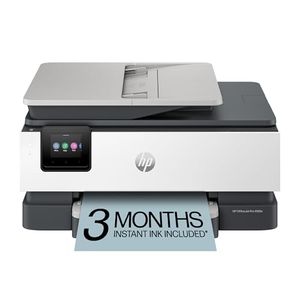
HP OfficeJet Pro 8125e Wireless All-in-One Color Inkjet Printer, Print, scan, Copy, ADF, Duplex Printing Best-for-Home Office, ...
Functionality: Print, scan, copy, fax
Resolution: 1200 x 1200 dpi
Color Print Speed: 10 ppm
Monochrome Print Speed: 20 ppm
Two-Sided Printing: Yes
Max Paper Size: 8.5" x 14"

10.0

1
HP OfficeJet Pro 8125e Wireless All-in-One Color Inkjet Printer, Print, scan, Copy, ADF, Duplex Printing Best-for-Home Office, ...
Functionality: Print, scan, copy, fax
Resolution: 1200 x 1200 dpi
Color Print Speed: 10 ppm
Monochrome Print Speed: 20 ppm
Two-Sided Printing: Yes
Max Paper Size: 8.5" x 14"
2

9.9

Canon PIXMA TR8620a - All-in-One Printer Home Office|Copier|Scanner|Fax|Auto Document Feeder | Photo, Document | Airprint (R), ...
Functionality: Print, scan, copy, fax, photo
Resolution: 4800 x 1200 dpi
Color Print Speed: 10 ppm
Monochrome Print Speed: 15 ppm
Two-Sided Printing: Yes
Max Paper Size: 8.5" x 14"
Compare

9.9

2
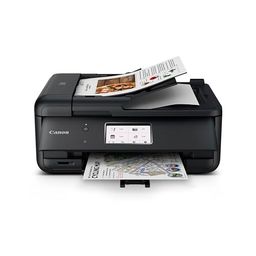
Canon PIXMA TR8620a - All-in-One Printer Home Office|Copier|Scanner|Fax|Auto Document Feeder | Photo, Document | Airprint (R), ...
Functionality: Print, scan, copy, fax, photo
Resolution: 4800 x 1200 dpi
Color Print Speed: 10 ppm
Monochrome Print Speed: 15 ppm
Two-Sided Printing: Yes
Max Paper Size: 8.5" x 14"
3

9.7

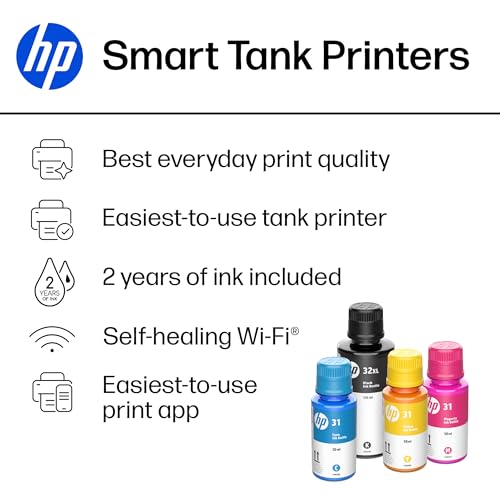
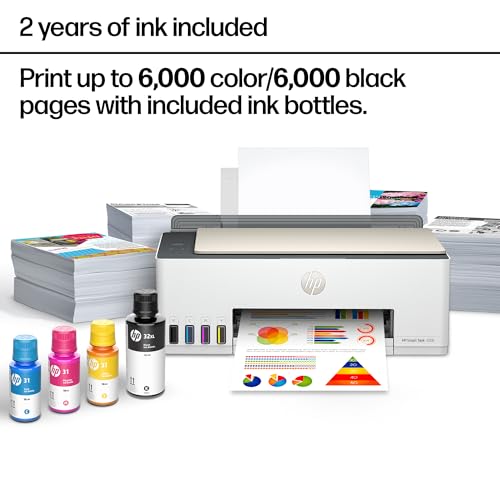
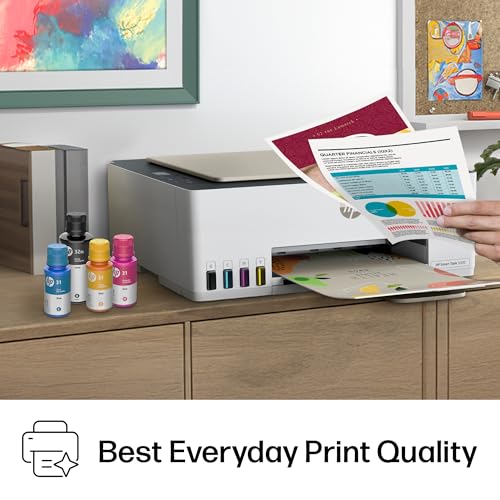
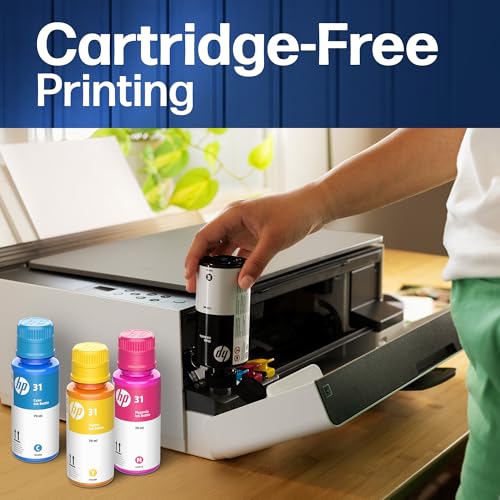
HP Smart Tank 5000 Wireless All-in-One Ink Tank Printer, Scanner, Copier with 2 Years of Ink Included, Best-for-Home, Cartridge...
Functionality: Print, scan, copy
Resolution: 4800 x 1200 dpi
Color Print Speed: 5 ppm
Monochrome Print Speed: 10 ppm
Two-Sided Printing: No
Max Paper Size: 8.5" x 14"
Compare

9.7

3
HP Smart Tank 5000 Wireless All-in-One Ink Tank Printer, Scanner, Copier with 2 Years of Ink Included, Best-for-Home, Cartridge...
Functionality: Print, scan, copy
Resolution: 4800 x 1200 dpi
Color Print Speed: 5 ppm
Monochrome Print Speed: 10 ppm
Two-Sided Printing: No
Max Paper Size: 8.5" x 14"
4

9.6

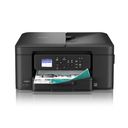
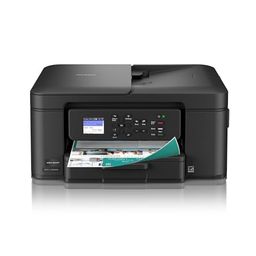
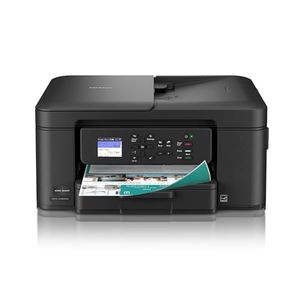
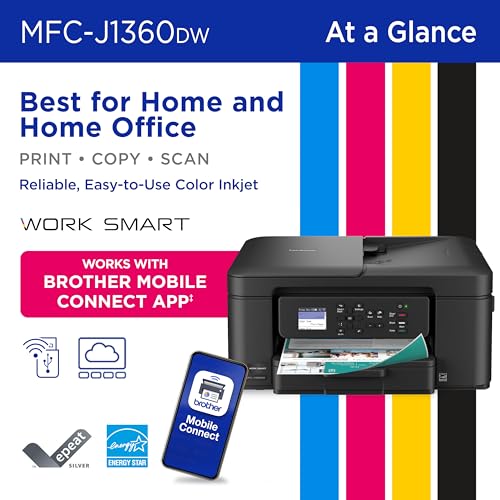
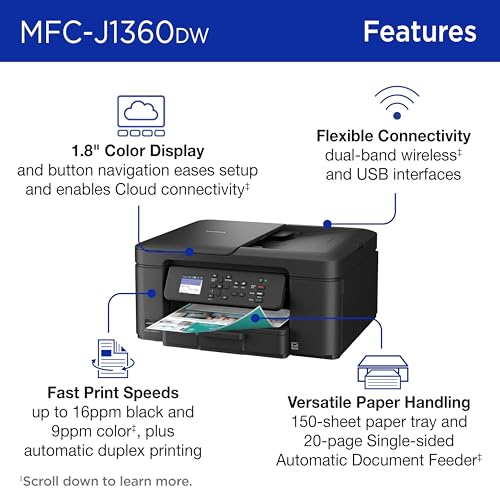
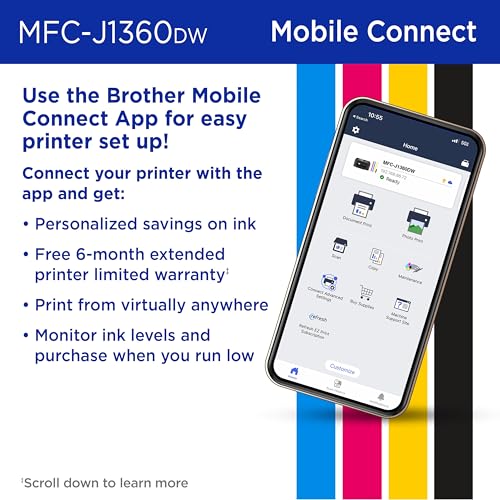
Brother Work Smart 1360 Wireless Color Inkjet All-in-One Printer with Automatic Duplex Printing and 1.8” Color Display | Includ...
Functionality: Print, scan, copy
Resolution: 1200 x 6000 dpi
Color Print Speed: 9 ppm
Monochrome Print Speed: 16 ppm
Two-Sided Printing: Yes
Max Paper Size: 8.5" x 14"
Compare

9.6

4
Brother Work Smart 1360 Wireless Color Inkjet All-in-One Printer with Automatic Duplex Printing and 1.8” Color Display | Includ...
Functionality: Print, scan, copy
Resolution: 1200 x 6000 dpi
Color Print Speed: 9 ppm
Monochrome Print Speed: 16 ppm
Two-Sided Printing: Yes
Max Paper Size: 8.5" x 14"
5

9.4

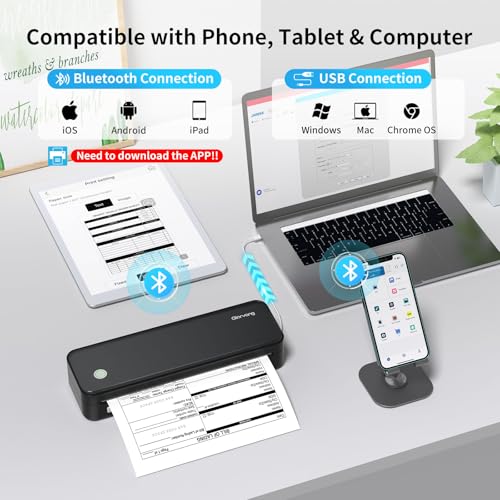
Gloryang Inkless Portable Printer for Travel, Wireless Thermal Printer Supports 8.5 x 11 Inch Thermal Paper, Bluetooth Machine ...
Functionality: Print
Resolution: Not indicated
Color Print Speed: 20 ppm
Monochrome Print Speed: 20 ppm
Two-Sided Printing: No
Max Paper Size: 8.5" x 11"
Compare

9.4

5
Gloryang Inkless Portable Printer for Travel, Wireless Thermal Printer Supports 8.5 x 11 Inch Thermal Paper, Bluetooth Machine ...
Functionality: Print
Resolution: Not indicated
Color Print Speed: 20 ppm
Monochrome Print Speed: 20 ppm
Two-Sided Printing: No
Max Paper Size: 8.5" x 11"
6

9.3

Canon PIXMA TS4320 – Wireless Color Inkjet Printer for 2-Sided Printing & Photos, Cost Efficient Multi-Function Printer, Copier...
Functionality: Print, scan, copy
Resolution: 600 x 600 dpi
Color Print Speed: 9 ppm
Monochrome Print Speed: 14 ppm
Two-Sided Printing: Yes
Max Paper Size: 8.5" x 11"
Compare

9.3

6
Canon PIXMA TS4320 – Wireless Color Inkjet Printer for 2-Sided Printing & Photos, Cost Efficient Multi-Function Printer, Copier...
Functionality: Print, scan, copy
Resolution: 600 x 600 dpi
Color Print Speed: 9 ppm
Monochrome Print Speed: 14 ppm
Two-Sided Printing: Yes
Max Paper Size: 8.5" x 11"
Compare
7

9.1

HP Smart Tank 5101 Wireless All-in-One Refillable Printer, Scanner, Copier with 2 Years of Ink Included, Wireless (2.4ghz only)...
Functionality: Print, copy, scan
Resolution: 4800 x 1200 dpi
Color Print Speed: 5 ppm
Monochrome Print Speed: 12 ppm
Two-Sided Printing: No
Max Paper Size: 8.5" x 14"
Compare

9.1

7
HP Smart Tank 5101 Wireless All-in-One Refillable Printer, Scanner, Copier with 2 Years of Ink Included, Wireless (2.4ghz only)...
Functionality: Print, copy, scan
Resolution: 4800 x 1200 dpi
Color Print Speed: 5 ppm
Monochrome Print Speed: 12 ppm
Two-Sided Printing: No
Max Paper Size: 8.5" x 14"
8

9.0

JADENS Bluetooth Thermal Shipping Label Printer – Wireless 4x6 Shipping Label Printer, Compatible with Android, iPhone, Windows...
Functionality: Label print
Resolution: 203 dpi
Color Print Speed: N/A
Monochrome Print Speed: 72 ppm
Two-Sided Printing: No
Max Paper Size: 4.1" wide roll
Compare

9.0

8
JADENS Bluetooth Thermal Shipping Label Printer – Wireless 4x6 Shipping Label Printer, Compatible with Android, iPhone, Windows...
Functionality: Label print
Resolution: 203 dpi
Color Print Speed: N/A
Monochrome Print Speed: 72 ppm
Two-Sided Printing: No
Max Paper Size: 4.1" wide roll
9

8.9

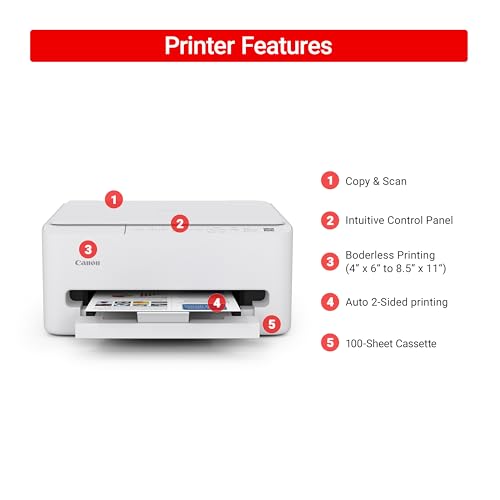
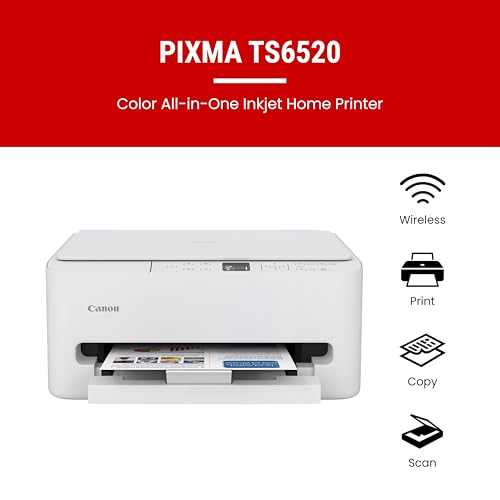
Canon PIXMA TS6520 Wireless Color Inkjet Printer Duplex Printing, White – Home Printer with Copier/Scanner, 1.42” OLED Display,...
Functionality: Print, scan, copy
Resolution: 1200 x 1200 dpi
Color Print Speed: 9 ppm
Monochrome Print Speed: 14 ppm
Two-Sided Printing: Yes
Max Paper Size: 8.5" x 14"
Compare

8.9

9
Canon PIXMA TS6520 Wireless Color Inkjet Printer Duplex Printing, White – Home Printer with Copier/Scanner, 1.42” OLED Display,...
Functionality: Print, scan, copy
Resolution: 1200 x 1200 dpi
Color Print Speed: 9 ppm
Monochrome Print Speed: 14 ppm
Two-Sided Printing: Yes
Max Paper Size: 8.5" x 14"
10

8.8

MUNBYN Receipt Printer, Thermal Receipt Printer Works with Windows Mac Chromebook Linux Cash Drawer, USB/Ethernet Port 80mm Pri...
Paper quality
Functionality
Value for money
Print speed

8.8

10
MUNBYN Receipt Printer, Thermal Receipt Printer Works with Windows Mac Chromebook Linux Cash Drawer, USB/Ethernet Port 80mm Pri...
Paper quality
Functionality
Value for money
Print speed

Our Top Choice

1

10.0

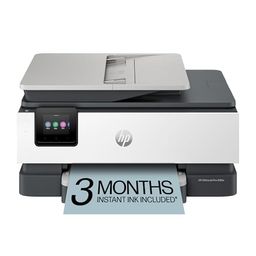
HP OfficeJet Pro 8125e Wireless All-in-One Color Inkjet Printer, Print, scan, Copy, ADF, Duplex Printing Best-for-Home Office, ...
Functionality: Print, scan, copy, fax
Resolution: 1200 x 1200 dpi
Color Print Speed: 10 ppm
Monochrome Print Speed: 20 ppm
Two-Sided Printing: Yes
Max Paper Size: 8.5" x 14"

10.0

1
HP OfficeJet Pro 8125e Wireless All-in-One Color Inkjet Printer, Print, scan, Copy, ADF, Duplex Printing Best-for-Home Office, ...
Functionality: Print, scan, copy, fax
Resolution: 1200 x 1200 dpi
Color Print Speed: 10 ppm
Monochrome Print Speed: 20 ppm
Two-Sided Printing: Yes
Max Paper Size: 8.5" x 14"

Compare Features

Monochrome Print Speed
Best Budget Printer
1. HP OfficeJet Pro 8125e Wireless All-in-One Printer
HP Preview HP Preview
HP
at Amazon
Premium Pick
2. Canon TR8620a Home Office Printer
CANON Preview CANON Preview
CANON
at Amazon
3. HP Smart-Tank 5000 Wireless All-in-One Printer
HP Preview HP Preview
HP
at Amazon
4. Brother Work Smart 1360 Printer
BROTHER Preview BROTHER Preview
BROTHER
at Amazon
5. Gloryang Portable Printer
GLORYANG Preview GLORYANG Preview
GLORYANG
at Amazon
Best Value
6. Canon PIXMA TS4320 Printer
CANON Preview CANON Preview
CANON
at Amazon
7. HP Smart Tank 5101 All-in-One Printer
HP Preview HP Preview
HP
at Amazon
8. JADENS Shipping Label Printer
JADENS Preview JADENS Preview
JADENS
at Amazon
Popular
9. Canon PIXMA TS6520 Printer
CANON Preview CANON Preview
CANON
at Amazon
Deal
-7% -16% -18% -24% -36% -35% -47%
Deal -7% -16% -18% -24% -36% -35% -47%
Functionality
Print, scan, copy, fax Print, scan, copy, fax, photo Print, scan, copy Print, scan, copy Print Print, scan, copy Print, copy, scan Label print Print, scan, copy
Functionality
Print, scan, copy, fax Print, scan, copy, fax, photo Print, scan, copy Print, scan, copy Print Print, scan, copy Print, copy, scan Label print Print, scan, copy
Resolution
1200 x 1200 dpi 4800 x 1200 dpi 4800 x 1200 dpi 1200 x 6000 dpi Not indicated 600 x 600 dpi 4800 x 1200 dpi 203 dpi 1200 x 1200 dpi
Resolution
1200 x 1200 dpi 4800 x 1200 dpi 4800 x 1200 dpi 1200 x 6000 dpi Not indicated 600 x 600 dpi 4800 x 1200 dpi 203 dpi 1200 x 1200 dpi
Color Print Speed
10 ppm 10 ppm 5 ppm 9 ppm 20 ppm 9 ppm 5 ppm N/A 9 ppm
Color Print Speed
10 ppm 10 ppm 5 ppm 9 ppm 20 ppm 9 ppm 5 ppm N/A 9 ppm
Monochrome Print Speed
20 ppm 15 ppm 10 ppm 16 ppm 20 ppm 14 ppm 12 ppm 72 ppm 14 ppm
Monochrome Print Speed
20 ppm 15 ppm 10 ppm 16 ppm 20 ppm 14 ppm 12 ppm 72 ppm 14 ppm
Two-Sided Printing
Yes Yes No Yes No Yes No No Yes
Two-Sided Printing
Yes Yes No Yes No Yes No No Yes
Max Paper Size
8.5" x 14" 8.5" x 14" 8.5" x 14" 8.5" x 14" 8.5" x 11" 8.5" x 11" 8.5" x 14" 4.1" wide roll 8.5" x 14"
Max Paper Size
8.5" x 14" 8.5" x 14" 8.5" x 14" 8.5" x 14" 8.5" x 11" 8.5" x 11" 8.5" x 14" 4.1" wide roll 8.5" x 14"
How we rank

The order above is not editorial opinion, and it is not paid placement. It comes from what shoppers across our network actually do - which budget printers they compare, and which they ultimately buy. We re-rank as new data comes in, so the long-term favorites have to keep earning their spot against new entrants. The full method, including how we make money.

Budget Printers Buyer's Guide

Budget printers are a tradeoff between low upfront commitment and the costs or hassles that show up later: ink waste, weak connectivity, slow color jobs, and fragile paper handling. The safest choice depends less on the word “budget” and more on whether you need text, photos, labels, scanning, or occasional emergency printing without constant maintenance.

Quality

Print quality determines how sharp your text looks, how clear fine details appear, and how accurately colors reproduce in photos, graphics, and presentations. You’ll want to look for crisp lettering, smooth gradients, consistent color, and minimal banding or smudging, while remembering that results can vary by paper type, ink or toner, and print settings.

Match the print engine to the output you actually need: monochrome laser for sharp text, refillable inkjet for mixed documents and color, dedicated photo models for 4x6 prints, and thermal units only for labels, receipts, drafts, or simple documents where grayscale and fading are acceptable. For budget models, check whether borderless printing, duplex printing, scanner resolution, ADF quality, and supported paper weights match your use; avoid assuming “color printer” means good photos or that an inkless thermal printer is suitable for archival paperwork. Owner feedback supports this split: buyers often praise clean text, sharp everyday documents, strong color output, and natural-looking small photo prints, while thermal portable units are liked most for crisp simple documents and line work rather than broad media versatility.

Speed

Print speed matters if you often produce long documents, multiple copies, or last-minute pages, because a slow printer can turn small tasks into bottlenecks. Look beyond the headline pages-per-minute rating and consider how quickly the first page comes out, whether speed drops for color or duplex printing, and how well the printer handles larger files without long processing delays.

Do not judge a budget printer by headline pages-per-minute alone; check first-page-out time, duplex speed, photo-print time, warm-up after sleep, and whether mobile jobs pause for processing or cropping. If you print shipping labels or routine black-and-white paperwork, compact laser or thermal models tend to feel faster; if you print color photos, school projects, or occasional family documents, expect slower output and more waiting between jobs. Owner sentiment lines up with this: buyers praise compact laser and thermal units for quick routine printing, but slower operation, uneven performance, jams, and frustrating photo or mobile jobs show up as recurring cautions in lower-cost all-in-ones.

Reliability

A reliable printer saves you time and frustration by completing jobs without frequent paper jams, error messages, dropped connections, or half-printed pages. Look for signs that it handles your typical workload and paper types consistently, and watch out for models with complaints about misfeeds, stalled print queues, or needing frequent resets.

Choose around your usage pattern: infrequent color printing can lead to dried ink and clogged heads, while monochrome laser is usually safer for sporadic text use; refillable tanks can save consumables but still need the printer, printhead, and maintenance system to stay healthy. Look for easy jam access, a realistic monthly duty cycle, replaceable consumables, firmware that does not make the printer app-dependent, and a paper path sturdy enough for your volume. Owners report many budget printers are easy for everyday jobs, but reliability is notably mixed: some handle large jobs or daily label workflows well, while others develop setup trouble, short-term failures, slow starts, or fragile-feeling construction over time.

Connectivity

Connectivity determines how easily you can print from the devices you actually use, whether that’s a computer, phone, tablet, or shared office network. Look for reliable Wi-Fi, useful wired options if you need stability, and straightforward mobile or app setup; watch out for printers that are finicky to pair, drop off the network, or require awkward workarounds for everyday printing.

For a budget printer, insist on a fallback connection if printing matters: USB, Ethernet, or reliable driverless standards can save you when Wi-Fi drops. Verify 2.4 GHz network support, phone compatibility, laptop support, AirPrint/Mopria-style driverless printing if needed, and whether scanning or printing still works without a cloud account or constantly running app; portable Bluetooth models should also support the devices you actually use. Owner feedback makes this one of the sharpest watch-outs: many buyers find phone setup quick and simple, but recurring complaints mention printers sleeping, dropping Wi-Fi, needing resets, struggling with drivers, or requiring repeated reconnection after router or printer reboots.

Setup

Setup matters because a printer that is hard to install can turn a simple purchase into driver conflicts, connectivity issues, or repeated troubleshooting before you ever print a page. Look for clear first-time instructions, reliable Wi-Fi or wired connection options, and driver support for the devices you use. Watch out for printers that require complicated account creation, unclear app-based setup, or limited compatibility with your computer or mobile devices.

Before buying, check the setup path for your exact household: operating system support, mobile-app requirements, account creation, alignment steps, ink filling or cartridge installation, Wi-Fi method, and whether the box includes enough starter supplies for real testing. If the printer is for a student, shared household, or less technical user, favor clear onboard controls and driverless printing over app-only workflows. Owners often say setup is a bright spot for budget models, with many getting from unboxing to a first print quickly, especially for basic home printing, phone photo printing, labels, and straightforward computer or AirPrint-style installs.

Value

Value matters because the cheapest printer can become expensive if ink, toner, maintenance, or paper handling costs add up quickly. Look for a printer whose performance matches what you actually print—documents, photos, or high-volume jobs—and watch for models that seem affordable upfront but have costly consumables or features you will not use.

For budget printers, value is mostly total cost of ownership, not the shelf cost: compare cost per page, starter cartridge yield, replacement ink or toner availability, maintenance boxes, printheads, drums, photo paper, thermal rolls, label compatibility, and whether third-party supplies are blocked or unreliable. Tanks can be excellent for frequent color documents, monochrome laser can be best for text-only households, thermal can be economical for labels or portable drafts, and cartridge inkjets can become costly if used heavily or left idle long enough to waste ink on cleaning. Owner feedback supports that distinction: inkless and refillable systems are praised for reducing recurring consumable anxiety, basic monochrome printers are seen as strong value when black-and-white is enough, and all-in-ones feel worthwhile only when print quality, scanner/copier usefulness, paper capacity, and reliability hold up together.