



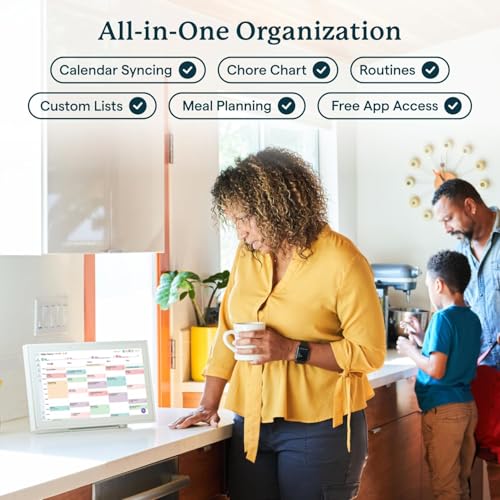


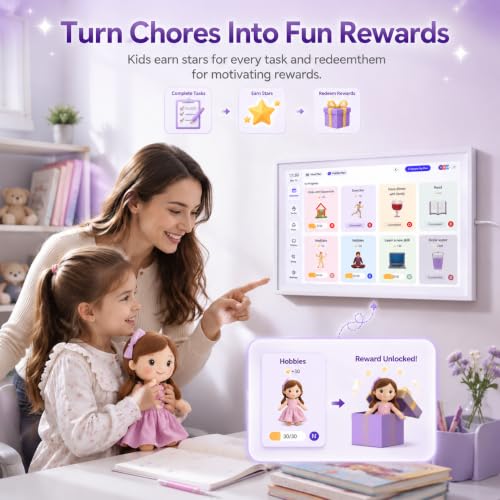


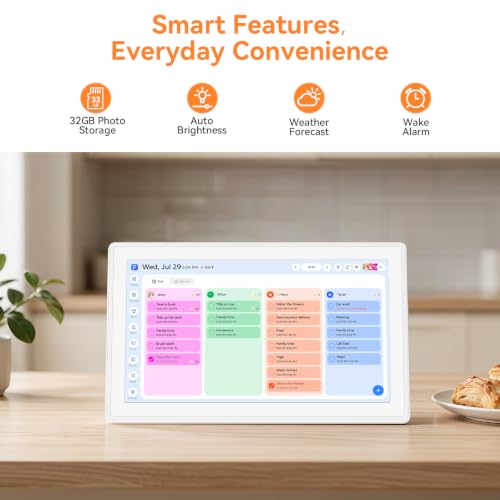

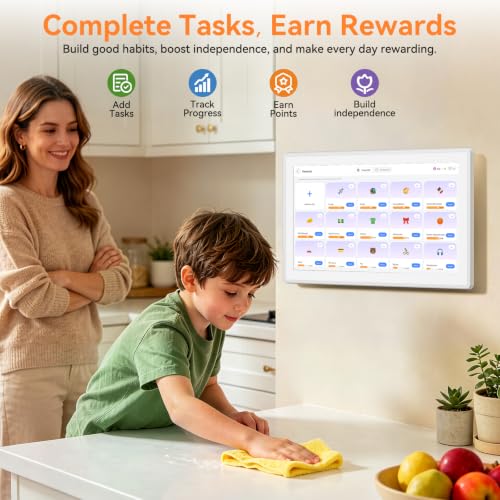


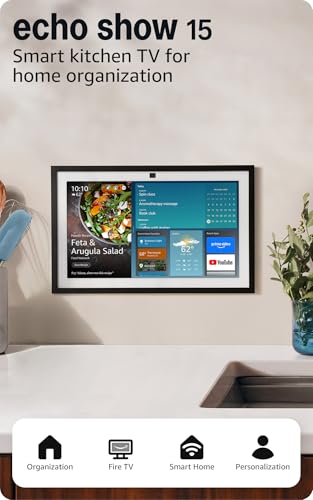

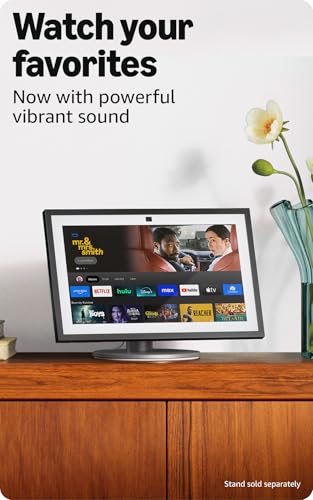
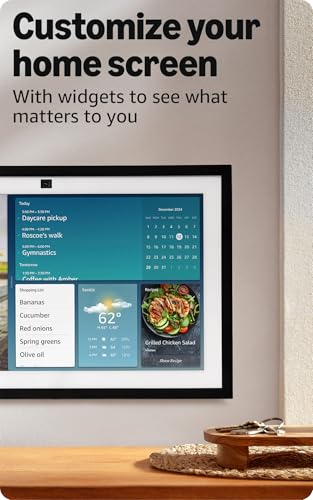

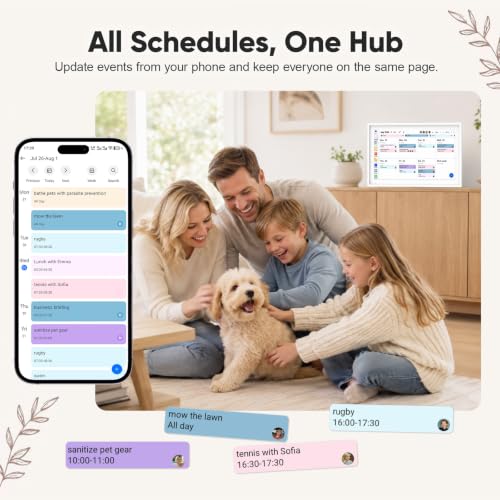




We also considered 10 others:


Our Top Choice
Compare Features


The order above is not editorial opinion, and it is not paid placement. It comes from what shoppers across our network actually do - which smart calendars they compare, and which they ultimately buy. We re-rank as new data comes in, so the long-term favorites have to keep earning their spot against new entrants. The full method, including how we make money.
Smart Calendars Buyer's Guide
Smart calendars sit between a household command center and a connected display, so the best choice is not just the biggest screen or longest feature list. The sharpest buying concerns are whether it reliably syncs every family member’s real calendars and whether the on-wall experience is simple enough that the whole household will keep using it.
Connectivity
Strong connectivity is what makes a smart calendar display useful day to day: it needs reliable Wi-Fi, dependable app pairing, and smooth calendar sync so changes show up without manual fixes. Look for support for the online calendars and services you already use, and watch for limits such as one-way syncing, delayed updates, account restrictions, or setup that depends too heavily on a single phone app.
For a smart calendar, first verify that it supports the exact calendar services and account types your household uses, including shared calendars, multiple users, two-way updates, and a refresh speed that is fast enough for last-minute schedule changes. Also check Wi-Fi requirements, mobile-app compatibility, account-permission setup, and what happens during an internet outage, because a wall display that misses phone updates quickly becomes less trustworthy than a paper calendar. Owner feedback supports this priority: phone-calendar syncing is often a major strength and works well for many households, especially with common services like Google and Outlook, but some buyers report app-loading, pairing, Wi-Fi, update, or support issues that make setup and reliability uneven.
Features
A smart calendar display should do more than show your schedule—it should help you manage daily routines with useful views, reminders, shared calendars, widgets, lists, weather, timers, and voice or touch controls that fit how your household works. Look for features that are easy to customize and quick to access, and watch out for devices that hide basic calendar tools behind clunky menus, limited app support, or unreliable syncing.
Decide whether you need a simple shared calendar or a full family command center, then check that the features you will actually use are native, easy to access, and not locked behind a subscription. For this category, the most useful extras are household-specific: color-coded schedules, reminders, chores, shared to-do lists, shopping lists, meal planning, weather, remote phone access, and possibly compatible apps; avoid paying for a feature-heavy device if those tools are clumsy or duplicate apps your family already ignores. Owner sentiment backs up the value of a broad but practical feature set, with many households appreciating schedules, tasks, lists, meal planning, weather, routines, app access, cloud access, and no-subscription functionality in one visible place.
Organization
A smart calendar display is only useful if it makes your household’s plans easier to see, update, and act on. Look for clear shared calendars, color-coding, reminders, task lists, routine support, and easy input for everyone who needs to use it. Watch out for systems that look polished but require too many steps to add events or don’t handle multiple users and calendars cleanly.
Look for organization tools that map cleanly to real household roles: separate family-member profiles, color coding, recurring events, chore ownership, reminders, shared lists, and views that make today, the week, and upcoming conflicts obvious at a glance. The key failure mode is not lack of features but visual clutter, so favor layouts that make school activities, work shifts, appointments, meals, and tasks easy to scan without opening several menus. Owners consistently describe smart calendars as most valuable when they become a central family hub, pulling multiple personal calendars and household responsibilities into one shared display so fewer activities, chores, and appointments are missed.
Usability
A smart calendar display should be easy to set up and simple enough for everyone in your household to use without constant troubleshooting. Look for clear onboarding, intuitive calendar views, responsive touch or voice controls, and straightforward ways to add, edit, and share events. Watch out for cluttered menus, awkward app requirements, or systems that make basic tasks feel more complicated than using a regular calendar.
Before buying, picture who will actually use it: adults adding events from phones, kids checking chores, guests reading the day’s plan, and less technical family members making quick edits on the wall. Prioritize a responsive touchscreen, simple event entry, a clear control panel, companion-app access, readable menus, and setup that does not require constant troubleshooting; if children will use it, check that chore updates and routine interactions are simple and hard to accidentally break. Owner feedback is strongly positive here, with many people finding setup and daily use straightforward, the touchscreen and app intuitive, and the device approachable for families already familiar with phones, tablets, or calendar apps.
Quality
You’ll rely on a smart calendar display every day, so quality shows up in how consistently it stays responsive, keeps schedules visible, and handles household use without glitches or premature wear. Look for sturdy construction, dependable touch or voice controls, stable connectivity, and a screen that remains clear over long periods. Be cautious of devices with frequent freezing, flimsy mounts or stands, weak power connections, or poor long-term software support.
Quality in a smart calendar is mostly about whether it can work as an always-on shared display: the screen should be bright enough for a kitchen or hallway, readable from across the room, responsive to touch, and smooth enough that family members do not avoid using it. Check viewing angles, glare, wake/sleep behavior, processor responsiveness, software-update support, mounting hardware, power-cable durability, and whether the device stays reliable under daily use rather than just looking good on day one. Owner sentiment reinforces that display and performance matter, with frequent praise for large, bright, clear screens, smooth app response, polished appearance, responsive touch, and layouts that are easy to scan in shared spaces.
Design
A smart calendar display is something you’ll see every day, so its appearance and size should feel natural in the room where it lives. Look for a form factor that fits your space, whether wall-mounted or on a counter, with a screen large enough to read at a glance but not so bulky that it dominates the decor. Also consider cable placement, stand stability, frame style, and whether the digital design feels calm and legible rather than cluttered.
Choose the physical design around the exact spot where the calendar will live: wall or counter placement, screen size, orientation, cable routing, glare from windows, mounting height for kids, and whether it still looks acceptable in a kitchen, dining area, mudroom, or home office. A smart calendar should be large enough to read from a distance but not so large or glossy that it dominates the room, and it should be easy to clean and stable if used on a stand. Owner feedback aligns with this: shoppers like bright, clear, attractive displays that can double as decor or a photo frame, and they appreciate designs that fit shared spaces while remaining easy to read and practical for wall or desk use.
1,000,000+ shoppers use Buyer's Guide every week to find the best products and services online.

Helping millions of users make smarter purchases online.


