











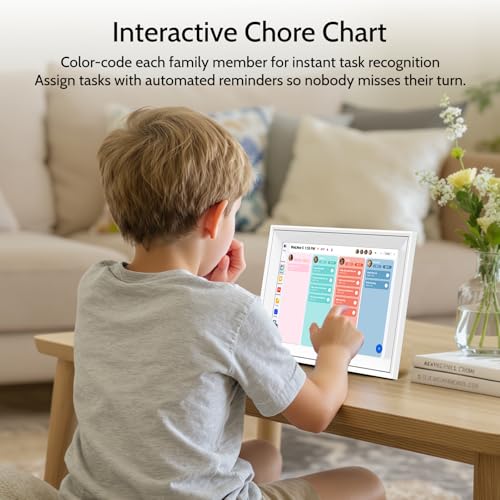

We also considered 10 others:


Our Top Choice
Compare Features


Why These Features Matter:
A smart calendar display sounds like a small thing — a rectangle that tells you what you already know. But in real life, it’s the difference between a household that glides and a household that constantly yells, “Wait, what time is that again?” from three rooms away.
The best ones aren’t just “a screen in the kitchen.” They’re visible from across the room, readable in morning chaos, and forgiving when your phone is dead and your kid is asking for a snack like it’s a fire drill. They make the schedule feel shared — not trapped inside one person’s Google Calendar like a private burden.
What a Smart Calendar Display Should Do Well
I’m opinionated about this category because the failure modes are so predictable. The screen is gorgeous… until it times out. The interface is sleek… until it takes three taps to see what you actually need. It “works with everything”… unless you have one Microsoft account in the mix, then suddenly it’s a soap opera.
Here’s what actually matters day-to-day.
1) “Across-the-Room Readability” (Not Just a Nice Screen)
This is the whole point: you should be able to glance up while holding a pot lid, a toddler, or your own fraying sanity.
- Big type that stays big: Some displays insist on showing the calendar like a dainty desktop app. You want a layout that prioritizes today and next, not an artsy month view that requires squinting.
- Good contrast in bad lighting: Kitchens have weird light. So do entryways. If the screen washes out at an angle or becomes a mirror at 4 p.m., you’ll stop using it.
- Auto-brightness that isn’t overcaffeinated: The best displays dim gently at night. The worst ones go full lighthouse every time someone walks by to get water at 2 a.m.
2) A Layout That Matches How Families Actually Think
Households don’t run on “events.” They run on who’s where, what’s next, and how many minutes until we need to leave.
- Clear “who” color-coding: If the display can’t make multiple calendars legible without turning into a rainbow soup, it’s not doing the job.
- Agenda view that feels honest: A good smart display shows you a clean, scrollable list of what’s coming. No hiding items behind tiny dots on a month grid like it’s 2009.
- Tomorrow matters almost as much as today: The best ones make it easy to peek ahead without drilling through menus. The day-before panic is real.
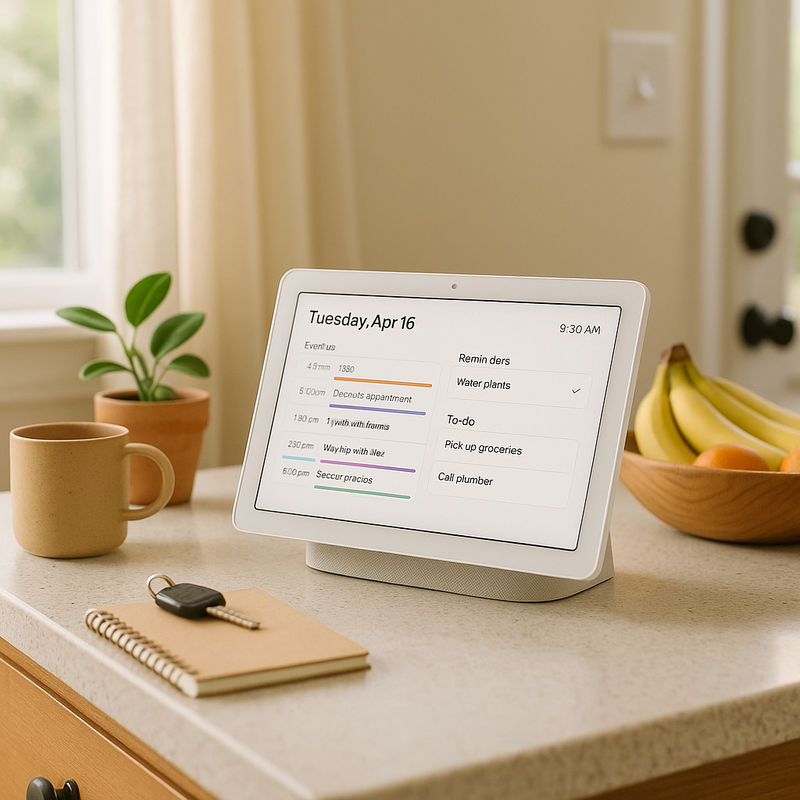
3) Low-Friction Sync (Because You Will Not “Maintain” This)
If it requires ongoing fiddling, it will become that sad tech object you ignore until someone unplugs it “by accident.”
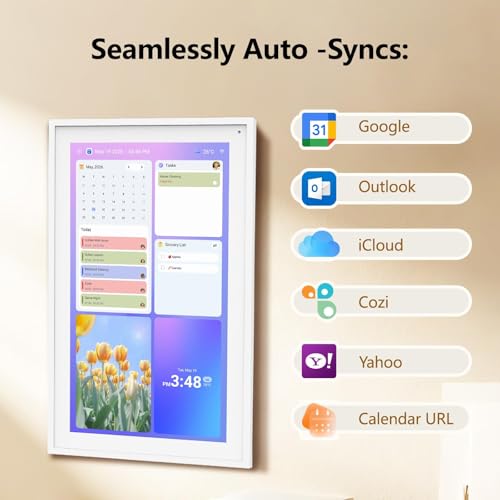
- Reliable Google/Microsoft/iCloud support: Not everyone is living in a single ecosystem. A smart calendar display needs to handle mixed-account households without constant re-authentication drama.
- Fast refresh: If someone adds a dentist appointment and it doesn’t show up for an hour, you stop trusting it. And once you stop trusting it, it becomes wall decor.
- Guest access done thoughtfully: For couples and roommates: you want shared visibility without giving everyone full editing control (unless you enjoy chaos as a lifestyle choice).
4) Controls That Work With Full Hands and Half Attention
This category lives in high-traffic, high-distraction zones: kitchen, entryway, mudroom, hallway. The interface needs to assume you’re busy.
- Touch that registers the first time: Some screens feel like they’re wearing a winter coat. You tap, you wait, you tap again, it opens the wrong thing. That gets old fast.
- Voice control that’s optional, not mandatory: Voice can be helpful — timers, quick “what’s next,” adding a reminder — but nobody wants to shout appointments into the air while guests are over.
- A “quick add” that isn’t a scavenger hunt: Adding “Soccer 4pm” should take seconds, not a mini-form with dropdowns for timezone and existential purpose.
5) Placement Realities: Cords, Counters, and the Crumb Zone
Most homes don’t have a perfectly placed outlet behind the exact spot where the display looks editorially perfect. So: cords matter.
- Flexible mounting/standing options: Wall-mounted looks clean, but only if you’re willing to commit to a location. A stand is more forgiving — and easier to move when you realize it’s directly in the splash radius of your sink.
- Cord length and routing: The difference between “nice household upgrade” and “why is there a wire dangling like a sad vine?” is often just a practical cable solution.
- Easy wipe-down: If it lives in the kitchen, it will get touched with flour fingers. Glossy screens show every smear like forensic evidence.
6) Smart… But Not Too Smart
There’s a fine line between helpful and intrusive. You want a display that supports the household rhythm without turning into a needy roommate.
- Notifications that can be tamed: A calendar display that constantly pings or flashes can feel like living inside a to-do list.
- Privacy controls that feel grown-up: Ideally, you can hide sensitive event details on-screen (therapy, interviews, surprise parties, etc.) while still showing “Busy.”
- No weird “featured content” creep: Some displays try to become entertainment hubs. If you want that, great. If you just want a calendar, it can feel like your fridge grew an ad habit.
7) The Emotional Metric: Does It Reduce Household Friction?
Here’s the honest test: does it stop the constant “What time is that thing?” loop? Does it redistribute the mental load so one person isn’t the sole keeper of the family timeline?
The best smart calendar displays do something oddly luxurious: they make coordination feel calm. You glance, you know, you move on with your life. That’s the dream. Not “more features.” Just fewer avoidable misunderstandings.
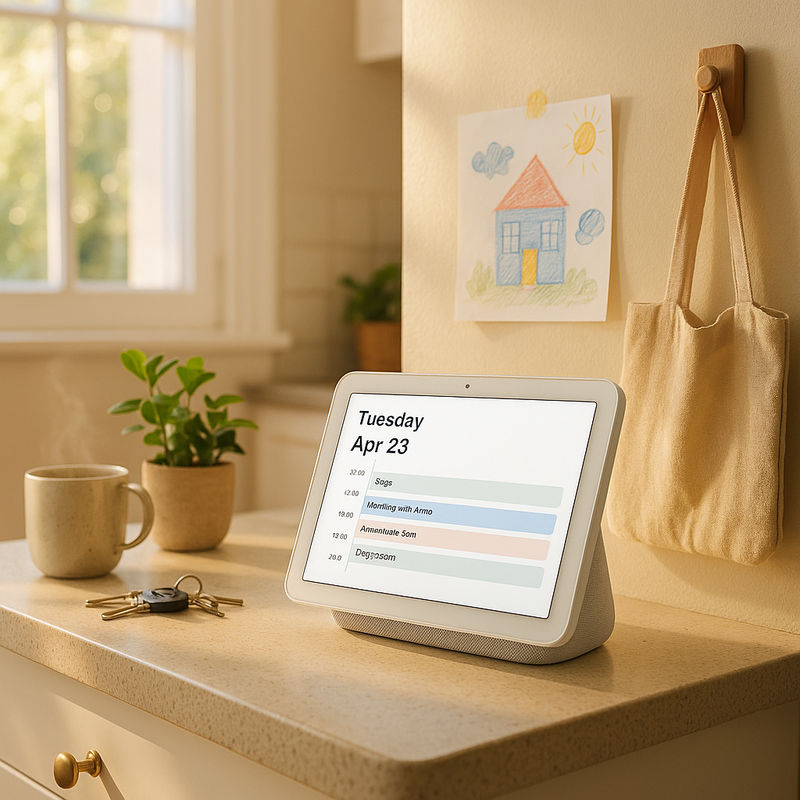
Things to Know Before You Buy (So You Don’t Hate It Later)
- You’ll need to decide where it lives: The perfect spot is usually near where bags and keys land — but not so close that it becomes the first thing your kids poke with sticky hands.
- Expect a little setup annoyance: Even the good ones require account logins, permissions, and some fiddling with which calendars show. Set aside a focused 20 minutes. Do it once. Then enjoy.
- Some households need two: One in the kitchen, one near the exit. It sounds excessive until you realize you’re a “two choke points” home.
- It won’t fix a broken calendar culture: If nobody adds events to the calendar, the display will faithfully show you… nothing. Technology cannot save us from ourselves.
How to Choose the Right One for Your Home
- If you want minimal fuss: Prioritize reliability, simple agenda views, and strong auto-brightness. Skip anything that tries to be a full entertainment dashboard.
- If you live in a busy family ecosystem: Look for clear multi-user views, easy toggles for which calendars display, and a layout that works at a glance.
- If your home is small (or your counters are sacred): Go for wall-mount flexibility and thoughtful cord management. A bulky stand can feel like it’s squatting in your workspace.
- If privacy is a concern: Make sure you can hide event details and control what appears on-screen without doing a weekly settings excavation.
The Bottom Line
A smart calendar display is at its best when it quietly fades into the background — not because it’s forgettable, but because it’s doing its job. You don’t want a “smart home moment.” You want fewer late arrivals, fewer double-books, and fewer passive-aggressive texts that begin with, “I thought you knew…”
Pick one that’s readable, stable, and easy to live with. The fanciest features won’t matter if the screen is too dim at breakfast or the cord situation makes you resent it every time you wipe the counter.
1,000,000+ shoppers use Buyer's Guide every week to find the best products and services online.

Helping millions of users make smarter purchases online.


