

















Our Top Choice
Why These Features Matter:
A keyboard is one of those daily objects that quietly decides how your workday goes. It’s the difference between finishing a sentence and fighting your own hands. It sets the tone for the room — the soft thock of a satisfying keystroke, or the brittle clatter that makes everyone on a Zoom call look vaguely concerned. It’s also a magnet for crumbs, cat hair, and the specific kind of dust that only appears around electronics.
The “best” keyboard isn’t a single model with a halo. It’s a set of choices that match the way real people live: small desks, shared spaces, wrists that get cranky, partners who can’t stand noise, kids who treat your workspace like a snack bar. Below are the features that actually matter once the honeymoon phase ends.
Key Feel: The Part You’ll Notice Within Ten Minutes
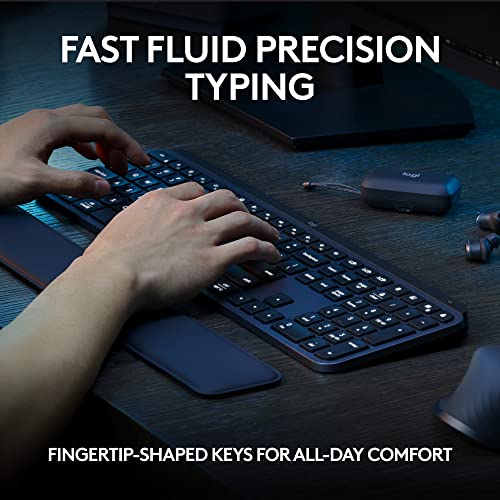
Key feel is the whole point, and it’s surprisingly personal. Some people want resistance — that little confirmation that the key is truly down. Others want a fast, light touch that keeps pace with an over-caffeinated brain. The mistake is assuming you’ll “get used to it.” Sometimes you do. Sometimes you just end up typing like you’re avoiding a landmine.
- Mechanical-style feel tends to be more tactile and satisfying, with a clearer sense of each press. Great for heavy typists, writers, and anyone who wants their keyboard to feel like a tool, not an accessory.
- Low-profile / laptop-like feel is quicker and flatter — less travel, less drama. Ideal for people who bounce between a laptop and desktop and don’t want their hands to relearn muscle memory every morning.
- Soft, cushioned presses (often from membrane or scissor-switch designs) can be gentler for long stretches, especially if a clicky keyboard makes the forearms feel oddly tense by mid-afternoon.
Noise Level: Your Keyboard Is Part of the Household Soundtrack
Noise is never just noise. It’s “Can anyone hear me typing?” It’s “Is this waking the baby?” It’s “Why does my coworker sound like they’re assembling a tent?” A keyboard’s sound profile matters as much as its feel because it changes how comfortable it is to use in an actual home.
- Quiet keyboards are best for shared spaces, late-night work, or anyone who finds constant clicking subtly enraging. Look for dampened keys and designs that don’t echo on the desk.
- Clicky keyboards are enjoyable in private — satisfying, crisp, almost metronomic — but they can read as aggressive in a quiet room. Not a moral failing, just a choice.
- The desk matters: A hollow desk or thin IKEA tabletop can turn a polite keyboard into a percussion instrument. A desk mat helps more than people expect.
Size and Layout: The Desk Real Estate Question
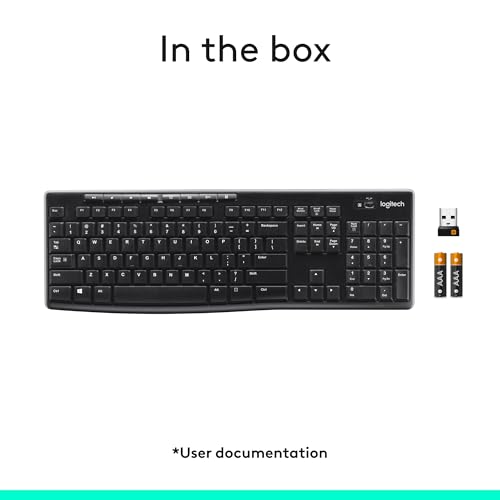
Keyboard size is less about preferences and more about physics. A full-size keyboard plus a mouse demands a wide, stable surface — which is not always compatible with “corner of the dining table” setups or desks that also hold a lamp, a notebook, and a drink you’re pretending won’t spill.
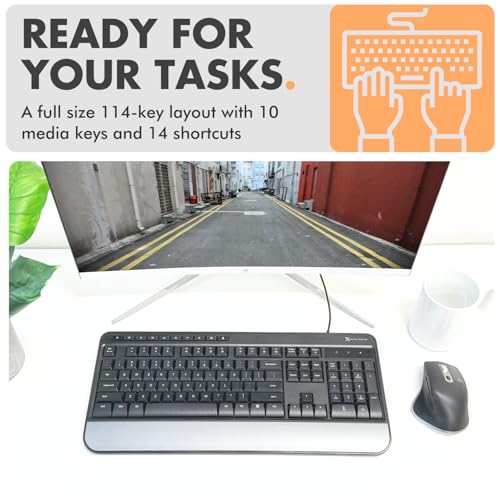
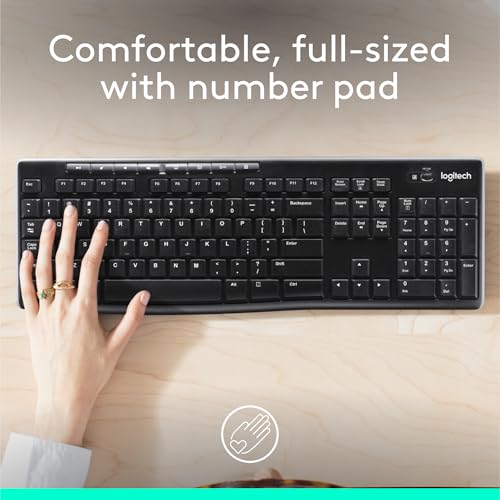
- Full-size layouts (with number pad) are great for spreadsheets and anyone who does frequent data entry. The tradeoff: your mouse hand gets pushed farther out, which can feel like a slow drift toward shoulder pain.
- Tenkeyless (no number pad) is a happy medium: more compact, more ergonomic mouse placement, still familiar.
- Compact layouts save space and look tidy, but they can introduce small daily annoyances — missing dedicated keys, function-layer gymnastics, and that one key you can never find in the dark.
Wireless vs. Wired: Convenience Has a Battery
Wireless is clean and civilized until it isn’t. No cord snaking across a coffee table. No tug-of-war with a laptop stand. But wireless also means batteries, charging schedules, pairing quirks, and the occasional moment of irrational rage when the keyboard decides it’s taking a personal day.
- Wireless suits minimalist setups, living rooms, and hot-deskers who move around. Multi-device switching is genuinely useful if you jump between laptop, tablet, and desktop.
- Wired is boring in the best way: stable, instant, no battery anxiety. Also one less thing to troubleshoot on a Monday morning.
Small reality check: Wireless keyboards tend to collect charging cables in the “miscellaneous electronics” drawer. If that drawer already terrifies you, wired starts looking very elegant.
Weight and Stability: The Slide Test
A keyboard that drifts across the desk changes how it feels to type. Lightweight boards can skid during fast typing, especially on glossy surfaces or when the feet don’t grip well. Heavier keyboards tend to feel calmer — like they’re planted — but they’re less fun to toss into a bag.
- Heavier = steadier (usually). Good for people who type with conviction.
- Lighter = more portable. Better for commuting, hybrid schedules, and anyone who has to clear the table for dinner every night.
- Look for grippy feet if the desk is slick. It’s a tiny detail that prevents a lot of micro-annoyance.
Ergonomics: Wrist Comfort Is Not a Personality Test
Some hands are fine with almost anything. Other hands start filing complaints after two hours. If wrists or shoulders are even slightly fussy, a keyboard becomes a daily negotiation.
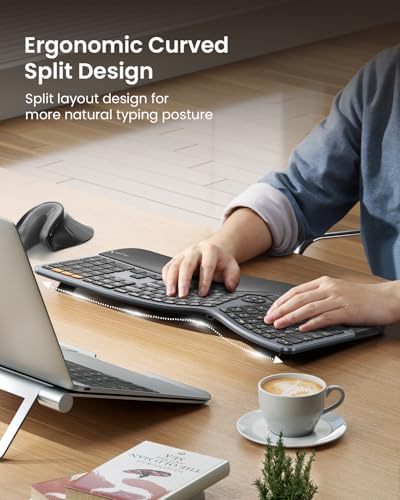
- Split or angled designs can reduce strain, but they also ask for an adjustment period — and not everyone wants a learning curve at 9 a.m.
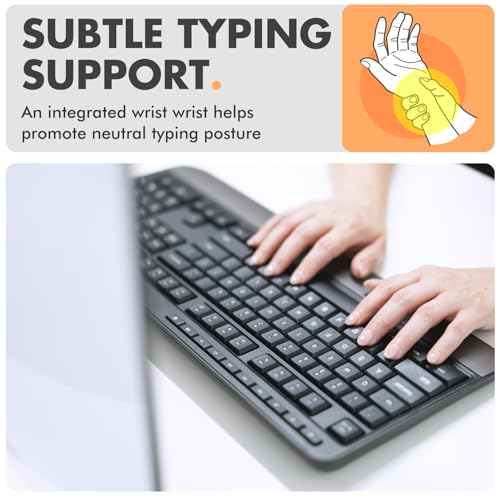
- A wrist rest can help, but it’s not automatically comfortable. Some are too firm, too high, or get grimy fast. (They’re basically the white couch of office accessories.)
- Adjustable tilt is useful, though extreme tilt can make some people’s wrists feel worse, not better.
Honest caveat: Ergonomic keyboards can look like medical equipment. If aesthetics matter because your desk is also your living room, it’s worth finding something that won’t make the space feel like a physical therapy clinic.
Backlighting: Helpful, Not a Light Show
Backlighting is genuinely practical if you work at night, share a bedroom office setup, or simply don’t want overhead lighting blasting at full intensity. It’s also a feature that can tip into “spaceship console” territory fast.
- Soft white lighting is the most livable. Easy on the eyes, doesn’t make the room feel like a gaming convention.
- Adjustable brightness matters more than colors. Too bright is distracting; too dim is pointless.
- Auto-dimming/sleep is nice until it’s too aggressive and the keys go dark mid-thought.
Build and Materials: How It Holds Up to Real Life
A keyboard lives where people eat, drink, and inevitably commit minor crimes involving coffee. Materials matter because daily wear is not hypothetical.
- Matte finishes hide fingerprints and look calmer longer. Glossy plastics can get smudgy within a single meeting.
- Keycaps that resist shine stay nicer. Some keys develop that greasy-polished look quickly, even with clean hands — it’s just life.
- Easy-to-clean designs make a difference if crumbs are a recurring theme. (They are.)
Small flaw to accept: “Easy to clean” rarely means “pleasant to clean.” Most keyboards still require a little patience, a small brush, and a willingness to confront what’s fallen between the keys.
Connectivity and Compatibility: The Boring Stuff That Can Ruin Everything
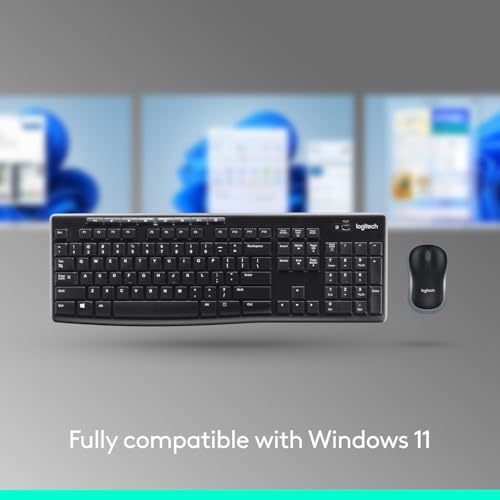
Most keyboards work with most computers… until they don’t, and then it’s an hour of forum posts and quiet despair. Pay attention to the basics: operating system compatibility, how it connects, and what software (if any) you’re signing up for.
- Multi-device switching is legitimately useful for people balancing work and personal devices without wanting two keyboards on one desk.
- Stable connection matters more than range. A keyboard that drops inputs feels like being gaslit by punctuation.
- Customization software can be handy for shortcuts, but some apps are clunky, invasive, or oddly demanding about updates.
Things to Know Before Buying (So You Don’t End Up Hate-Typing)
- Try to identify your non-negotiable: quiet, compact, number pad, or wrist comfort. Picking two is easier than picking ten.
- Be realistic about your desk: small surfaces favor compact layouts; shared spaces favor quiet keys; a couch setup favors wireless.
- Don’t underestimate return policies: key feel is hard to predict from descriptions. If it feels wrong, it’s wrong.
- Plan for maintenance: if you hate cleaning, choose darker materials and less-crumby designs. If you snack at your desk, accept your fate and get something that’s easy to wipe down.
The Practical “Best Keyboard” Takeaway
The best computer keyboard is the one that disappears under your hands — not because it’s boring, but because it never interrupts you. It stays put, sounds appropriate for your home, and doesn’t punish your wrists. It survives real life: coffee, crumbs, hurried mornings, late-night emails, and the occasional desk relocation.
Start with feel and noise, then choose the size that fits your desk (not your fantasy desk). Everything else is just making sure your daily workhorse doesn’t come with tiny, constant inconveniences — the kind that don’t show up in specs but absolutely show up in your mood.
1,000,000+ shoppers use Buyer's Guide every week to find the best products and services online.

Helping millions of users make smarter purchases online.

