





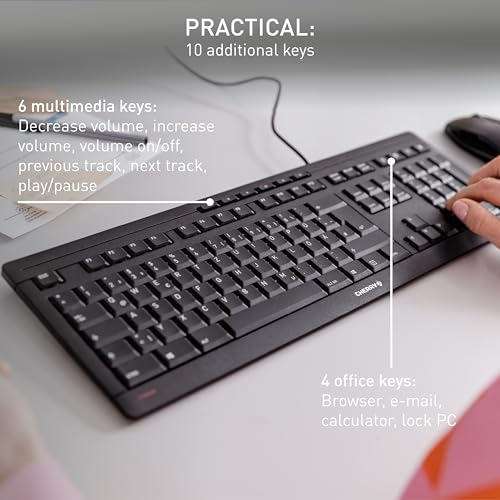


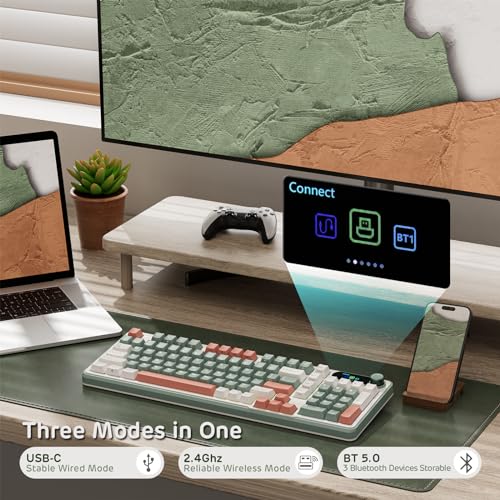


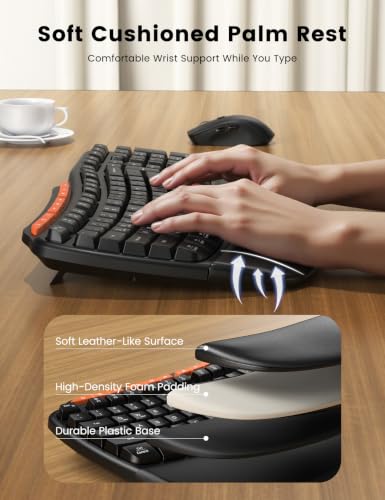


We also considered 10 others:


Our Top Choice
The order above is not editorial opinion, and it is not paid placement. It comes from what shoppers across our network actually do - which keyboards for typing they compare, and which they ultimately buy. We re-rank as new data comes in, so the long-term favorites have to keep earning their spot against new entrants. The full method, including how we make money.
Keyboards for Typing Buyer's Guide
Keyboards for typing are a balance between feel, comfort, and daily friction: the best one should help you type faster and longer without calling attention to itself. The sharpest buying concerns are key action and layout accuracy, wrist comfort over long sessions, office-friendly noise, and whether the connection and compatibility fit the devices you actually use.
Key Feel
A typing keyboard succeeds or fails on the feel and spacing of the keys. Even a well-built board can slow you down if the layout fights your muscle memory or if the action feels vague, harsh, or inconsistent.
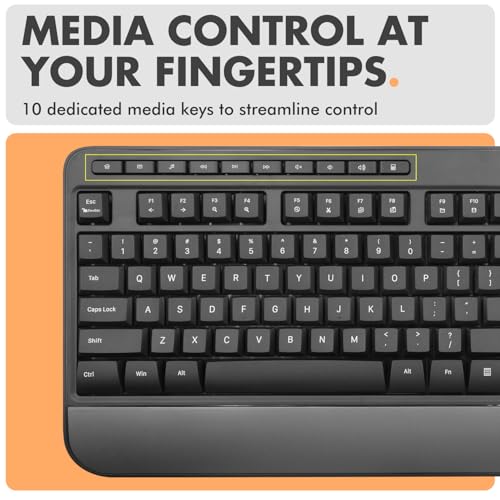
Prioritize the key feel before any cosmetic feature: for typing-heavy work, look for keys with a clear actuation point, stable caps that do not wobble, and enough travel to avoid bottoming out harshly. Avoid cramped or nonstandard key clusters if you type fast, use larger hands, or rely on muscle memory for navigation keys, because tight placement can turn a comfortable board into a typo generator. Owner feedback strongly supports this focus: the best-liked boards are described as smooth, deliberate, responsive, and satisfying without needing a loud mechanical switch, while recurring complaints center on tight key placement increasing mistakes.
Ergonomics
Typing comfort is cumulative: a small wrist angle or reach problem can become noticeable after hours of use. Good ergonomics help keep the hands, wrists, and shoulders relaxed instead of making you adapt to the keyboard.
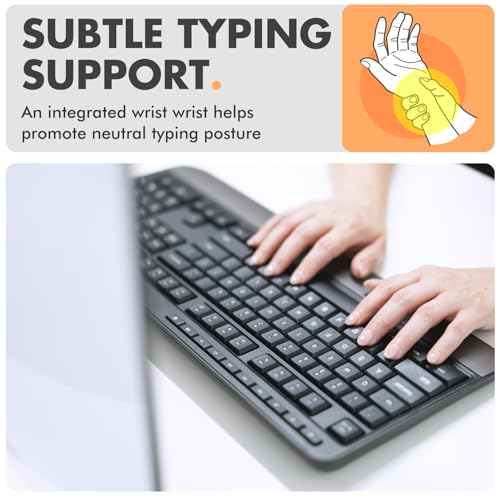
For long writing, coding, data entry, or office sessions, look for a layout that keeps wrists closer to neutral: split or gently curved designs, a cushioned or removable palm rest, and stable feet that do not force steep wrist extension. If you are prone to hand strain, do not buy only by overall size or appearance; check whether the board reduces reach to common keys and whether its angle feels natural for your shoulders and forearms. Owners repeatedly praise ergonomic models for making long workdays easier, reducing hand strain, and helping wrists feel less fatigued, and they also appreciate heavier frames that stay planted while typing.
Quiet Tactility
Noise matters because typing keyboards are often used for hours around other people or during meetings. The best quiet boards still provide feedback, so you do not have to choose between low sound and confident keystrokes.
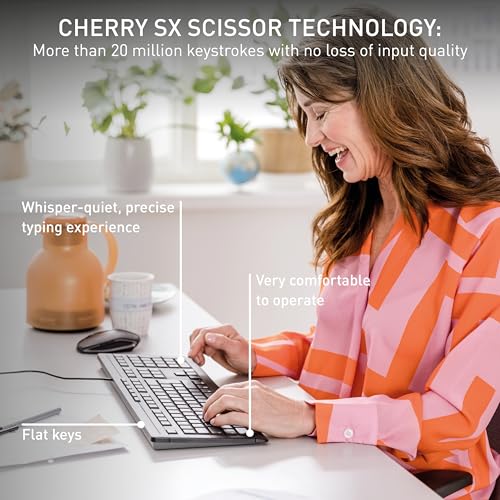
Choose a quiet membrane, scissor, or softened low-profile switch if the keyboard will be used in shared offices, calls, bedrooms, or early-morning work; avoid clicky switches unless sound is welcome. The sweet spot for many typing buyers is not total silence, but a defined, cushioned action that confirms each press without sharp clacks, rattly stabilizers, or hollow case noise. Owner sentiment lines up with that tradeoff: quieter boards are praised as office-friendly and comfortable, with pleasant key action that is not distractingly loud, while still retaining enough tactile definition for confident typing.
Build Quality
A typing keyboard takes constant repetitive use, so small weaknesses show up quickly. Solid construction improves stability and feel, while reliable electronics and keys prevent missed inputs, flickering lights, or premature replacement.
Look for a rigid frame, minimal deck flex, stable keycaps, and consistent key response across the whole board, especially if it will be used daily. A heavier case can be a benefit for desk typing because it resists sliding, but weight only helps if the switches, legends, cable or wireless system, and backlighting remain dependable over time. Owners often describe good typing keyboards as solid, sturdy, and made from materials better than cheap plastic, but reliability feedback is more mixed: many report long service, while a minority experience key problems or intermittent glitches.
Connectivity
Connection type affects daily friction more than many shoppers expect. A keyboard that pairs poorly, maps keys oddly, or needs charging at the wrong time can interrupt work even if the typing feel is good.
Decide first whether you want wired dependability or wireless flexibility. Wired boards are best when you want no charging, no pairing delay, and consistent input at a fixed desk; Bluetooth or multi-device models are better if you move between a work computer, personal computer, tablet, or phone, but should have easy device switching, clear OS mode support, and a sensible charging routine. Owners like plug-in simplicity and also praise Bluetooth switching for multi-computer use, but they flag compatibility quirks with dual Apple/Microsoft layouts and mixed battery experiences, including battery weakening and long recharge sessions over time.
Visibility
A keyboard is always in view, and readable legends can make real work easier in low light. Good design combines visibility, finish quality, and useful lighting without sacrificing the fundamentals of typing comfort.
Treat backlighting and style as practical features, not just desk decoration: check that legends are actually readable in dim rooms, brightness is adjustable, and lighting does not depend on unreliable software or modes you will not use. Color and finish can matter if the keyboard lives permanently on a visible desk, but they should not override layout, comfort, or reliability. Owners do value clean modern looks, attractive color options, and brighter desk presence, and they specifically note that backlit keys help in early mornings or dim offices; however, some feedback mentions lighting glitches, so lighting should be judged for dependability as well as appearance.
1,000,000+ shoppers use Buyer's Guide every week to find the best products and services online.

Helping millions of users make smarter purchases online.


