







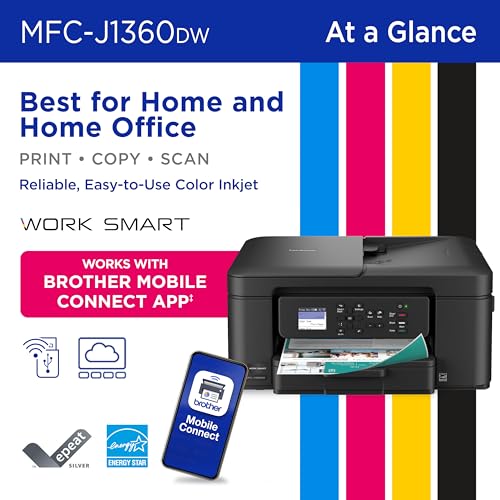
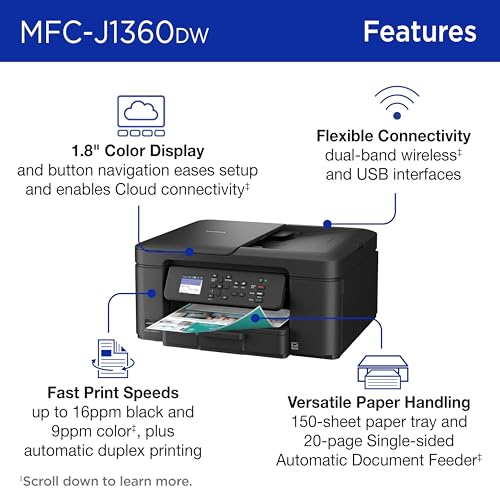

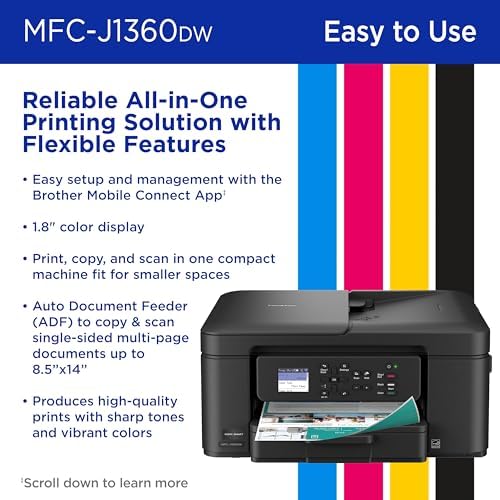
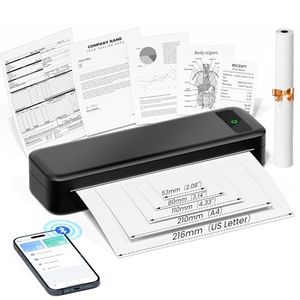

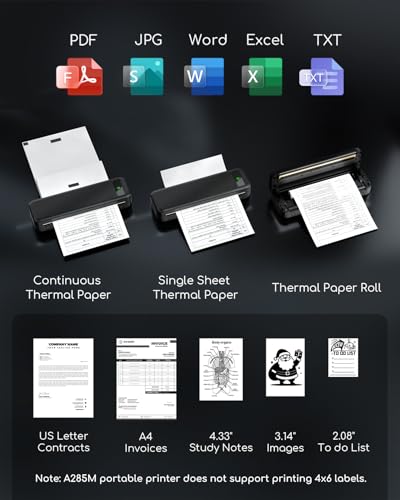


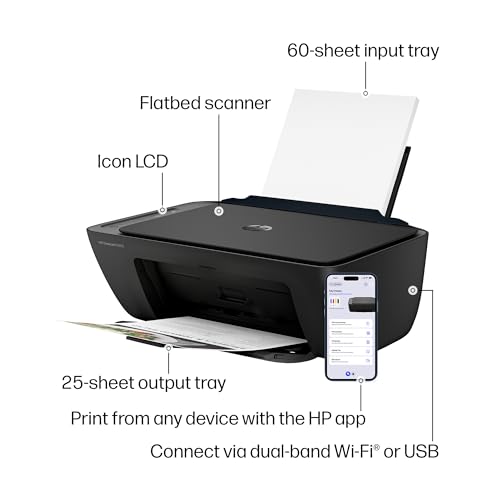

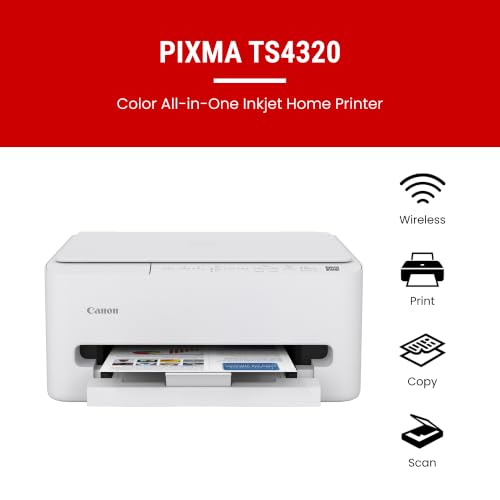


We also considered 10 others:







Our Top Choice
Compare Features


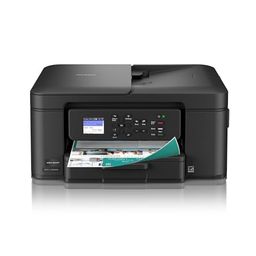
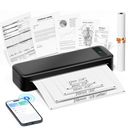
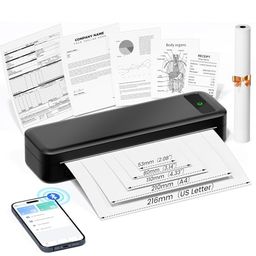


The order above is not editorial opinion, and it is not paid placement. It comes from what shoppers across our network actually do - which basic printers they compare, and which they ultimately buy. We re-rank as new data comes in, so the long-term favorites have to keep earning their spot against new entrants. The full method, including how we make money.
Basic Printers Buyer's Guide
Basic printers are bought for simple jobs, but the real tradeoff is not simplicity versus features—it is low-hassle ownership versus ink, software, and connection headaches. The sharpest buying questions are whether you mostly need black-and-white text, occasional color, labels, or portable output, and whether the printer can stay connected and usable after sitting idle.
Quality
Print quality determines how sharp your text looks, how clear fine details appear, and how accurately colors reproduce in photos, graphics, and presentations. You’ll want to look for crisp lettering, smooth gradients, consistent color, and minimal banding or smudging, while remembering that results can vary by paper type, ink or toner, and print settings.
For basic printing, judge quality by the actual jobs you do most: choose monochrome laser for crisp forms, reports, shipping labels, and text-heavy pages; choose a color ink tank or cartridge inkjet only if you truly need color documents or occasional images; and avoid thermal/portable models if you need photos, shaded graphics, or archival-quality output. Check stated resolution less than sample-page clarity, border handling, and whether the printer can keep small text, barcodes, and simple line work sharp. Owner feedback supports this split: buyers often praise crisp black-and-white laser output, clean everyday text, strong regular color documents, and clear portable/thermal document printing, while compact models are best received when expectations stay focused on documents rather than demanding photo work.
Speed
Print speed matters if you often produce long documents, multiple copies, or last-minute pages, because a slow printer can turn small tasks into bottlenecks. Look beyond the headline pages-per-minute rating and consider how quickly the first page comes out, whether speed drops for color or duplex printing, and how well the printer handles larger files without long processing delays.
If you print school packets, invoices, forms, or office batches, prioritize a printer with fast first-page-out time and sustained pages-per-minute for plain paper, not just a headline speed under ideal conditions. For occasional household use, slower output may be acceptable, but avoid models known to lag on mobile jobs, photos, or alignment-dependent tasks if you need quick one-off prints before leaving the house. Owner sentiment lines up with this: compact laser-style machines and routine document printers are often praised for quick everyday output, while some basic inkjet or mobile-photo workflows are described as slow, cropped, or frustrating beyond simple documents.
Reliability
A reliable printer saves you time and frustration by completing jobs without frequent paper jams, error messages, dropped connections, or half-printed pages. Look for signs that it handles your typical workload and paper types consistently, and watch out for models with complaints about misfeeds, stalled print queues, or needing frequent resets.
Reliability matters more than features in this category: look for a printer that can sit unused, wake up, connect, and print a plain document without cartridge errors, software nags, failed starts, or repeated realignment. For low-volume users, consider whether ink may dry out between uses; for frequent text users, a simple monochrome laser can avoid many ink-related failure modes; for label or portable use, make sure media alignment is stable. Owner reports reinforce the risk: some basic printers work smoothly after setup, but reliability is uneven across the category, with complaints about color consistency, failed jobs, cartridge validation, short-term problems, and dependence on software behaving correctly.
Setup
Setup matters because a printer that is hard to install can turn a simple purchase into driver conflicts, connectivity issues, or repeated troubleshooting before you ever print a page. Look for clear first-time instructions, reliable Wi-Fi or wired connection options, and driver support for the devices you use. Watch out for printers that require complicated account creation, unclear app-based setup, or limited compatibility with your computer or mobile devices.
Before buying, confirm setup fits your devices: AirPrint or native mobile printing for phones and tablets, current drivers for your computer, a clear non-app fallback if possible, and easy access to network/password entry. If the printer will be used by less technical family members or in a small office, favor models with guided setup, simple controls, and a reliable first-print process over feature-heavy menus. Owners frequently praise basic printers that provide step-by-step instructions, app guidance, straightforward pairing, and quick first pages, especially for home-office, Mac/AirPrint, label, and everyday project use.
Value
Value matters because the cheapest printer can become expensive if ink, toner, maintenance, or paper handling costs add up quickly. Look for a printer whose performance matches what you actually print—documents, photos, or high-volume jobs—and watch for models that seem affordable upfront but have costly consumables or features you will not use.
Value in a basic printer is mostly cost-per-page and maintenance fit, not the lowest shelf cost: high-volume color users should look at refillable tanks, text-only users should consider monochrome laser, and very occasional portable document users may benefit from inkless thermal printing if its paper and output limits are acceptable. Avoid paying for scanner, copier, duplex, photo, or color features you will not use, but do not ignore the cost of replacement ink, toner, drums, thermal paper, or clogged cartridges. Owner feedback supports these tradeoffs: buyers often see laser models as economical for black-and-white work, refillable tanks as reducing cartridge worries, and thermal printing as low-maintenance, while tank or all-in-one value becomes mixed when reliability or software problems interfere.
Connectivity
Connectivity determines how easily you can print from the devices you actually use, whether that’s a computer, phone, tablet, or shared office network. Look for reliable Wi-Fi, useful wired options if you need stability, and straightforward mobile or app setup; watch out for printers that are finicky to pair, drop off the network, or require awkward workarounds for everyday printing.
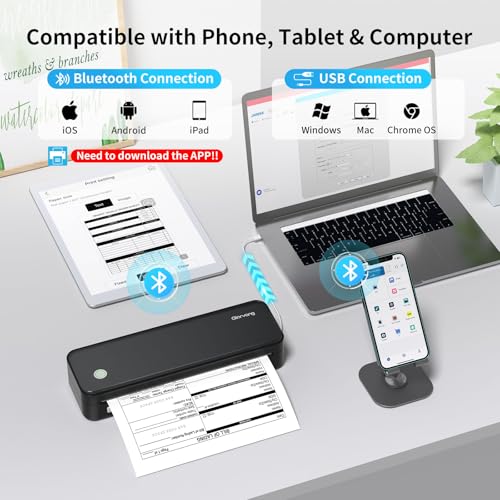
Connectivity is the biggest hidden deal-breaker for basic printers, so check for stable 2.4 GHz Wi-Fi support, USB as a backup, easy reconnection after router changes, and compatibility with every phone, laptop, or Chromebook that will print. If the printer will live in a closet, dorm, RV, or shared household, avoid models that require frequent app relinking, manual wake-ups, or single-device associations. Owner sentiment strongly backs this caution: wireless drops, sleep-mode issues, driver trouble, Bluetooth/Wi-Fi retries, resets, and reconnecting after router or printer reboots are recurring complaints, even though some simple phone and Bluetooth setups work quickly when the connection is stable.
1,000,000+ shoppers use Buyer's Guide every week to find the best products and services online.

Helping millions of users make smarter purchases online.


