





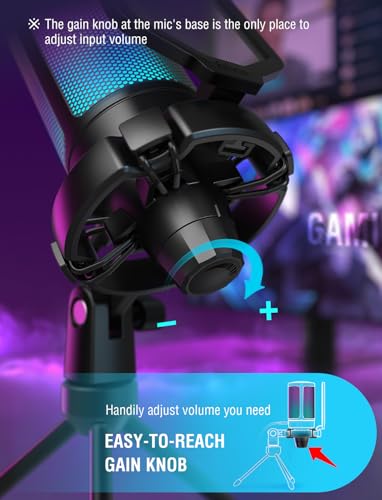


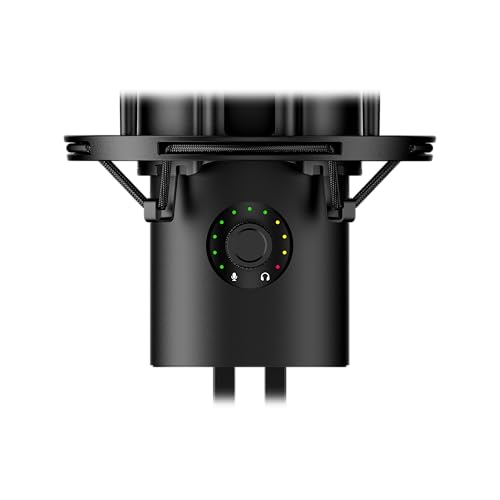
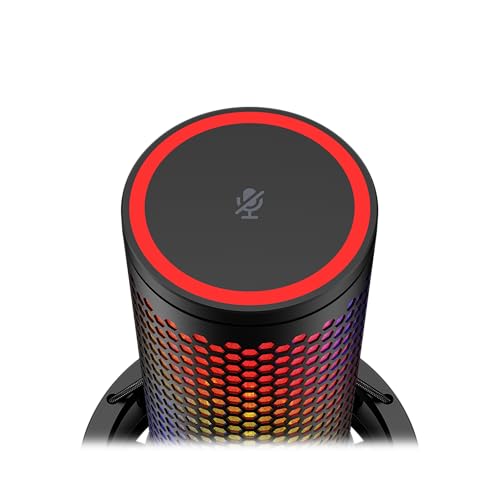
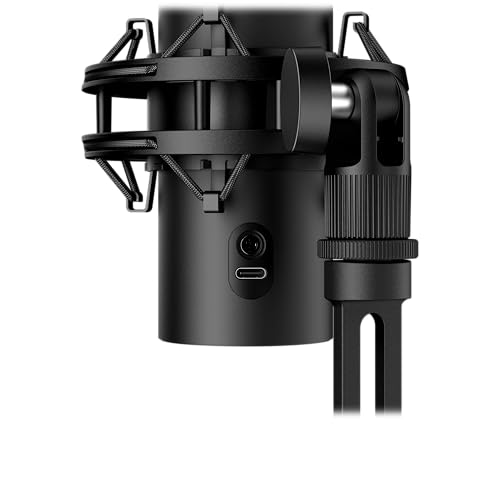





We also considered 10 others:


Our Top Choice
The order above is not editorial opinion, and it is not paid placement. It comes from what shoppers across our network actually do - which pc microphones they compare, and which they ultimately buy. We re-rank as new data comes in, so the long-term favorites have to keep earning their spot against new entrants. The full method, including how we make money.
PC Microphones Buyer's Guide
Buying a PC microphone is a tradeoff between quick plug-and-play convenience and the control needed for clean voice audio in a noisy desk setup. The sharpest concerns are whether it makes speech sound clearly better than a headset, whether it rejects keyboard and fan noise well enough, and whether the mount and controls fit how you actually game, stream, call, or record.
Voice Quality
A PC microphone is usually bought to make speech easier to understand, so voice clarity matters more than spec-sheet numbers alone. The best fit should make your voice sound clean and natural for calls, gaming, streaming, podcasts, or recordings without forcing you to overprocess the audio later.
Prioritize a mic that captures speech clearly at close range, with enough gain control to avoid both faint audio and clipping when you get loud. For gaming, streaming, Discord, meetings, and voiceover work, a cardioid-style desktop mic positioned 4 to 8 inches from your mouth will usually outperform headset mics, but it should not sound thin, harsh, muffled, or overly boomy when used at a normal desk. Owner feedback strongly reinforces this: buyers repeatedly praise clear, crisp, professional-sounding voice pickup as a major upgrade for gaming, streaming, calls, podcasting, recording, and beginner content creation, with several comments comparing the improvement favorably against basic headsets or older microphones.
Noise Control
PC mics often sit near keyboards, fans, speakers, and reflective desk surfaces, so clean voice capture is partly about rejecting the room. Noise cancellation can help, but mic placement, pickup pattern, gain level, and distance from your mouth usually matter just as much as any advertised processing.
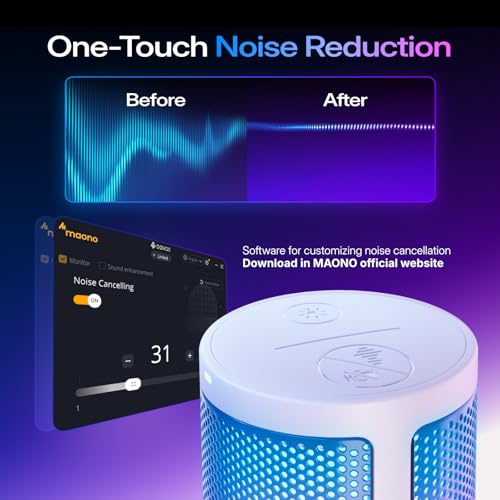
Look for directional pickup, adjustable gain, and practical voice-isolation features rather than assuming any “noise cancellation” claim will erase a loud room. A good PC mic should reduce ordinary fan hum, typing, and room noise when placed close to the speaker, but shoppers should avoid expecting it to silence mechanical keyboards, speakers, pets, or untreated echo without careful positioning or software help. Owner sentiment is positive but realistic here: many buyers say noise cancellation helps keep voice audio clean for gaming, meetings, calls, and recording, while mixed feedback notes that background blocking varies and expectations should stay moderate.
Setup Fit
Most PC microphone buyers want better audio without learning an audio interface, driver chain, or studio routing. Connection choice affects not only setup time, but also whether the mic works smoothly across desktops, laptops, consoles, recording apps, chat apps, and future mixer setups.
For a simple PC or laptop setup, choose plug-and-play USB with class-compliant support so it appears as an input device without special drivers; for a future studio path, consider a mic that can also work with XLR gear. Check compatibility with your actual devices and apps, including PC, laptop, console use, USB-A or USB-C ports, and whether the mic needs any companion software to access key controls. Owners repeatedly praise USB plug-and-play setup as a major strength, often saying mics worked out of the box in minutes with no complicated software, drivers, or audio interface; some also value models that can scale into an XLR mixer setup.
Live Controls
During calls, streams, and games, you often need to fix audio immediately without opening system menus. Physical controls make a mic easier to trust because you can mute, adjust loudness, monitor your voice, or change gain before bad audio reaches other people.
Choose a PC mic with accessible gain control, a reliable mute button or tap-to-mute area, and a visible mute indicator you can understand at a glance. Headphone monitoring is especially useful for creators because it lets you hear clipping, plosives, cable noise, or background pickup before recording a full take; echo or volume controls can be helpful, but they should be easy to identify and not easy to bump accidentally. Owner comments support this dimension clearly: buyers like beginner-friendly controls such as gain, volume, mute, monitoring, echo adjustment, touch mute, LED indicators, and simple color controls, especially because these features keep daily calls and recording sessions convenient.
Desk Fit
A PC mic has to live on a desk that may already hold monitors, keyboards, controllers, speakers, and lighting. The wrong stand can block the screen, pick up desk vibration, or force the capsule too far from your mouth, while a good mount keeps the mic close and out of the way.
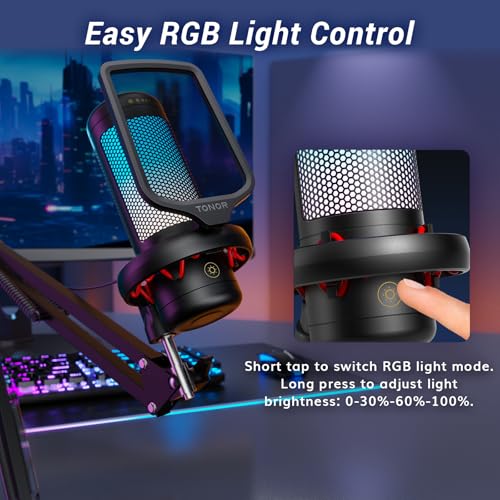
Check the physical footprint before buying: a compact body, stable stand, boom-arm compatibility, and a clamp that fits your desk thickness matter more than looks alone. For voice quality, a boom arm is often better than a short desk tripod because it lets you place the capsule near your mouth while reducing keyboard and mouse vibration; avoid mounts that sag, loosen, or require constant retightening. Owners like compact, low-profile designs, RGB lighting, sleek desk presence, sturdy boom arms, and practical desk mounts, but they also report that arm attachment can feel finicky and some longer-term parts may become loose or flimsy.
Starter Value
Many PC microphone shoppers are upgrading from a headset mic, so the right value target is a noticeable voice improvement without unnecessary studio complexity. Good value comes from usable sound, dependable hardware, and the controls or mounting options you will actually use, not from extra features that do not improve your recordings.
Decide whether you need a simple starter USB mic, a fuller streaming bundle with arm and mute controls, or a mic that leaves room for an XLR upgrade later. A strong value pick should deliver clean voice audio, reliable connection, stable hardware, and enough accessories to position the mic correctly; avoid paying mainly for lighting or bundled parts if the core audio, mount, or controls are weak. Owner sentiment repeatedly describes these mics as strong price-to-performance buys, especially for beginners and budget-conscious creators, with many saying they sound better or feel more capable than expected; reliability feedback is mostly encouraging, though durability comments show that sturdiness still needs attention.
1,000,000+ shoppers use Buyer's Guide every week to find the best products and services online.

Helping millions of users make smarter purchases online.


