




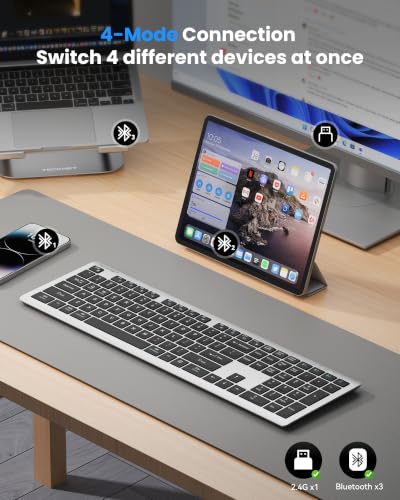


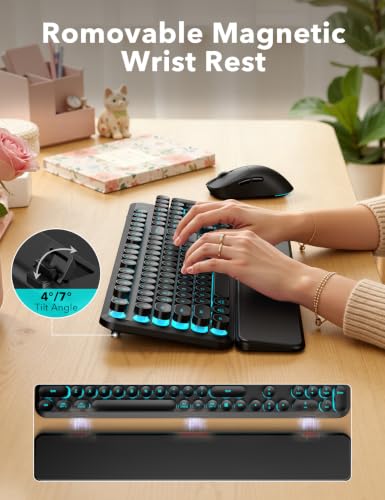


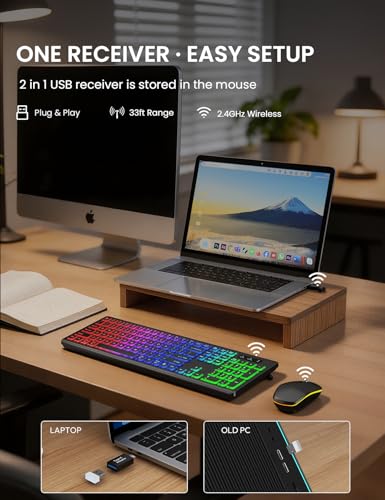


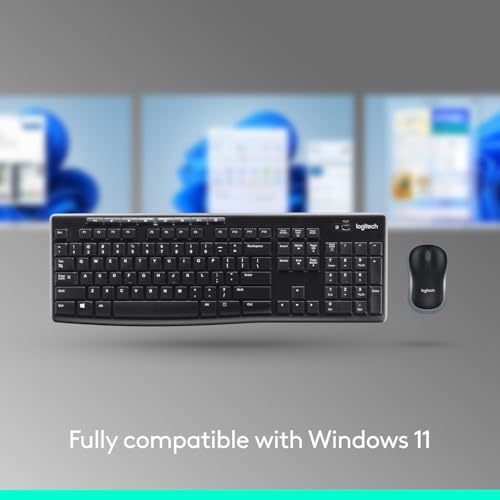








We also considered 10 others:


Our Top Choice
The order above is not editorial opinion, and it is not paid placement. It comes from what shoppers across our network actually do - which wireless pc keyboards they compare, and which they ultimately buy. We re-rank as new data comes in, so the long-term favorites have to keep earning their spot against new entrants. The full method, including how we make money.
Wireless PC Keyboards Buyer's Guide
Wireless PC keyboards are a tradeoff between a cleaner desk and the need for a dependable radio link, receiver, batteries, and OS compatibility. The sharpest buying risks are not just “does it type,” but whether it stays connected without lag, fits your hands and desk, and survives daily key use without sticking or failures.
Wireless Link
Wireless keyboards depend on both the keyboard and the receiver or Bluetooth stack, so a good typing mechanism can still feel bad if the link is unstable. Compatibility also matters before the operating system fully loads, especially for desktops that need keyboard access during startup or troubleshooting.
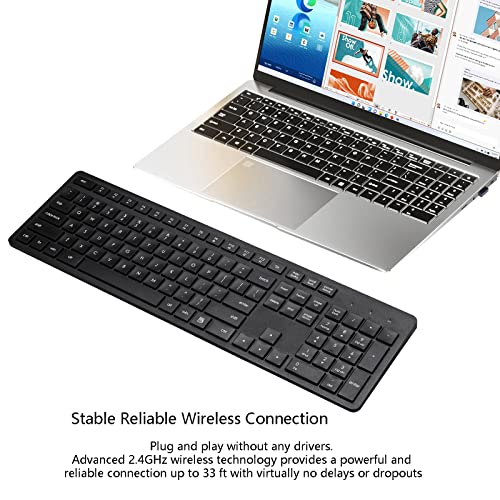
Choose the connection type before you choose the keyboard: a 2.4 GHz USB receiver is usually best for desktop PCs, BIOS access, and low-lag everyday use, while Bluetooth is better when you need to switch between devices or save USB ports. Check that the receiver type matches your ports, that the keyboard works with your operating system, and that any sensitive workplace use is covered by a reputable encrypted wireless link rather than an unknown unencrypted dongle. Owner feedback supports this as a real separator: setup is often quick and plug-and-play, but some buyers still report receiver or compatibility issues, and longer-term complaints include lag and dropped connections.
Layout & Fit
Keyboard comfort is highly physical: the right switch feel can be undermined by cramped spacing, missing keys, or an awkward typing angle. Wireless PC keyboards are often bought to reduce clutter, but shrinking the footprint can also shrink the keys, palm position, or mouse grip area.
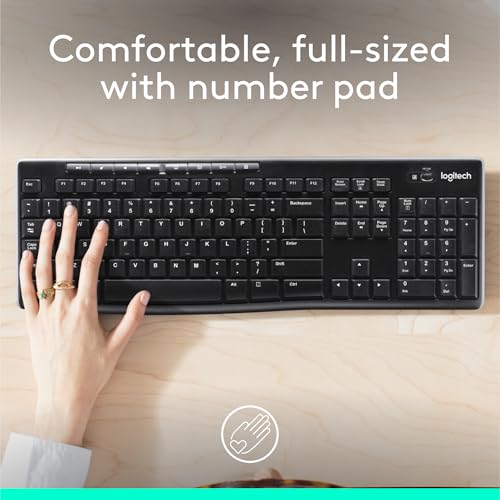
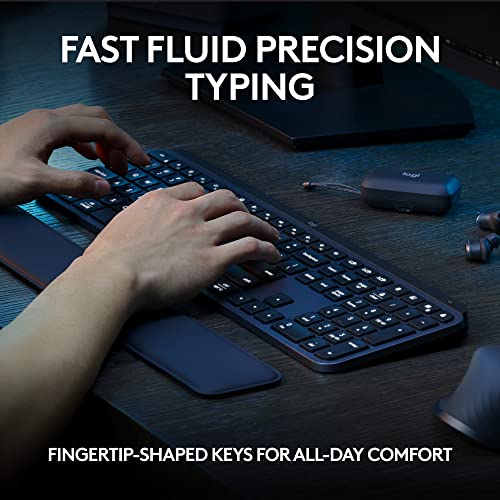
Match the layout to your actual PC work: choose full-size if you rely on a number pad, dedicated navigation keys, or spreadsheet shortcuts; choose compact only if desk space is the priority and you can tolerate compressed key spacing. Look closely at key shape, spacing, tilt feet, wrist angle, and whether a bundled mouse is large enough for your hand, because compact sets can save space but create strain for larger hands. Owners often like slim, low-profile designs for their clean look and smaller footprint, and many find routine typing comfortable, but sizing is mixed when the keyboard or mouse feels too small.
Quiet Use
Noise is one of the easiest things to regret after purchase because it affects everyone near the computer, not just the typist. A keyboard can be reliable and comfortable but still be a poor fit for meetings, classrooms, or late-night use if the keys or mouse clicks are sharp and loud.
For offices, shared rooms, dorms, and calls, look for low-profile or explicitly quiet/scissor-style keys and, if buying a set, quiet mouse buttons as well. Avoid assuming that “wireless” means quiet; clicky key mechanisms, rattly stabilizers, and loud mouse switches can make a keyboard distracting even if it performs well. Owner sentiment strongly backs quiet operation as a standout advantage when present, especially for shared spaces where low-noise typing and mouse clicks matter.
Daily Durability
Wireless keyboards are daily-contact devices, so small weaknesses in switches, stabilizers, battery contacts, or receiver hardware become noticeable quickly. Durability also affects accuracy: a sticking or intermittently registering key can be worse than a cosmetic defect because it directly interrupts work.
Prioritize sturdy key mechanisms, stable larger keys, durable legends, a solid battery door, and a receiver that is not easy to bend or lose. Be cautious with ultra-thin or very low-cost designs if you type heavily, because common failure modes are failing keys, sticking keys, worn switches, and intermittent response that can make the keyboard feel unreliable before it fully dies. Owner feedback is positive on basic build quality for routine use, but the main watch-out is long-term wear, including keys or mice that eventually fail or stick.
Bundle Value
Value in this category is not just the lowest checkout number; it is whether the kit solves the whole desk setup without adding compromises. A cheap bundle can become poor value if the mouse is uncomfortable, the layout is missing needed keys, or the wireless receiver is unreliable.
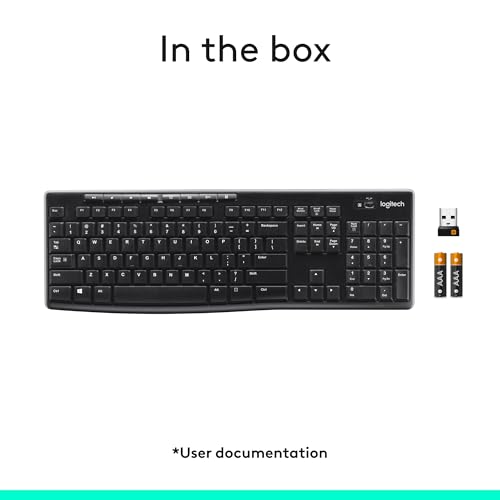
Decide whether you need a keyboard alone or a keyboard-and-mouse set, then compare what is actually included: receiver, batteries, full-size layout, mouse size, and whether one receiver runs both devices. A bundle can be convenient and cost-effective, but it is only good value if both pieces fit your hand, the receiver is compatible, and the keyboard has the keys you need for PC work. Owner sentiment repeatedly favors simple wireless sets as strong everyday value, especially when they include the keyboard, mouse, receiver, and dependable basic performance for typing, browsing, work, and school.
1,000,000+ shoppers use Buyer's Guide every week to find the best products and services online.

Helping millions of users make smarter purchases online.


