
Join the millions that have trusted BuyersGuide.org to help them make smarter buying decisions. Let our independent expert reviews and data-driven shopping recommendations help you find the one that's right for you.




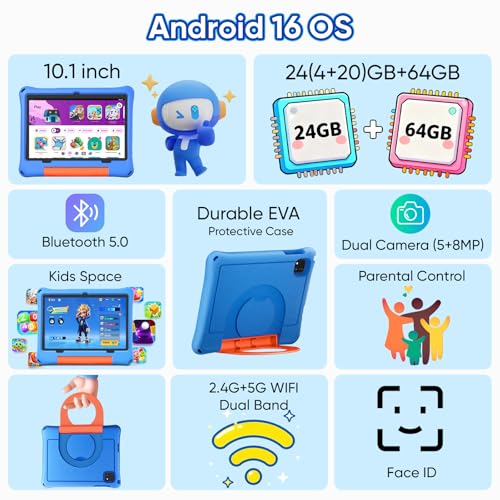

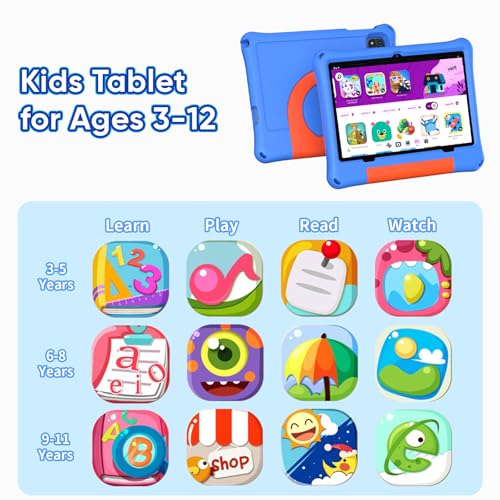





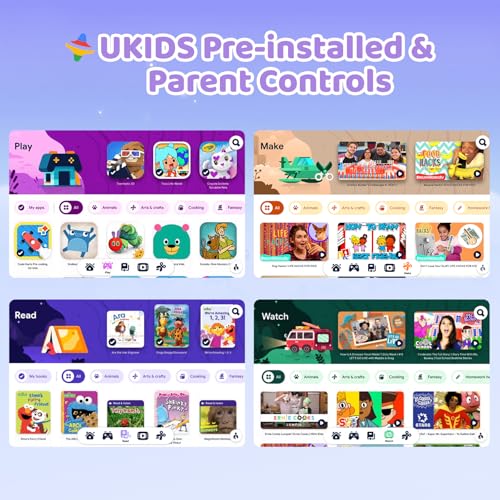


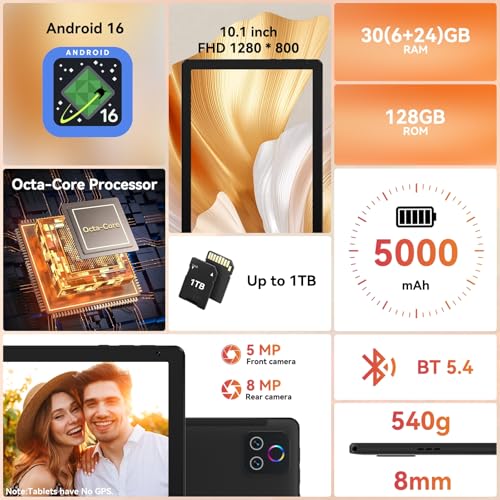


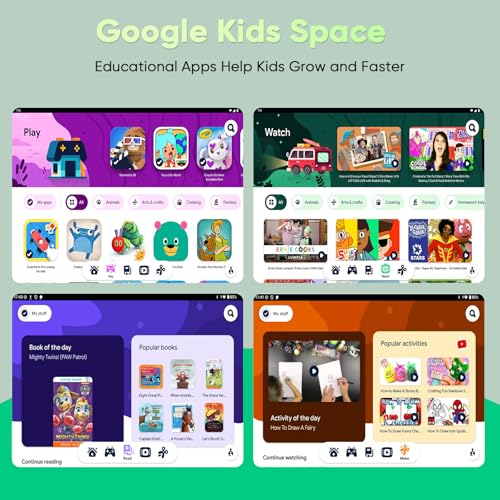

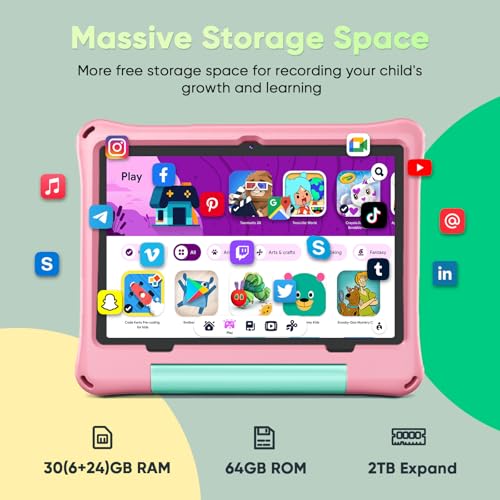


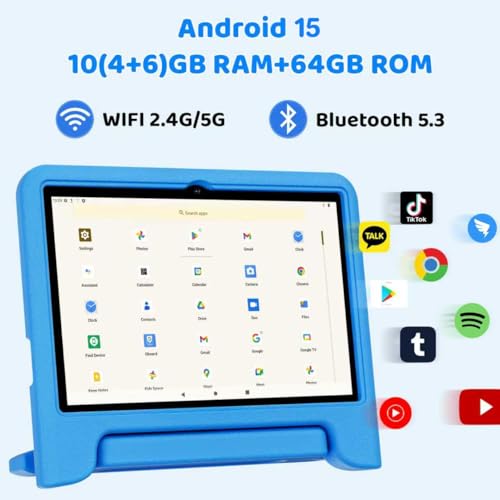


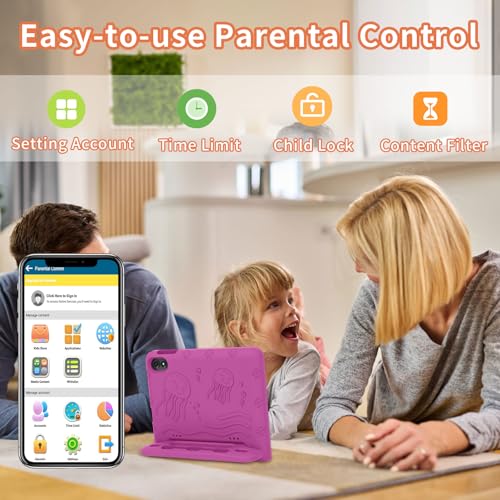


We also considered 10 others:


Our Top Choice
Compare Features


Why These Features Matter:
A tablet is one of those deceptively simple purchases that can either slide into your life like it was always meant to be there — or become an expensive, slightly greasy rectangle you only remember when you can’t find your laptop charger.
The “best tablet” isn’t a single device so much as a set of decisions about how you actually live: Where do you use it? On the couch with a throw blanket and a bowl of something crumbly? At the kitchen counter while you pretend you’re only checking the recipe? On the subway, one-handed, while your other hand clings to a pole and your tote bag slowly digs a trench into your shoulder?
Below are the features that separate “I love this thing” from “why is it always dead and smudged.” No brand evangelism, no spec-sheet worship — just the stuff that shows up after week three.
Screen: The Whole Point, and Also the Biggest Lie in Photos
Most tablets look gorgeous online. In real life, screens are where disappointment lives: glare, weird color, eye strain, and that special kind of dimness that makes you crank brightness to 90% and then wonder why the battery’s always sulking.
- Size is about posture, not bragging rights. Smaller screens are easier to hold in bed without feeling like you’re bench-pressing. Larger screens are better for split-screening (notes + article, email + calendar) and don’t make you squint at spreadsheets like they’re Victorian telegrams.
- Brightness matters more than resolution. If you ever use your tablet near a window, on a patio, or in a kitchen flooded with afternoon light, a brighter screen saves you from constantly playing “find the angle where I can see anything.”
- Refresh rate is only noticeable in a very specific way: scrolling. If you read a lot (news, Substack, long PDFs), smoother scrolling feels oddly luxurious — like your eyes got a tiny raise.
Things to know: Glossy screens are pretty and also magnetized to fingerprints. Matte screen protectors help, but they can slightly blur the crispness you paid for. (Pick your poison: smudges or softness.)
Honest caveat: If you think you’ll use it outdoors a lot, plan for disappointment unless you prioritize brightness. “It looks fine inside” is how people end up huddled in the shade like they’re hiding from paparazzi.

Weight & Feel: The “One-Hand Test” Is the Real Review
You don’t really understand a tablet until you try to hold it with one hand while the other hand is busy — stirring, texting, holding a kid’s water bottle, doomscrolling while brushing your teeth (no judgment, just data).
- Lightweight wins for lounging. If your main tablet habitat is couch/bed, prioritize something that doesn’t make your wrist feel like it’s negotiating a workers’ comp claim.
- Bigger isn’t just heavier — it’s clumsier. Large tablets love sliding off laps. They’re also harder to tuck into a small bag without playing “will it bend?” every time you sit down.
- Edges matter. Squared-off designs look chic and can feel sharp after 40 minutes of reading. Rounded edges can be comfier but sometimes feel less secure in the hand.
Things to know: Most people who “don’t like tablets” are actually reacting to ergonomics: too heavy, too slippery, too awkward to hold without a case.
Honest caveat: A good case can double the weight. A keyboard case can triple the bulk. The “thinness” you admired may last roughly one day.
Battery Life: The Quiet Dealbreaker
Battery life isn’t exciting, which is why it’s always the thing that ruins your life. A tablet with mediocre battery turns into a house pet: always needing attention, always near an outlet, always chewing through your charger situation.
- Real-life battery is about habits. If you stream video, max brightness, and keep a dozen apps running, you’ll drain faster than the optimistic estimates suggest.
- Standby drain is sneaky. Some tablets lose a noticeable chunk of battery just sitting there, waiting to be loved. Others hold steady for days like well-behaved houseplants.
- Fast charging saves relationships. Being able to get a meaningful boost in 20–30 minutes is the difference between “I’ll bring it” and “never mind.”
Things to know: If you’re constantly tethered to a cable, it’s not just annoying — it changes how you use the device. You stop moving around your apartment. You stop taking it to the park. You stop trusting it.
Honest caveat: The smallest tablets often have smaller batteries. The biggest tablets tempt you into brighter screens and more multitasking. Battery life is always a negotiation.
Speakers & Mics: For the People Who Pretend They Don’t Take Calls on a Tablet
No one sets out to become a “tablet FaceTime person.” It happens slowly: one day you’re propping it against a candle for a quick call, and suddenly you’re doing a full family update from the kitchen like you’re hosting a daytime show.
- Speakers should sound good at low volume. If you live with roommates, neighbors, or a sleeping child, you need clarity without blasting the entire building.
- Microphone quality matters if you ever talk while cooking. Fans, running water, and general clanging can make you sound like you’re calling from inside a dishwasher.
- Front camera placement is underrated. If the camera is positioned for landscape use, video calls feel more natural. If it’s not, you’ll spend your life staring slightly off to the side like you’re lying.
Things to know: Great speakers make a tablet feel like an entertainment device. Meh speakers make it feel like a compromise.
Honest caveat: Even “good” tablet mics can struggle in echo-y rooms. If your apartment has bare walls and hardwood floors, you may want to accept that you live in a beautiful sound tunnel.
Keyboard & Pencil Support: Either You’ll Use It Daily or It’ll Live in a Drawer
Accessories are where tablet dreams go to die. People love the idea of turning a tablet into a laptop, or becoming a person who sketches, annotates, and organizes. Sometimes it happens. Often, you buy an expensive keyboard, type on it twice, and then it becomes a dust shelf.
- Keyboards are about stability. If you plan to work from your lap, look for a setup that doesn’t wobble or collapse the second you shift on the couch.
- Trackpad vs. touchscreen is a personality test. Some people can happily poke at UI elements. Others want a cursor and will feel irritated forever without one.
- Pencil/stylus support is only worth it if you have a use case. Great for handwritten notes, marking up PDFs, drawing, and signing documents without printing like it’s 2009.
Things to know: Good styluses feel like an extension of your hand. Bad ones feel like writing with a cold stick on a window. Pay attention to palm rejection (so your hand can rest on the screen) and the charging/storage situation (because “I can never find it” is the number-one stylus review).
Honest caveat: Keyboard cases can make tablets feel less like tablets — heavier, thicker, less pleasant to pick up. If your favorite use is reading in bed, you might hate what a keyboard does to the vibe.
Storage & Cloud Life: The Annoyance You Don’t Notice Until You Do
Storage is one of those things you ignore until you hit the wall and everything becomes bargaining: deleting photos, offloading apps, pretending you don’t need that offline playlist right before a flight.
- If you download videos, size up. Travel, commuting, and “I don’t want my kid to stream on cellular” situations eat storage fast.
- If you live in the cloud, make sure you actually have Wi‑Fi. Not theoretical Wi‑Fi — the kind that doesn’t cut out the second you go to the back bedroom.
- File management varies wildly. Some tablets feel intuitive moving documents around. Others make you feel like you’re trying to organize paperclips with oven mitts.
Things to know: The cheapest storage tier is often a false economy if you keep devices for years. You’ll pay for it later in minor daily irritations — the worst kind, because they compound.
Honest caveat: External storage sounds like a neat workaround until you realize you now have a tiny dongle, a tiny drive, and a tiny new way to lose something.
Connectivity: Wi‑Fi vs. Cellular (and the Myth of “I’ll Hotspot”)
People who swear they’ll just hotspot are usually the same people who end up crouched in a corner of a café, phone overheating, tablet disconnecting every three minutes, whispering “why is this happening to me.”
- Wi‑Fi models are fine if you’re mostly home. Or if you’re truly disciplined about downloading things before you leave the house.
- Cellular is for real mobility. If you’re frequently out — commuting, working between places, traveling — it removes friction in a way that feels quietly decadent.
- Modern ports matter. A common charging port means fewer cords to hunt down at 11 p.m. in a panic. (We’ve all done the “try every cable” ritual.)
Things to know: If you plan to use accessories (hubs, monitors, external drives), the port situation can shape your entire experience. A tablet that plays nicely with what you already own is the one you’ll actually keep using.
Honest caveat: Cellular plans add up. It’s only “worth it” if you’ll genuinely use it — but if you will, you’ll wonder why you waited.
Durability & Cases: The Beautiful Object vs. The Real World
Tablets are essentially oversized phones, and they live similarly perilous lives: on the edge of counters, balanced on pillows, handed to children with sticky fingers. A case can be the difference between “it’s fine” and “I can’t believe I did that.”
- Look for a case that matches your actual chaos level. Minimal folio cases are elegant. Rugged cases are less cute but sometimes necessary if your household features gravity and toddlers.
- Stand quality matters more than you think. A flimsy stand is one of those small daily frustrations that makes you resent the whole device.
- Screen protectors are a personal choice. If scratches make you feel faint, get one. If you hate the feel, accept that life leaves marks.
Things to know: A tablet without a case can feel like holding a fancy serving platter: lovely, slippery, and one wrong move away from disaster.
Honest caveat: The more protective the case, the less delightful it may feel to use. Some people would rather baby a device than turn it into a brick. That’s valid. Just be honest about who you are.
How to Choose “Best Tablet” for You (Without Spiraling)
- If it’s mostly for reading + browsing: prioritize weight, screen comfort, and a case that’s nice to hold. Everything else is secondary.
- If it’s for travel + streaming: prioritize battery, speakers, storage, and a screen bright enough to survive daylight.
- If it’s for work-ish tasks: prioritize keyboard stability, multitasking comfort, and a file system that won’t make you mutter under your breath.
- If it’s for notes, drawing, or PDFs: prioritize stylus feel, palm rejection, and a screen that doesn’t feel like writing on ice.
- If it’s for a family/kids: prioritize durability, easy cleaning (read: cases that can be wiped), and enough storage for downloads.
The best tablet is the one you’ll pick up without thinking — the one that’s charged, comfortable, and not constantly asking you to solve little problems. If a device makes the small parts of your day smoother (cooking, commuting, unwinding, answering a call without hunting for your phone), that’s the win. Everything else is just a prettier receipt.
5,100+ shoppers have used Buyer's Guide in the last week to help find the best Tablets.

Helping millions of users make smarter purchases online.

