

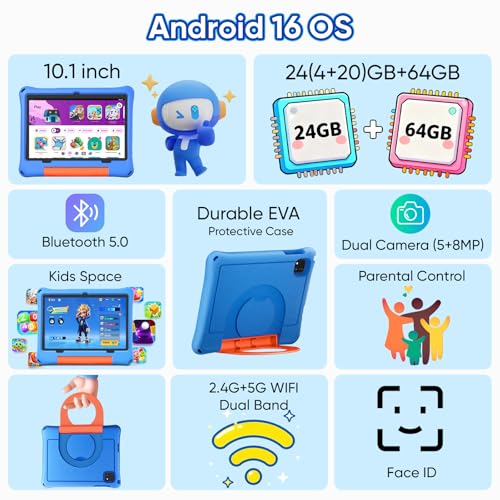

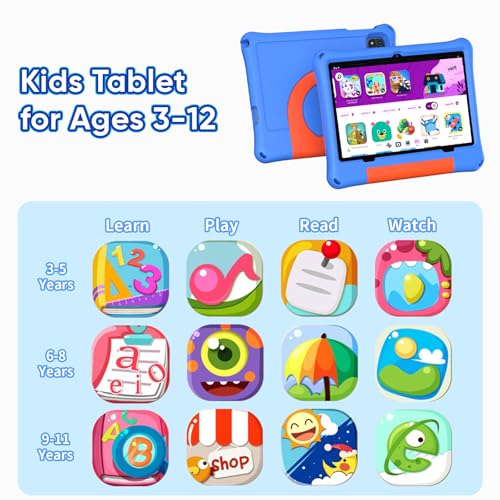







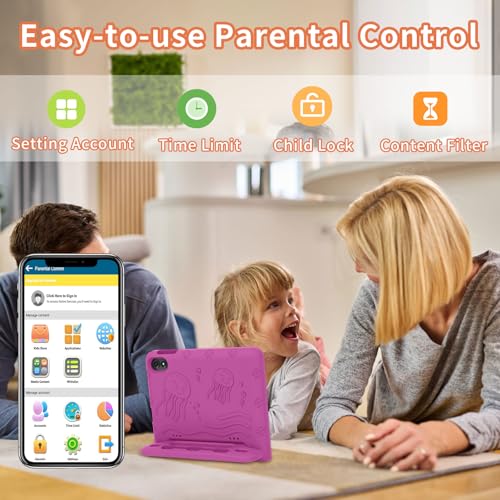


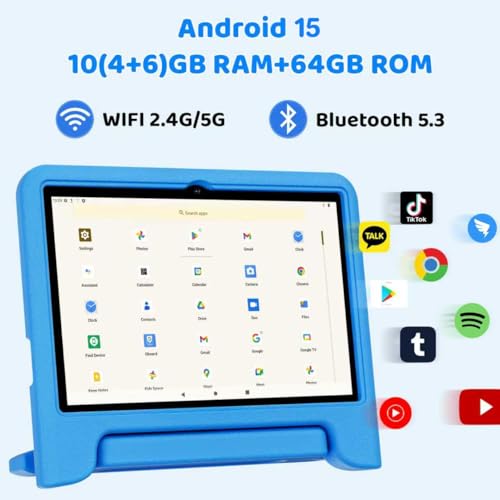


We also considered 10 others:


Our Top Choice
Compare Features


The order above is not editorial opinion, and it is not paid placement. It comes from what shoppers across our network actually do - which children's tablets they compare, and which they ultimately buy. We re-rank as new data comes in, so the long-term favorites have to keep earning their spot against new entrants. The full method, including how we make money.
Children's Tablets Buyer's Guide
Children’s tablets have to balance two competing needs: they must be locked down enough for safe, age-appropriate use while still being capable enough to run real learning apps, videos, games, and school tools without constant frustration. The sharpest buying concerns are not just screen size or price, but parental-control depth, drop protection, charging-port durability, storage headroom, and whether the device will stay usable after months of kid handling.
Quality
A tablet’s quality affects how well it holds up to daily handling, travel, charging, and repeated use. Look for solid construction, a screen and body that feel well-fitted, dependable performance over time, and units that arrive in clean, working condition without defects, dead pixels, loose parts, or charging issues. Poor reliability or questionable condition on arrival can turn an otherwise capable tablet into a frustrating purchase.
For a children’s tablet, judge quality as the whole kid-use system: a drop-ready case with raised screen edges, a grippy handle/stand, protected corners, accessible but recessed buttons, and parental controls that work at the profile or operating-system level rather than just inside one app. Also check whether the software environment is age-filtered, easy to lock down, and likely to receive updates; avoid tablets that are merely generic Android devices in a thin case with unclear update support or weak content controls. Owner feedback supports this priority: buyers often feel most confident when the tablet combines safe content, strong parental controls, a sturdy shockproof case, bright screen, and preloaded learning apps, with many saying the build feels kid-appropriate rather than cheap.
Value
A tablet with strong value gives you the features, performance, display quality, battery life, and accessory support you’ll actually use without making you pay for extras that don’t matter to you. Look for a balanced experience at the price: smooth everyday performance, enough storage, reliable software support, and the right screen size and quality for your needs. Watch out for cheap tablets that feel slow or limited quickly, as well as premium options that cost more mainly for features you may never use.
The best value is not just the lowest upfront cost; for kids, factor in the cost of a protective case, screen protector, stylus or keyboard if needed, content subscriptions, expandable storage, warranty/drop coverage, and whether multiple child profiles can share one device cleanly. A bundle can be worthwhile if the accessories are actually usable and child-sized, but avoid paying for extras that will break quickly or for toy-like hardware that cannot handle normal apps after a few months. Owner sentiment lines up with this: families often describe these tablets as worth the money for first tablets or multiple children, especially when the package includes kid-focused controls, storage, a protective case, educational and entertainment apps, or practical accessories.
Battery
Battery life determines how long you can use a tablet for browsing, streaming, reading, gaming, or work before you need an outlet. Look for realistic runtime that matches your habits, and pay attention to charging speed and standby drain, since a tablet that lasts all day but takes a long time to recharge may still be inconvenient.
For children’s use, battery reliability matters most during car rides, flights, restaurants, homework blocks, and bedtime limits, so look for real-world runtime under video and game use, not just standby claims. Prefer standard USB-C charging, a port that is not blocked by the case, a charger/cable that fits securely, and parental settings that can enforce downtime so the battery is not drained constantly; be cautious if reviews mention charging failures, sudden drain, or short runtimes because children are hard on ports and often use screens at high brightness. Owner reports are notably mixed here: some families get hours of use and appreciate the combination of battery life and durable casing, while others report fast drain, inconsistent charging, or early failures involving charging, screen, or long-term reliability.
Performance
You want a tablet that feels responsive when opening apps, switching between tasks, browsing, streaming, or playing games, so performance directly affects how pleasant it is to use every day. Look for enough processing power and memory for the way you use it, and watch out for lower-end tablets that may handle simple tasks fine but slow down with multitasking, demanding apps, or long-term updates.
Match performance to the child’s actual apps: streaming and simple learning games need less power, but larger games, video calls, school platforms, offline downloads, and multitasking need enough RAM, storage, and processor headroom to avoid frustration. Look for ample built-in storage plus microSD expansion, smooth app switching, quick wake/startup, reliable Wi-Fi, and compatibility with the app store or school tools your child uses; avoid very low-spec tablets if your child will install bigger games or many educational apps. Owner feedback shows why this matters: some tablets feel smooth for videos, reading, light games, and learning apps, but repeated complaints include slow startup, lag, freezing, storage pressure after bigger apps are added, and occasional touch, screen, or display problems.
1,000,000+ shoppers use Buyer's Guide every week to find the best products and services online.

Helping millions of users make smarter purchases online.


