




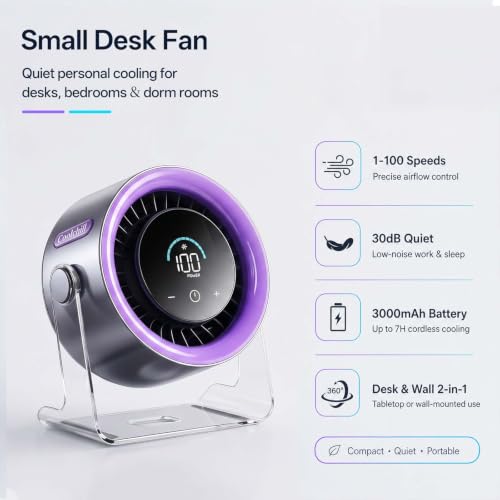


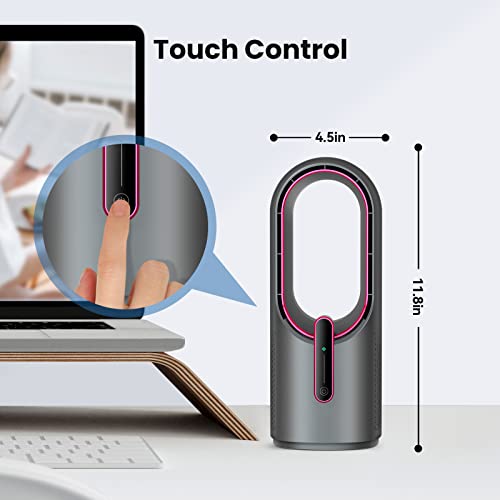
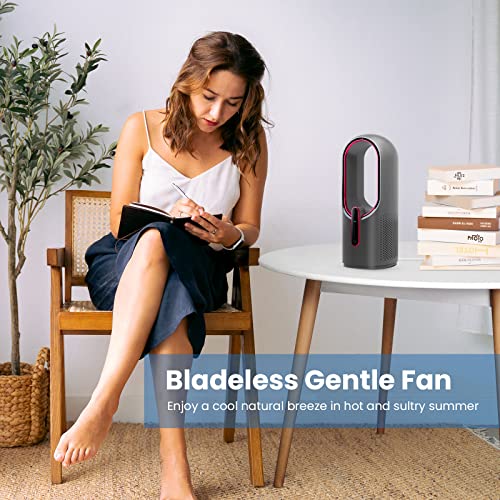


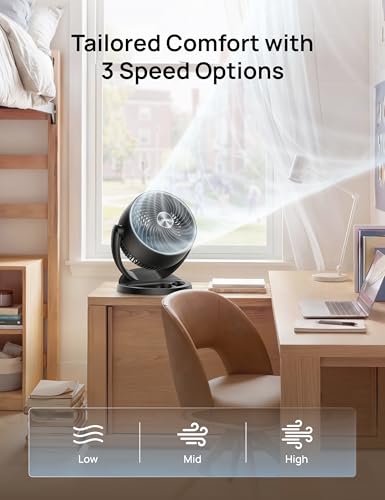







We also considered 10 others:


Our Top Choice
Compare Features


The order above is not editorial opinion, and it is not paid placement. It comes from what shoppers across our network actually do - which quiet desk fans they compare, and which they ultimately buy. We re-rank as new data comes in, so the long-term favorites have to keep earning their spot against new entrants. The full method, including how we make money.
Quiet Desk Fans Buyer's Guide
Quiet desk fans have to solve two problems at once: they need to move enough air at arm’s length while staying unobtrusive in sound, footprint, and vibration. The sharpest buying concerns are whether the lowest usable setting is truly quiet and whether the fan can sit securely on a crowded desk without rattling, tipping, or blasting papers around.
Noise
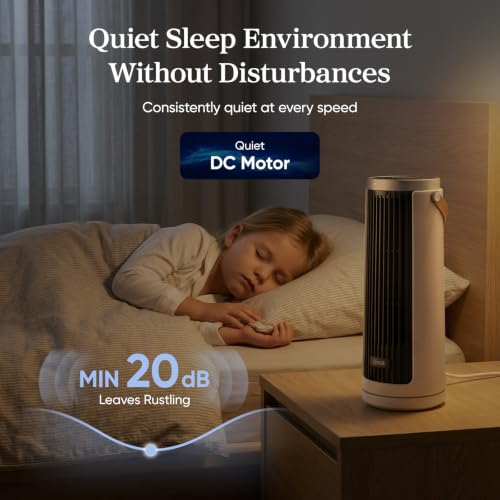
How a fan sounds can matter as much as how well it moves air, especially if you plan to use it in a bedroom, nursery, or office. Look for a fan that stays quiet at the speeds you actually use, has a smooth, consistent sound instead of rattling or clicking, and offers enough low-speed control for sleep; a fan that is only quiet on its weakest setting may still be disruptive at night.
For a quiet desk fan, prioritize the sound character as much as the decibel level: look for a smooth, steady hum on low and medium, and avoid fans with buzzy motors, rattly grilles, clicking oscillation, or tonal whine that will cut through calls, reading, or sleep. Check that the lowest setting is genuinely usable, because a fan that is “quiet” only when it barely moves air will not solve close-range cooling. Owner feedback supports this: buyers consistently praise quieter models for staying calm on low, medium, or sleep settings while still producing useful airflow, with the main caveat that higher speeds can become noticeably louder.
Size
Size matters because it determines where you can actually use the fan, whether that’s on a crowded desk, a nightstand, or in a tight corner without getting in the way. Look for a footprint and height that fit your space, and check that the fan can still aim airflow where you need it; a compact fan is easier to place, but if it’s too small, it may not move enough air for the room.
Choose the footprint around your actual desk setup: measure the space beside a monitor, keyboard, lamp, dock, or bedside items, and favor a stable compact base over an ultra-tall or wide housing that blocks screens or crowds hand movement. For travel, dorms, RVs, and nightstands, also check weight, cord routing, and whether the fan can sit securely near papers, mugs, and electronics without tipping. Owner sentiment backs the importance of compactness, with many buyers liking small fans that fit on desks, cubicles, bedside tables, RV spaces, hotel rooms, and tight corners while still feeling easy to move or pack.
Airflow
You’ll notice airflow most in how quickly a fan makes the room feel more comfortable and how far that cooling or heating effect actually reaches. Look for enough power and coverage for your space, plus useful features like multiple speeds, oscillation, or misting or heating modes if you need them, and watch out for fans that sound powerful but only move air well at close range.
For desk use, the best airflow is controlled personal cooling, not just maximum blast: look for adjustable tilt or oscillation, a low setting that will not dry eyes or scatter papers, and a higher setting strong enough to reach your face from arm’s length or help circulate AC in a small room. Avoid fans that only push a narrow jet unless you want spot cooling, and avoid overly aggressive airflow if you work with loose documents, microphones, plants, or lightweight desk items. Owner reports support this balance, describing compact fans that move more air than expected, offer useful three-speed control, work well for personal cooling and bedrooms, and can step up from gentle sleep airflow to stronger room circulation.
Build
You want a fan that feels solid, stays stable at its highest speed, and keeps working without new rattles, wobble, or motor odor after regular use. Look for sturdy housing, well-balanced blades, a secure base or mount, and parts that are easy to remove and clean, since flimsy materials and hard-to-maintain grills tend to show wear, collect dust, and shorten the fan’s useful life.
For a fan that will sit inches from your hands and ears, inspect build quality for vibration control: a heavy or grippy base, tight grille, smooth pivot joints, protected blades, and a motor that starts cleanly without wobble matter more than flashy styling. If you plan to run it all workday or overnight, long-term motor reliability and bearing noise are key failure points; a quiet fan that develops rattles after months loses its main advantage. Owner feedback generally describes many units as sturdy, well made, intuitive, and durable for everyday desk or bedside use, but it also flags reliability as the main watch-out, with some motors or spinning mechanisms failing after steady use.
Value
You want a fan that feels worth what you pay, not just one that looks good on the shelf. Look for strong airflow, reliable performance, useful speed or control options, and a noise level you can live with, because a low upfront cost is not a bargain if the fan disappoints, wears out quickly, or costs more to run than expected.
Judge value by quiet usable airflow per inch of desk space, not by raw power alone. It is worth paying more when the fan adds meaningful quietness, stable construction, reliable controls, a safer base, timer or remote convenience, or consistent long-term performance; it is not worth paying extra for features you will not use if the low speed is noisy or the footprint is awkward. Owner sentiment aligns with this: buyers often see strong value in affordable fans that deliver useful power, simple speed control, and sturdy construction, while some also feel a higher cost is justified when the fan has a heavy base, consistent performance, remote control, or reduces the need for extra air conditioning.
Controls
The controls determine how easily you can fine-tune airflow for comfort, noise, and convenience throughout the day or night. Look for clearly labeled buttons or a responsive remote, multiple speed settings, useful modes like sleep or timer functions, and smooth oscillation; watch out for confusing menus, tiny displays, or limited adjustments that make the fan harder to live with.
For a quiet desk fan, controls should let you fine-tune comfort without creating distractions: look for multiple clearly separated speeds, a truly gentle low mode, adjustable tilt or oscillation, timer options for sleep, and buttons or remotes that do not beep loudly or require awkward reaching behind a monitor. If the fan will be bedside or used during calls, consider whether indicator lights, app dependence, or hard-to-find controls will annoy you in a dark room or during focused work. Owner feedback supports the usefulness of control range, with buyers appreciating three-speed setups, lower or sleep settings for quieter use, adjustable tilt, oscillation, remotes, timers, modes, app controls, and multi-speed options that make desk or bedside airflow easier to tailor.
1,000,000+ shoppers use Buyer's Guide every week to find the best products and services online.

Helping millions of users make smarter purchases online.


