













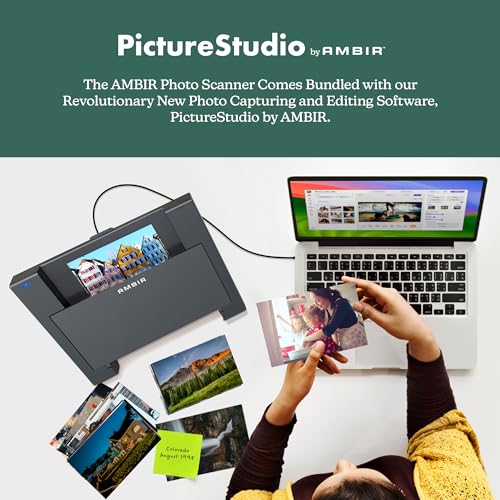


We also considered 10 others:







Our Top Choice
Compare Features


The order above is not editorial opinion, and it is not paid placement. It comes from what shoppers across our network actually do - which photo scanners with feeders they compare, and which they ultimately buy. We re-rank as new data comes in, so the long-term favorites have to keep earning their spot against new entrants. The full method, including how we make money.
Photo Scanners with Feeders Buyer's Guide
Photo scanners with feeders trade the care of a flatbed for the speed needed to digitize shoeboxes of family prints, slides, records, and annotated snapshots. The sharpest buying concerns are whether the feeder can handle aging, curled, glossy, mixed-size photos without damage, and whether the software preserves usable color, crop, orientation, and back-of-photo information at scale.
Quality
Scan quality matters because it determines whether text stays sharp, fine details are preserved, and colors or grayscale tones look true to the original. Look for consistent clarity across the whole page, accurate color reproduction, and minimal artifacts like banding, blur, skew, or washed-out images—especially if you plan to archive photos, digitize records, or use OCR.
For photo scanners with feeders, prioritize image-preservation quality over generic scan resolution: look for consistent color, sharp detail at realistic photo-archive settings, gentle feeding that does not scratch glossy prints, and software that can auto-crop, deskew, de-skew rotated snapshots, and correct faded prints without permanently overwriting the original file. If you have fragile, curled, torn, Polaroid-style, mounted, or sticky album photos, avoid relying only on an automatic feeder; you may need a carrier sheet or flatbed option for those items. Owner feedback supports this split: buyers praise crisp, dependable scans, high-resolution options, automatic correction for old prints, and durable performance on heavy home digitizing projects, while everyday scanner owners also value simple setup and maintenance.
Speed
Scanning speed matters if you handle multi-page documents, frequent batches, or need scans ready without slowing down your work. Look for both pages-per-minute ratings and how quickly the scanner processes, saves, or sends files, since a fast capture speed can be undermined by slow software or file handling. Also check whether speed drops at higher resolutions, in color, or when using duplex scanning.
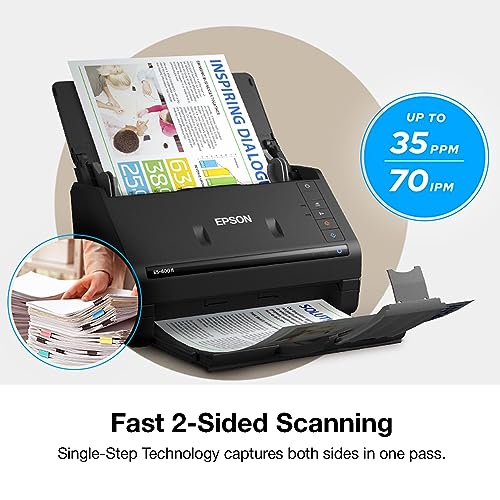
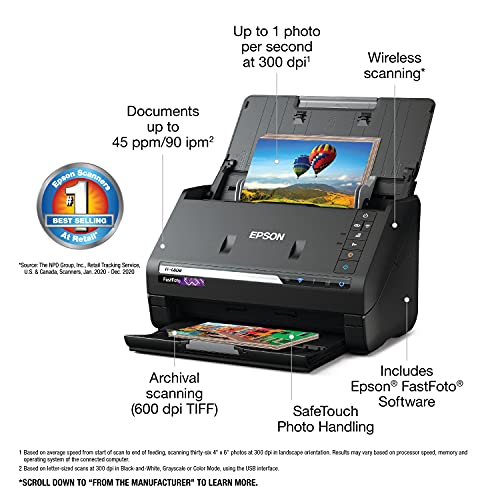
Speed matters most when the feeder can move real family-photo stacks safely, not just quickly: check the rated photos-per-minute at the resolution you will actually use, the input-tray capacity for photo paper, whether it handles mixed sizes without constant sorting, and whether duplex capture can save handwritten dates or notes on the backs of prints. Be wary of fast document-feed claims if the scanner is not designed for glossy, curled, or varied-thickness photos, because jams and skew can erase the time savings. Owners consistently report that feeder-based photo workflows can turn huge archive jobs from months into days, and they especially appreciate fast batch scanning, quick wake-up, duplex capture, and simple paths from unboxing to saved files.
Usability
You’ll want a scanner that’s simple to set up and easy to operate, especially if you scan often or share it with others. Look for clear installation steps, intuitive software, straightforward buttons or menus, and reliable connection options; watch out for confusing drivers, clunky scan settings, or workflows that take too many clicks for basic tasks.
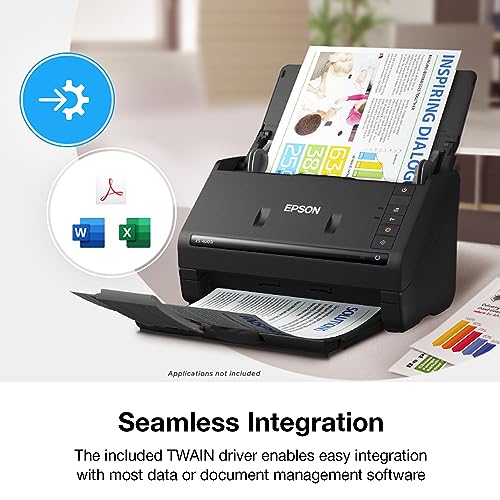
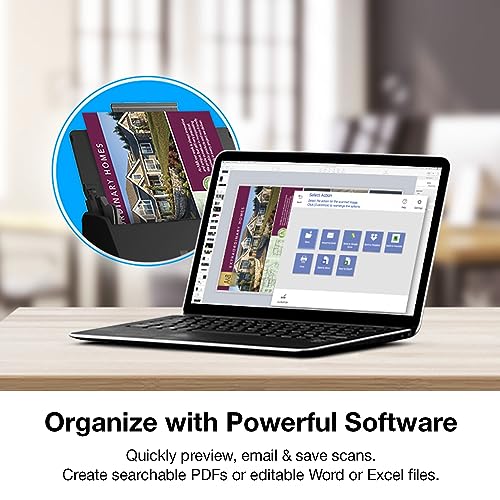
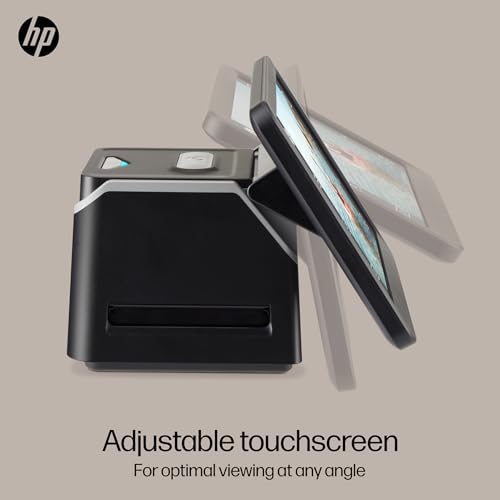
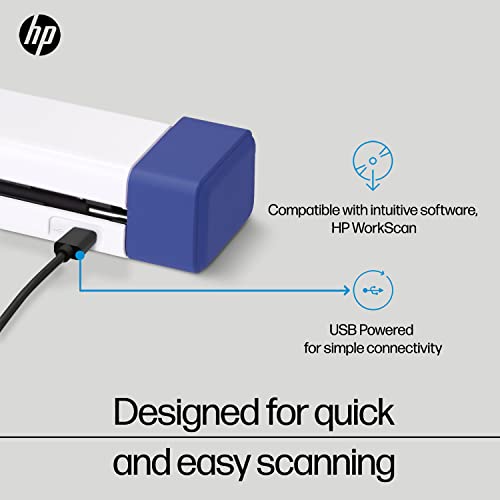
For this niche, usability should mean fewer handling decisions per photo: look for reliable batch feeding of standard-thickness prints, easy previewing, automatic crop/rotate/straighten tools, simple folder naming, and software that lets you save both enhanced and unedited versions. Also check whether setup requires a computer, whether USB or wireless is more stable for large batches, and how easy it is to clean rollers and calibration strips when dust or old-photo residue causes streaks. Owner sentiment backs these priorities, with many buyers praising quick driver installation, straightforward USB setup, intuitive preview screens, simple batch-feeding software, and tools that crop or straighten scans with little fuss.
Performance
You want a scanner that handles your usual documents cleanly and consistently, whether you’re digitizing text, photos, receipts, or mixed-size pages. Look for reliable detail, accurate color or grayscale reproduction, smooth paper feeding, and steady results across repeated scans. Watch out for models that slow down, skew pages, miss fine details, or require frequent rescans to get usable output.
Performance should be judged by long-session reliability: a good photo feeder should maintain alignment, avoid double-feeds, keep color consistent across hundreds of scans, and recover gracefully from jams without bending corners or scratching originals. If you also scan paperwork, duplex/OCR performance is useful, but do not let document performance substitute for proven handling of glossy photos, odd sizes, and aging prints. Owners often describe the better-performing models as dependable workhorses for heavy digitizing, fast multi-page duplex jobs, searchable OCR workflows, and smooth handling of mixed document sizes, while photo-focused buyers value batch workflows that make large family archives practical.
Value
A scanner’s value for money depends on whether its image quality, speed, reliability, and features match what you actually need. Look for durable build quality, useful software, suitable resolution, and document-handling features that justify the cost, and be cautious of paying extra for capabilities you won’t use or choosing a cheaper option that creates frustration over time.
Value depends on the size and condition of your archive: a feeder scanner is most worthwhile when you have hundreds or thousands of standard prints, slides, negatives, or records to digitize and want control over the process instead of paying a service. For a small set of fragile heirloom images, a lower-cost flatbed or professional service may be a better value because a feeder’s speed matters less than minimizing handling risk. Owner feedback aligns with this: buyers often call these scanners cost-effective for home archiving, large photo or slide collections, and shareable family memories, especially compared with outsourcing large digitizing projects.
Features
The right features determine whether a scanner fits the materials you actually need to digitize, from double-sided documents and receipts to slides, photos, or diagnostic records. Look for modes that match your routine, such as duplex scanning for multi-page paperwork or dedicated receipt handling for expenses, and watch out for extras that sound impressive but do not support your common document types or workflow.
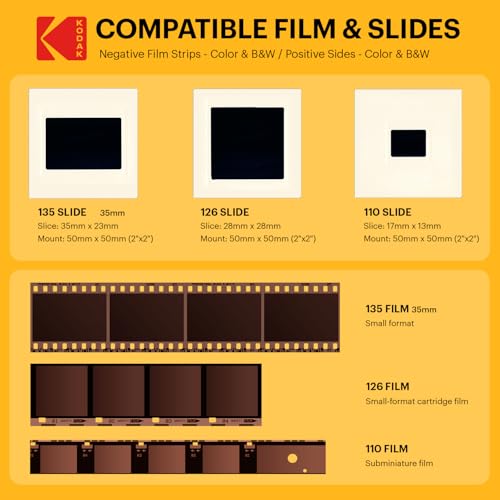
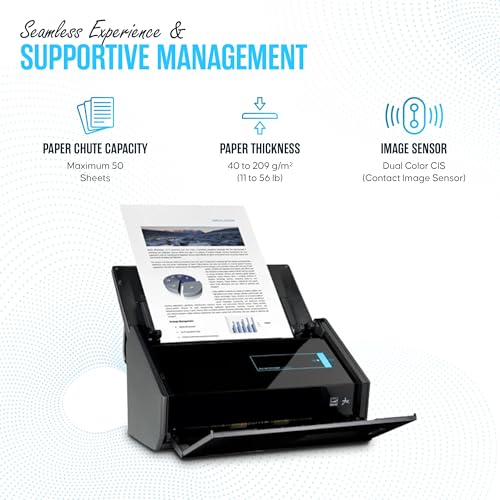
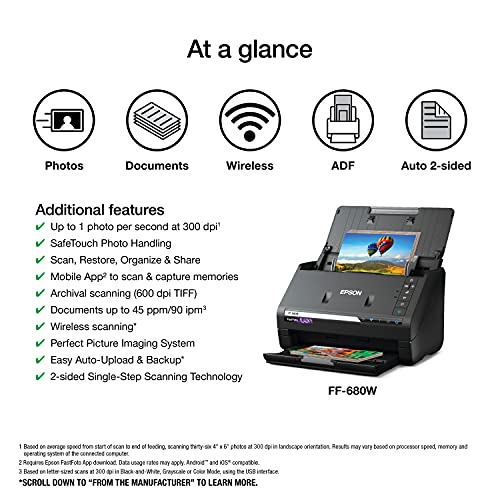
Match the feature set to your actual media before buying: photo feeders should specify supported print sizes and thicknesses, offer batch scanning, auto-crop/deskew, dust or fade correction, and ideally duplex scanning for back-of-photo notes; film or slide digitizing requires compatible holders for formats such as 35mm, 126, or 110 and should not be assumed from a photo feeder alone. The biggest feature-related risk is feeder reliability, so look for jam detection, skew correction, replaceable/cleanable rollers, carrier-sheet support, and clear limits on damaged or curled originals. Owners praise scanners that handle large batches, common slide and negative formats, fast duplex scanning, and efficient high-volume projects, but they also report important watch-outs: some units jam, skew pages, damage documents, develop scan lines, fade output, or produce blank scans after use.
1,000,000+ shoppers use Buyer's Guide every week to find the best products and services online.

Helping millions of users make smarter purchases online.


