













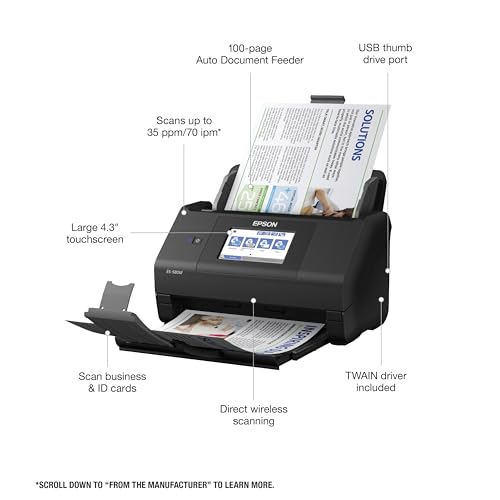


We also considered 10 others:



Our Top Choice
Compare Features


The order above is not editorial opinion, and it is not paid placement. It comes from what shoppers across our network actually do - which office scanners they compare, and which they ultimately buy. We re-rank as new data comes in, so the long-term favorites have to keep earning their spot against new entrants. The full method, including how we make money.
Office Scanners Buyer's Guide
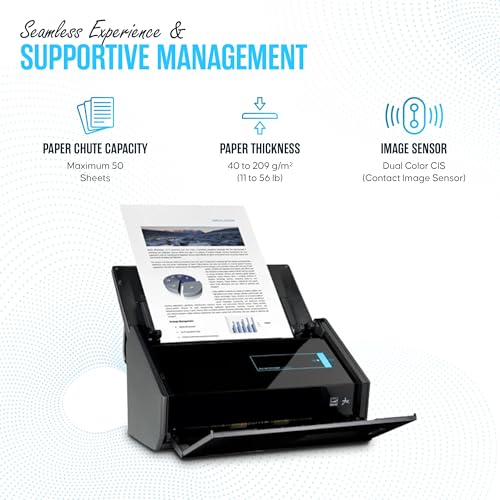
Office scanners are a tradeoff between hands-off batch capture and safe, accurate handling of the specific papers your office actually uses. The biggest checks are whether the feeder can handle your daily mix without jams or skew, and whether duplex scanning, OCR, drivers, and routing options fit your filing workflow instead of just producing nice-looking images.
Quality
Scan quality matters because it determines whether text stays sharp, fine details are preserved, and colors or grayscale tones look true to the original. Look for consistent clarity across the whole page, accurate color reproduction, and minimal artifacts like banding, blur, skew, or washed-out images—especially if you plan to archive photos, digitize records, or use OCR.
For office scanning, judge quality by legibility, straightness, OCR readiness, and how well the scanner handles mixed originals—not just maximum resolution. Look for crisp text at normal document settings, good contrast on receipts and faded forms, automatic deskew/crop/blank-page removal, and enough resolution for photos or archived records; avoid units that make small type, stamps, signatures, or old prints look muddy. Owner feedback supports this split: buyers often praise crisp, dependable scans, high-resolution modes, duplex capture, and automatic correction for older prints, while all-in-one devices can also deliver strong everyday print and scan results for lighter home-office use.
Speed
Scanning speed matters if you handle multi-page documents, frequent batches, or need scans ready without slowing down your work. Look for both pages-per-minute ratings and how quickly the scanner processes, saves, or sends files, since a fast capture speed can be undermined by slow software or file handling. Also check whether speed drops at higher resolutions, in color, or when using duplex scanning.
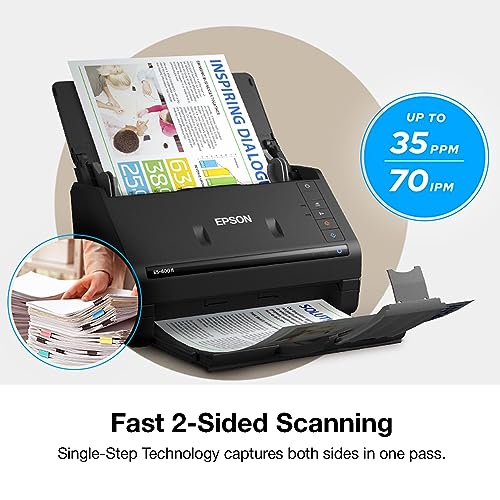
For this category, speed only matters if it is the right kind of speed: pages-per-minute with the automatic document feeder, one-pass duplex speed, and how quickly files are saved with OCR turned on. If you process contracts, client packets, manuals, or records, prioritize a real batch feeder and duplex scanning over flatbed or single-sheet convenience; if you only scan occasional receipts, a slower portable unit may be acceptable. Owners consistently report that fast batch scanners make large jobs practical, that photo and document backlogs can shrink from months to days, and that duplex scanning greatly reduces time spent on double-sided paperwork.
Usability
You’ll want a scanner that’s simple to set up and easy to operate, especially if you scan often or share it with others. Look for clear installation steps, intuitive software, straightforward buttons or menus, and reliable connection options; watch out for confusing drivers, clunky scan settings, or workflows that take too many clicks for basic tasks.
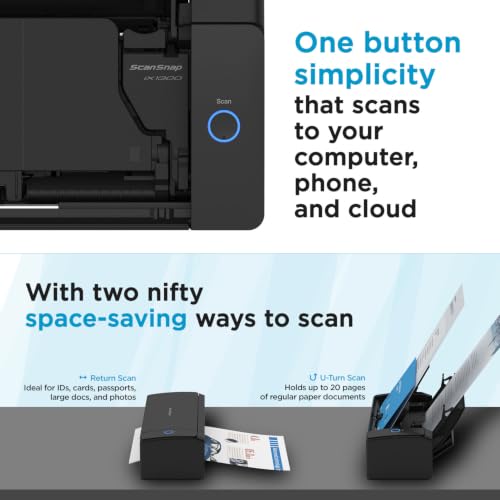
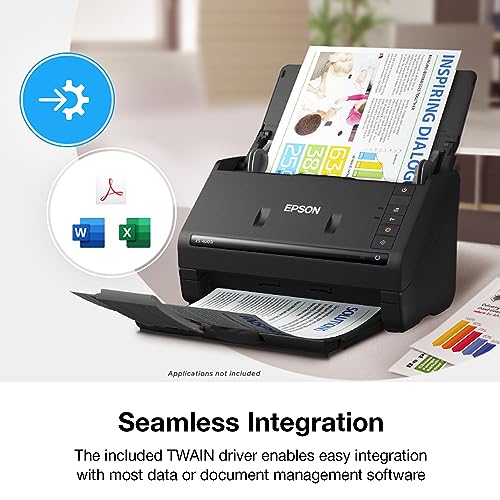
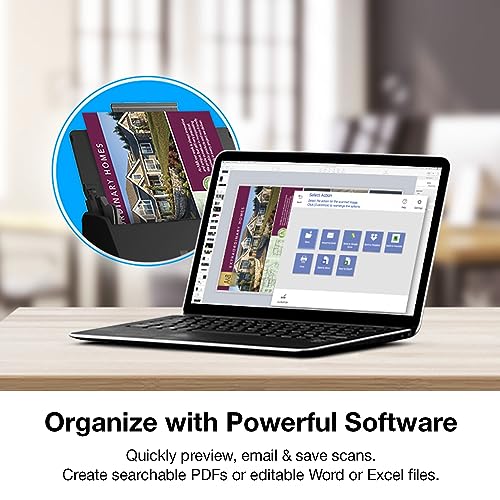
Choose a scanner whose daily workflow matches where scans need to go: searchable PDF to a folder, email, cloud storage, USB, a business system, or a shared office computer. Check whether setup is reliable over your intended connection, whether presets can be saved for common jobs, whether one-button scanning works without opening software each time, and whether the app can separate batches, name files, and run OCR without extra babysitting. Owner sentiment reinforces that simple USB setup, straightforward software, one-button operation, touchscreens, presets, and easy routing are major reasons scanners feel practical in home offices and small businesses.
Performance
You want a scanner that handles your usual documents cleanly and consistently, whether you’re digitizing text, photos, receipts, or mixed-size pages. Look for reliable detail, accurate color or grayscale reproduction, smooth paper feeding, and steady results across repeated scans. Watch out for models that slow down, skew pages, miss fine details, or require frequent rescans to get usable output.
Performance for an office scanner is about sustained, accurate throughput: feeding a stack without skewing, capturing both sides, keeping page order, creating usable searchable PDFs, and maintaining quality across long sessions. Look for a duty cycle and ADF capacity that match your workload, ultrasonic or multi-feed detection for important originals, and software that handles large PDFs without bogging down; avoid relying on a light-duty all-in-one if you regularly digitize thick packets. Owners back this up by praising workhorse-style scanners for reliable document digitizing, sharp professional-looking scans, fast conversion of manuals and records, and duplex batch handling that speeds business workflows.
Reliability
A reliable scanner saves you time by producing consistent scans without frequent paper jams, connection dropouts, software crashes, or calibration issues. Look for models known for dependable feeding, stable drivers, and consistent image quality across repeated use, especially if you plan to scan large batches or important documents. Watch for owner feedback that mentions recurring errors or setup problems, since small frustrations can become major slowdowns over time.
Reliability is the make-or-break dimension: an office scanner should feed cleanly, reconnect predictably, and keep producing consistent scans after months of use. Check for reports of jams, skew, paper damage, connection recognition issues, scan lines, fading, blank pages, and software-dependent failures; also match the machine to workload, because occasional-use compact devices are not the same as high-volume office units. Owner feedback is divided in exactly these areas: many buyers describe dependable workhorse performance for office scanning, while others report longevity doubts, connection quirks, software-related job failures, flimsy-feeling hardware, or reliability that varies with workload.
Features
The right features determine whether a scanner fits the materials you actually need to digitize, from double-sided documents and receipts to slides, photos, or diagnostic records. Look for modes that match your routine, such as duplex scanning for multi-page paperwork or dedicated receipt handling for expenses, and watch out for extras that sound impressive but do not support your common document types or workflow.
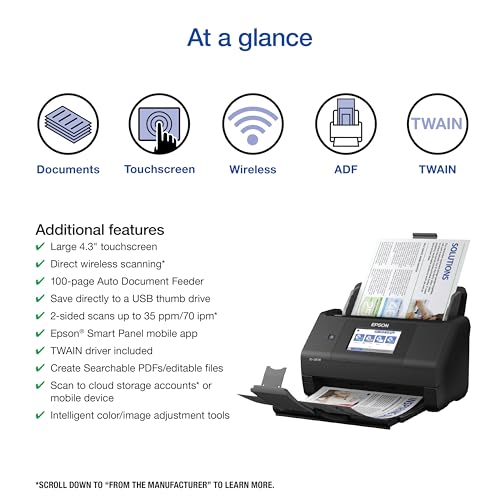
Prioritize features that remove manual handling: one-pass duplex, a capable ADF, blank-page removal, deskew, OCR, batch separation, receipt/card handling if needed, and scan-to destinations your office actually uses. For legal, notary, accounting, medical, or client-file work, also look for multi-feed detection and gentle paper handling; avoid scanners known to jam, skew, or damage originals during multi-page jobs. Owner feedback strongly favors duplex scanning and batch handling as real time savers for bills, receipts, notary work, and multi-page office documents, but also flags the key watch-outs: some units jam, skew, damage pages, or later develop scan lines, fading, and blank-scan failures.
1,000,000+ shoppers use Buyer's Guide every week to find the best products and services online.

Helping millions of users make smarter purchases online.


