












We also considered 10 others:


Our Top Choice
Compare Features


The order above is not editorial opinion, and it is not paid placement. It comes from what shoppers across our network actually do - which old photo scanners they compare, and which they ultimately buy. We re-rank as new data comes in, so the long-term favorites have to keep earning their spot against new entrants. The full method, including how we make money.
Old Photo Scanners Buyer's Guide
Old photo scanners force a tradeoff between speed and safe handling: the machine that races through clean photo stacks may be risky for curled, brittle, thick, or irreplaceable originals. The sharpest concerns are whether the scanner matches your media type—prints, album pages, slides, or negatives—and whether its software can preserve color, crop accurately, and avoid damaging or misordering a family archive.
Quality
Scan quality matters because it determines whether text stays sharp, fine details are preserved, and colors or grayscale tones look true to the original. Look for consistent clarity across the whole page, accurate color reproduction, and minimal artifacts like banding, blur, skew, or washed-out images—especially if you plan to archive photos, digitize records, or use OCR.
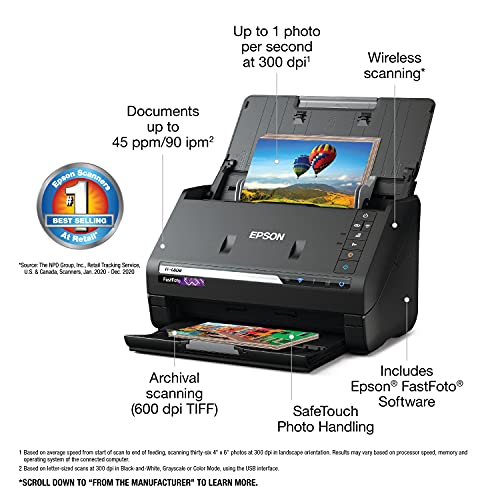
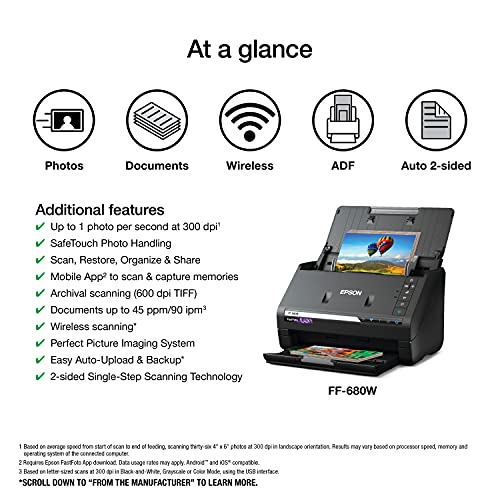
For old photos, prioritize gentle, accurate capture over office-style sharpness: choose a flatbed for curled, brittle, mounted, torn, or one-of-a-kind prints, and use a sheet-fed photo scanner only for clean, standard-thickness prints you can risk feeding through rollers. Look for true optical resolution of at least 300 dpi for same-size sharing and 600 dpi for archiving prints, plus reliable auto-crop, de-skew, color restoration, and the ability to save less-compressed files for long-term preservation; avoid models that oversharpen faces, crush shadow detail, or rely only on phone-style interpolation. Owner feedback supports this focus: scan quality is often praised for clear results, high-resolution options, automatic correction, and dependable output for family-photo archiving, while sturdy flatbeds and heavy-project scanners are described as reliable workhorses for large batches.
Speed
Scanning speed matters if you handle multi-page documents, frequent batches, or need scans ready without slowing down your work. Look for both pages-per-minute ratings and how quickly the scanner processes, saves, or sends files, since a fast capture speed can be undermined by slow software or file handling. Also check whether speed drops at higher resolutions, in color, or when using duplex scanning.
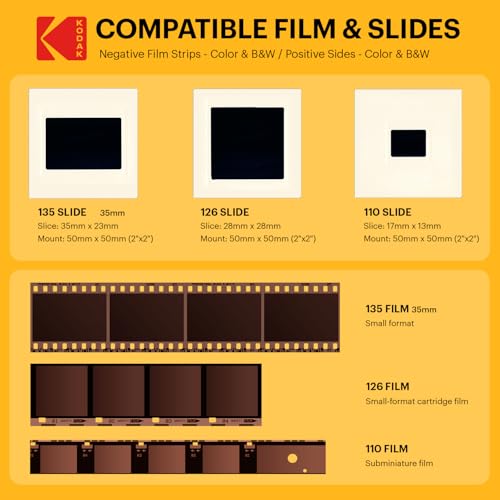
For speed, first decide whether your archive is mostly safe-to-feed prints, fragile mixed media, or slides/negatives, because the fastest scanner is the wrong choice if it bends originals or forces constant rescans. A batch-fed photo scanner can be ideal for thousands of uniform modern prints, but fragile heirlooms, glued album pages, Polaroid-style prints, thick cardstock, and curled photos usually need slower flatbed handling; for slides and negatives, a dedicated film workflow with easy previewing matters more than document-page speed. Owners commonly report that batch-oriented photo scanners can reduce huge print projects from months to days, that slide/negative units can move quickly through large collections, and that quick warm-up helps ordinary home workloads.
Usability
You’ll want a scanner that’s simple to set up and easy to operate, especially if you scan often or share it with others. Look for clear installation steps, intuitive software, straightforward buttons or menus, and reliable connection options; watch out for confusing drivers, clunky scan settings, or workflows that take too many clicks for basic tasks.
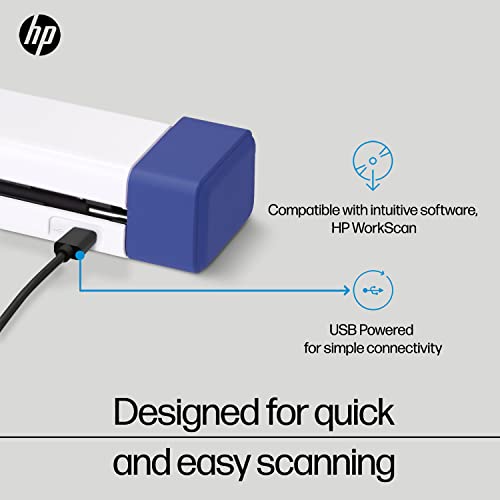
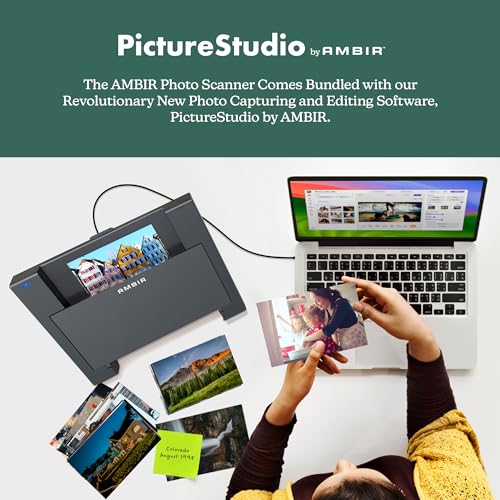
For usability, look for software that is built around photo archives rather than just PDFs: multi-photo detection on a flatbed, automatic cropping and rotation, date or folder naming tools, duplicate handling, back-side scanning for handwritten notes, and easy export to common image formats. Check that the scanner works with your current computer system before buying, and avoid workflows that require constant manual focus, awkward app positioning, or many hidden settings if you are digitizing hundreds of memories. Owner sentiment backs this up: buyers often like scanners that are quick to set up over USB, simple from unboxing to saved files, easy for first-time users, and able to batch multiple photos or preview slides without much fuss.
Performance
You want a scanner that handles your usual documents cleanly and consistently, whether you’re digitizing text, photos, receipts, or mixed-size pages. Look for reliable detail, accurate color or grayscale reproduction, smooth paper feeding, and steady results across repeated scans. Watch out for models that slow down, skew pages, miss fine details, or require frequent rescans to get usable output.
For performance, the key old-photo failure modes are jams, skew, roller marks, scan lines, fading output, blank scans, and inconsistent cropping, so favor models with proven feeding behavior, calibration tools, and a workflow that lets you inspect results before putting originals away. If using a sheet feeder, test with less important photos first, separate sticky or curled prints, clean rollers frequently, and avoid forcing mixed thicknesses; if using a flatbed, check whether the software can split several small photos placed on the glass without cutting off edges. Owners report strong performance for large projects when scanners handle standard-thickness photo stacks well, flatbeds are appreciated for separating multiple smaller photos and tolerating slightly crooked originals, but reliability feedback is mixed for some units due to jams, skewing, document damage, early failures, or inconsistent behavior.
Value
A scanner’s value for money depends on whether its image quality, speed, reliability, and features match what you actually need. Look for durable build quality, useful software, suitable resolution, and document-handling features that justify the cost, and be cautious of paying extra for capabilities you won’t use or choosing a cheaper option that creates frustration over time.
For value, match the scanner to the archive you actually have: a low-complexity print scanner can be worthwhile for boxes of family snapshots, while slides, negatives, and fragile originals may justify a more specialized setup or selective professional help for the irreplaceable items. Do not overbuy office features if you mainly need careful photo capture, but do not underbuy if you need film holders, a backlight, higher optical resolution, or safer handling for delicate materials. Owner feedback generally supports strong value for home digitizing, especially for large photo, slide, and record collections, with many buyers seeing home scanning as cost-effective compared with outsourcing an entire family archive.
Features
The right features determine whether a scanner fits the materials you actually need to digitize, from double-sided documents and receipts to slides, photos, or diagnostic records. Look for modes that match your routine, such as duplex scanning for multi-page paperwork or dedicated receipt handling for expenses, and watch out for extras that sound impressive but do not support your common document types or workflow.
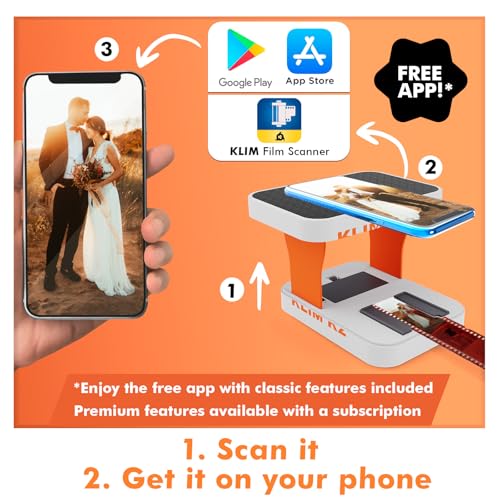
For features, prioritize archive-specific tools: optical resolution settings you will actually use, dust and color correction, de-skew, auto-crop, multi-photo detection, duplex capture for notes on photo backs, film holders or a proper light source for slides and negatives, and the option to save both convenient JPEGs and higher-quality archive files. Be cautious with features that sound automatic but depend heavily on a phone camera, app alignment, focusing distance, or post-editing, and watch for long-term defects such as streaks, scan lines, blank pages, or fading that can ruin a large project unnoticed. Owner reports align with these cautions: useful features can make large slide or photo projects efficient, single-sheet units can be faster than expected, but reliability is a recurring watch-out, with some scanners later developing streaks, black pages, blank scans, or requiring the right workflow for multi-page and high-resolution output.
1,000,000+ shoppers use Buyer's Guide every week to find the best products and services online.

Helping millions of users make smarter purchases online.


