








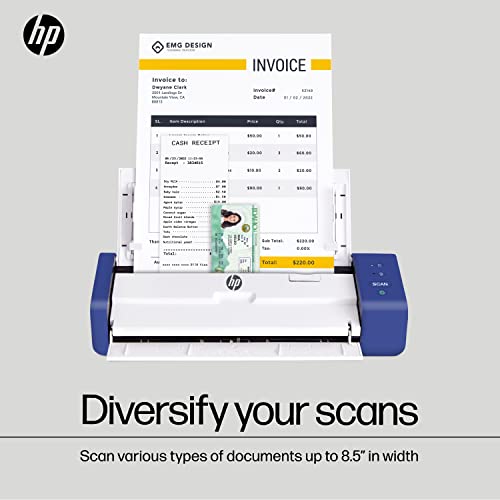


We also considered 10 others:





Our Top Choice
Compare Features


The order above is not editorial opinion, and it is not paid placement. It comes from what shoppers across our network actually do - which portable photo scanners they compare, and which they ultimately buy. We re-rank as new data comes in, so the long-term favorites have to keep earning their spot against new entrants. The full method, including how we make money.
Portable Photo Scanners Buyer's Guide
Portable photo scanners sit between two competing goals: moving boxes of family photos quickly and avoiding damage, skew, or mediocre color on originals you may not be able to replace. The sharpest checks are whether the scanner is truly photo-safe for your media type—loose prints, fragile curled photos, slides, or negatives—and whether its software can turn large batches into usable, corrected files without hours of manual cleanup.
Quality
Scan quality matters because it determines whether text stays sharp, fine details are preserved, and colors or grayscale tones look true to the original. Look for consistent clarity across the whole page, accurate color reproduction, and minimal artifacts like banding, blur, skew, or washed-out images—especially if you plan to archive photos, digitize records, or use OCR.
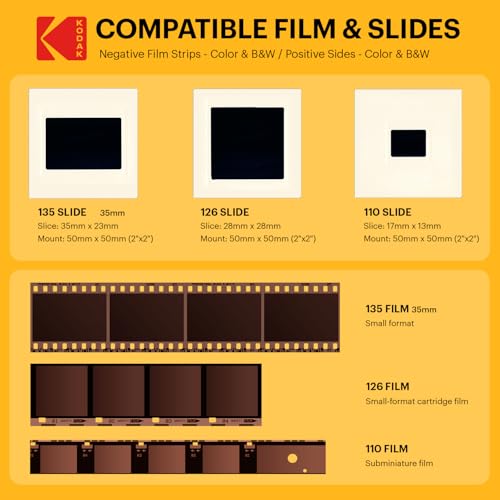
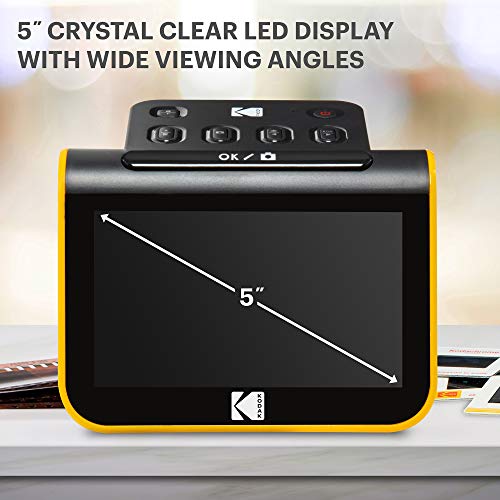
For photo archiving, prioritize true optical resolution, good color restoration, auto-crop/deskew, and gentle handling over headline DPI alone; avoid document-only portable feeders if you need faithful color, shadow detail, or safe handling of brittle prints. If you have slides or negatives, confirm the exact film formats supported rather than assuming any “photo scanner” handles film. Owner feedback supports this distinction: buyers often praise clear, dependable scans, high-resolution options, duplex capture, and automatic correction for old prints, and film-focused users report reliable results across common formats such as 35mm, 126, and 110. Simpler compact units are also well liked for everyday documents and journals, but those uses are less demanding than preserving family photos.
Speed
Scanning speed matters if you handle multi-page documents, frequent batches, or need scans ready without slowing down your work. Look for both pages-per-minute ratings and how quickly the scanner processes, saves, or sends files, since a fast capture speed can be undermined by slow software or file handling. Also check whether speed drops at higher resolutions, in color, or when using duplex scanning.
Match speed to the condition and volume of your archive: a sheet-fed batch photo scanner can turn thousands of standard, flat prints into a realistic weekend project, but delicate, curled, torn, mounted, or sticky photos may need slower flatbed-style handling to prevent jams or damage. Look for realistic photo-per-minute claims at the resolution you will actually use, plus fast previewing, batch naming, and automatic rotation so the saved files do not become the bottleneck. Owners strongly value models that make huge photo jobs dramatically faster, with some large archives finished in days instead of months, and they often compare batch workflows favorably against slow flatbed scanning. Portable single-sheet units are also seen as quick for documents and smaller batches, but they are not the same as a high-volume photo workflow.
Usability
You’ll want a scanner that’s simple to set up and easy to operate, especially if you scan often or share it with others. Look for clear installation steps, intuitive software, straightforward buttons or menus, and reliable connection options; watch out for confusing drivers, clunky scan settings, or workflows that take too many clicks for basic tasks.
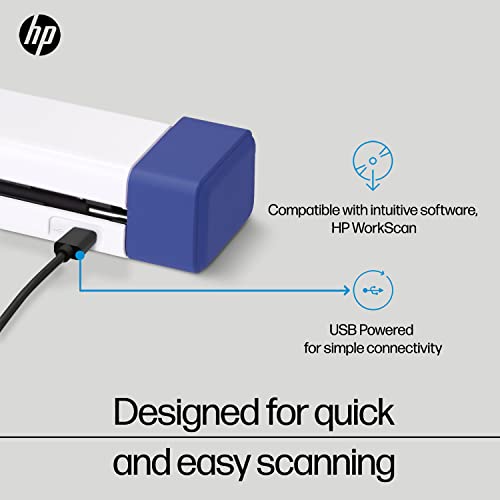
For this category, usability is less about having a simple scan button and more about whether the whole archiving workflow is easy: feeding mixed photo sizes, scanning backs with handwritten notes, choosing resolution, naming files by event or year, and correcting color without redoing every image. Check that the software works with your current operating system, supports the file types you want, and makes it obvious how to switch between prints, documents, slides, and negatives if applicable. Owner sentiment is generally favorable on setup and routine use, especially over USB, with many buyers describing quick driver installation, easy first scans, intuitive preview screens, one-button scanning, and straightforward software once installed. Batch-feeding software is especially appreciated when working with standard-thickness photo stacks.
Performance
You want a scanner that handles your usual documents cleanly and consistently, whether you’re digitizing text, photos, receipts, or mixed-size pages. Look for reliable detail, accurate color or grayscale reproduction, smooth paper feeding, and steady results across repeated scans. Watch out for models that slow down, skew pages, miss fine details, or require frequent rescans to get usable output.
Evaluate performance by how the scanner behaves after hundreds of originals, not just during the first few test scans: watch for skew, double-feeds, roller marks, jams, mis-crops, streaks, and whether the unit needs frequent cleaning or calibration. For fragile photos, a flatbed or overhead style may outperform a portable feeder because it avoids bending the original; for standard loose prints, a reliable batch feeder can be far more productive. Owners report strong results from heavy home digitizing projects, batch photo workflows, and flatbeds that can separate multiple smaller photos placed on the glass. The main caution is reliability variation: some units run smoothly, while others jam, skew pages, or even damage documents during multi-page scanning.
Value
A scanner’s value for money depends on whether its image quality, speed, reliability, and features match what you actually need. Look for durable build quality, useful software, suitable resolution, and document-handling features that justify the cost, and be cautious of paying extra for capabilities you won’t use or choosing a cheaper option that creates frustration over time.
Judge value by the size and irreplaceability of the archive: paying more can make sense if you have thousands of standard prints and would otherwise pay a scanning service, but a budget portable unit may be enough for occasional photos, letters, recipes, and documents. Do not overbuy a fast feeder if most of your collection is fragile, oversized, curled, or film-based; in that case, safer handling or format support is worth more than raw speed. Owners commonly see home photo scanners as a strong value for digitizing photos and records themselves, especially for large family archives, casual negative or slide preservation, and everyday household scanning. Higher-cost batch units can cause hesitation, but buyers often feel they are justified when the workload is thousands of family photos.
Features
The right features determine whether a scanner fits the materials you actually need to digitize, from double-sided documents and receipts to slides, photos, or diagnostic records. Look for modes that match your routine, such as duplex scanning for multi-page paperwork or dedicated receipt handling for expenses, and watch out for extras that sound impressive but do not support your common document types or workflow.
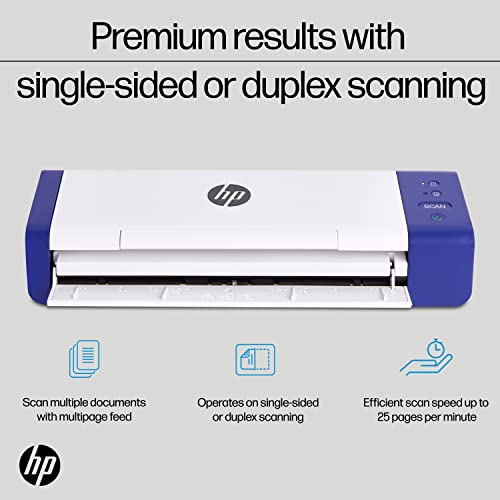
The most important features are the ones that prevent rework: exact media-format support, photo-safe feeding or a carrier-sheet option, duplex scanning for notes on photo backs, auto-crop and deskew, color restoration, dust/scratch correction where available, batch file naming, and easy export to common image formats. Be cautious with “all-in-one” claims: film holders may support only certain negative or slide sizes, very high-resolution modes may slow the process dramatically, and multi-page PDFs or maximum-DPI scans may require specific settings. Owner feedback backs up the need to check features carefully: users like broad support for common slide and negative formats, fast large-batch digitizing, and capable single-sheet scanning, but reliability issues such as scan lines, fading, blank scans, black pages, streaks, jams, and failures after limited use are recurring watch-outs. Buyers also note that quick digitizers can produce pleasing family-memory images while still needing brightness or color tweaks rather than delivering professional-grade scans automatically.
1,000,000+ shoppers use Buyer's Guide every week to find the best products and services online.

Helping millions of users make smarter purchases online.


