




















We also considered 10 others:





Our Top Choice
Compare Features


The order above is not editorial opinion, and it is not paid placement. It comes from what shoppers across our network actually do - which laptops for music production they compare, and which they ultimately buy. We re-rank as new data comes in, so the long-term favorites have to keep earning their spot against new entrants. The full method, including how we make money.
Laptops For Music Production Buyer's Guide
Music-production laptops are a balancing act between real-time audio stability and portable power: a machine that feels fast for school or browsing can still crackle, lag, or choke when a DAW is running low buffer sizes with virtual instruments. Prioritize audio-interface compatibility, sustained CPU performance, quiet cooling, enough RAM/SSD headroom, and a screen/port layout that fits actual session work rather than generic everyday specs.
Build
Build quality affects how long your laptop feels dependable, how well it holds up to daily carrying, and whether it feels solid every time you open the lid or type. Look for sturdy materials, tight seams, a firm hinge, minimal keyboard or chassis flex, and a clean finish on arrival; watch out for loose parts, uneven gaps, creaking panels, cosmetic damage, or anything that suggests poor durability or quality control.
For music production, look for a rigid chassis, reliable hinges, quiet thermals, and enough physical ports for an audio interface, MIDI controller, external drive, and possibly a hub without creating a fragile studio setup. Avoid ultra-cheap builds with loose charging ports, weak USB fit, flexy decks, or loud fans near microphones, because those failures matter more in recording than in casual use. Owner feedback supports that better-built laptops tend to feel premium, polished, and dependable, with some larger-screen and high-performance models described as high-quality machines; however, many everyday-value machines are praised mainly for basic work or school, so their build quality should be checked carefully before relying on them for sessions.
Performance
Performance determines how quickly your laptop opens apps, switches between tasks, handles demanding work, and stays responsive in daily use. Look for enough processing power, memory, graphics capability, and storage for what you actually do, and pay attention to cooling and thermals because a powerful laptop that runs hot can slow down, get noisy, or feel uncomfortable over time.
For DAW work, prioritize sustained CPU performance over bursty benchmark speed: high single-core performance helps low-latency recording, while more cores help large mixes, software instruments, and offline bounces. Choose at least 16 GB of RAM for serious production, more if you use orchestral libraries or heavy sample instruments, and prefer fast SSD storage with room for project files and sample libraries; avoid underpowered student-style machines and browser-first operating systems if your DAW, plugins, interface drivers, or copy-protection tools require full desktop software support. Owners often report that stronger modern chips and gaming-class laptops feel fast with demanding creative apps or demanding games, while everyday laptops are praised for school, basic work, and light use—use that distinction as a warning that “fast” in reviews may not mean stable under multitrack audio, plugins, and low buffer settings.
Battery
Battery life determines how confidently you can work, stream, or study away from an outlet, so look for runtime that matches your typical day rather than just the biggest advertised number. Watch for real-world factors that drain a laptop faster, such as a bright high-resolution screen, heavy apps, gaming, video calls, or lots of background tasks, and consider charging speed and charger size if you travel often.
For mobile recording or producing away from an outlet, check not just claimed battery life but how long the laptop lasts while running a DAW, audio interface, virtual instruments, and screen brightness high enough for editing. Be cautious with laptops that drain quickly, require staying plugged in, have loose charger connections, or ship with chargers that run hot, because power instability can interrupt recording or cause performance throttling mid-session. Owner sentiment backs this split: some laptops are praised for all-day portable use and lasting through work or school days, while others draw complaints about fast battery drain, unreliable charging, loose connections, or mixed charging quality.
Value
Value matters because a laptop can look affordable up front but cost you more in compromises like weak performance, limited storage, poor battery life, or build quality that does not hold up. Look for the best balance of speed, screen quality, battery life, ports, and durability for how you actually work or study, and be wary of paying extra for features you will not use.
For this category, good value means spending on the parts that prevent session failure: CPU headroom, 16–32 GB RAM, fast SSD storage, quiet cooling, usable ports, and confirmed compatibility with your DAW, plugins, and audio interface. Do not judge value by everyday computing capability alone; a low-cost laptop that handles streaming, writing, or coursework may become expensive if you need external hubs, storage upgrades, driver workarounds, or an early replacement when projects grow. Owner feedback shows many buyers feel everyday and student-oriented laptops deliver strong value for basic needs, and some performance-focused models are seen as capable for the cost, but music producers should translate that value through audio-specific requirements rather than general satisfaction.
Usability
A laptop should feel effortless from setup through daily use, with intuitive controls, reliable touch or trackpad response, and a keyboard you can type on comfortably for long stretches. Look for a layout and functionality that match how you work—whether that means touchscreen versatility, easy shortcuts, or simple settings—and watch out for cramped keys, inconsistent touch sensitivity, or features that add complexity without improving everyday use.
For music production usability, verify the operating system supports your DAW, plugin formats, audio-interface drivers, MIDI devices, and license managers before buying. Look for a comfortable keyboard for shortcuts, a precise trackpad, quick wake behavior, stable USB/Thunderbolt connections, and minimal preinstalled background software that can steal CPU cycles or cause audio glitches; avoid systems centered on browser-only workflows if your production tools require full desktop apps. Owners commonly praise simple setup, intuitive daily use, quick booting, and easy connection to devices, but those comments often come from school, writing, media, and basic multitasking use, so they should be treated as a starting point rather than proof of DAW readiness.
Display
Your laptop’s display affects how comfortable it is to read, work, watch, and create, so look for a screen size and resolution that fit both your tasks and how portable you need the laptop to be. Pay attention to brightness, color quality, viewing angles, and glare control, because a sharp screen can still feel frustrating if it looks dim, washed out, or hard to see in your usual environment.
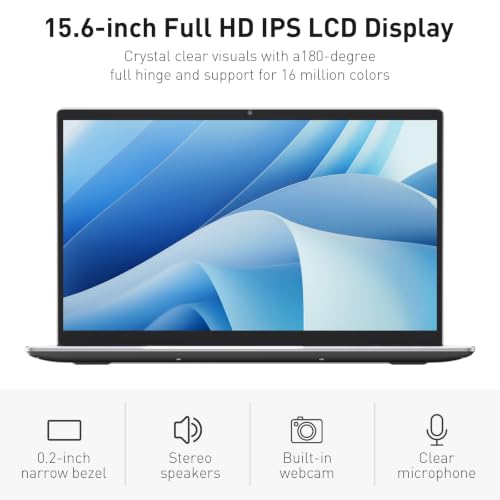
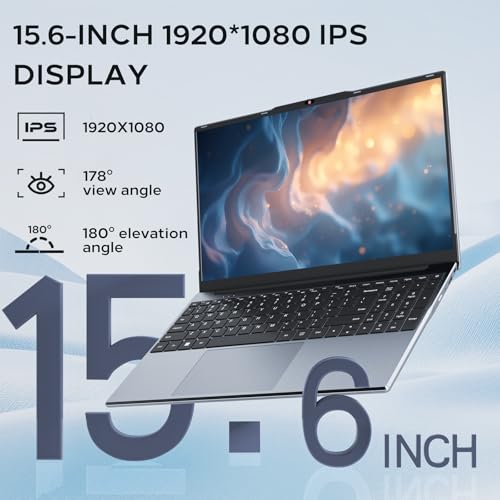
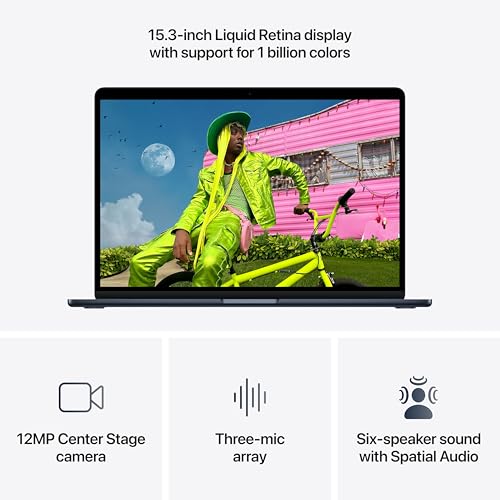
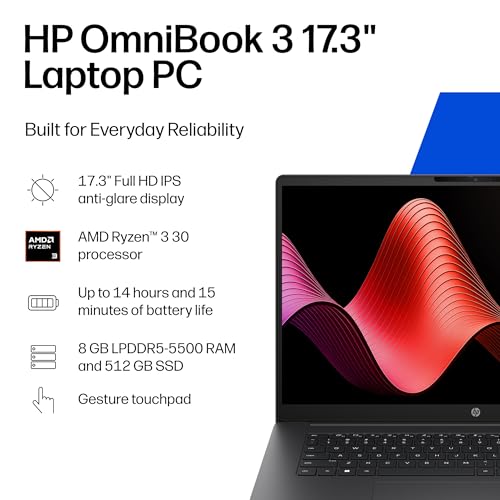
For DAW sessions, choose a display that gives enough timeline and mixer space: a 15-inch or larger screen, high resolution, clear scaling, and good brightness make arranging, editing automation, and managing plugin windows much easier. If you travel often, a smaller screen can work, but plan for an external monitor at home; avoid cramped low-resolution panels if you mix large projects or use plugins with dense interfaces. Owner feedback supports the importance of the screen: buyers praise bright, sharp, clear displays, smooth high-refresh panels, and large screens for work, while smaller 14-inch form factors receive more mixed reactions—an especially relevant tradeoff when your workspace is a multitrack DAW rather than a browser window.
1,000,000+ shoppers use Buyer's Guide every week to find the best products and services online.

Helping millions of users make smarter purchases online.


