












We also considered 10 others:


Our Top Choice
Compare Features


The order above is not editorial opinion, and it is not paid placement. It comes from what shoppers across our network actually do - which gaming tablets they compare, and which they ultimately buy. We re-rank as new data comes in, so the long-term favorites have to keep earning their spot against new entrants. The full method, including how we make money.
Gaming Tablets Buyer's Guide
Gaming tablets are a tradeoff between console-like play on a bigger portable screen and the heat, battery drain, storage, and touch-response demands that games create. The biggest mistakes are buying a tablet that is only smooth for streaming, or choosing one with a nice display but weak sustained performance, limited game storage, or poor controller/cloud-gaming compatibility.
Battery
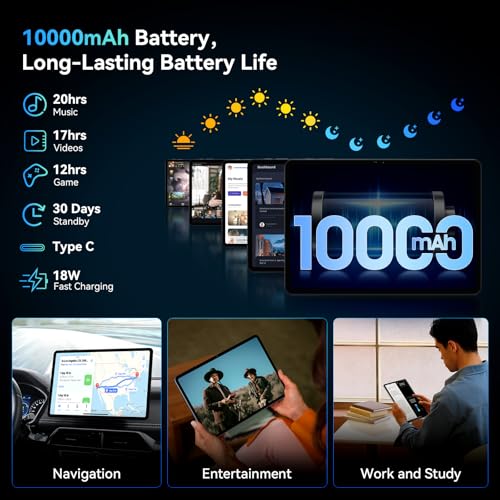
Battery life determines how long you can use a tablet for browsing, streaming, reading, gaming, or work before you need an outlet. Look for realistic runtime that matches your habits, and pay attention to charging speed and standby drain, since a tablet that lasts all day but takes a long time to recharge may still be inconvenient.
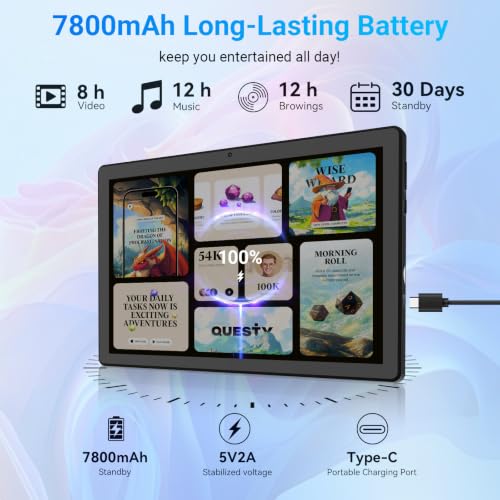
For gaming, judge battery by heavy-load endurance, not by reading or video claims: look for a large-capacity battery, efficient processor, fast charging, and good heat control, because 3D games, high brightness, cellular use, Bluetooth controllers, and voice chat can drain power far faster than streaming. Avoid models whose battery ratings are based only on light use, and check whether charging can keep up during long sessions without the tablet getting uncomfortably hot. Owner feedback is encouraging for everyday use: buyers often report dependable, long-lasting battery life for reading, browsing, streaming, entertainment, and staying connected, with some also praising charging speed and microSD storage flexibility.
Display
A tablet’s display shapes everything from reading and browsing to drawing, gaming, and watching movies, so strong picture quality can make daily use feel sharper and more comfortable. Look for a screen with crisp detail, accurate color quality, good brightness, and wide viewing angles, and watch out for displays that look washed out, overly reflective, or hard to see in bright light.
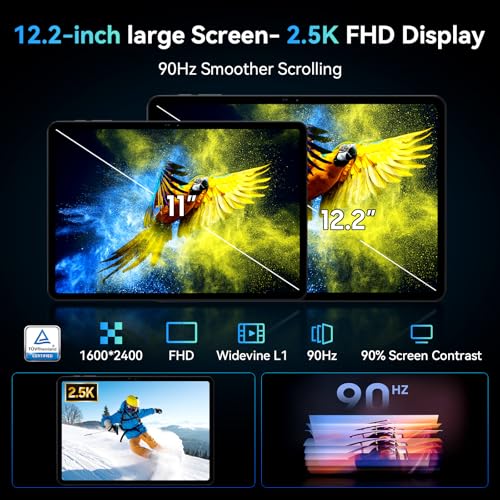
For a gaming tablet, prioritize a display that stays clear in motion: look for a bright 10- to 12-inch panel, good resolution, wide viewing angles, responsive touch input, and ideally a higher refresh rate if you play shooters, racing games, rhythm games, or cloud titles. Avoid choosing solely by screen size; a large but dim, low-refresh, or laggy-touch display can make games feel worse even if movies look fine. Owner sentiment supports the media side of the equation, with buyers praising an 11-inch screen as bright, clear, and especially good for streaming, reading, and general viewing.
Performance
You want a tablet that feels responsive when opening apps, switching between tasks, browsing, streaming, or playing games, so performance directly affects how pleasant it is to use every day. Look for enough processing power and memory for the way you use it, and watch out for lower-end tablets that may handle simple tasks fine but slow down with multitasking, demanding apps, or long-term updates.
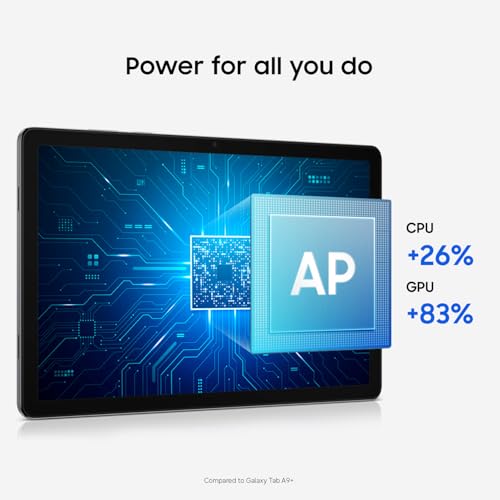
Gaming performance should be checked by chipset/GPU, RAM, thermal throttling, storage speed, and the specific games you play, not just by whether the tablet feels fast in email or web browsing. For native games, look for enough RAM to keep games open, a modern processor, and reviews showing stable frame rates after 20 to 30 minutes; for cloud gaming, also check Wi-Fi quality, Bluetooth controller support, and low input lag. Be cautious if feedback only mentions light games or general app smoothness. Owner reports are broadly positive for everyday responsiveness, with buyers describing smooth browsing, streaming, app switching, video playback, daily apps, and some games, including light titles, with little complaint about lag or crashes.
Value
A tablet with strong value gives you the features, performance, display quality, battery life, and accessory support you’ll actually use without making you pay for extras that don’t matter to you. Look for a balanced experience at the price: smooth everyday performance, enough storage, reliable software support, and the right screen size and quality for your needs. Watch out for cheap tablets that feel slow or limited quickly, as well as premium options that cost more mainly for features you may never use.
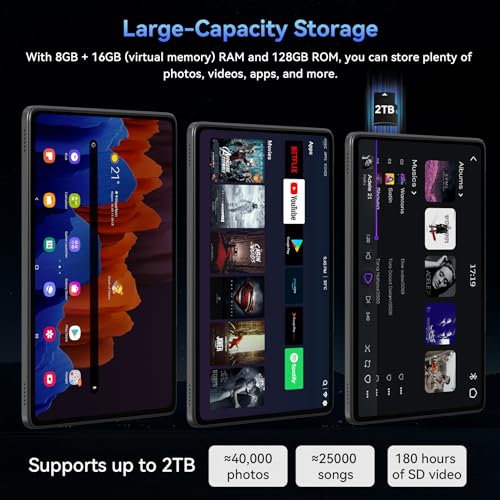
Value in a gaming tablet means the whole play setup is covered: adequate performance headroom, expandable or generous storage for large game installs, a display you actually want to play on, reliable battery life, and accessory compatibility for controllers, cases, stands, headphones, or a stylus if needed. Included extras can be useful, but do not let a bundled case or impressive spec list distract from weak graphics performance, limited update support, poor thermals, or too little storage for modern games. Owner sentiment suggests many shoppers feel budget tablets can exceed expectations, citing solid build quality, useful extras, capable everyday specs, storage flexibility, and strong price-to-performance value for general use.
1,000,000+ shoppers use Buyer's Guide every week to find the best products and services online.

Helping millions of users make smarter purchases online.


