



















We also considered 10 others:


Our Top Choice
Compare Features


The order above is not editorial opinion, and it is not paid placement. It comes from what shoppers across our network actually do - which tablets they compare, and which they ultimately buy. We re-rank as new data comes in, so the long-term favorites have to keep earning their spot against new entrants. The full method, including how we make money.
Tablets Buyer's Guide
Buying a tablet is a tradeoff between portable entertainment, laptop-like usefulness, and how long the device will stay pleasant to use after apps, updates, and accessories are added. The sharpest checks are whether the screen is crisp enough for reading at the size you want, whether the processor and memory can handle your actual apps, and whether battery claims hold up for travel, classes, kids, or couch streaming.
Battery
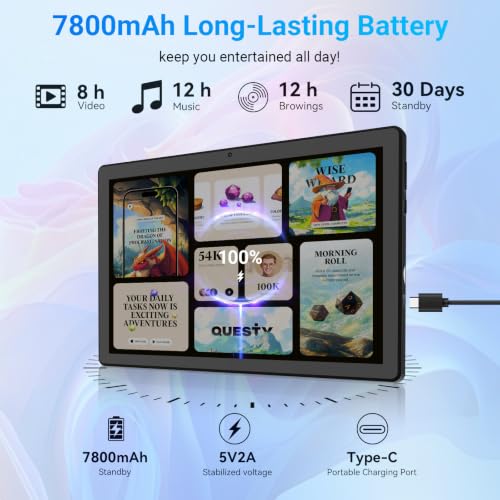
Battery life determines how long you can use a tablet for browsing, streaming, reading, gaming, or work before you need an outlet. Look for realistic runtime that matches your habits, and pay attention to charging speed and standby drain, since a tablet that lasts all day but takes a long time to recharge may still be inconvenient.
For tablets, judge battery by your heaviest real use case: streaming video, gaming, video calls, navigation, note-taking with a stylus, and high-brightness outdoor use drain far faster than reading or light browsing. Look for strong standby life if the tablet will sit in a bag between uses, USB-C charging convenience, and enough runtime for a full travel day or school day; avoid models where owners report both sluggishness and short battery life if you expect long sessions away from an outlet. Owner feedback supports battery as a frequent strength, with many buyers saying a charge lasts comfortably through regular use, sometimes multiple days, and much longer for reading when brightness and wireless settings are managed, though limited battery life remains a watch-out on some slower-feeling options.
Display
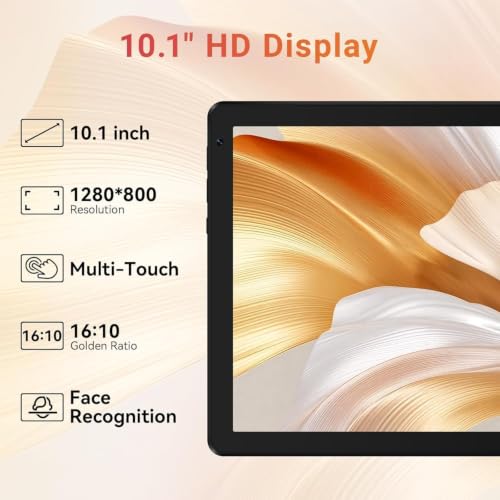
A tablet’s display shapes everything from reading and browsing to drawing, gaming, and watching movies, so strong picture quality can make daily use feel sharper and more comfortable. Look for a screen with crisp detail, accurate color quality, good brightness, and wide viewing angles, and watch out for displays that look washed out, overly reflective, or hard to see in bright light.
For a tablet, do not buy on screen size alone: check resolution and pixel density for text, brightness for daylight or kitchen use, glare control, color quality for streaming, and aspect ratio for movies versus documents. If you read books, PDFs, comics, or sheet music, avoid low-resolution panels on larger tablets because text can look soft even when the screen is otherwise usable; if you mainly stream, prioritize a bright, clear panel with good color and viewing angles. Owner sentiment lines up with this split: larger tablet displays are often praised as bright, clear, and strong for streaming, reading, and general media, but some readers still notice that text is less crisp than on a dedicated reading screen.
Performance
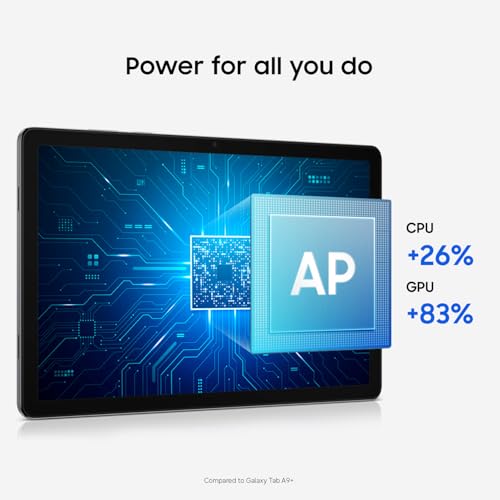
You want a tablet that feels responsive when opening apps, switching between tasks, browsing, streaming, or playing games, so performance directly affects how pleasant it is to use every day. Look for enough processing power and memory for the way you use it, and watch out for lower-end tablets that may handle simple tasks fine but slow down with multitasking, demanding apps, or long-term updates.
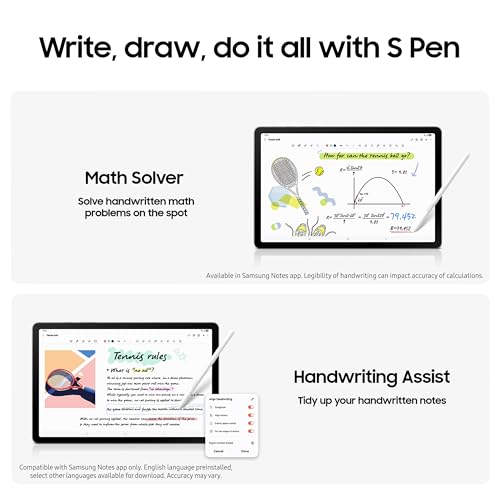
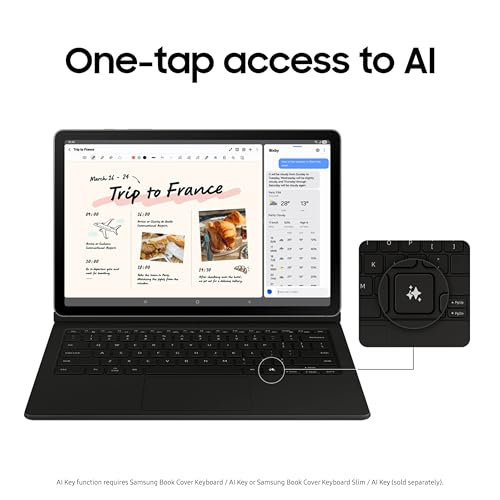
Match tablet performance to the apps you will actually run: light browsing and video need far less power than split-screen multitasking, cloud gaming, drawing apps, music production, large PDFs, or kids’ games that update frequently. Look for enough memory for app switching, a current processor for several years of updates, adequate storage for offline video and games, and accessory compatibility if you plan to use a keyboard, stylus, controller, or external drive; avoid underpowered tablets if you are impatient with menu lag or page delays. Owner reports generally say everyday performance is smooth for browsing, streaming, travel, light productivity, app switching, casual games, and even some creative apps, while the main negative pattern is that slower response becomes frustrating for shoppers expecting quick, extended use.
Value
A tablet with strong value gives you the features, performance, display quality, battery life, and accessory support you’ll actually use without making you pay for extras that don’t matter to you. Look for a balanced experience at the price: smooth everyday performance, enough storage, reliable software support, and the right screen size and quality for your needs. Watch out for cheap tablets that feel slow or limited quickly, as well as premium options that cost more mainly for features you may never use.
Tablet value is the total usable package, not just the device: factor in storage upgrades, cases, keyboards, styluses, chargers, app-store limitations, warranty or renewed-condition risk, battery health, and how many years of software updates remain. A cheap tablet can be poor value if it lacks the apps, ports, screen quality, or speed you need, while an older or renewed model can be smart if it still has strong performance, dependable battery life, and accessory support; included essentials like a case or pen can materially change the equation. Owner sentiment strongly supports value as a major reason buyers choose tablets in this category, with many feeling they received capable everyday performance for a reasonable cost, especially for secondary, entry-level, or renewed devices, though small limitations should still be weighed against your intended use.
2,800+ shoppers have used Buyer's Guide in the last week to help find the best Tablets.

Helping millions of users make smarter purchases online.


