









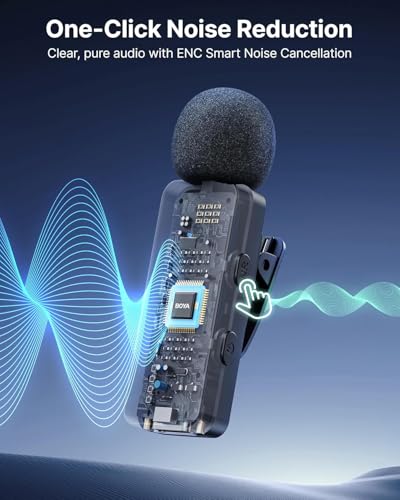





We also considered 10 others:


Our Top Choice
The order above is not editorial opinion, and it is not paid placement. It comes from what shoppers across our network actually do - which clip-on wireless microphones they compare, and which they ultimately buy. We re-rank as new data comes in, so the long-term favorites have to keep earning their spot against new entrants. The full method, including how we make money.
Clip-On Wireless Microphones Buyer's Guide
Clip-on wireless microphones trade studio-style control for mobility: the mic has to sound clear while clipped to clothing, stay connected to a phone or camera, and survive real sessions without constant fiddling. The sharpest buying concerns are device compatibility, speech clarity without distortion, and battery reliability across the transmitter and receiver.
Voice Clarity
Clip-on wireless microphones live or die by how naturally they capture speech at a wearable distance. A good unit should make voices intelligible without harshness, hiss, clipping, or the hollow sound that makes edits and livestreams feel amateur.
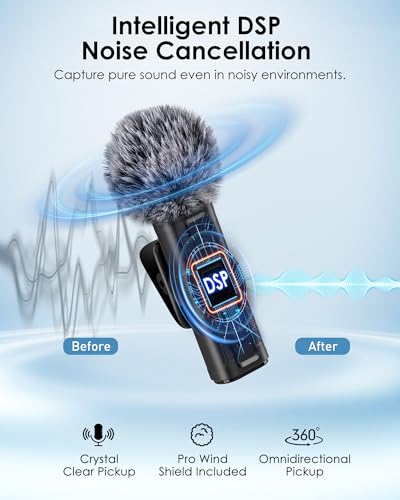
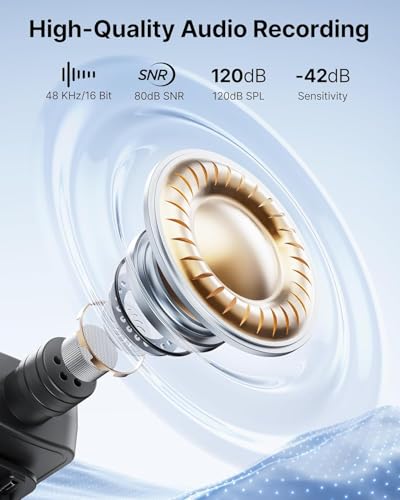
Look for a speech-focused capsule, clean gain handling, a foam windscreen or furry wind muff, and either manual gain control or well-behaved automatic gain that does not pump background noise. Avoid mics that are merely loud but clip on excited speech, distort in reflective rooms, or over-process voices with aggressive noise reduction; for interviews, classes, and social video, intelligibility matters more than boosted bass. Owner feedback strongly supports prioritizing this: buyers repeatedly describe good units as loud, clear, crisp, and not distorted in classrooms, larger rooms, videos, livestreams, interviews, and social content.
Phone Fit
Wireless clip-on mics must match the device and app you actually record with. Connection type, pairing behavior, and latency determine whether the mic is convenient or whether it silently records from the wrong input.
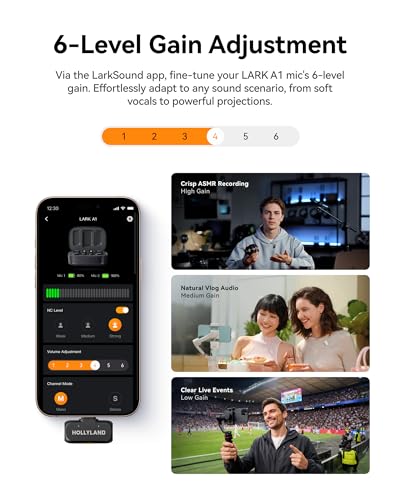
Choose the receiver format for your workflow: USB-C for many current phones and tablets, Lightning for older iPhones, 3.5 mm TRRS for some cameras or laptops, or the right adapter chain if you switch devices. For video recording, a dedicated receiver-based wireless system is usually safer than generic Bluetooth because Bluetooth can add latency or be unsupported by some camera apps; check that the mic is recognized as the audio input before a shoot. Owner sentiment points in the same direction: stable wireless connection, quick pairing, Bluetooth mobility, and phone-based recording performance were called out as major strengths when they worked well.
Battery Runtime
A wireless mic depends on small batteries in both the transmitter and often the receiver. Runtime claims matter less than whether the system lasts through a real class, event, interview, or recording day without surprise shutdowns.
Check runtime for each transmitter, the receiver, and the charging case separately, and favor USB-C charging, clear battery indicators, and the ability to top up between takes. For teaching, guiding, weddings, field interviews, or livestreams, avoid systems with vague battery specs, no low-battery warning, or a receiver that drains the phone quickly; a dead receiver can ruin audio even if the clipped mic still has power. Owners generally praised battery life for regular use, including all-day teaching or events, but the sentiment is not perfectly uniform: battery life was also described as more uneven than the core audio experience, with some charging concerns appearing in broader feedback.
Clip Comfort
A lavalier-style wireless mic has to stay put while the wearer talks, turns, gestures, or walks. Size, clip strength, control placement, and clothing noise can affect the final audio as much as the electronics.
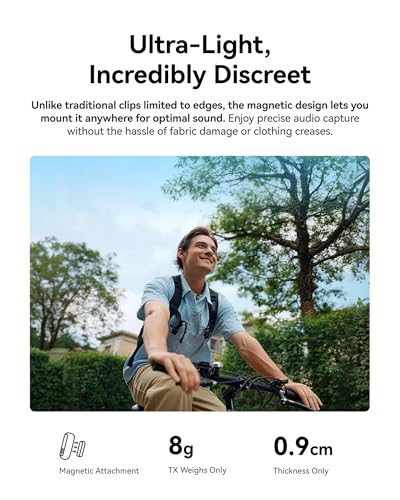
Look for a light transmitter, a firm clip or magnetic mount, secure windscreen attachment, and tactile mute or gain controls that cannot be bumped accidentally. Avoid bulky packs that pull on thin collars, clips that rotate toward the floor, bright status lights that distract on camera, or designs that rub against jackets and create clothing rustle. Owner feedback backs this up: compact, lightweight designs and simple controls were praised because they were easy to clip on, carry, and start using without much setup.
Easy Workflow
The best clip-on wireless mic should disappear into the recording process rather than becoming a separate technical task. Fast setup is especially important for solo creators, teachers, presenters, and interviewers who cannot troubleshoot audio while working.
Favor true plug-and-play operation, class-compliant receivers, automatic pairing between transmitter and receiver, and visible confirmation that the phone or camera is using the external mic. If you record in multiple apps, test the native camera, social apps, livestream software, and meeting tools; some systems connect successfully but are not selected by every app. Owner reports strongly support this dimension: quick connection, easy phone use, stable pairing, and reliable daily use for teaching, meetings, guiding, presentations, and phone-based recording were recurring positives.
Kit Value
A good buy in this category is not just the smallest mic or the longest feature list. The right kit should include the channels, adapters, wind protection, and charging tools needed for the way you actually record.
Match the kit to the job: one transmitter is enough for solo talking-head videos, while interviews usually need two transmitters and preferably separate left/right or safety-track recording. Look for useful included accessories such as windscreens, a storage case, charging case, adapter compatibility, and spare clips; avoid paying for features you will not use while missing basics that prevent wind noise, dead batteries, or device incompatibility. Owners frequently felt strong value when the mic performed better than expected, especially where effectiveness, compactness, and overall quality aligned with real use.
1,000,000+ shoppers use Buyer's Guide every week to find the best products and services online.

Helping millions of users make smarter purchases online.


