













We also considered 10 others:


Our Top Choice
Compare Features


The order above is not editorial opinion, and it is not paid placement. It comes from what shoppers across our network actually do - which car navigators they compare, and which they ultimately buy. We re-rank as new data comes in, so the long-term favorites have to keep earning their spot against new entrants. The full method, including how we make money.
Car Navigators Buyer's Guide
Car navigators for this niche are less about replacing the whole dashboard and more about adding modern phone-based navigation, calls, music, and camera support without invasive installation. The key tradeoff is choosing a screen that is large and clear enough to use safely at a glance, while keeping wireless pairing, mounting, and power simple enough for an older vehicle.
Phone Integration
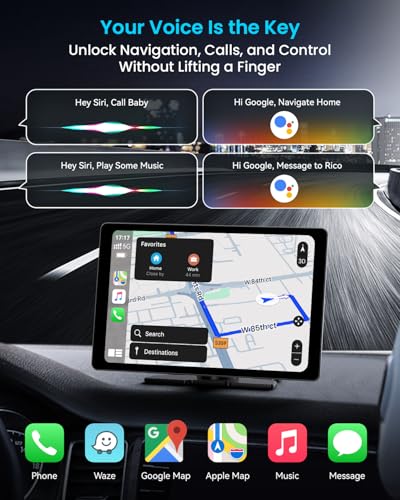
Most shoppers in this category are buying the screen as an extension of their phone, not as a standalone GPS. Strong phone integration keeps navigation, calling, music, and messaging in one familiar interface, while weak pairing turns every drive into troubleshooting.
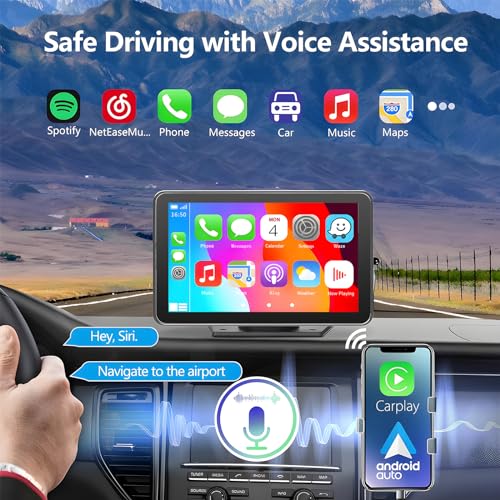
Prioritize units that explicitly support both wireless CarPlay and Android Auto if different drivers may use different phones, and look for fast auto-reconnect after starting the car. For an add-on navigator, the failure mode to avoid is a screen that technically pairs but drops audio, delays map updates, or requires repeated manual connection before every drive. Owners strongly favor models where wireless CarPlay and Android Auto feel quick and stable for maps, music, messages, and hands-free calls, and they especially value plug-in upgrades that make older vehicles feel modern without intimidating setup.
Display Clarity
A car navigator has to be readable in changing light, vibration, and imperfect viewing angles. If the display is dim, cluttered, or slow to respond, drivers spend more time looking away from the road.
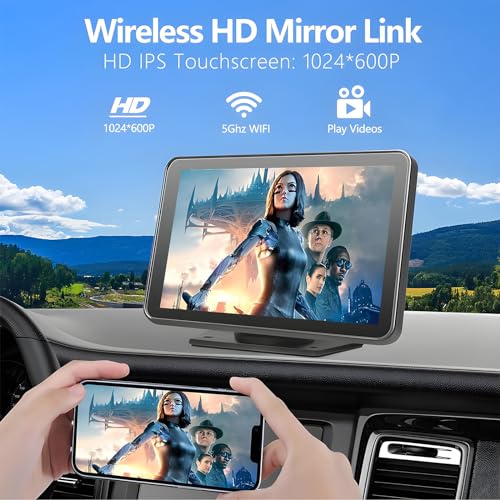
Choose a display large enough to read maps, lane prompts, and call controls with a quick glance, but not so large that it blocks windshield visibility or crowds the dash. Brightness, anti-glare performance, viewing angle, and responsive touch matter more in a moving car than raw screen size alone; laggy touch or dim maps can become distracting. Owner feedback repeatedly highlights large 9-inch and 11-inch screens that are bright, clear, smooth, and responsive, with bigger displays praised when they still look slim instead of bulky.
Easy Install
Many buyers choose this category because they want modern navigation without a full stereo replacement. A good unit should fit the vehicle, power up easily, and stay secure through daily driving without creating new safety or wiring problems.
For older cars, look for a true plug-and-play setup that can run from vehicle power and mount securely without cutting panels, replacing the factory head unit, or routing complex wiring unless you specifically want a permanent install. Check that the mount suits your dashboard or windshield shape, that cables can be managed safely away from pedals and controls, and that the screen will not interfere with airbags or sightlines. Sentiment strongly favors add-on screens that modernize a car without tearing apart the dashboard, with buyers calling quick setup and simple plug-in use a major reason these units work well.
Camera Kit
Many add-on car navigators double as visibility and recording hubs. Camera support can add real utility, but only when the installation, image quality, and switching behavior match how the vehicle is used.
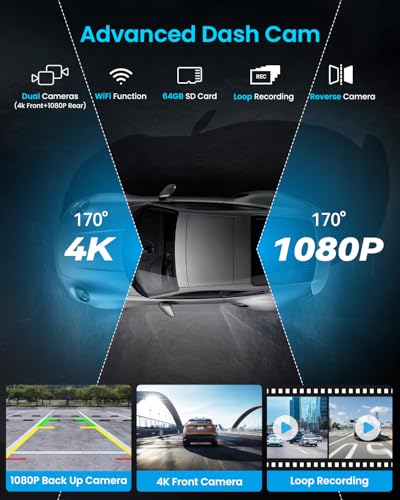
If you want more than navigation, look for a kit that includes a front dash camera and a rear backup camera, but verify how the rear camera mounts, powers, and triggers when reversing. Camera quality should be good enough to identify obstacles and road context, not just advertise a feature; poor placement, weak night visibility, or awkward wiring can make the camera system less useful. Owners respond positively when front and rear cameras make the navigator feel like a complete upgrade rather than just a display, especially when the added functions do not complicate everyday use.
Drive Reliability
Navigation gear is only useful if it behaves predictably every time the car starts. Even small glitches become frustrating because they happen while driving, when attention and patience are limited.
Look beyond the feature list and favor units known for stable wireless connections, quick wake-up, low input lag, and consistent performance over longer drives. The biggest real-world failure modes are frozen maps, dropped phone connections, delayed touch response, or audio handoff problems right when directions or calls matter. Owner sentiment is somewhat mixed on reliability compared with other strengths, but many still report steady connections and lag-free use, so this is an area where careful shoppers should weigh consistency heavily.
Upgrade Value
The best value in this category comes from a balanced upgrade, not just a low-cost screen. A navigator earns its place when it improves daily driving without requiring a costly dashboard overhaul or constant compromises.
Judge value by whether the unit genuinely replaces several missing modern-car features: phone navigation, hands-free calls, music control, a readable touchscreen, and possibly camera support. Avoid choosing solely by the longest feature list if the mount, screen, touch response, or connectivity are weak, because those are the parts you interact with every drive. Owners often describe these navigators as a cost-effective way to modernize older vehicles, with overall quality feeling better than expected when the screen, connectivity, and included functions work together smoothly.
1,000,000+ shoppers use Buyer's Guide every week to find the best products and services online.

Helping millions of users make smarter purchases online.


