





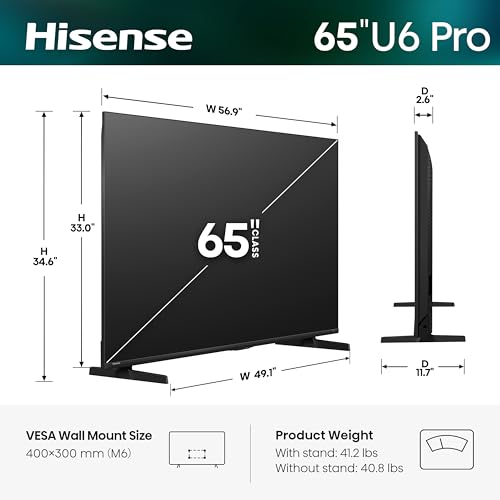


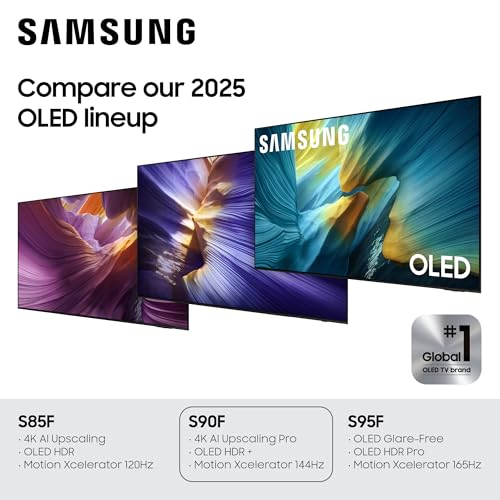


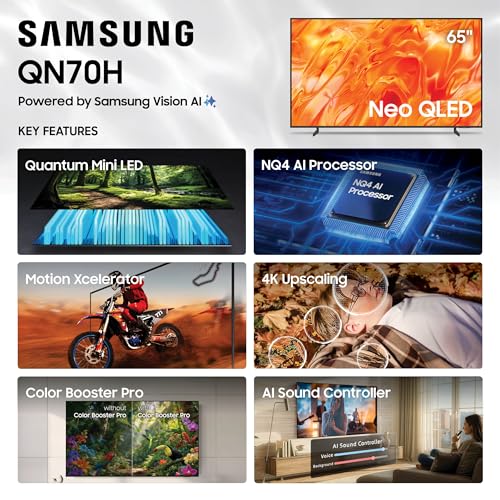


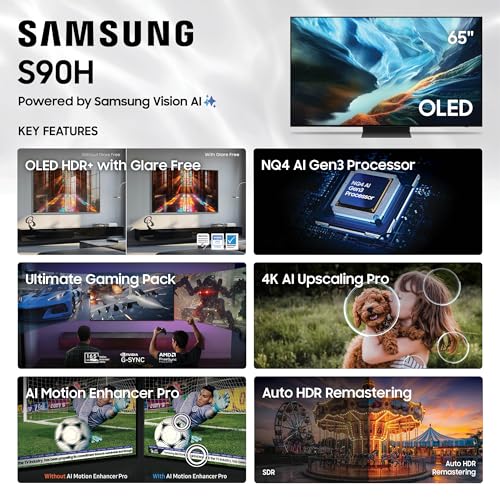


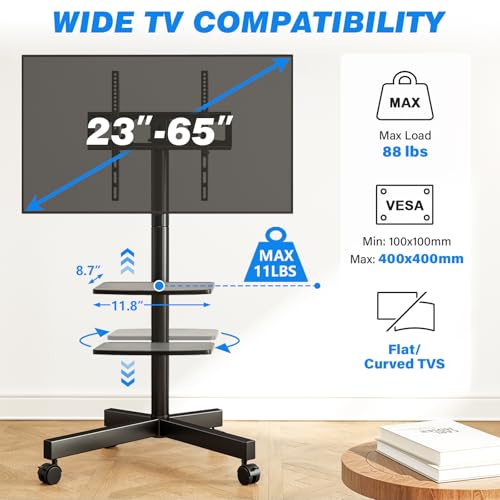
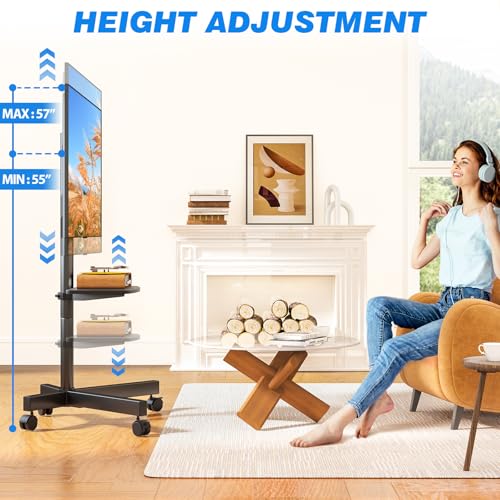


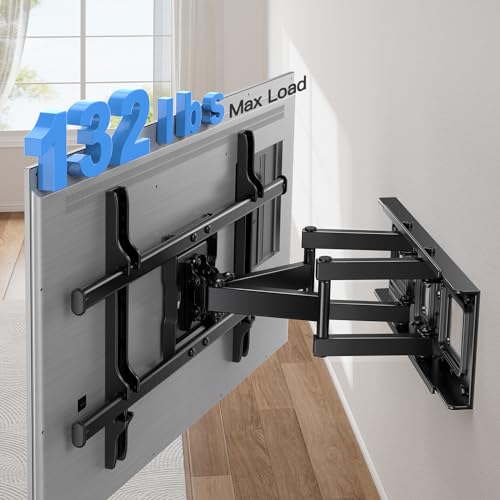

We also considered 9 others:


Our Top Choice
Compare Features


The order above is not editorial opinion, and it is not paid placement. It comes from what shoppers across our network actually do - which samsung 65-inch smart tvs they compare, and which they ultimately buy. We re-rank as new data comes in, so the long-term favorites have to keep earning their spot against new entrants. The full method, including how we make money.
Samsung 65-Inch Smart TVs Buyer's Guide
A 65-inch smart TV can feel cinematic, but it also magnifies the practical risks: room glare, panel choice, wall-mount fit, HDMI compatibility, and whether the set can be handled safely during delivery and installation. In this niche, the biggest buying mistake is choosing only by screen size instead of matching the panel, ports, and setup requirements to your room, gaming gear, sound system, and viewing habits.
Picture
Picture quality determines how clear, natural, and immersive everything looks, from dark movie scenes to bright sports broadcasts. You should look for a TV with accurate color, strong contrast, enough brightness for your room, and good motion handling, while watching out for sets that look vivid in a showroom but make skin tones, shadows, or fast action appear unnatural.
Choose the picture technology around your room first: for bright living rooms, prioritize high peak brightness, strong anti-reflection treatment, and wide viewing angles; for dark rooms, prioritize deep black levels, contrast control, and clean near-black detail. Sports and gaming shoppers should confirm a native high-refresh panel, low-lag game mode, VRR support, and enough full-bandwidth HDMI inputs for consoles or PCs; movie-focused buyers should also check which HDR formats are supported by the specific model. Owner feedback supports making picture the top priority: buyers repeatedly praise these 65-inch sets for crisp 4K detail, vivid color, deep blacks, strong HDR impact, smooth motion, and anti-glare performance that helps in bright rooms.
Quality
You want a smart TV that feels well built, runs consistently, and keeps delivering stable performance after the novelty wears off. Look for signs of solid construction, dependable software behavior, sturdy ports and stand hardware, and owner feedback about long-term reliability; watch out for reports of freezing, random restarts, loose panels, weak stands, or performance that degrades with regular use.
Inspect quality immediately during the return window: run solid-color and gray-screen tests for banding, dirty-screen effect, dead pixels, tinting, edge-light blooming, or OLED uniformity issues, and check that the TV powers on reliably from standby over several days. Because 65-inch panels are thin and flex-prone, also verify the stand footprint, VESA pattern, wall-mount weight rating, stud placement, and whether your console is wide and deep enough before unboxing. Supporting owner sentiment is generally positive, with many buyers saying the TV arrived as described, worked properly, looked sleek and premium, and felt like a major upgrade over older sets.
Controls
You’ll interact with a smart TV every time you turn it on, switch apps, adjust picture settings, or search for something to watch, so the controls can make a big difference in daily satisfaction. Look for a remote that feels intuitive, menus that are easy to navigate, and a system that responds quickly without lag; watch out for cluttered settings, buried options, or controls that make simple tasks feel slow.
Do not assume the included remote will suit every household: many 65-inch smart TVs use compact remotes with fewer dedicated buttons, so cable-box users, antenna viewers, older users, or anyone who wants direct input and number keys should confirm remote layout or plan for a compatible universal remote. Also check HDMI-CEC behavior with receivers, consoles, and streaming boxes, and make sure you are comfortable with voice-control, account-login, and privacy settings before relying on smart features. Owner comments reinforce this as a real watch-out: remote experiences are mixed, and some buyers specifically report frustration with the control experience, while power-on reliability problems are also mentioned.
Setup
Setup matters because a smart TV can be large, fragile, and awkward to position, especially if you plan to wall-mount it or connect multiple devices. Look for clear instructions, stable stand assembly, accessible ports, straightforward Wi-Fi and account sign-in, and a guided on-screen setup that helps you tune channels and configure picture, sound, and apps without guesswork. Watch out for TVs that require extra tools, uncommon mounting hardware, or two-person lifting beyond what your space and setup plan can handle.
Plan the physical setup before delivery: measure doorways, stair turns, elevator clearance, wall space, viewing distance, and furniture width, and have two adults handle the panel because a 65-inch screen can flex or crack if lifted incorrectly. Confirm mount hardware, bolt depth, cable routing, outlet placement, Wi-Fi strength, app account access, HDMI cable bandwidth, and ARC/eARC settings before the TV is on the wall, especially if connecting a receiver or soundbar. Owners often describe setup and Wi-Fi/app connection as easy and user-friendly, and some report smooth receiver or ARC connection, but they also note that large flexible panels require careful handling and that the picture may need a short settling or calibration period.
Sound
Sound quality affects how clear dialogue, music, and effects feel, especially when you’re watching movies, sports, or shows without extra speakers. Look for a TV that can get loud enough for your room without sounding harsh, thin, or distorted, and pay attention to whether voices remain easy to understand. If the built-in speakers seem weak or lack bass, plan on pairing the TV with a soundbar or external audio system.
Treat built-in sound as a convenience, not a guaranteed home-theater solution: for a 65-inch screen in a larger room, check dialogue clarity, bass expectations, eARC/ARC support, Dolby audio passthrough, optical output for older receivers, and whether the TV can control your soundbar volume reliably. If you wall-mount, consider that speaker direction and cabinet depth can change perceived clarity, so leave room in the budget and cable plan for external audio if movies, sports, or gaming are priorities. Owner sentiment is encouraging but not uniform: many buyers are surprised by clear built-in audio and smooth soundbar pairing through ARC, while others find sound reliability less consistent than picture quality.
Value
You want a smart TV that delivers strong picture quality, smooth performance, and useful streaming features without making you pay for extras you won’t use. Look for a balanced mix of display quality, app support, connectivity, and reliability at your budget level, and watch out for models that seem inexpensive but cut corners on brightness, processing speed, or long-term software support.
Judge value by the exact model’s panel type, refresh rate, HDMI count, HDR support, anti-glare performance, smart-platform stability, and warranty terms—not just by the 65-inch size. Also factor in the real ownership costs: wall mount, longer certified HDMI cables, soundbar or receiver needs, delivery, installation help, and a protection plan if the TV will see heavy gaming or long static-image use. Owners often feel the performance is worth it when picture quality, gaming features, smart setup, and current discounts align, but value drops quickly for shoppers who run into software frustrations such as unreliable casting or control issues.
1,000,000+ shoppers use Buyer's Guide every week to find the best products and services online.

Helping millions of users make smarter purchases online.


