

















We also considered 10 others:


Our Top Choice
The order above is not editorial opinion, and it is not paid placement. It comes from what shoppers across our network actually do - which 3d filaments they compare, and which they ultimately buy. We re-rank as new data comes in, so the long-term favorites have to keep earning their spot against new entrants. The full method, including how we make money.
3D Filaments Buyer's Guide
Buying 3D filament is a tradeoff between easy printing and the exact behavior your part needs: a shiny display model, a functional bracket, a flexible seal, or a multi-color gift all ask different things from the material. The biggest avoidable failures are poor feed reliability, setup mismatch, brittle filament, clogs, and finishes that do not match the photos or the project intent.
Material Fit
Filament only performs well when its material matches the printer hardware, slicer profile, and intended use. A spool that is easy on one machine can become frustrating if it needs a different temperature range, enclosure, bed surface, nozzle type, or feed path.
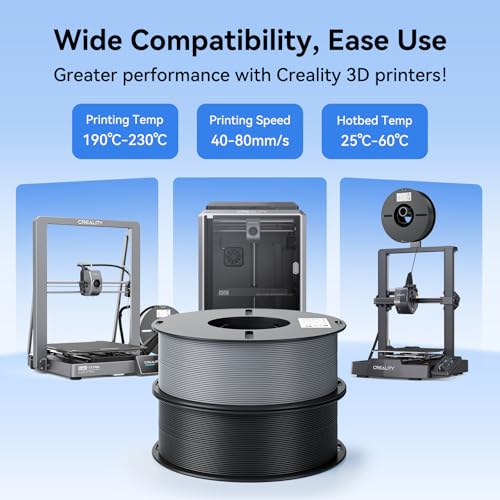
Start by matching the filament to the job and the printer: PLA-style materials are usually the easiest for decorative and general prints, while tougher, hotter, flexible, or abrasive materials need more deliberate checks for hotend temperature, bed adhesion, enclosure needs, and nozzle wear. Confirm the correct diameter, a usable temperature range for your hotend and bed, and whether the material works with your printer’s enclosed path, dry box, or multi-material system before buying a bundle. Owner feedback supports this: printability is praised when filament feeds smoothly, runs at standard PLA settings, and needs little tuning, but compatibility is setup-dependent, with some automated material systems needing adapters or extra preparation.
Feed Reliability
Most filament failures show up as feeding problems before they show up as bad-looking parts. Brittle, inconsistent, tangled, or poorly stored filament can snap, grind, under-extrude, or clog during a long print.
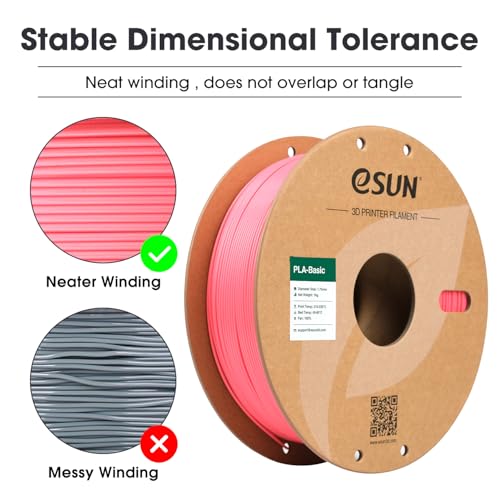
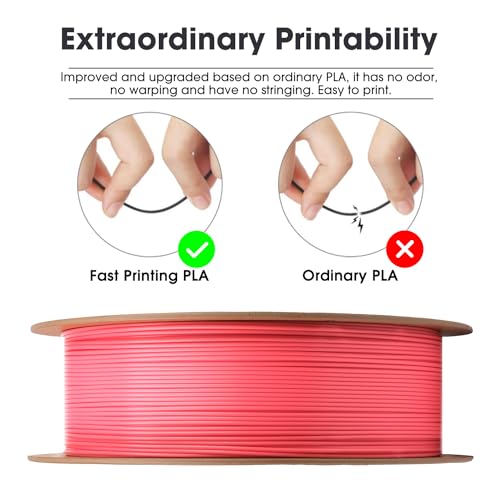
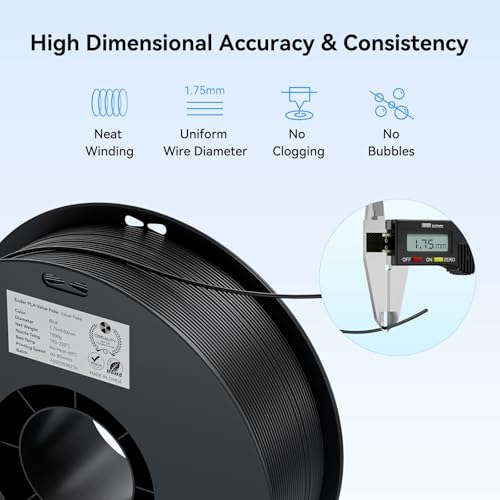
Look for filament that is dry, evenly wound, not cracked on the spool, and dimensionally consistent; avoid spools with visible kinks, sharp bends, loose tangles, or brittle ends that snap during loading. For long jobs, run a small test print first and make sure the extruder can pull the filament without clicking, grinding, or leaving dust. Owner reports make this the clearest watch-out: brittleness can cause broken pieces to feed poorly and clog the printer, and reliability varies by spool and setup, with some users seeing under-extrusion, jamming, or layer issues.
Color & Finish
Color is not just cosmetic in 3D printing; finish, translucency, sheen, and layer visibility all change how a model reads. Specialty finishes often need slower speeds or tuned temperatures to look their best.
For display pieces, choose finish deliberately: silk and metallic-style filaments can make layer lines look smoother and more reflective, but they often reward slower print speeds and careful cooling. For functional parts, consider whether a glossy or translucent look is worth any added tuning compared with a simpler matte or standard finish. Owner sentiment strongly favors shiny silk and metallic sheen for display prints, and vibrant or translucent color selections are a major draw for small projects and gifts; however, bicolor and specialty colors can be less vivid or differ from listing photos, so do not rely on photos alone for exact color matching.
Layer Bonding
A print can look good on the outside while still failing from weak layer adhesion. Good filament should melt consistently enough to form clean layers, stable walls, and predictable strength for the chosen material.
Check whether the filament is known for solid layer adhesion and smooth extrusion, then tune temperature, cooling, and speed for the part: too cool can weaken layers, too hot can cause stringing or soft details, and too fast can reduce bonding on glossy or specialty materials. For structural prints, prioritize consistent extrusion and adhesion over unusual colors or effects. Owners praise dependable filament for consistent quality, solid layer adhesion, and smooth finished prints, while mixed reports note that some spools or setups can still produce layer issues.
Spool System
The spool is part of the printing system, not just packaging. Hub size, spool width, edge shape, winding, and material-system fit can decide whether filament rolls cleanly or drags, slips, or jams.
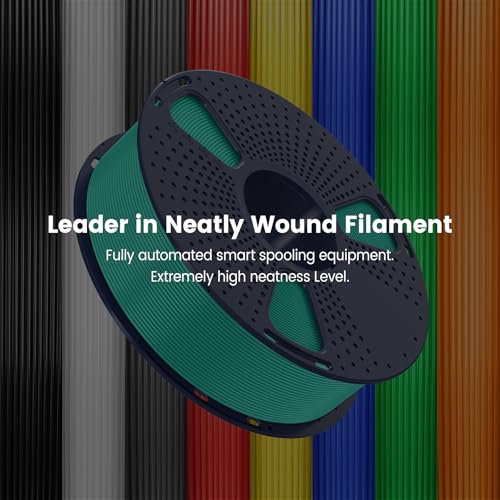
Before buying, verify the spool’s outer diameter, width, hub size, weight, and edge style against your printer holder, dry box, and any automatic filament changer. Multi-material systems are especially sensitive to spool fit and rolling resistance, so be ready for adapters, respooling, or a different holder if the spool is undersized, oversized, or shaped poorly. Owner feedback specifically notes setup-dependent compatibility, including cases where automated spool systems may need printed adapters or extra preparation, even when the filament itself prints well.
Project Value
The best filament buy is not always the largest roll. Small spools, bundles, and specialty colors can be ideal for prototypes, gifts, and occasional colors, while high-use materials benefit from larger, repeatable rolls.
Choose spool size by project volume: small multi-color spools are useful for signs, toys, samples, gifts, and accents, while large single-color rolls are better for repeated prototypes or production-style printing. Watch the tradeoff: variety reduces waste and commitment, but every extra spool adds more chances for color mismatch, fit issues, or spool-to-spool quality variation. Owner sentiment supports bundles as good value for multi-color printing because smaller spools cover many projects without committing to full rolls, especially when the color selection is vibrant and the overall filament quality is dependable.
1,000,000+ shoppers use Buyer's Guide every week to find the best products and services online.

Helping millions of users make smarter purchases online.


