








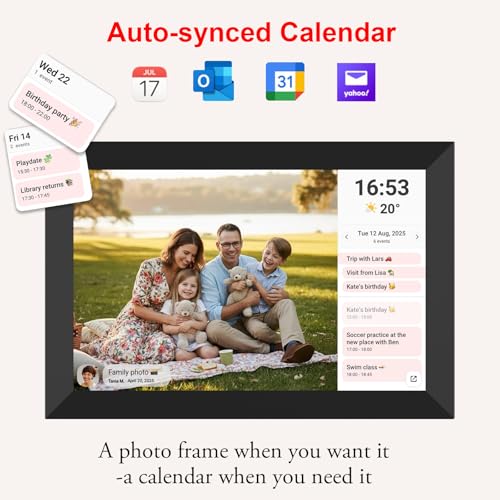





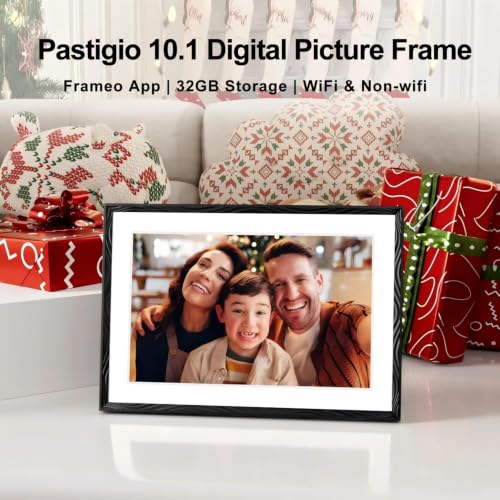

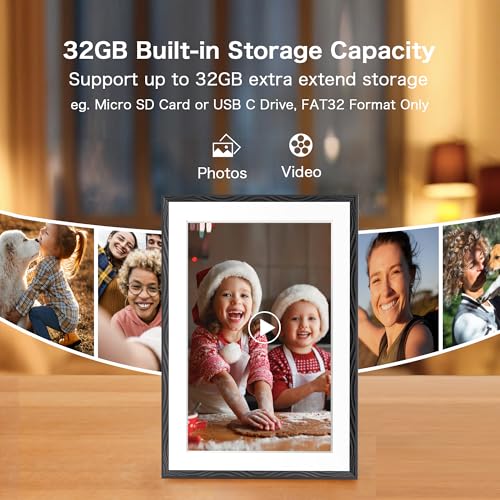


We also considered 10 others:


Our Top Choice
The order above is not editorial opinion, and it is not paid placement. It comes from what shoppers across our network actually do - which wi-fi digital picture frames they compare, and which they ultimately buy. We re-rank as new data comes in, so the long-term favorites have to keep earning their spot against new entrants. The full method, including how we make money.
Wi-Fi Digital Picture Frames Buyer's Guide
A Wi-Fi digital picture frame is bought for two jobs at once: it has to make family photos look good in a living space, and it has to let less-technical recipients receive new pictures without fuss. The sharpest tradeoffs are the upload ecosystem, day-to-day ease for parents or grandparents, and whether the frame stays connected reliably after the gift excitement wears off.
Remote Sharing
Remote sharing is the defining advantage of a Wi-Fi frame over a basic slideshow device. If uploading is awkward, family members stop sending photos and the frame quickly becomes stale.
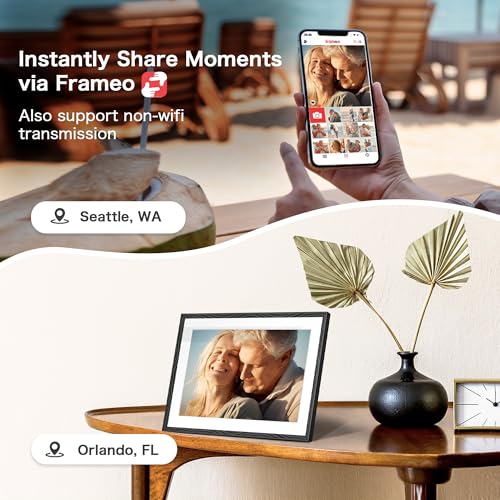
Prioritize frames that let invited family members send photos remotely through more than one route, such as a phone app plus web upload or email-style sharing, because the best frame is the one relatives will actually keep feeding with new pictures. Look for clear invite controls, simple album management, and upload confirmation so senders know photos arrived; avoid systems that depend on one person’s phone being nearby or require the recipient to approve every routine photo. Owner feedback strongly supports this use case: shoppers especially like Wi-Fi frames as gifts for parents and grandparents because family can send photos from a distance, and convenient web or phone uploads are repeatedly called out as a strength.
Ease of Use
Many Wi-Fi frames are purchased for someone who is not the person setting them up. The best models minimize ongoing support calls by making receiving, viewing, and basic adjustments feel automatic.
Choose a frame that the recipient can live with, not just one the buyer can configure: clear setup steps, a responsive touchscreen, readable menus, automatic slideshow behavior, and remote management from the sender side matter a lot for older or less-technical users. Check whether Wi-Fi setup, pairing codes, rotation, brightness, sleep scheduling, and deleting/hiding photos are obvious without digging through confusing menus. Owner sentiment backs this up strongly, with buyers repeatedly praising frames that are simple to set up, easy for recipients to use, and manageable through an app or touchscreen.
Photo Display
A digital frame is always visible, so weak contrast, poor viewing angles, or awkward cropping become daily annoyances. Good display tuning makes casual phone pictures look intentional rather than washed out or distorted.
For photo viewing, look beyond screen size: prioritize a sharp 10-inch-class or larger display with good resolution, accurate color, strong brightness control, wide viewing angles, and an aspect ratio that suits phone photos without excessive cropping. A matte or low-glare panel and automatic orientation can matter more in a bright kitchen or living room than headline specs alone. Owners in this category put real weight on the display, with positive reports of sharp, vibrant, attractive photos, clear images, a bright 10.1-inch screen, and good viewing angles.
Wi-Fi Reliability
A frame can look excellent and still disappoint if it drops offline or stops accepting photos. Reliability matters most after the initial setup, when the recipient expects new pictures to appear without troubleshooting.
Check Wi-Fi requirements before buying: many frames work best on standard home networks and may struggle with captive portals, mesh handoffs, weak signal spots, or complicated guest-network settings. Prefer frames with clear connection status, reliable upload syncing, local storage or offline playback when Wi-Fi drops, and straightforward recovery if setup fails. Owner feedback is more mixed here than on image quality or ease of use: most buyers are satisfied, but some report Wi-Fi connection problems, glitches during setup, photo-loading issues, or failures over time.
Home Fit
Unlike a phone or tablet, a digital frame becomes part of the room. Good physical design, power placement, and visual restraint make it more likely to stay plugged in and used.
Consider where the frame will actually sit: it needs an always-available outlet, stable Wi-Fi signal, a stand or mount that matches the room, and a finish that does not look like a tablet left on a shelf. Favor designs with clean bezels, adjustable brightness or sleep schedules, and orientation options so the frame feels like décor rather than a gadget. Owner comments support this practical concern, noting attractive photo presentation and clean white frame styling that fits neatly into home décor.
Overall Value
The best value in this category is not just the lowest upfront cost. It is the frame that keeps showing good-looking new photos with minimal support over months and years.
Judge value by the full package: display quality, upload features, storage approach, app usability, reliability, and whether any important function depends on ongoing fees or fragile cloud-only behavior. A cheaper-looking frame can become poor value if the screen disappoints or relatives stop using the upload process; an expensive one is not worth it if setup still creates support problems. Owner sentiment says shoppers see strong value when solid picture quality and straightforward configuration come together, while reliability remains the caveat to weigh before deciding.
1,000,000+ shoppers use Buyer's Guide every week to find the best products and services online.

Helping millions of users make smarter purchases online.


