














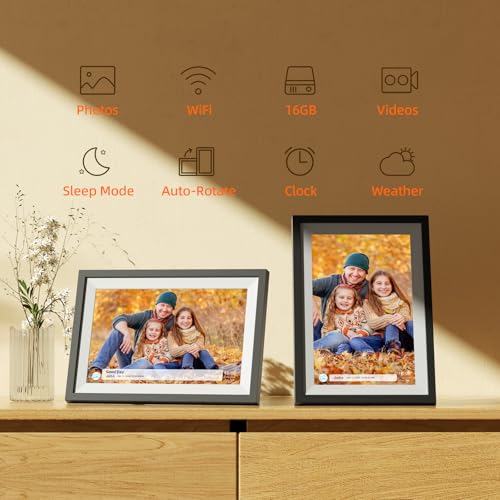


We also considered 10 others:


Our Top Choice
The order above is not editorial opinion, and it is not paid placement. It comes from what shoppers across our network actually do - which usb digital photo frames they compare, and which they ultimately buy. We re-rank as new data comes in, so the long-term favorites have to keep earning their spot against new entrants. The full method, including how we make money.
USB Digital Photo Frames Buyer's Guide
USB digital photo frames live or die on a practical tradeoff: they should be simple enough for a non-technical recipient, but flexible enough to accept photos from USB storage, phones, or relatives without constant troubleshooting. The sharpest buying concerns are photo-loading compatibility, screen quality for family snapshots, and whether the frame keeps working reliably after the first easy setup.
Photo Loading
A photo frame is only useful if new pictures actually make it onto the screen without friction. In this category, the best choice depends on whether the household will rely on USB drives, phone uploads, WiFi sharing, or relatives sending photos remotely.
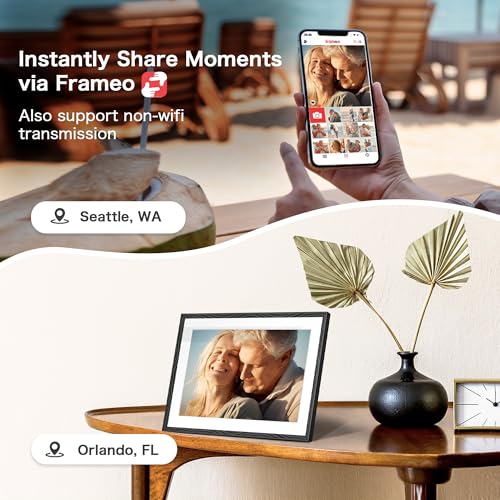
Look for a frame that clearly supports the way you plan to load photos: USB flash drive playback, internal copying from USB, memory-card support if needed, and app or WiFi sharing if family members will send photos remotely. Check accepted file formats, whether photos can be added without removing existing albums, and whether remote contributors need accounts, pairing codes, or the same app. Owner feedback strongly favors frames where loading pictures and managing them through an app feels easy, with simple photo sharing especially appreciated when relatives add pictures for family members.
Image Quality
Digital frames are often viewed from across a room, so poor color, glare, or low resolution can make otherwise meaningful photos look dull. Screen size, aspect ratio, viewing angle, and brightness matter more here than they do for a device used only up close.
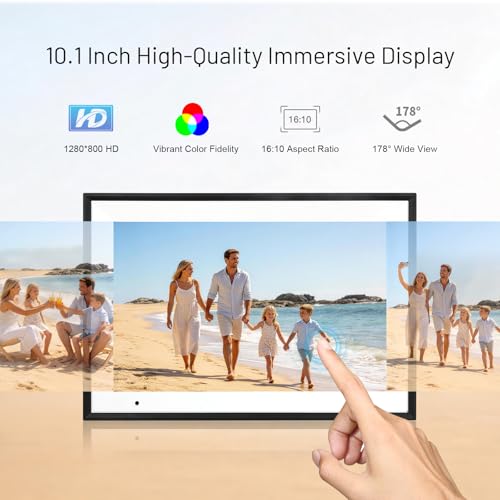
Choose a display with enough resolution for the screen size, natural color, good side-angle visibility, and brightness that can handle the room where it will sit. For family photos, pay attention to aspect ratio: many phone photos are vertical or 4:3, while some frames crop aggressively or add thick borders, so look for rotation, fit/fill options, and slideshow controls. Owners highlight vivid colors, nice first impressions, and everyday display quality as major reasons frames feel satisfying, which supports making screen performance a top filter rather than an afterthought.
Recipient Ease
Many digital frames are bought as gifts for parents, grandparents, or relatives who may not want to manage files and settings. A frame that is technically capable but confusing to operate can quickly become unused.
For a gift recipient, prioritize large on-screen controls, a simple setup flow, clear WiFi pairing, automatic slideshow behavior, and settings that do not require frequent app troubleshooting. Avoid frames that bury basic actions like deleting photos, rotating images, adjusting sleep schedules, or changing slideshow order behind complex menus. Owner sentiment repeatedly praises quick setup, user-friendly controls, and frames that recipients can enjoy without much technical help, especially for parents, grandparents, and long-distance family gifting.
Reliability
A digital photo frame is usually left plugged in for long stretches, so reliability is different from a gadget used occasionally. Power stability, heat management, firmware behavior, and basic build quality affect whether it keeps showing photos month after month.
Look for a stable stand or wall-mount option, a secure power connector, dependable auto-on behavior after outages, and reviews indicating the frame keeps running after weeks or months of daily use. Be cautious with frames that frequently freeze during slideshows, lose WiFi pairing, corrupt photo libraries, or fail after an initially smooth setup. Owners generally describe some frames as well-made and high-quality, but reliability is the main caveat in the sentiment because some buyers report units stopping after performing well at first.
Practical Value
Value in this niche is not just the lowest upfront cost; it is whether the frame combines a good screen, easy loading, enough storage, and dependable operation. Paying for features you will not use is wasteful, but skimping on usability or display quality can make the frame disappointing.
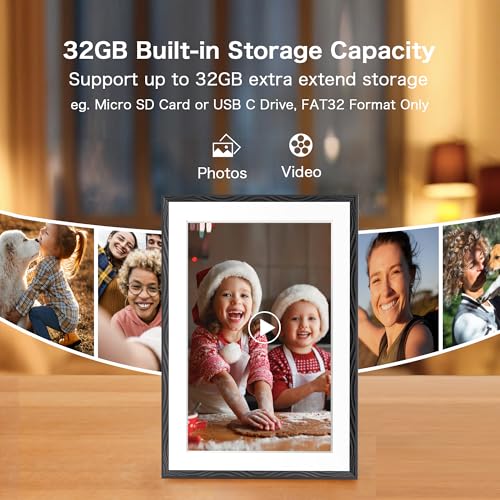
Match the frame to the use case before judging value: a local-only USB frame should have strong file compatibility and a good screen, while a family-sharing frame should justify itself with app convenience, WiFi stability, and easy remote uploads. Check whether internal storage is sufficient, whether cloud or app features are required for normal use, and whether accessories like the power adapter, stand, or mounting hardware are included. Owners often call these frames strong values and easy recommendations when setup, sharing, display quality, and everyday build quality all feel balanced.
1,000,000+ shoppers use Buyer's Guide every week to find the best products and services online.

Helping millions of users make smarter purchases online.


