


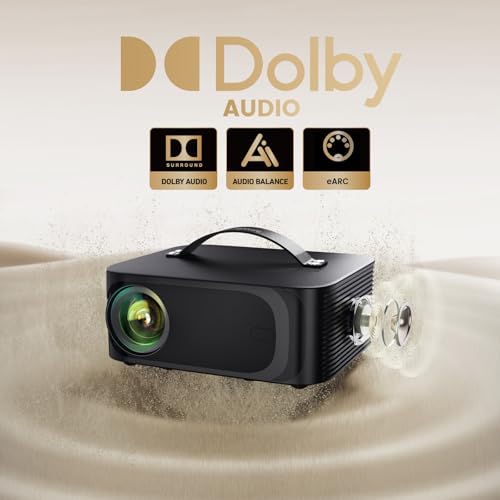






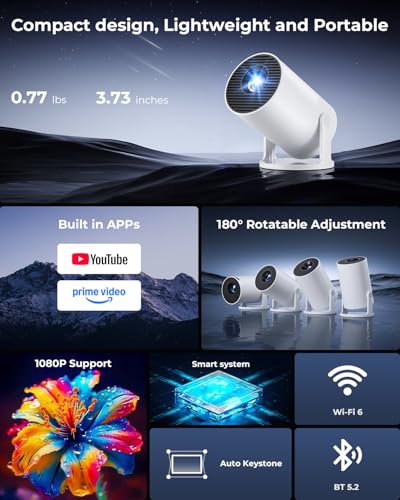


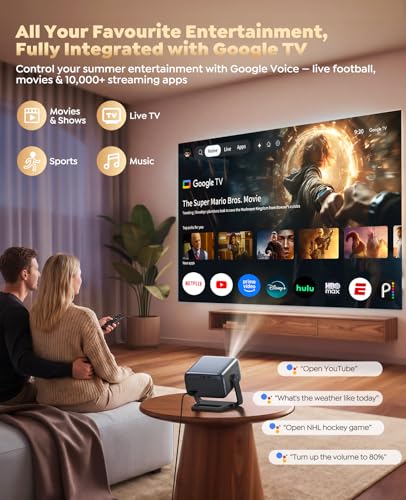

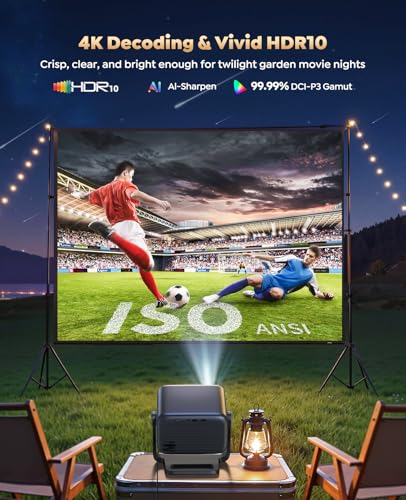


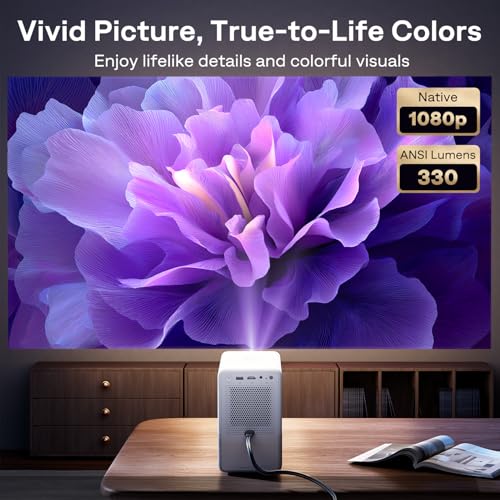

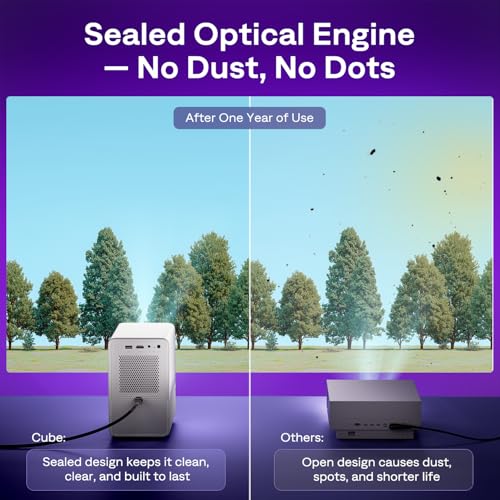


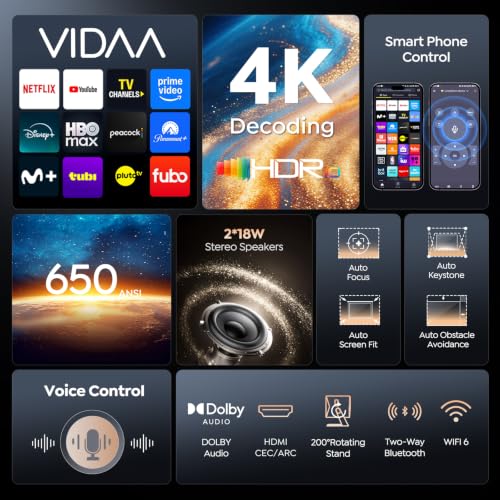


We also considered 10 others:


Our Top Choice
Compare Features


The order above is not editorial opinion, and it is not paid placement. It comes from what shoppers across our network actually do - which tv projectors they compare, and which they ultimately buy. We re-rank as new data comes in, so the long-term favorites have to keep earning their spot against new entrants. The full method, including how we make money.
TV Projectors Buyer's Guide
TV projectors trade the scale of a huge screen for stricter demands on room light, throw distance, audio routing, and streaming compatibility. The biggest mistakes are buying by inflated brightness claims, assuming phone mirroring will play every app, or discovering too late that the projector cannot sit far enough back, connect to your sound system, or stay sharp across the whole image.
Quality
A projector’s quality affects how well it holds focus, handles heat, and delivers a consistent image over repeated use. Look for sturdy construction, dependable controls and inputs, stable brightness and color, and signs of good thermal design; be cautious of flimsy housings, noisy fans, loose ports, or user feedback pointing to early failures or inconsistent performance.
For a TV projector, judge overall quality by the parts that keep a living-room or movie-night setup reliable: native resolution, real brightness rating, heat management, focus uniformity across the whole image, smart-app stability, and whether wireless audio stays in sync. Avoid models that advertise only “supported” resolution, huge nonstandard lumen numbers, or rely heavily on digital keystone to fix placement, because those can leave you with soft edges, washed-out scenes, or reduced detail. Owner feedback supports prioritizing these basics: shoppers consistently praise projectors that produce clear, bright, sharp, colorful images in dimmer rooms, stream smoothly through built-in apps or wireless casting, and pair easily with external speakers with little to no lag.
Setup
A projector that’s easy to set up saves you from fighting with placement, focus, and image alignment every time you want to watch something. Look for helpful features like autofocus, keystone correction, lens shift, zoom, clear menus, and flexible mounting or tabletop placement options. Be cautious if a projector requires a very exact position or relies heavily on digital correction, since that can make setup fussier or slightly reduce image quality.
Before buying, confirm the throw ratio, zoom range, mount position, power-cord reach, and whether the projector can be placed straight-on to the screen; auto-focus and auto-keystone are helpful, but they should not be used to compensate for a badly mismatched room. For ceiling mounting, check upside-down image mode, tripod or mount thread type, ventilation clearance, and whether the remote still works from the seating position. Owners tend to reward models that make this process low-effort, especially those with reliable autofocus, auto-keystone, 6D adjustment, built-in streaming platforms, and straightforward hookups that get a sharp, squared image running in minutes.
Picture
Picture quality determines how clear, bright, and natural your projected image looks, especially as screen size increases or room lighting changes. Look for enough brightness for your space, sharp resolution for the content you watch, and accurate color that doesn’t look washed out or overly artificial. Be careful not to judge by “4K” alone, since contrast, lens quality, and light output can matter just as much to how good the image actually looks.
For TV viewing, prioritize native 1080p or better, credible ANSI or ISO brightness, good contrast in dark scenes, and uniform sharpness from center to corners; a projector that looks fine on cartoons may still struggle with sports, subtitles, or shadow-heavy movies. Match brightness to the room: dim or controlled-light rooms can use less output, while daytime viewing or large screens need substantially more real brightness and a proper screen rather than a bare wall. Owner reports align with this: the most-liked units are described as clear, vivid, bright enough for typical viewing, sharp on big screens, movie-friendly, and sometimes capable even in less-than-perfect lighting.
Value
A projector’s value for money comes down to whether its image quality, brightness, features, and reliability justify what you pay. Look for a balance of performance and practical extras you’ll actually use, such as easy setup, useful ports, or low-maintenance operation, and be wary of paying more for specs or features that won’t improve your viewing experience.
Value in this category is not just the lowest cost; it is whether the projector avoids expensive add-ons you will immediately need, such as a streaming stick, screen, speaker, long HDMI cable, ceiling mount, or adapters for your phone or laptop. Check for true native resolution, usable brightness, included accessories, warranty support, replaceable or long-life light source, and smart features that actually support the services you watch. Owner sentiment shows why this matters: buyers call the best values those that deliver impressive picture quality, everyday usefulness for movies, sports, slideshows, and gaming, plus extras or smart conveniences that make the setup feel complete rather than bare-bones.
Connectivity
You’ll want a projector that connects easily to the devices and services you actually use, whether that means HDMI sources, wireless screen mirroring, Bluetooth audio, or built-in streaming apps. Check that its smart features support your preferred apps and that wireless casting works with your phone, tablet, or laptop ecosystem. Watch out for projectors with limited app stores, outdated software, or “wireless” features that still require extra adapters for common setups.
Verify the exact ports and wireless standards before buying: at minimum, look for HDMI with HDCP support for streaming sticks and game consoles, USB only if it plays the file types you use, dual-band Wi‑Fi for stable streaming, and audio outputs that match your speaker system. Be careful with phone mirroring claims, because many paid streaming apps block copyrighted video over AirPlay, cast, or screen mirroring; built-in apps or an HDMI streaming device are usually safer for TV shows and movies. Owners are happiest when connectivity is simple and stable, citing smooth Wi‑Fi setup, built-in streaming interfaces, HDMI support, phone casting, Bluetooth speaker pairing, app navigation, and reliable everyday device connections.
Sound
You’ll want to consider sound quality because built-in speakers can determine whether a projector is convenient on its own or needs an external speaker system to feel complete. Look for audio that is loud enough for your room, clear at higher volumes, and not overly thin or distorted; compact projectors often have limited bass and separation, so plan for external audio if you want a more immersive movie or gaming experience.
Do not assume built-in projector speakers will fill a large room or backyard; for TV use, check speaker wattage, fan-noise complaints, Bluetooth latency, and whether the projector has 3.5 mm, optical, HDMI ARC, or another output compatible with your soundbar or speakers. Dialogue clarity matters more than loudness, and action movies or outdoor viewing often need an external speaker placed near the screen so sound appears to come from the image. Owner feedback suggests built-in audio can be surprisingly usable for compact units and small indoor rooms, with many finding it loud and clear enough for casual viewing, while still preferring Bluetooth or external speakers for fuller outdoor or larger-space sound.
1,000,000+ shoppers use Buyer's Guide every week to find the best products and services online.

Helping millions of users make smarter purchases online.


