


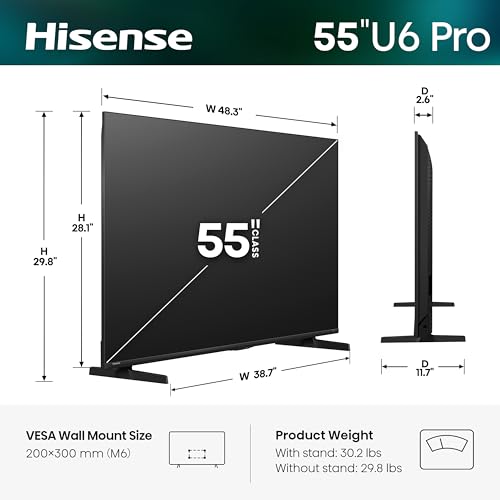





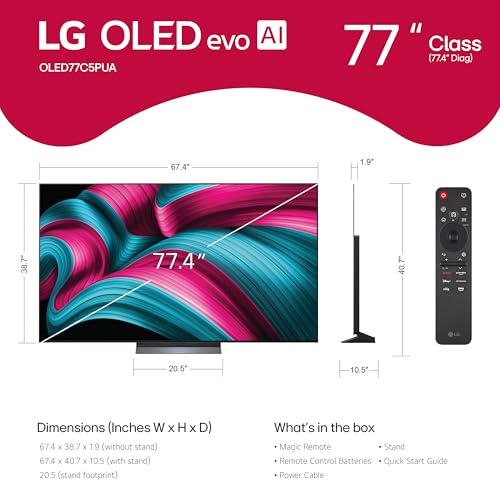


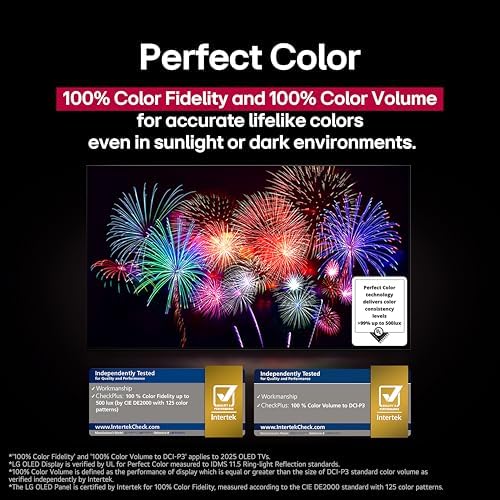


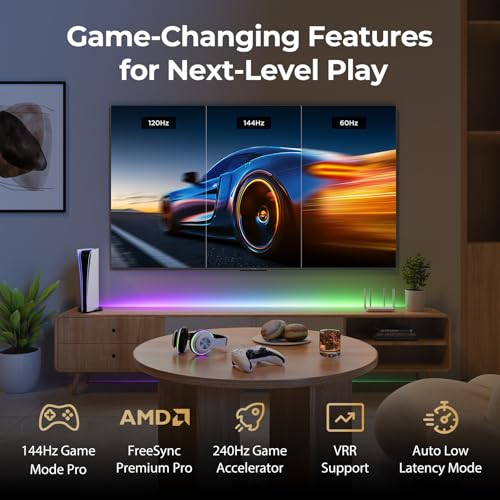


We also considered 10 others:


Our Top Choice
Compare Features


The order above is not editorial opinion, and it is not paid placement. It comes from what shoppers across our network actually do - which oled smart tvs they compare, and which they ultimately buy. We re-rank as new data comes in, so the long-term favorites have to keep earning their spot against new entrants. The full method, including how we make money.
OLED Smart TVs Buyer's Guide
OLED smart TVs trade extreme contrast, pixel-level black, and gaming responsiveness against two niche-specific concerns: room brightness and long-term image retention from static content. A careful buyer should match the panel to how it will actually be used—bright daytime sports, dark-room movies, PC/console gaming, news tickers, or always-on menus—then verify the ports, HDR formats, burn-in protections, and sound connections before buying.
Quality
You want a smart TV that feels well built, runs consistently, and keeps delivering stable performance after the novelty wears off. Look for signs of solid construction, dependable software behavior, sturdy ports and stand hardware, and owner feedback about long-term reliability; watch out for reports of freezing, random restarts, loose panels, weak stands, or performance that degrades with regular use.
Prioritize an OLED set with strong panel uniformity, effective heat/burn-in management, good upscaling, and enough processing power to keep motion, menus, and apps responsive over time. For this category, “quality” is not just build feel—it is whether near-black scenes avoid crushing or banding, whether lower-resolution streaming is cleaned up well, whether the TV has pixel refresh/logo-dimming protections, and whether the chassis and stand are stable despite the very thin panel. Owner feedback supports this focus: buyers most often praise OLED sets for sharp, realistic 4K images, rich color, deep blacks, high contrast, wide viewing angles, and a picture that can feel far above entry level; they also describe many models as easy, fast, and user-friendly upgrades. Gaming performance and HDMI 2.1 support are also called out positively when present, but reliability issues such as units that stop powering on are a watch-out.
Controls
You’ll interact with a smart TV every time you turn it on, switch apps, adjust picture settings, or search for something to watch, so the controls can make a big difference in daily satisfaction. Look for a remote that feels intuitive, menus that are easy to navigate, and a system that responds quickly without lag; watch out for cluttered settings, buried options, or controls that make simple tasks feel slow.
Choose a control system you can tolerate daily, not just a TV with a great panel: check whether the remote has dedicated input buttons, a reliable pointer or directional pad, backlighting if you watch in the dark, quick access to picture modes, and easy switching among game consoles, streaming apps, antenna/cable, and sound systems. OLED owners often need to adjust brightness, motion smoothing, HDR tone mapping, game mode, pixel-care menus, and energy-saving settings, so buried menus or laggy remotes become more annoying than on a basic TV. Owner sentiment backs this up: setup can be nearly instant when the remote matches the TV, and some buyers like pointer-style controls and scroll wheels, but others find remotes overly sensitive, laggy, or unintuitive with small buttons and unclear symbols. Smart-TV control reliability is also mixed, with some app and technical frustrations despite otherwise excellent picture performance.
Picture
Picture quality determines how clear, natural, and immersive everything looks, from dark movie scenes to bright sports broadcasts. You should look for a TV with accurate color, strong contrast, enough brightness for your room, and good motion handling, while watching out for sets that look vivid in a showroom but make skin tones, shadows, or fast action appear unnatural.
Match the OLED picture to your room and content: for dark-room movies, look for excellent near-black handling, HDR tone mapping, and film-accurate modes; for bright living rooms, check peak brightness, anti-reflection performance, and automatic brightness limiting; for sports and games, verify motion handling, low input lag, 4K/120Hz, VRR, and enough full-bandwidth HDMI ports. Also check HDR format support before buying, because some TVs favor one HDR ecosystem over another, and that matters if you stream or collect content in a specific format. Owner feedback strongly reinforces why people buy this category: OLED pictures are repeatedly described as magnificent, crisp, colorful, bright, realistic, and high-end, with deep blacks, strong contrast, bright HDR highlights, smooth 4K motion, and wide viewing angles. Buyers also praise impressive 4K performance even with lower-quality video, but the best result still depends on choosing the right screen for your lighting and sources.
Value
You want a smart TV that delivers strong picture quality, smooth performance, and useful streaming features without making you pay for extras you won’t use. Look for a balanced mix of display quality, app support, connectivity, and reliability at your budget level, and watch out for models that seem inexpensive but cut corners on brightness, processing speed, or long-term software support.
Judge value by use-case fit rather than screen size alone: paying for OLED makes the most sense if you will benefit from black levels, contrast, viewing angles, HDR movies, or responsive gaming, while a very bright room with lots of static news, sports scoreboards, or PC taskbars may reduce the practical value unless the model has strong brightness and burn-in protections. Check whether the “deal” still includes the features that matter—multiple HDMI 2.1 inputs, eARC, current app support, HDR formats, warranty coverage, and panel-care tools—because a cheaper OLED can be a poor value if it lacks the connections or longevity protections your setup needs. Owner sentiment is broadly positive on value: buyers often say the performance justifies the cost, especially when picture quality, smart features, adjustability, gaming performance, and falling OLED costs make higher models harder to justify. Some also frame overall quality as better than expected for the money, but taking full advantage of the settings can require extra setup time.
Setup
Setup matters because a smart TV can be large, fragile, and awkward to position, especially if you plan to wall-mount it or connect multiple devices. Look for clear instructions, stable stand assembly, accessible ports, straightforward Wi-Fi and account sign-in, and a guided on-screen setup that helps you tune channels and configure picture, sound, and apps without guesswork. Watch out for TVs that require extra tools, uncommon mounting hardware, or two-person lifting beyond what your space and setup plan can handle.
Before installation, confirm the physical and signal-chain details: OLED panels are thin and fragile, so plan two-person handling, compatible VESA mounting, stand width, cable clearance, ventilation, and outlet placement. Then verify your source chain—4K/120-capable HDMI cables, correct HDMI port for eARC, receiver or soundbar compatibility, console settings, Wi-Fi strength, app logins, and whether you need to disable energy-saving modes or tune pixel-care settings for the best HDR image. Owners generally report that setup is quick and straightforward, with Wi-Fi, apps, game consoles, sound bars, receivers, ARC/eARC, network detection, and on-screen directions often coming together smoothly. Still, OLED buyers should expect to spend extra time optimizing picture modes, motion settings, HDR behavior, and input-specific game settings rather than relying only on the out-of-box configuration.
Sound
Sound quality affects how clear dialogue, music, and effects feel, especially when you’re watching movies, sports, or shows without extra speakers. Look for a TV that can get loud enough for your room without sounding harsh, thin, or distorted, and pay attention to whether voices remain easy to understand. If the built-in speakers seem weak or lack bass, plan on pairing the TV with a soundbar or external audio system.
Do not assume the ultra-thin OLED panel will deliver theater-level audio; decide in advance whether you need a soundbar or receiver, and confirm eARC/ARC support, Dolby Atmos passthrough, audio-format compatibility, lip-sync controls, and whether the TV can pass the formats your streaming box, console, or disc player outputs. This matters especially for OLED home-theater setups, where the picture may be premium enough that weak bass, limited dialogue clarity, or audio delay becomes the weak link. Owner feedback is more favorable than expected for built-in audio: many buyers describe the sound as clear, crisp, impressive for a thin screen, and good enough for casual viewing, with smooth soundbar integration through ARC/eARC in many cases. However, sound and reliability are less consistently praised than picture, so serious movie or gaming setups should budget space and connection planning for external audio.
1,000,000+ shoppers use Buyer's Guide every week to find the best products and services online.

Helping millions of users make smarter purchases online.


