






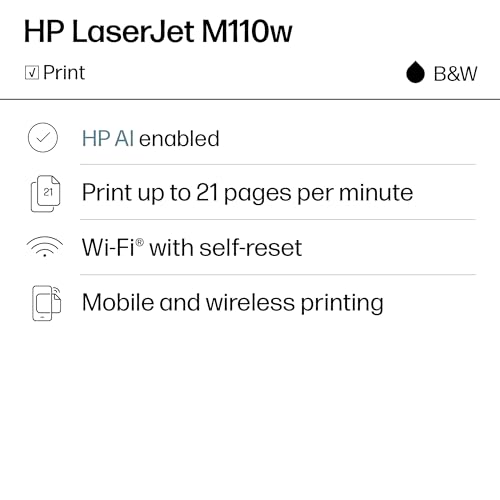


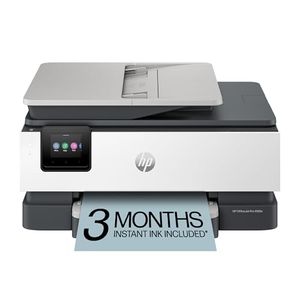


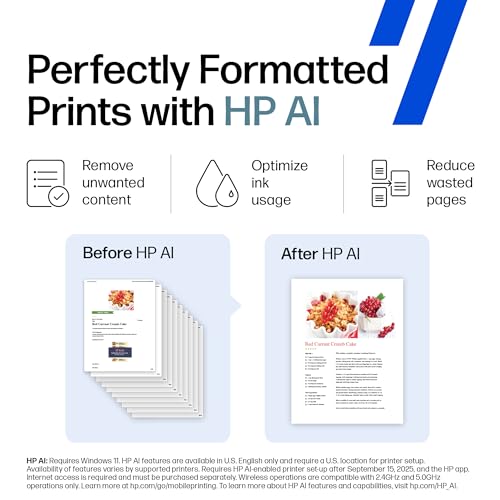


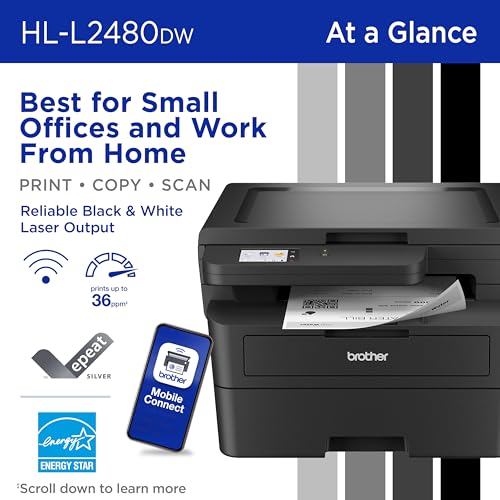
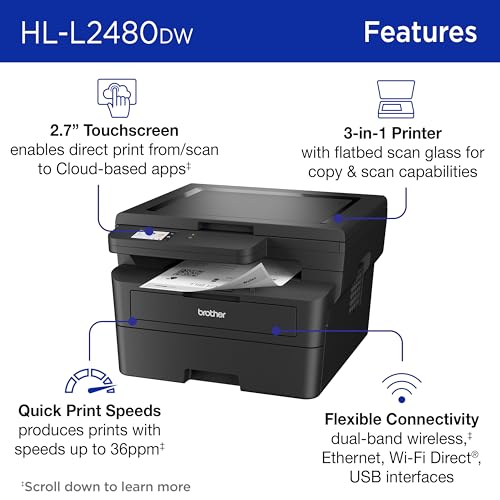
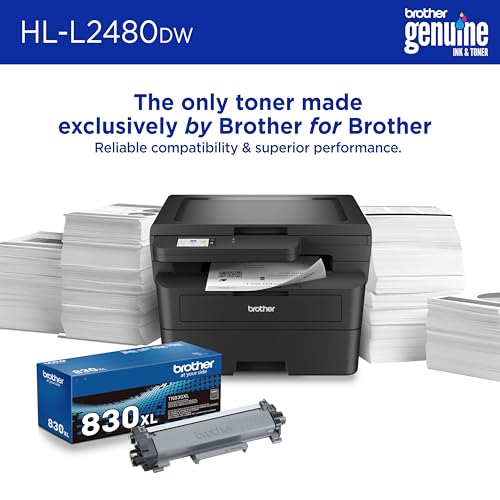

We also considered 10 others:




Our Top Choice
Compare Features






The order above is not editorial opinion, and it is not paid placement. It comes from what shoppers across our network actually do - which office laser printers they compare, and which they ultimately buy. We re-rank as new data comes in, so the long-term favorites have to keep earning their spot against new entrants. The full method, including how we make money.
Office Laser Printers Buyer's Guide
Office laser printers trade glossy photo versatility for fast, crisp document output and lower hassle on text-heavy workloads. The biggest office-specific checks are whether the machine matches your real document mix—mono vs color, single-function vs scan/copy, duplex and paper capacity—and whether its network, firmware, and toner system will stay dependable under multiple users.
Quality
Print quality determines how sharp your text looks, how clear fine details appear, and how accurately colors reproduce in photos, graphics, and presentations. You’ll want to look for crisp lettering, smooth gradients, consistent color, and minimal banding or smudging, while remembering that results can vary by paper type, ink or toner, and print settings.
For an office laser printer, judge quality first by text sharpness, fine-line clarity, chart legibility, and consistency across long runs—not by photo performance. If you need client-facing color, look for a color laser with clean gradients and accurate business graphics; if you mainly print forms, contracts, labels, or school packets, a monochrome laser with crisp black output is usually the better-fit quality target. Also check support for the paper you actually use, because thick stock, envelopes, labels, and preprinted forms can expose fuser or feed limitations that ordinary letter paper will not. Owner feedback supports this focus: buyers most often praise laser models for sharp, clean black-and-white documents, detailed color business output, and a noticeable upgrade over inkjet-style everyday printing.
Speed
Print speed matters if you often produce long documents, multiple copies, or last-minute pages, because a slow printer can turn small tasks into bottlenecks. Look beyond the headline pages-per-minute rating and consider how quickly the first page comes out, whether speed drops for color or duplex printing, and how well the printer handles larger files without long processing delays.
For office use, do not shop by headline pages-per-minute alone; check first-page-out time, warm-up behavior from sleep, automatic duplex speed, and whether speed drops sharply on color, heavy coverage, or multi-page PDF jobs. A compact printer can feel fast for occasional one-page forms but still bottleneck a small team if it has a small input tray, slow duplexing, or limited memory for complex files. If several people will print in bursts, prioritize responsive network wake-up and enough paper capacity so speed is not wasted on constant refills. Owner sentiment aligns with this: buyers frequently praise quick setup-to-print experiences, fast first pages, quick multi-page jobs, and routine home-office printing that feels responsive once the printer is on the network.
Reliability
A reliable printer saves you time and frustration by completing jobs without frequent paper jams, error messages, dropped connections, or half-printed pages. Look for signs that it handles your typical workload and paper types consistently, and watch out for models with complaints about misfeeds, stalled print queues, or needing frequent resets.
Reliability is the dimension to scrutinize hardest for an office laser printer because a machine can produce excellent pages yet fail as a work tool if it drops jobs, misreads paper jams, rejects toner, or needs frequent software intervention. Look for a robust paper path, automatic duplex that does not jam easily, a realistic monthly duty cycle, user-replaceable maintenance parts such as toner/drum where applicable, and clear error recovery from the control panel. Be cautious with printers that depend heavily on firmware-managed cartridges, cloud services, or app-only workflows, because those can turn simple printing into a stoppage point. Owner feedback is notably divided here: some buyers describe dependable workhorse behavior and smooth duplex or large-job handling, while others report failures, false jam errors, cartridge validation problems, firmware/software stoppages, and job-handling issues that undermine day-to-day confidence.
Connectivity
Connectivity determines how easily you can print from the devices you actually use, whether that’s a computer, phone, tablet, or shared office network. Look for reliable Wi-Fi, useful wired options if you need stability, and straightforward mobile or app setup; watch out for printers that are finicky to pair, drop off the network, or require awkward workarounds for everyday printing.
For a shared office printer, prioritize the connection method that will be most stable in your environment: wired Ethernet is usually the safest choice for a fixed office printer, while Wi-Fi should be evaluated for dual-band support, sleep/wake recovery, and consistent discovery by laptops and phones. Confirm compatibility with your fleet before buying, including Windows, macOS, mobile printing, Chromebook or AirPrint-style needs, and whether the printer supports standard network printing without forcing every user through a proprietary app. If printing is mission-critical, make sure there is a fallback path such as USB or Ethernet, because wireless-only frustration can stop the whole office. Owner sentiment strongly reinforces this caution: many users find wireless and phone printing convenient when it works, but recurring complaints involve Wi-Fi reconnection, driver trouble, offline status, dropped jobs, deep-sleep annoyances, failed installs, and refusal-to-print situations.
Setup
Setup matters because a printer that is hard to install can turn a simple purchase into driver conflicts, connectivity issues, or repeated troubleshooting before you ever print a page. Look for clear first-time instructions, reliable Wi-Fi or wired connection options, and driver support for the devices you use. Watch out for printers that require complicated account creation, unclear app-based setup, or limited compatibility with your computer or mobile devices.
Before buying, map the setup path you actually want: simple USB for one desk, Ethernet for a shared office, WPS or standard Wi-Fi for a home office, or mobile-first setup for mixed devices. Check whether the printer can be configured from its own control panel or a browser interface, not only through a phone app, and confirm that scanner setup is included if you are choosing a multifunction model. For offices with restricted networks, VPNs, managed laptops, or guest Wi-Fi, favor printers with conventional drivers and clear network settings over models that assume a consumer-style app workflow. Owner feedback is encouraging but should not replace those checks: many buyers describe setup as quick, straightforward, and easy across laptops, phones, tablets, wired connections, WPS, and Mac or mobile printing, with fast first-page success after unboxing.
Value
Value matters because the cheapest printer can become expensive if ink, toner, maintenance, or paper handling costs add up quickly. Look for a printer whose performance matches what you actually print—documents, photos, or high-volume jobs—and watch for models that seem affordable upfront but have costly consumables or features you will not use.
Value in an office laser printer is the total cost and downtime profile, not just the purchase decision: compare toner yield, drum or imaging-unit replacement, included starter toner capacity, duplex printing, energy use, and whether high-yield supplies are available. A monochrome laser is often the best value if you rarely need color; paying for color hardware, multiple toners, and more maintenance only makes sense when color documents are part of regular work. Also decide whether you truly need scan/copy/fax features, an automatic document feeder, larger trays, or higher duty cycle, because the cheapest unit can become expensive if it is slow to feed, out of toner quickly, or undersized for the workload. Owner sentiment supports the laser value case: buyers often see toner-based printing as economical compared with drying ink cartridges, praise basic black-and-white lasers for home-office and student volume, and view capable multifunction office models as strong value when they work reliably.
1,000,000+ shoppers use Buyer's Guide every week to find the best products and services online.

Helping millions of users make smarter purchases online.


