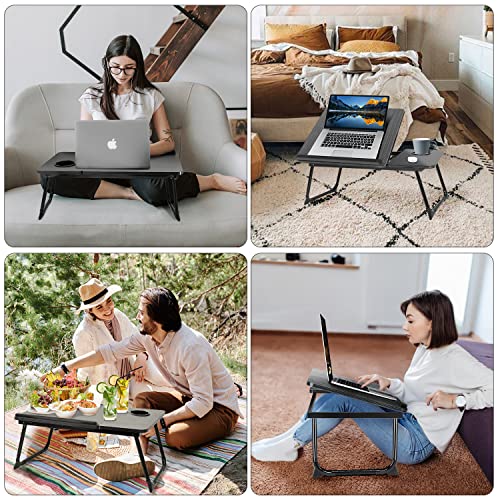



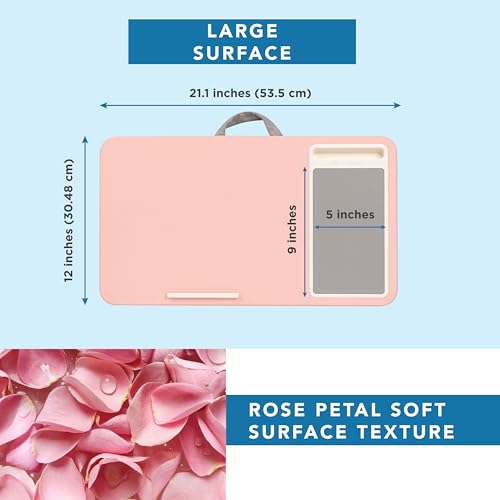

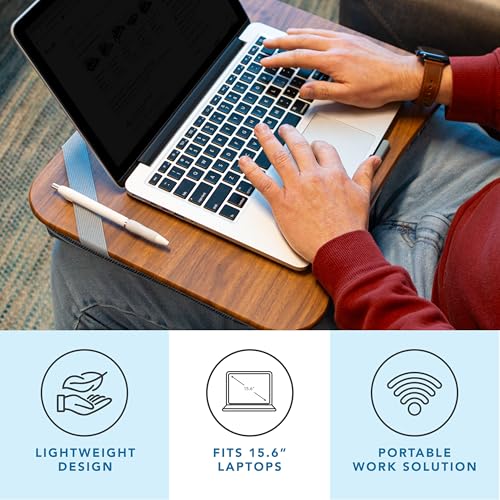


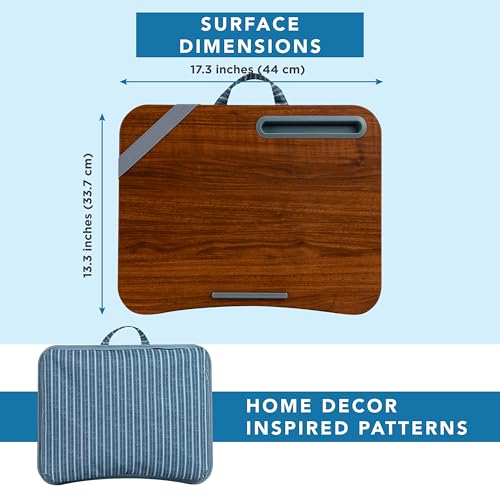


We also considered 10 others:


Our Top Choice
Compare Features


The order above is not editorial opinion, and it is not paid placement. It comes from what shoppers across our network actually do - which office desks they compare, and which they ultimately buy. We re-rank as new data comes in, so the long-term favorites have to keep earning their spot against new entrants. The full method, including how we make money.
Office Desks Buyer's Guide
Buying an office desk is a tradeoff between getting enough usable work surface and keeping the footprint practical for the room, especially in bedrooms, apartments, or multipurpose spaces. The sharpest concerns are whether the desk stays stable under laptop, writing, and meal loads, and whether its size, setup, and storage style match how often you move or reconfigure it.
Surface Fit
A desk that is too small can technically hold a laptop but still fail in daily use once accessories, notes, or drinks are added. Surface width and depth also affect posture because cramped layouts push the keyboard, screen, or elbows into awkward positions.
Start by matching the desktop to the real objects you use at once: laptop, monitor, keyboard, mouse, notebook, drink, and any tablet stand or lamp. A compact desk can work well for laptop-only tasks, but avoid going too small if you need room for a full meal, dual screens, paperwork, or a separate keyboard and mouse; insufficient depth can force poor posture and make items feel crowded. Owner feedback supports this as a major separator: many liked having enough area for a laptop or tablet, while others found compact surfaces too small for a fuller setup.
Desk Stability
A desk can look adequate but still shake when typing, writing, or leaning on it. Stability matters more as you add monitors, arms, drinks, or folding mechanisms because small movement can become distracting or risky.
Look for a frame that resists side-to-side wobble, legs that lock or brace securely, and a top with enough grip or edge protection to keep cups, plates, and devices from sliding. For a stationary office desk, check crossbars, leg spacing, leveling feet, and weight capacity; for folding or portable styles, inspect the hinge points and leg locks because those are common failure points. Owners repeatedly valued sturdy, stable everyday use, but some also reported wobble or slick surfaces, making stability a must-check rather than an assumption.
Build Quality
The desk surface is touched constantly, so poor finish quality shows up quickly as rough edges, flex, peeling, or visible wear. Strong construction also helps preserve alignment and stability over repeated setup, movement, or load changes.
Prioritize a flat, well-supported top, clean edges, durable joinery, and a finish that tolerates wrists, devices, cups, and routine cleaning. Wood, bamboo, laminate, metal, and engineered surfaces can all work, but the key is whether the top resists flexing, the legs attach firmly, and the finish is smooth without being so slick that items slide. Owner sentiment praised good-looking finishes and a well-made feel, reinforcing that construction quality affects both appearance and day-to-day confidence.
Space Flexibility
A desk that fits the room on paper may still be frustrating if it blocks movement or cannot be stored when not in use. Flexible designs are especially useful for multipurpose spaces, but folding and lightweight parts need enough structural support to stay reliable.
If the desk will live in a small room, guest room, dorm, or shared space, measure not only the desktop but also the leg spread, chair clearance, storage depth, and walking path around it. Folding legs, lightweight frames, handles, or easy disassembly can be useful for occasional workstations, but they should not come at the cost of wobble or awkward setup. Owners liked designs that were easy to fold, carry, store, and use in small spaces, showing that flexibility is valuable when the desk is not a permanent office fixture.
Daily Usability
A desk is used through many small repeated actions: sitting down, plugging in, writing, moving a drink, and adjusting devices. Practical details can reduce friction, but only when they preserve the core work surface and fit the way the user actually works.
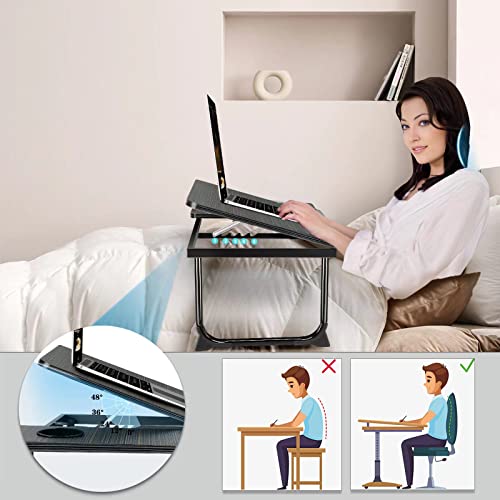
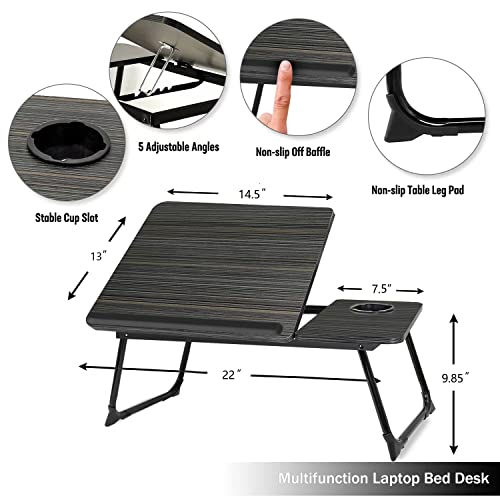
Choose features that solve real workflow problems: cable routing for powered devices, a stable drink spot, tablet or document support, smooth writing area, rounded front edge, and enough clearance for your chair and knees. Avoid novelty add-ons that reduce usable flat space or force accessories into fixed positions that do not match your handedness or screen angle. Owners appreciated cup holders, tablet slots, smooth surfaces, handles, padded legs, and easy setup, which suggests that small usability details can make a desk feel more useful than a plain flat surface.
Don't miss the latest sales on Lap Desks and more. Get the best Black Friday deals today!

1,000,000+ shoppers use Buyer's Guide every week to find the best products and services online.

Helping millions of users make smarter purchases online.