












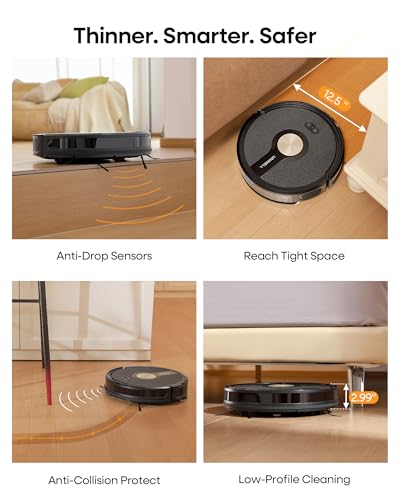





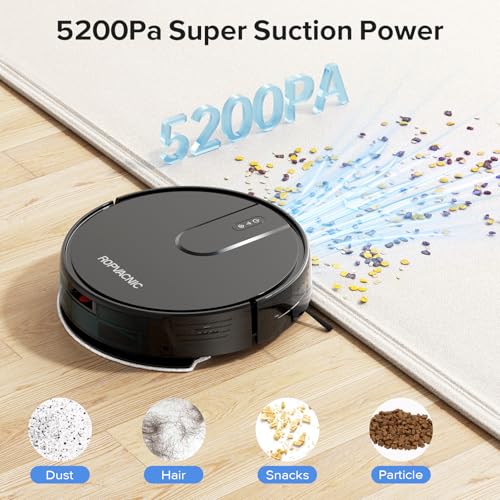

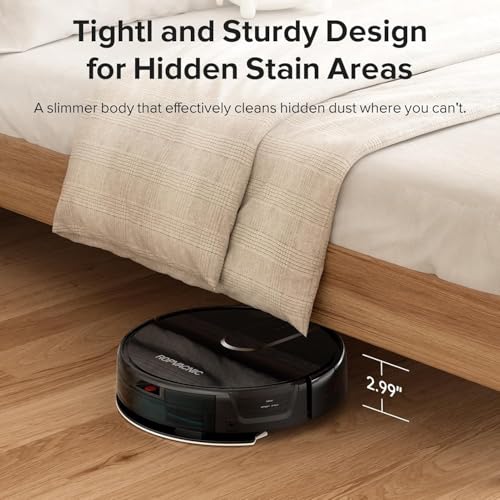
We also considered 10 others:





Our Top Choice
Compare Features


The order above is not editorial opinion, and it is not paid placement. It comes from what shoppers across our network actually do - which hardwood floor robot vacuums they compare, and which they ultimately buy. We re-rank as new data comes in, so the long-term favorites have to keep earning their spot against new entrants. The full method, including how we make money.
Hardwood Floor Robot Vacuums Buyer's Guide
Hardwood-floor robot vacuums have to remove grit before it becomes micro-sandpaper, while also avoiding the very things that can damage wood: abrasive brushes, dragging debris, wet mopping, and repeated impacts on trim or furniture. The best choice is not just the strongest suction—it is the one that can run often, navigate cleanly around rugs and thresholds, and control water carefully if it mops.
Cleaning
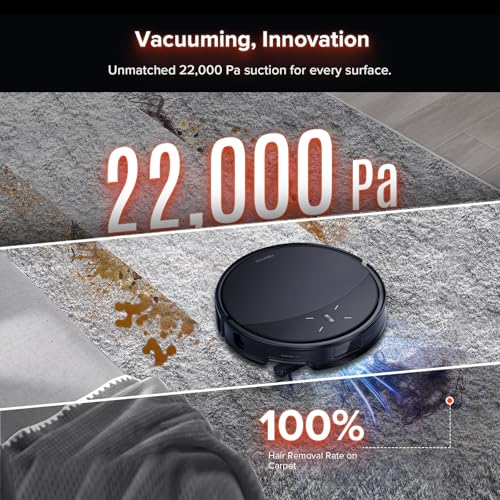
Cleaning performance matters because it determines whether a robot vacuum actually reduces the work you do, especially on everyday dust, crumbs, pet hair, and debris along edges or under furniture. Look for strong, consistent suction, effective brush design, and settings that match your floor types; if you want mopping, check whether it truly lifts stains and manages water well rather than just dragging a damp pad around. Watch out for models that advertise high suction but struggle with larger debris, hair tangles, thick rugs, or uneven mopping coverage.
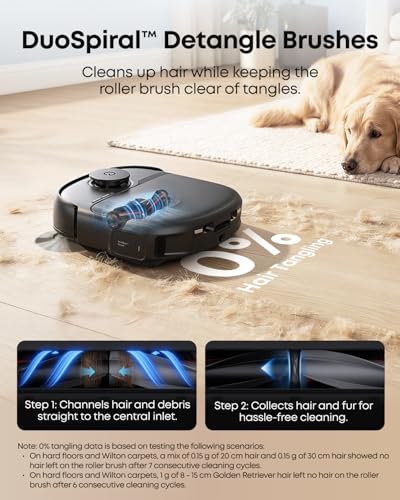
For hardwood, prioritize fine-dust pickup, pet-hair control, and a brush system that will not scatter grit or grind it into the finish. Look for strong suction with adjustable modes, edge-cleaning side brushes that do not fling debris across smooth floors, and a main brush designed to resist hair wrap without being overly stiff or abrasive. If you want mopping, choose maintenance mopping with controlled water flow and washable pads; avoid robots that leave wet trails, because excess moisture can seep into seams or dull a wood finish. Owner feedback supports this focus: shoppers often praise these robots for everyday dust, debris, and pet-hair pickup on hard floors, and many say routine vacuuming plus light mopping keeps visible dirt under control.
Ease
A robot vacuum should save you time, not create a new chore, so look for one that’s simple to set up, easy to control, and reliable enough to run without constant babysitting. Pay attention to how intuitive the app is, how easy it is to schedule cleanings or adjust maps and no-go zones, and whether routine tasks like emptying, untangling hair, or fixing errors feel manageable. If the controls are confusing or the vacuum often needs rescuing, the convenience can wear off quickly.
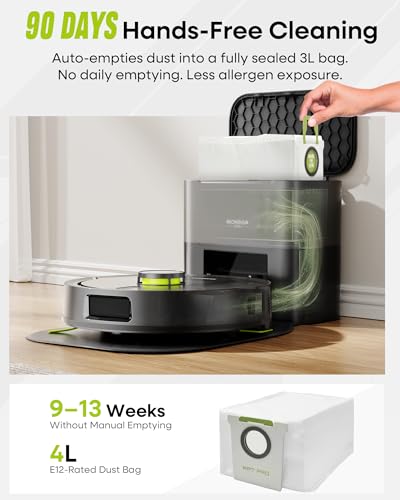
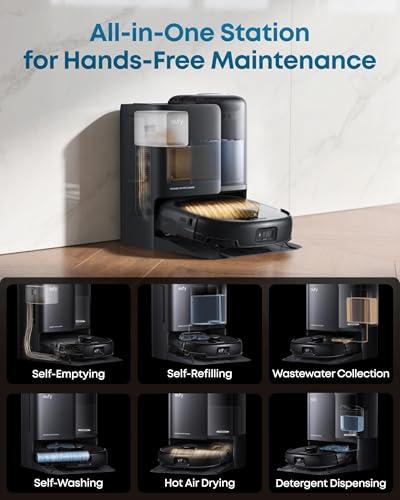
For hardwood homes, ease is about setting safe routines: scheduled dry runs, room-specific cleaning, no-mop zones near vulnerable wood, and simple ways to avoid delicate rugs, cords, floor vents, or pet bowls. A good app should let you send the robot to high-traffic hardwood areas like kitchens, entries, and hallways without cleaning the whole home every time. Self-emptying can also matter more on wood because fine dust bins fill quickly and a full bin can reduce pickup or drag debris. Owners commonly describe setup, mapping, scheduling, app control, remote control, voice-assistant setup, and self-empty docks as making daily cleaning low-effort, which is especially useful when frequent light cleaning is safer for hardwood than occasional heavy cleanup.
Navigation
Strong navigation determines whether a robot vacuum cleans methodically or wastes time bumping around, missing rooms, or repeating the same areas. Look for reliable room mapping, efficient route planning, and obstacle avoidance that can handle your floor plan, furniture, thresholds, cords, and clutter. If your home has tight spaces or uneven transitions, pay close attention to reports of the robot getting stuck or needing frequent rescues.
On hardwood, choose precise mapping and obstacle handling so the robot does not repeatedly bump baseboards, chair legs, cabinets, or transitions between wood, rugs, and tile. LiDAR or similarly accurate mapping, room labels, floor-type recognition, no-go zones, no-mop zones, and reliable threshold handling are especially important if you have area rugs with fringe, dark wood, glossy finishes, or open floor plans. Strong navigation also reduces the chance of the robot dragging a cord, sock, or trapped grit across a long stretch of flooring. Owner sentiment backs this up: mapping, room controls, barriers, floor-type settings, furniture avoidance, and smoother obstacle avoidance are repeatedly praised, with many buyers finding newer navigation less bump-prone and less likely to get stuck.
Reliability
A robot vacuum is only useful if it runs consistently without needing constant rescues, resets, or app troubleshooting. Look for signs of solid reliability: dependable scheduling, stable connectivity, durable brushes and wheels, accurate docking, and software that stays responsive over repeated use. Be cautious of models with frequent complaints about navigation failures, battery or charging issues, random errors, or parts that wear out quickly.
For hardwood floors, reliability should include not only whether the robot turns on, but whether it keeps docking, charging, emptying, and navigating consistently over months of frequent runs. Check for replaceable brushes, filters, mop pads, wheels, and batteries, because worn wheels or clogged brushes can reduce pickup and may leave marks or drag debris. If you use a self-empty dock, confirm the debris path is easy to clear; a failed auto-empty cycle can leave the onboard bin packed and less effective on fine hardwood dust. Owner reports are encouraging on routine dependability and simple no-fuss cleaning, and some brush designs are liked for avoiding tangles around rug fringe and strings, but long-term reliability is a real watch-out: some units stop charging, fail after about a year, or develop auto-empty problems.
Value
A robot vacuum’s value for money depends on whether its cleaning performance, navigation, battery life, app features, and upkeep costs actually match what you pay. Look for features you’ll use regularly rather than paying for extras that sound impressive but do not improve your routine, and watch for hidden costs like replacement filters, brushes, bags, or mop pads.
Value for hardwood is strongest when the robot prevents floor wear through frequent, controlled maintenance rather than simply offering the most features. Pay for the capabilities that protect the surface: accurate no-mop zones, gentle-but-effective brushes, reliable edge cleaning, good filtration for fine dust, room targeting, and a dock that reduces skipped maintenance. Be cautious about paying for aggressive mopping or novelty features if the robot cannot control water well or navigate around rugs and thresholds. Owner sentiment suggests many shoppers feel they can get strong cleaning, mapping, mopping, scheduled runs, and dock conveniences without moving to the most premium tier, and simple everyday cleaners are often viewed as worthwhile when they handle routine hard-floor debris well.
Battery
Battery life matters because your robot vacuum needs enough runtime to cover your floor plan without repeatedly stopping to recharge. Look for a runtime that matches your home size, floor type, and cleaning settings, since thick carpet, high suction, and heavy debris can drain the battery faster. If you have a larger home, watch for models that can recharge and resume where they left off.
Match battery capacity to the actual hardwood area, not just total home size: open wood floors, long hallways, and room-by-room mopping can take more runtime than expected, especially in higher suction modes. Look for recharge-and-resume, reliable docking, and enough runtime to finish the main living level before the bin fills or the mop pad dries out. Larger homes should avoid models that only clean a small area before recharging, because repeated partial runs can leave grit sitting in high-traffic zones. Owner feedback is mixed: some buyers report enough runtime for most homes or full floor plans and appreciate long, quiet sessions, while others cite short runtime, slow charging, charging trouble, mid-clean stops, or battery replacement concerns over time.
1,000,000+ shoppers use Buyer's Guide every week to find the best products and services online.

Helping millions of users make smarter purchases online.


