













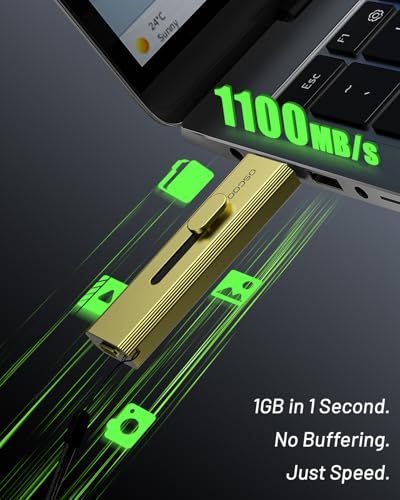

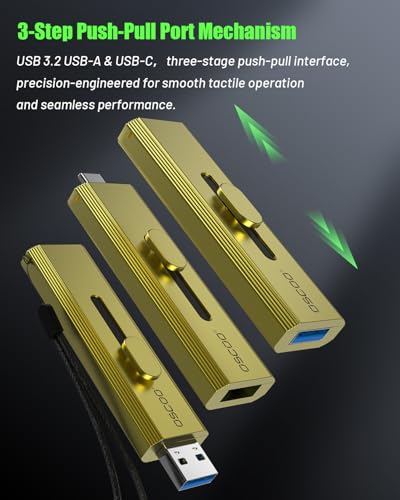


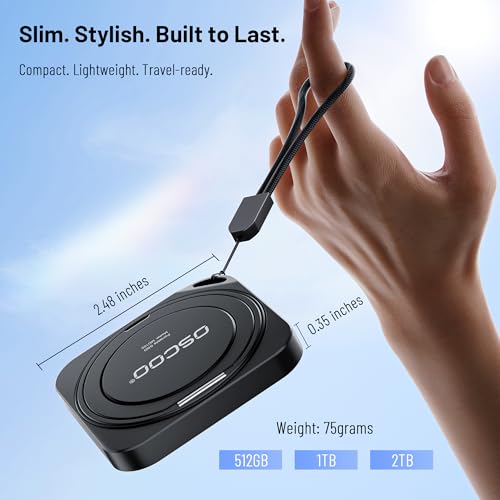


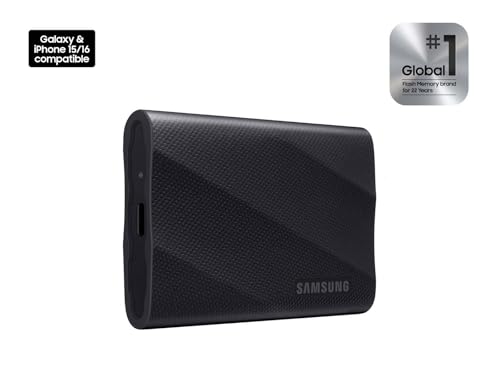


We also considered 10 others:








Our Top Choice
Compare Features


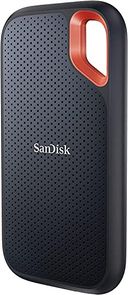
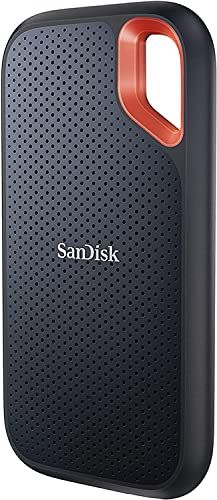


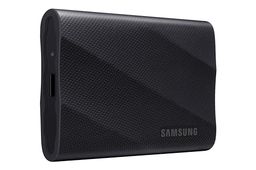
The order above is not editorial opinion, and it is not paid placement. It comes from what shoppers across our network actually do - which external gaming ssd drives they compare, and which they ultimately buy. We re-rank as new data comes in, so the long-term favorites have to keep earning their spot against new entrants. The full method, including how we make money.
External Gaming SSD Drives Buyer's Guide
External gaming SSDs sit at the intersection of speed, platform restrictions, and real game-library size: the fastest portable drive is not always the one that will actually run your games. The sharpest checks are whether your console, PC, or handheld can play games directly from that storage type, and whether the drive can sustain large transfers without disconnects, throttling, or cable problems.
Reliability
Reliability matters because a hard drive’s real value is in keeping your data readable and available over years of use, not just offering enough capacity on day one. Look for signs of build quality such as an appropriate workload rating, warranty coverage, heat management, and whether the drive is designed for your use case, and be wary of using a basic desktop drive for constant backups, NAS use, or other always-on workloads.
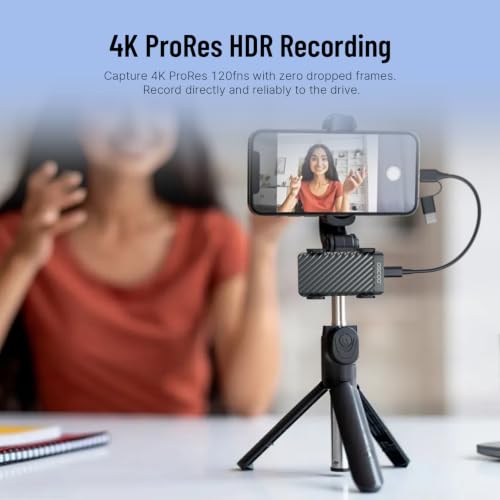
For gaming reliability, first verify the drive matches how your platform actually runs games: Xbox Series X|S optimized titles need a compatible expansion-card format to play directly, while ordinary USB SSDs are better for PC, handhelds, backward-compatible console games, or shuttling installs. Look for a sturdy enclosure, a snug USB-C or expansion connector, included short high-quality cable, and a reputation for stable long transfers, because random disconnects, heat throttling, or cable wiggle can corrupt installs and force huge re-downloads. Owner feedback supports this priority: buyers often describe good portable SSDs as dependable for large files, game storage, backups, travel, and long recording sessions, and console expansion-style storage is praised when it behaves like internal storage rather than requiring constant transfers.
Speed
Speed affects how quickly you can boot a system, open large files, run applications, and move data on or off the drive. Look for strong real-world transfer performance, not just headline specs, and remember that the drive’s connection type, your computer’s ports, and the kind of files you move can all limit actual speed.
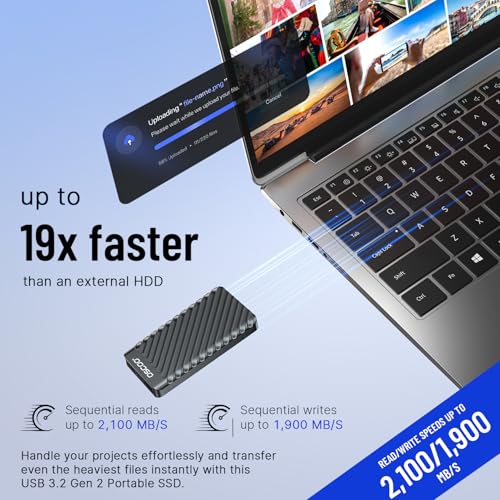
For speed, do not shop by peak read numbers alone; match the drive and port to the gaming device. A USB 3.2 Gen 2 drive is enough for many PC and handheld libraries, USB 3.2 Gen 2x2 only helps if your device actually supports it, and many consoles cap external USB performance or restrict which games can run from it. Also check sustained write speed and heat behavior, because moving 100GB+ games can expose slow cache drop-offs even when short benchmarks look fast. Owner sentiment aligns with this: buyers frequently praise faster external SSDs for quick game loading, smooth play, large transfers, creative files, and even making older computers feel more responsive.
Usability
You want a hard drive that’s easy to set up, mount, and start using without confusing formatting steps or compatibility surprises. Look for clear installation requirements, simple backup or file-management options, and a design that fits how you’ll use it day to day; watch out for drives that require extra adapters, software, or technical setup that could slow you down.
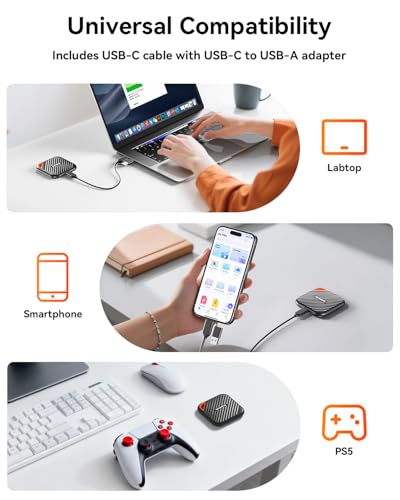
For usability, check the platform rules before assuming “plug and play.” On PS5, external USB storage can play PS4 games and store PS5 games, but PS5 games must be moved back to internal compatible storage to play; on Xbox Series X|S, optimized games require the proper expansion-card type for direct play; on PCs and handhelds, file format, launcher library setup, and USB-C port speed matter. Prefer drives that are easy to reformat, include both USB-C and USB-A options if you use multiple systems, and have a cable/connector that will not loosen during handheld or couch play. Owners commonly reinforce this point by praising drives that are recognized immediately, work smoothly over USB-C, need little configuration, and deliver console-like convenience when the format is compatible.
Capacity
Storage capacity determines how much you can keep on the drive, from documents and photos to large video files, backups, and game libraries. Choose enough storage for what you have now plus room to grow, and watch for the difference between advertised capacity and the slightly lower usable space your computer reports after formatting.
For capacity, buy around real installed game sizes, not the headline capacity alone. Modern games, updates, shader caches, captures, and downloadable content can quickly consume space, and formatted usable capacity is lower than the box number; 1TB may be practical for a rotating library, while larger capacities are better if you want several large live-service or AAA games installed at once. Also remember that an external drive used for both games and backups can fill unpredictably, so keep free space for updates and transfers. Owner feedback supports capacity as a core reason to buy: shoppers value external drives that reduce install-and-delete juggling and provide room for games, backups, photos, videos, and everyday files without adding much bulk.
Size
Size affects how easily you can carry a hard drive, fit it into your workspace, or tuck it into a laptop bag alongside other gear. If you travel often or work between locations, look for a compact, durable design that does not add bulk; if it will stay on a desk, make sure its footprint, cable layout, and ventilation needs fit your setup.
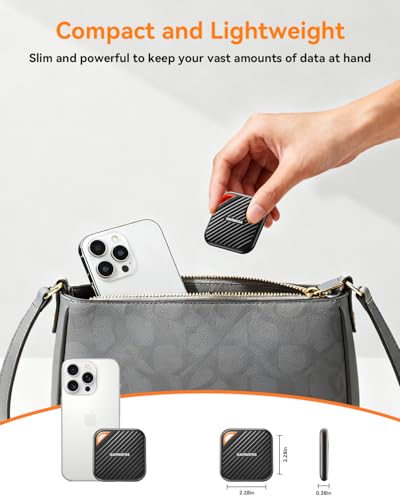
For size, prioritize a compact drive only if it can stay cool and physically secure in your setup. Tiny SSDs are great for handheld gaming PCs, laptops, travel cases, and console shelves, but a dangling cable or hot enclosure can be a bigger problem than the drive’s footprint; for docked handhelds or consoles, a short cable and a stable placement matter more than absolute miniaturization. If the drive will travel, look for a pocketable body with a solid shell and no flimsy connector strain. Owners generally echo these advantages, often praising small, lightweight drives that feel sturdy, fit easily in bags or pockets, and remain portable while still offering serious storage.
Value
Value matters because you want a hard drive that gives you dependable storage capacity and performance without paying for features you do not need. Look at the cost relative to capacity, reliability expectations, warranty coverage, and intended use, since the cheapest option can cost more in the long run if it is slow, noisy, or failure-prone. A good value drive should feel appropriately priced for how much data it holds, how often you will use it, and how much you trust it with your files.
For value, pay for the performance and compatibility your gaming device can actually use. A premium high-speed USB SSD is wasted on a port or console mode that cannot use its top speed, while a cheaper large drive may be poor value if it cannot directly run the games you care about or slows badly during big installs. The best value is usually the drive that balances platform compatibility, enough capacity for your library, sustained transfer speed, and reliable plug-and-play behavior. Owner sentiment backs this practical view: buyers tend to call external drives worthwhile when they combine simple setup, useful portable capacity, good speed, and enough room to expand or replace cramped internal storage.
1,000,000+ shoppers use Buyer's Guide every week to find the best products and services online.

Helping millions of users make smarter purchases online.


