




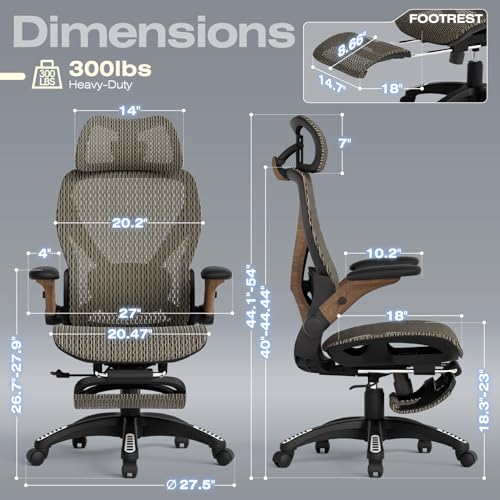
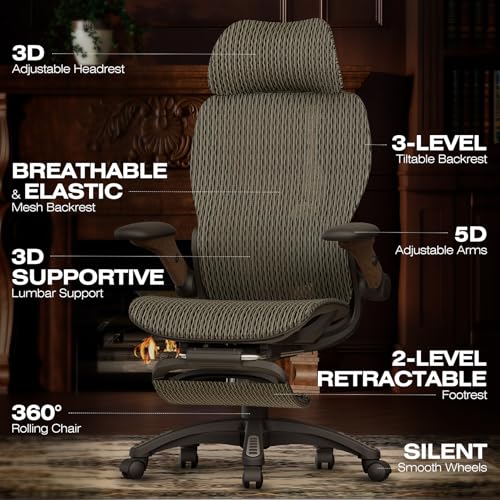


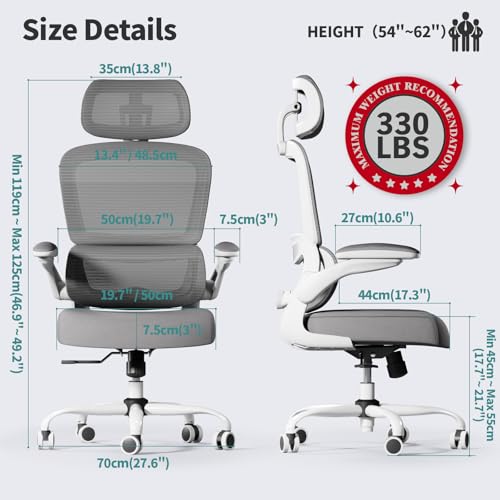
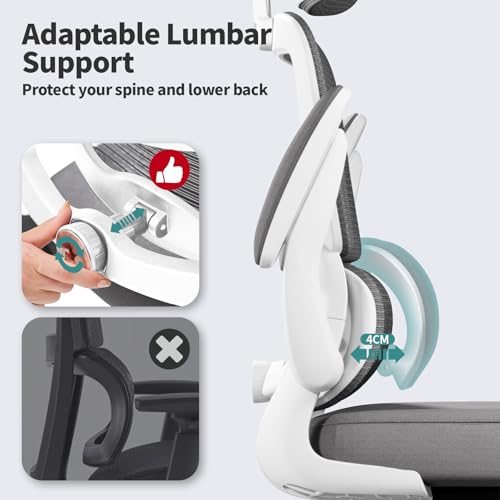






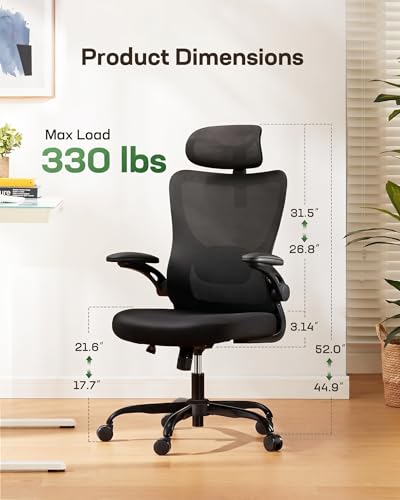
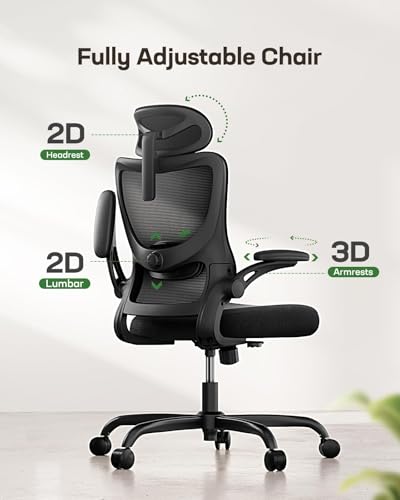

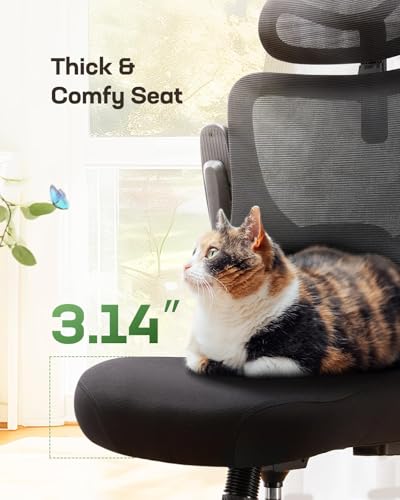


We also considered 10 others:


Our Top Choice
Compare Features


The order above is not editorial opinion, and it is not paid placement. It comes from what shoppers across our network actually do - which ergonomic gaming chairs they compare, and which they ultimately buy. We re-rank as new data comes in, so the long-term favorites have to keep earning their spot against new entrants. The full method, including how we make money.
Ergonomic Gaming Chairs Buyer's Guide
Ergonomic gaming chairs have to balance lounge-like recline with the locked-in posture needed for mouse, keyboard, and controller sessions. The biggest niche risks are buying a chair that looks “gaming” but forces your shoulders, hips, or wrists into the wrong position—or one with weak recline, armrest, or caster hardware that loosens under constant movement.
Comfort
Comfort matters because a gaming chair that feels fine for a few minutes can become distracting or tiring during long sessions. Look for balanced cushioning that supports you without feeling overly hard or so soft that you sink and lose posture, and pay attention to how the seat, backrest, and armrests feel in your typical sitting position.
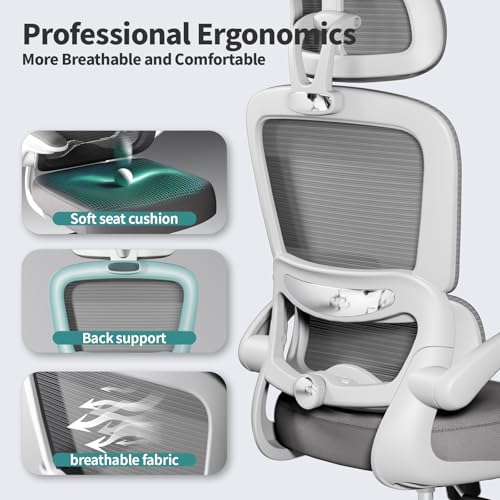
For comfort, prioritize fit over styling: choose a seat that is wide enough for your hips without hard side bolsters, deep enough to support your thighs without pressing behind the knees, and breathable enough for multi-hour sessions. Mesh backs or well-ventilated upholstery matter if you run warm, while a usable upright position plus controlled recline lets you switch between focused play, work, and breaks without slumping. Owner feedback supports this: shoppers often praise breathable mesh, supportive cushioning, headrests, and chairs that stay comfortable through long desk or gaming sessions, especially when lumbar and back support are adjusted correctly.
Build
You want a gaming chair that feels solid under you, with minimal wobble, creaking, or flex when you lean, shift, or recline. Look for a sturdy frame, secure armrests, a stable base, and tight-fitting components; watch out for loose joints, rattling parts, or reviews that mention instability after regular use.
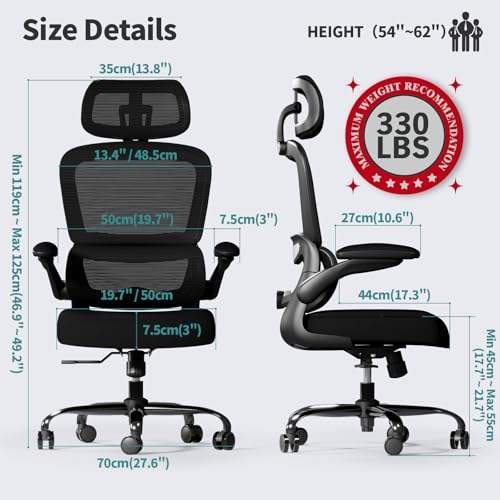
For build, check the load rating, base material, gas-lift quality, recline mechanism, and caster type before worrying about looks. Gaming chairs get rocked, reclined, rolled, and leaned in constantly, so avoid flimsy plastic bases, vague weight ratings, thin armrest mounts, or recline locks that feel loose; larger users should leave extra margin above their body weight rather than buying at the limit. Owner sentiment backs the importance of sturdiness, with many buyers highlighting stable construction, smooth rolling, little creaking, solid materials, and a durable feel after months of everyday use.
Assembly
Assembly matters because a gaming chair often has heavy parts, multiple bolts, and adjustable components that need to line up correctly for the chair to feel stable and safe. Look for clear instructions, well-labeled hardware, and realistic setup requirements, and watch for chairs that need two people, have poorly aligned holes, or make it hard to attach the backrest and armrests securely.
For assembly, look for clearly labeled hardware, pre-threaded holes that align cleanly, and instructions that show the order for attaching the seat, back, arms, and mechanism. A gaming chair with a heavy backrest, recline unit, or footrest can be awkward to align alone, and cross-threaded bolts or uneven tightening can cause wobble, squeaks, or premature loosening; recheck bolts after the first few days of use. Owner feedback is encouraging here, with many buyers describing setup as quick and straightforward thanks to clear instructions, labeled parts, included tools, and well-organized hardware.
Support
Good support helps keep your back, lumbar area, and posture comfortable through long gaming or work sessions, reducing the tendency to slouch or strain. Look for a chair with adjustable lumbar support, a backrest that fits the natural curve of your spine, and enough firmness to hold you upright without creating pressure points. Be cautious of chairs that rely only on a loose pillow or overly soft padding, since they may feel comfortable at first but provide less consistent support over time.
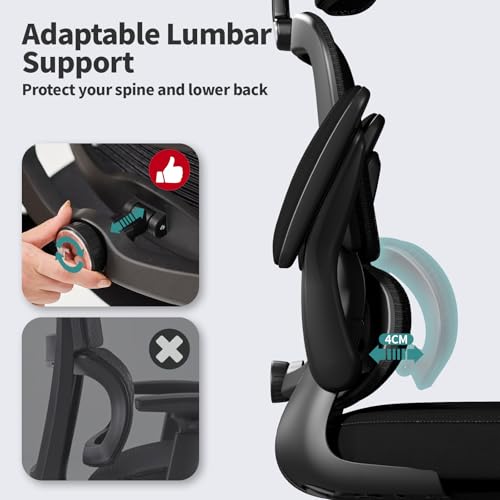
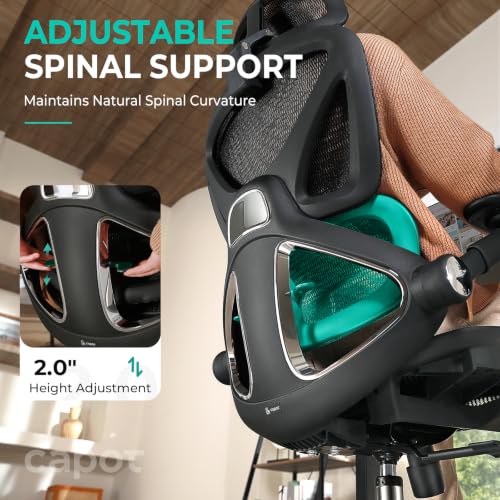
For support, make sure the chair can be adjusted to your actual gaming posture: lumbar height and depth should meet your lower back, the headrest should support the neck without pushing the head forward, armrests should line up with your desk and input devices, and the back angle should lock securely rather than only rock. Seat depth adjustment is especially useful if you are tall or short, and footrests should be treated as a bonus only if they feel stable and do not encourage lower-back slouching. Owner sentiment strongly supports chairs with adjustable lumbar support, headrests, upright backs, reclining lock positions, seat-depth options, armrests, and ergonomic support that helps reduce back fatigue and improve posture during long sessions.
Value
A gaming chair is only good value if its comfort, adjustability, materials, and build quality justify what you pay. Look for features you’ll actually use, like supportive cushioning, sturdy armrests, reliable recline, and durable upholstery, rather than paying extra for flashy styling. Watch out for chairs that look premium but cut corners on frame strength, padding, or warranty support.
For value, spend on fit, adjustability, and durable contact points rather than cosmetic racing details, lights, speakers, or oversized shapes that do not improve posture. A better-value ergonomic gaming chair should offer dependable recline, usable lumbar support, stable arms, breathable materials, replaceable or floor-appropriate casters, and a return policy in case the seat geometry does not match your body. Owner feedback aligns with this priority: buyers tend to call chairs a strong value when they combine sturdy construction, comfort, back support, useful reclining or footrest features, and a substantial feel without needing luxury-level extras.
1,000,000+ shoppers use Buyer's Guide every week to find the best products and services online.

Helping millions of users make smarter purchases online.


