


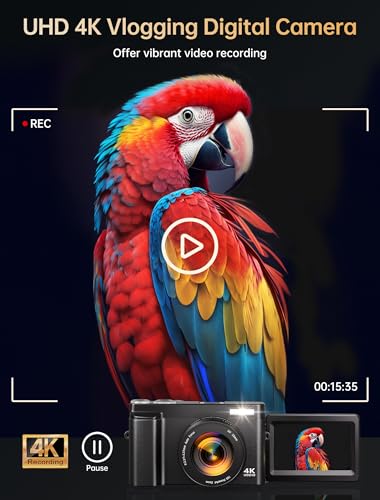
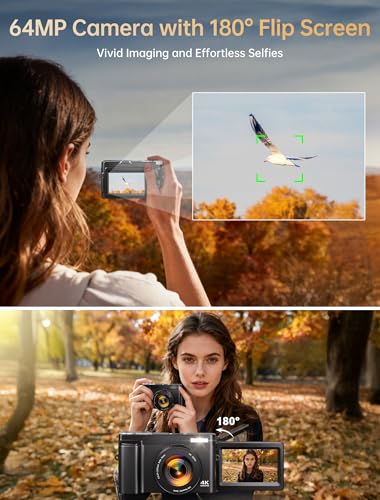

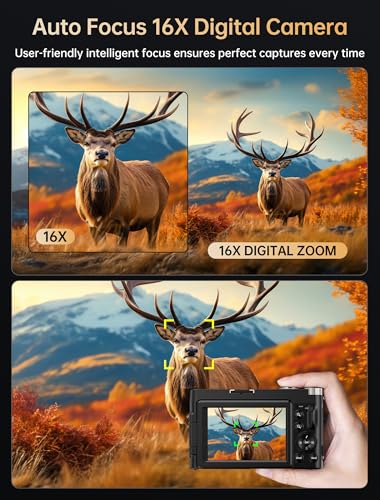


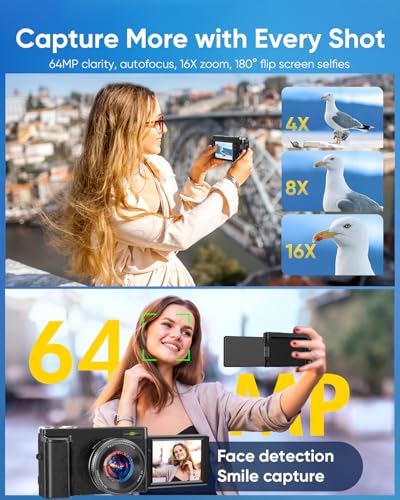








We also considered 10 others:


Our Top Choice
Compare Features


The order above is not editorial opinion, and it is not paid placement. It comes from what shoppers across our network actually do - which cheap digital cameras for photography they compare, and which they ultimately buy. We re-rank as new data comes in, so the long-term favorites have to keep earning their spot against new entrants. The full method, including how we make money.
Cheap Digital Cameras for Photography Buyer's Guide
Cheap digital cameras for photography sit in a tricky middle ground: they promise a real camera experience without the cost or complexity of advanced gear, but the spec sheet can exaggerate what the sensor, lens, and autofocus can actually deliver. The sharpest concerns are whether the camera is genuinely easy and reliable for beginners, and whether the bundle includes the essentials—storage, spare power, and usable controls—needed to start shooting right away.
Image
Image quality determines how sharp, detailed, and natural your photos look, especially when you crop, print, or shoot in challenging light. Look for a camera that delivers accurate color, clean detail, and consistent results across different scenes, not just impressive-looking sample shots in ideal conditions. Also watch for overprocessed images that appear too smooth, too contrasty, or unnaturally saturated.
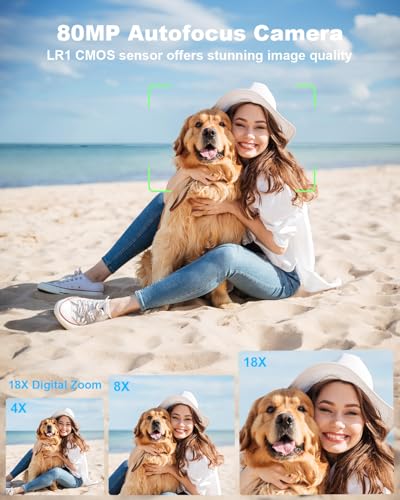
For image quality in a cheap digital camera, don’t shop by the biggest megapixel or “4K” label alone: look for sample photos in daylight and indoors, check whether video is truly usable rather than just high-resolution, and make sure autofocus, exposure, and color hold up for people, pets, travel scenes, and close subjects. Avoid models that rely heavily on digital zoom, extreme megapixel claims, or aggressive smoothing, because those can make photos look soft despite impressive specs. Owner feedback supports that the better budget options can produce clear, sharp photos, vibrant color, and strong-looking 4K video for casual photography, family moments, vlogging, and everyday content creation.
Usability
You’ll get more out of a digital camera if it feels easy to pick up, set up, and adjust without constantly digging through confusing menus. Look for clear controls, helpful automatic modes, and simple playback or sharing steps, especially if the camera is for a beginner or kid. Watch out for models with tiny buttons, cluttered interfaces, or too many advanced settings if you want photography to feel fun rather than frustrating.
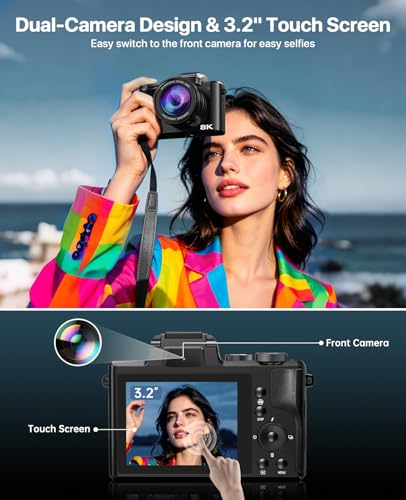
For usability, prioritize a camera that removes friction from learning photography: simple menus, clear buttons, an easy auto mode, visible battery/storage indicators, and a flip screen if selfies, travel clips, or vlogging are part of the plan. For kids, teens, or first-time photographers, avoid overly complex menu systems or tiny unlabeled controls, because a cheap camera that is hard to operate often gets abandoned even if the image specs look good. Buyers consistently describe these starter cameras as easy to set up and approachable, with straightforward controls, touchscreens or flip screens on some models, and operation simple enough for teens, tweens, casual creators, and beginners.
Quality
A digital camera’s quality and reliability matter because you’re trusting it to perform consistently when a shot can’t be repeated. Look for solid build, dependable autofocus and exposure, durable controls, good battery and card performance, and a reputation for stable operation over long-term use. Watch out for cameras that feel flimsy, overheat easily, freeze or lag, or have user reports of recurring mechanical or software issues.
For build and overall quality, treat this category as a starter-photography tool, not a professional camera replacement: check that the lens mechanism, screen hinge, battery door, tripod mount, and buttons feel sturdy enough for bags, travel, and younger users. Be cautious with cameras that include many accessories but have flimsy ports, loose doors, or vague durability information, since the most common failure points in low-cost cameras are physical parts rather than headline photo specs. Owner sentiment suggests many models deliver solid basic quality, clear photo/video results, simple controls, and even surprisingly well-built bodies for entry-level use, while still being viewed as beginner gear rather than professional equipment.
Value
Value for money matters because a digital camera should justify its cost with the features, image quality, handling, and reliability you’ll actually use. Look beyond the body price and consider what’s included or required, such as lenses, batteries, storage, and accessories, while watching out for cameras that add flashy specs but compromise on core performance or usability.
For value, judge the whole ready-to-shoot kit, not just the camera body: confirm whether it includes a compatible memory card, spare battery, charger or cable, wrist strap, case, microphone, or lenses you will actually use. Extras only add value if they are usable and compatible, so avoid paying for bundles padded with low-quality accessories while still missing essentials like storage or backup power. Owners often see these cameras as strong values when they arrive ready to use with items such as memory cards, two batteries, microphones, lenses, and other starter accessories, especially when the photo and video quality exceeds expectations for casual photography and beginner content creation.
Battery
Battery life matters because it determines how long you can shoot without stopping to recharge or swap batteries, especially during travel, events, or long days outdoors. Look for a camera that matches your shooting style, and remember that video recording, continuous autofocus, bright screens, wireless features, and cold weather can drain power faster than casual still photography. Also consider how it charges, including USB charging support and recharge speed, so you know whether you can top it up easily between sessions.
For battery life, make sure the camera can survive the way cheap cameras are usually used: travel days, school events, family gatherings, or repeated short video clips. Look for a removable battery, an included spare, easy USB charging, and the ability to charge one battery while using the other; avoid relying on a single small battery if video or vlogging is important, because recording drains power faster than still photos. Owner feedback repeatedly highlights included extra batteries as a practical advantage, with buyers saying spare power helps the camera stay usable for longer outings, travel, vlogs, and ready-to-use starter kits.
Portability
Portability affects whether you’ll actually bring your camera with you, especially for travel, street shooting, hiking, or everyday use. Look at the camera’s body size and weight with a typical lens attached, not just the body alone, and consider whether it fits comfortably in your bag or can be carried all day without fatigue. Be careful not to trade away too much grip comfort, battery life, or control layout for the smallest possible compact size.
For portability, choose a camera that is small enough to actually carry but not so tiny that it becomes awkward to hold steady, especially for children, teens, or one-handed travel shooting. Check weight, grip shape, wrist-strap support, pocket or small-bag fit, and whether the screen can be protected in a backpack; a fragile lightweight camera may be convenient but risky if it will be tossed into school bags or luggage. Owners strongly value compact, lightweight bodies in this category, saying they are easy to bring on trips, carry daily, use for family moments, and handle comfortably for travel, casual vlogging, vacations, and smaller hands.
1,000,000+ shoppers use Buyer's Guide every week to find the best products and services online.

Helping millions of users make smarter purchases online.


