


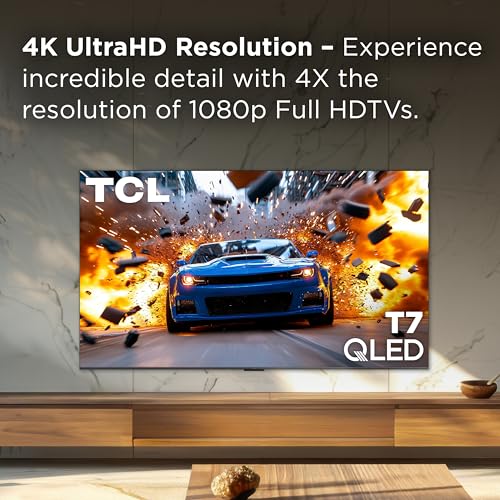




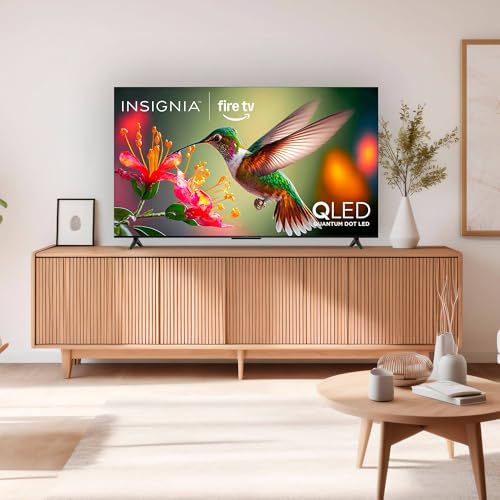

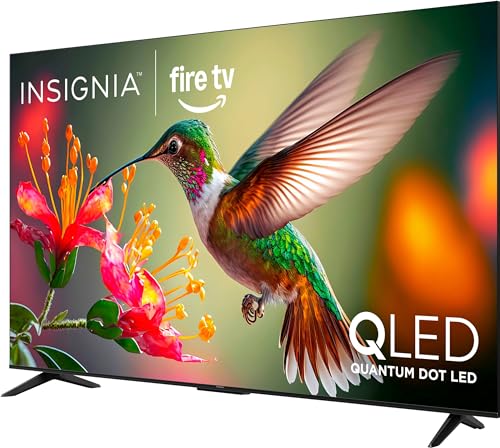


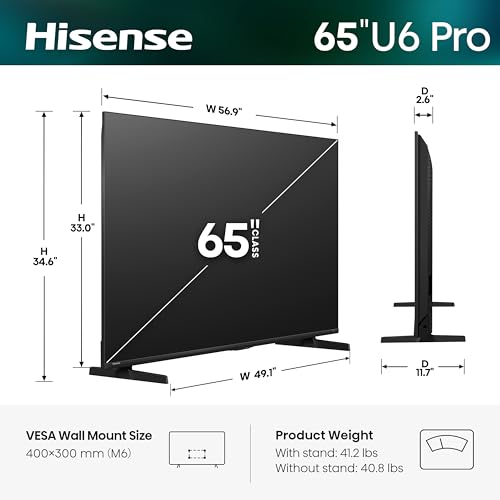


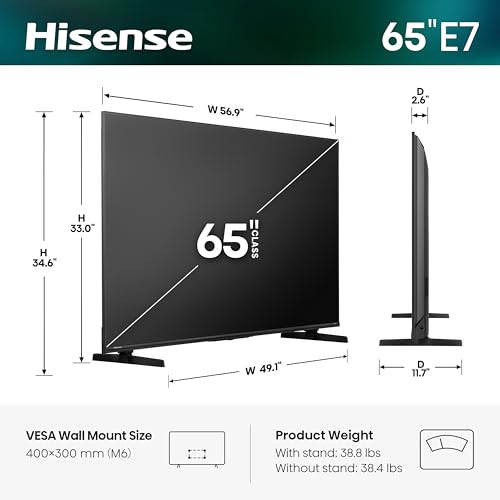


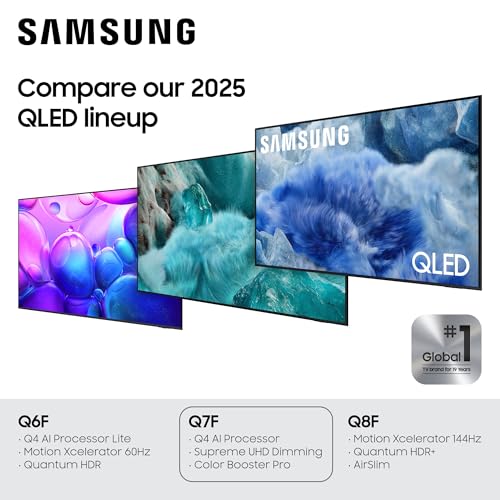
We also considered 10 others:




Our Top Choice
Compare Features


The order above is not editorial opinion, and it is not paid placement. It comes from what shoppers across our network actually do - which cheap 65-inch tvs they compare, and which they ultimately buy. We re-rank as new data comes in, so the long-term favorites have to keep earning their spot against new entrants. The full method, including how we make money.
Cheap 65-Inch TVs Buyer's Guide
A cheap 65-inch TV is usually a tradeoff between screen size and the parts you stop noticing only when they fail: panel uniformity, real HDR brightness, motion handling, and a smart platform that does not bog down. The sharpest checks are whether the set has the exact gaming/display inputs you need and whether the return policy protects you from big-screen defects like dirty-screen effect, edge light bleed, or app instability.
Quality
You want a smart TV that feels well built, runs consistently, and keeps delivering stable performance after the novelty wears off. Look for signs of solid construction, dependable software behavior, sturdy ports and stand hardware, and owner feedback about long-term reliability; watch out for reports of freezing, random restarts, loose panels, weak stands, or performance that degrades with regular use.
For overall quality in a cheap 65-inch TV, prioritize panel consistency, build stability, warranty/return terms, and real-world reliability over the spec sheet. At this size, flaws are easier to see: gray-uniformity patches during sports, backlight bleed in dark rooms, weak corner brightness, wobbling legs, and software freezes can matter more than a slightly higher advertised contrast ratio. If you plan to game, confirm true 4K high-refresh support, low input lag, VRR compatibility, and enough full-bandwidth HDMI ports for your console or PC before buying. Owner feedback supports this split: buyers often praise sharp, premium-looking images, smooth high-refresh gaming, strong performance with modern consoles or PCs, and better-than-expected sound, but reliability and smart-TV control issues are the main reported weak spots.
Controls
You’ll interact with a smart TV every time you turn it on, switch apps, adjust picture settings, or search for something to watch, so the controls can make a big difference in daily satisfaction. Look for a remote that feels intuitive, menus that are easy to navigate, and a system that responds quickly without lag; watch out for cluttered settings, buried options, or controls that make simple tasks feel slow.
For controls, check that the TV gives quick access to picture modes, game mode, HDMI format settings, motion smoothing, VRR, and HDR options without burying them behind slow menus. Cheap large TVs can look poor if the wrong HDMI mode is left disabled or if motion interpolation, oversharpening, energy-saving dimming, or vivid color presets are forced on; make sure the remote and operating system let you adjust these easily. Gamers should specifically verify that 120Hz/144Hz, VRR, and console-specific settings are easy to enable per input. Owners tend to like responsive smart interfaces and tunable gaming options, and many report excellent color and clarity with current consoles, but some also run into frustrating app or technical control issues.
Features
Smart features determine how easily you can find, stream, and control the content you actually watch, so look for a clear interface, broad app support, reliable voice or remote controls, and smooth casting or device integration. Also watch for sluggish menus, missing services, limited update support, or features that sound impressive but do not improve everyday use.
For features, separate real capabilities from marketing labels: look for native 4K, actual panel refresh rate, meaningful HDR format support, usable local dimming or contrast enhancement, eARC if you may add a soundbar, and the number of HDMI ports that support the features you need. In the cheap 65-inch class, a box may advertise HDR or high refresh while delivering limited brightness, only one advanced HDMI input, or reduced chroma/refresh combinations with PCs. If you stream heavily, confirm the app platform supports your services and gets updates; if you game, confirm 4K at high refresh, VRR, ALLM, and clear PC/console compatibility. Owner sentiment is strongest where the feature set feels responsive and easy to tune, especially for high-refresh gaming, with shoppers praising smooth visuals and premium-looking sharpness when the advertised features work as expected.
Picture
Picture quality determines how clear, natural, and immersive everything looks, from dark movie scenes to bright sports broadcasts. You should look for a TV with accurate color, strong contrast, enough brightness for your room, and good motion handling, while watching out for sets that look vivid in a showroom but make skin tones, shadows, or fast action appear unnatural.
For picture, do not buy a cheap 65-inch TV on resolution alone: every 65-inch 4K set has enough pixels, but brightness, contrast, viewing angles, upscaling, motion, and uniformity decide whether it actually looks good in your room. For bright living rooms, look for higher sustained brightness and anti-reflection performance; for dark rooms, check black levels, blooming around subtitles, and clouding. Sports viewers should watch for dirty-screen effect and motion blur, while gamers should confirm low latency and clean 4K motion from the exact HDMI inputs. Owners commonly praise sharp, impressive pictures, vivid color and clarity with modern consoles, deep blacks and bright HDR on better panels, smooth 4K motion, and premium-looking gaming visuals, which reinforces that picture quality can be a standout even in value-focused 65-inch models when the panel and processing are right.
Sound
Sound quality affects how clear dialogue, music, and effects feel, especially when you’re watching movies, sports, or shows without extra speakers. Look for a TV that can get loud enough for your room without sounding harsh, thin, or distorted, and pay attention to whether voices remain easy to understand. If the built-in speakers seem weak or lack bass, plan on pairing the TV with a soundbar or external audio system.
For sound, assume the thin 65-inch chassis may be limited and check voice clarity, volume without distortion, and whether the TV supports eARC/ARC, optical out, and Bluetooth if you may add external audio later. Built-in speakers can be acceptable for casual viewing, but large rooms, action movies, and wall mounting often expose weak bass, narrow stereo separation, or dialogue that gets buried. If you are avoiding a soundbar to keep the total cost low, look for user-adjustable dialogue enhancement, night mode, and stable audio sync over HDMI. Owner feedback is encouraging here: many buyers say built-in sound is fuller and more premium than expected, often good enough for everyday viewing without immediately adding a soundbar.
Value
You want a smart TV that delivers strong picture quality, smooth performance, and useful streaming features without making you pay for extras you won’t use. Look for a balanced mix of display quality, app support, connectivity, and reliability at your budget level, and watch out for models that seem inexpensive but cut corners on brightness, processing speed, or long-term software support.
For value, judge the total usable package, not just the lowest 65-inch price: factor in return shipping or pickup, warranty length, the cost of a wall mount or wider stand furniture, whether you will need a soundbar, and whether the TV has the ports/features to last through your next console or streaming setup. The best cheap 65-inch buy is usually the one that avoids a deal-breaking compromise—dim HDR, slow menus, poor uniformity, or missing HDMI features—rather than the absolute cheapest listing. Sale timing can matter, but only if the retailer has a practical exchange policy for panel defects discovered after setup. Owners strongly frame value as a major appeal, especially when purchased on sale, and many feel the picture, features, apps, adjustability, and overall satisfaction justify the money despite some setup time.
1,000,000+ shoppers use Buyer's Guide every week to find the best products and services online.

Helping millions of users make smarter purchases online.


