


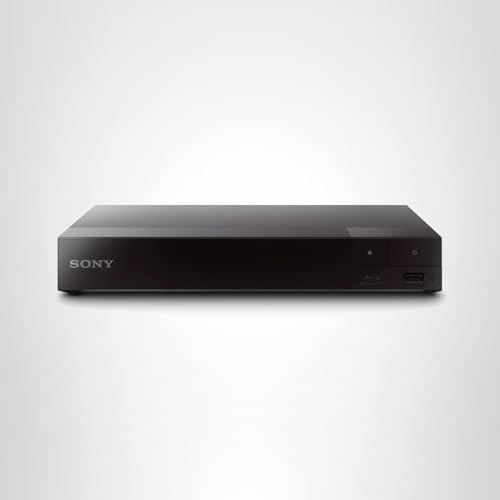


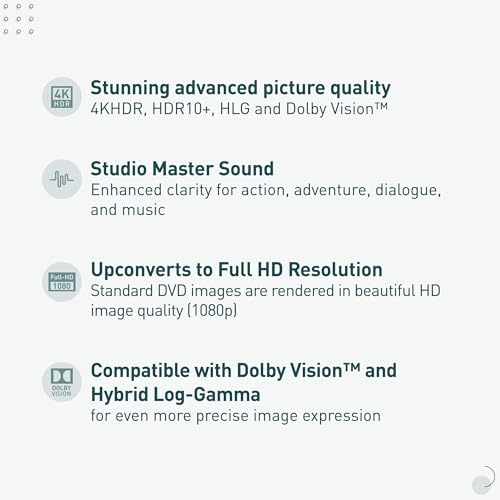



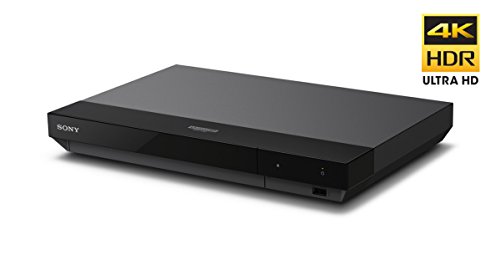

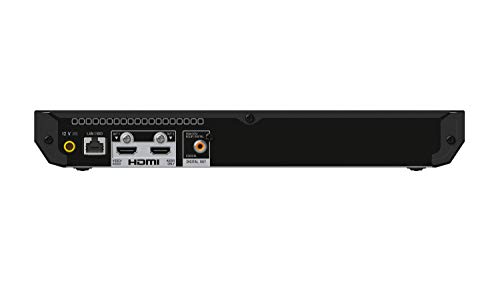


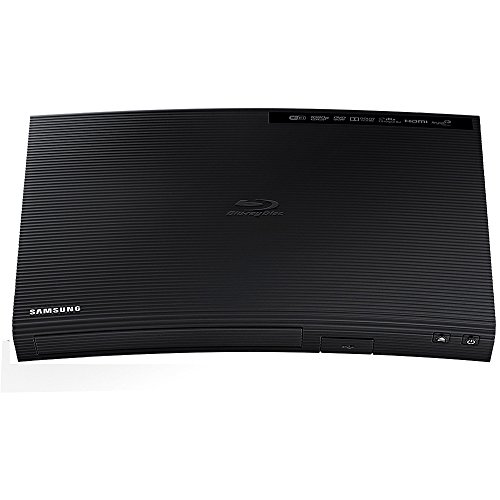


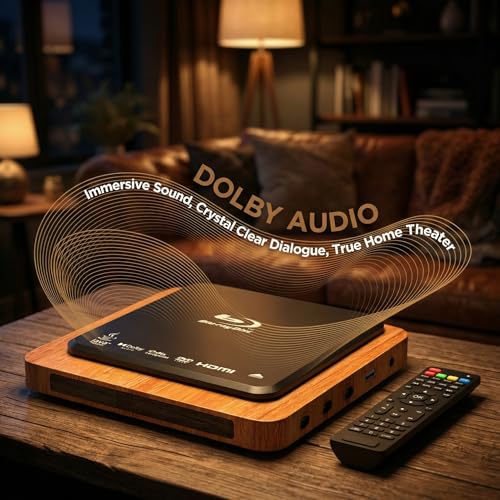


We also considered 10 others:


Our Top Choice
The order above is not editorial opinion, and it is not paid placement. It comes from what shoppers across our network actually do - which budget blu-ray players they compare, and which they ultimately buy. We re-rank as new data comes in, so the long-term favorites have to keep earning their spot against new entrants. The full method, including how we make money.
Budget Blu-Ray Players Buyer's Guide
A budget Blu-ray player is mainly a physical-media workhorse: it should play the discs you already own cleanly, connect to your TV without fuss, and avoid the freezing or compatibility surprises that make cheap electronics feel risky. The sharpest tradeoff is getting dependable 1080p disc playback and useful home-theater connections without assuming extras like UHD disc support, broad region compatibility, or advanced smart features.
Disc Reliability
A budget Blu-ray player is only useful if it consistently reads the discs you already own. In this category, the practical difference is often not flashy extras but whether Blu-rays, DVDs, and CDs load smoothly without freezing, skipping, or rejecting common formats.
Check the spec sheet for the exact disc types you use: Blu-ray, DVD, CD, recordable discs, and any region or video-system limits. Do not assume a low-cost Blu-ray player handles 4K UHD Blu-ray discs, imported discs, or every burned-disc format unless those are explicitly listed. Owner feedback strongly supports prioritizing this: buyers praised reliable Blu-ray and DVD playback, continued use of physical media, and smooth playback of Blu-rays, DVDs, and CDs without freezing or skipping.
Picture Output
Most budget Blu-ray players are bought to make a movie library look clean on an HDTV without paying for a higher-end deck. The key is whether Blu-rays look sharp at 1080p and whether DVDs are upscaled cleanly rather than appearing soft, noisy, or washed out.
Look for 1080p output over HDMI, clear DVD upscaling, and compatibility with your TV’s input resolution. Avoid buying one for a 4K disc collection unless it specifically supports UHD Blu-ray, because standard Blu-ray players can upscale video but do not play UHD discs. Owner sentiment backs this dimension clearly: shoppers praised sharp 1080P playback, clear DVD upscaling, vivid colors, and detail that looked good on a TV, with picture quality also described as strong for basic movie playback.
Audio Fit
Blu-ray audio can matter as much as the picture, especially if the player is feeding a receiver, soundbar, or surround setup. Budget models vary in whether they provide only HDMI audio or also a digital audio output for older equipment.
Match the player’s outputs to your audio gear before buying: HDMI is simplest for a TV or modern receiver, while an SPDIF-style digital output can be important for older soundbars and receivers. If you want surround sound, confirm the player can pass or decode the audio formats your system supports, and check whether menus allow bitstream or PCM output. Owners highlighted sound quality as a major strength in home-theater use, especially when using surround-audio support or the SPDIF output.
Setup & Control
Many shoppers choose a budget Blu-ray player because they want physical media to work without a complicated streaming-style setup. Simple cabling, obvious buttons, and a usable remote reduce frustration for less technical users and occasional movie watchers.
For the easiest setup, choose a player with HDMI, clearly labeled front-panel controls, a straightforward on-screen menu, and the necessary basic cables included if you do not already have them. Make sure the remote has direct access to disc menus, subtitles, audio tracks, and eject/playback controls; budget remotes can be small or lightly documented, so layout matters. Owner comments support this: setup was repeatedly described as quick and straightforward, with simple HDMI connection, included cables, clearly labeled controls, and easy out-of-the-box operation, while remote feedback was more mixed because some owners only noted it was included or used limited functions.
Compact Fit
Budget Blu-ray players are often added to crowded TV stands, bedrooms, dorm rooms, or secondary setups. A small chassis is helpful, but it still needs enough clearance for disc loading, cable bends, and heat ventilation.
Measure the shelf before buying, including width, depth, height, rear cable clearance, and front tray or disc-loading access. Avoid burying a compact player in a sealed cubby, because even simple disc players need airflow and room for cables to sit without strain. Owners specifically praised compact, retro-looking designs that fit neatly into small entertainment areas and kept the setup uncluttered.
1,000,000+ shoppers use Buyer's Guide every week to find the best products and services online.

Helping millions of users make smarter purchases online.


