


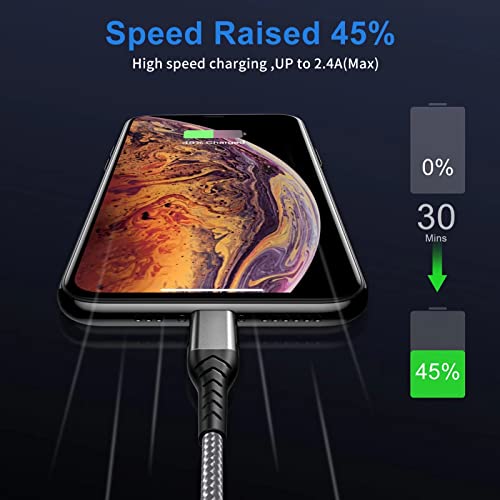


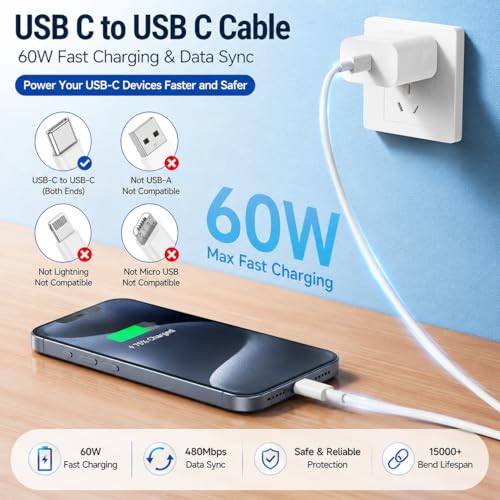


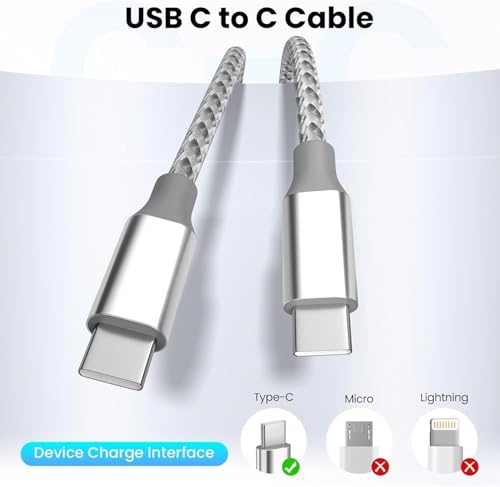


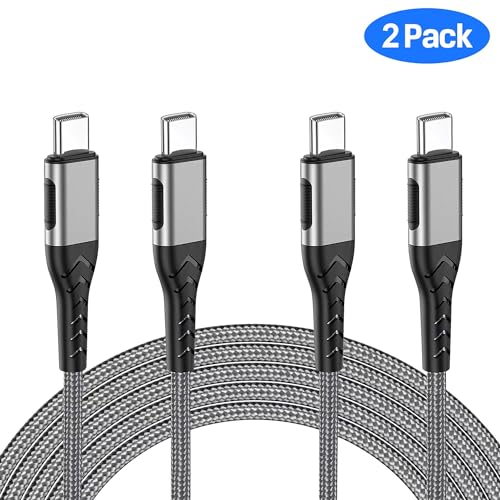


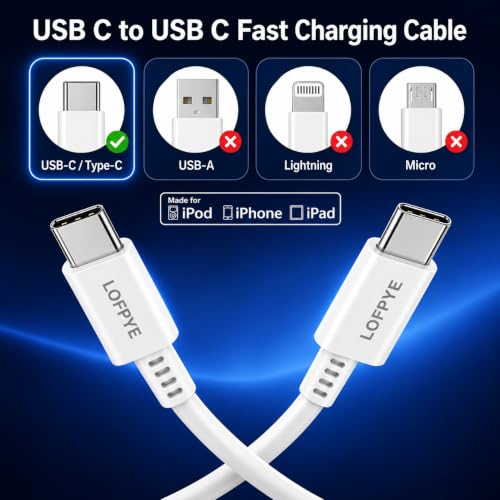


We also considered 10 others:


Our Top Choice
The order above is not editorial opinion, and it is not paid placement. It comes from what shoppers across our network actually do - which usb c cables they compare, and which they ultimately buy. We re-rank as new data comes in, so the long-term favorites have to keep earning their spot against new entrants. The full method, including how we make money.
USB C Cables Buyer's Guide
USB-C cables are deceptively similar: the plug shape is the same, but charging wattage, data capability, connector fit, and durability can be completely different. The key tradeoff is buying enough reach and ruggedness for daily use without ending up with a stiff, loose, or charge-only cable that fails in the setup you actually need.
Charging Power
USB-C cables can look identical while supporting very different charging levels. The right cable lets the charger and device negotiate safely and quickly, while the wrong one may only provide basic or overnight charging. This matters most when the same cable is expected to serve phones, tablets, and higher-power laptops.
Start by matching the cable’s advertised wattage to the device and charger you actually use: basic phone charging may be fine on lower-power USB-C cables, but tablets, handhelds, and laptops need a cable rated for the charger’s output, often with USB Power Delivery support. For laptop-class charging, look for clear wattage labeling and avoid vague “fast charge” claims that do not state a power rating; an under-rated or poorly identified cable can still charge, but may fall back to slower speeds. Owner feedback strongly favors cables that charge phones, tablets, and laptops quickly and stably, though some reports show speed can vary by device and setup, so treat charging performance as a cable-plus-charger-plus-device match rather than a cable-only promise.
Data Support
USB-C describes the connector shape, not the full capability of the cable. A cable that is excellent for charging may be limited for file transfer, display output, docks, or high-speed peripherals. Careful shoppers should separate charging needs from data and video needs before choosing.
Check the exact USB data standard if you plan to move files, connect displays, dock a laptop, use external storage, or run accessories; many USB-C charging cables are not high-speed data or video cables. Avoid assuming that a cable with USB-C plugs supports Thunderbolt, USB4, DisplayPort Alt Mode, or fast transfer rates unless those capabilities are explicitly listed. Owner sentiment is much stronger for charging than for data use: charging compatibility is often smooth, but data-connection feedback is less uniformly positive, making specs especially important for anything beyond power.
Build Quality
The outside of a USB-C cable is not just cosmetic; it affects bend life, fraying resistance, and how much stress reaches the device port. A stronger cable is especially useful for travel, car charging, bedside use, and repeated plugging and unplugging. Poor strain relief can turn an otherwise functional cable into a loose or intermittent one.
Look for reinforced connector ends, solid strain relief, and a jacket that can tolerate bending near the plug, because USB-C cables often fail where the cord meets the connector. Braided nylon can help with abrasion and daily wear, but stiffness matters too: a very thick cable can tug on the port if it hangs off a phone, laptop, car console, or wall charger. Owners repeatedly praise sturdy braided construction, secure connectors, reinforced ends, and long-term daily-use durability, while the caveats show that some budget-oriented cords still vary in durability and connection reliability.
Length Fit
Cable length changes both convenience and reliability. Too short forces awkward device placement, while too long can create clutter, tangling, or extra strain on the connector. The best length depends on whether the cable will live in a car, bag, bedside outlet, desk setup, or travel kit.
Choose length by location, not by “longer is better”: short cables reduce clutter in cars, power banks, and desk docks; mid-length cables suit nightstands and desks; extra-long cables help with couches, beds, hotel rooms, and awkward outlets. For long cables, prioritize a flexible but well-supported design so the cord’s weight does not pull the USB-C plug loose. Owner feedback shows strong appreciation for 6.6-foot and 10-foot options for bedside, desk, travel, and rooms with inconvenient outlets, while shorter 3-foot cables are praised for compact spots without excess cord clutter.
Connector Fit
A USB-C connector that is slightly loose, bulky, or case-incompatible can make charging intermittent even when the cable itself is electrically capable. Fit matters more in cars, beds, couches, and handheld use because movement can break contact. Secure seating also protects the device port from avoidable stress.
Test for a firm, fully seated plug with your actual case, charger, hub, and device port; a good USB-C cable should click in or seat snugly without needing pressure, twisting, or a perfect angle. If you use the device while charging, consider right-angle connectors to reduce wrist interference and port strain, but make sure the angle points the right way for your case and device layout. Owners often describe snug, easy-to-use ends and dependable everyday charging, but mixed reports mention occasional fit, grip, wiggle, and compatibility issues, especially where heavier cables are left unsupported.
Pack Value
USB-C cables are often bought in multiples because modern households and travel setups need more than one charging spot. A good pack reduces the need to move one cable around, but inconsistent specs or unsuitable lengths can cancel out the benefit. Value is strongest when the included cables match real usage locations.
Multi-packs are useful when you need known-good cables in several fixed places: bedside, desk, car, travel bag, power bank, and spare drawer. Still, do not buy only by quantity; confirm that every cable in the set has the same wattage, length, connector style, and data capability you need, because a cheap spare is frustrating if it only works slowly or intermittently. Owner sentiment strongly supports two-packs and three-packs as practical value, especially when they combine useful lengths with enough extras for home, bags, travel, and on-the-go charging.
1,000,000+ shoppers use Buyer's Guide every week to find the best products and services online.

Helping millions of users make smarter purchases online.


