

















We also considered 10 others:


Our Top Choice
Compare Features


The order above is not editorial opinion, and it is not paid placement. It comes from what shoppers across our network actually do - which usb 3.0 hubs they compare, and which they ultimately buy. We re-rank as new data comes in, so the long-term favorites have to keep earning their spot against new entrants. The full method, including how we make money.
USB 3.0 Hubs Buyer's Guide
A USB 3.0 hub has to balance speed, port count, and power: adding more sockets is only useful if drives, input devices, and receivers stay connected without starving the bus. For this category, the sharpest buying concerns are whether the hub is powered or bus-powered, whether its cable and layout fit your desk or laptop, and whether it can maintain stable USB 3.0 transfers when several peripherals are active.
Port Layout
The right hub should expand access without creating a new bottleneck at the desk. Port count, spacing, and orientation determine whether the hub works with real-world dongles, cables, drives, and receivers at the same time.
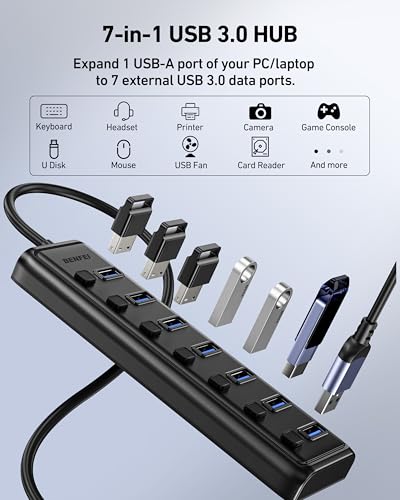
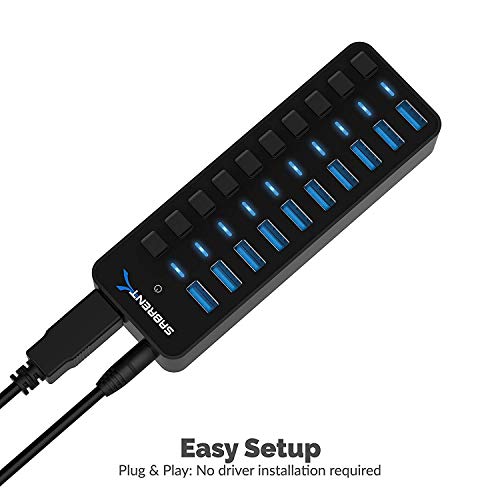
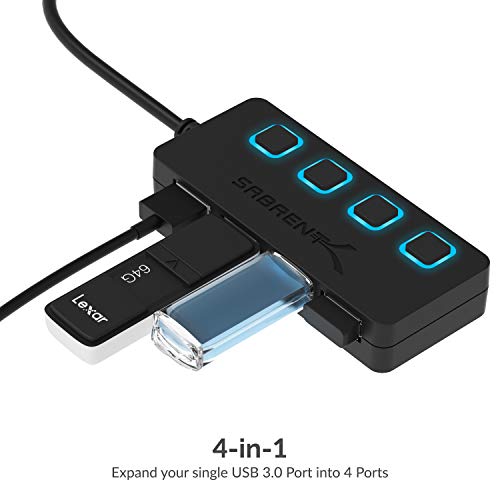
Start by matching the port count to what will stay plugged in every day, not just what you occasionally connect. A 4-port hub is usually enough for a mouse, keyboard, receiver, and flash drive; a 7-port hub makes more sense for desktop setups with external drives, card readers, charging cables, and accessories. Look for enough spacing around each port for wide flash drives, dongles, and angled cables, and avoid layouts that force bulky devices to block adjacent ports. Owner feedback strongly supports port expansion as the core reason to buy in this category: shoppers repeatedly valued having extra USB connections for keyboards, mice, drives, chargers, and office accessories without constantly swapping cables. Reports also emphasized that hubs with several USB 3.0 ports can make everyday PC setups easier when multiple devices need to be connected at once.
Stable Transfers
A USB hub is part of the data path, so instability can affect every connected device. Fast transfer support matters, but sustained reliability matters more when storage devices or work peripherals are connected for long sessions.
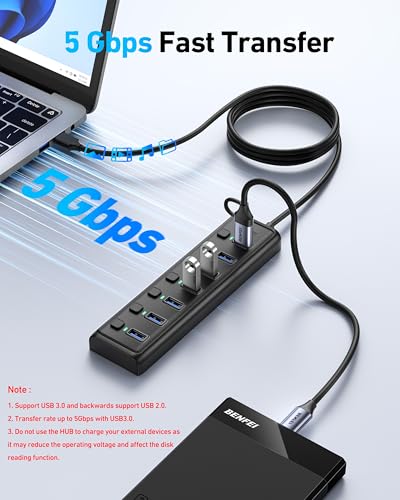
For USB 3.0 hubs, prioritize stable data handling over headline port count. If you plan to use external storage, webcams, audio interfaces, card readers, or wireless receivers, look for clear USB 3.0 support, short high-quality internal routing, and a reputation for maintaining connections across multiple active devices. Be cautious if your use involves drives that disconnect during writes, because intermittent dropouts can corrupt transfers or interrupt backups. Owner sentiment shows this is one of the biggest separators between good and bad picks. Many buyers praised fast transfers, dependable connections, and plug-and-play operation across multiple devices, but reliability was also the main watch-out, with some setups seeing intermittent dropouts, devices shutting off after continued use, or needing to unplug and reconnect.
Power Budget
Every connected USB device draws from a limited power pool unless the hub has external power. A hub that works perfectly with low-power peripherals may struggle when several storage devices or charging loads are attached.
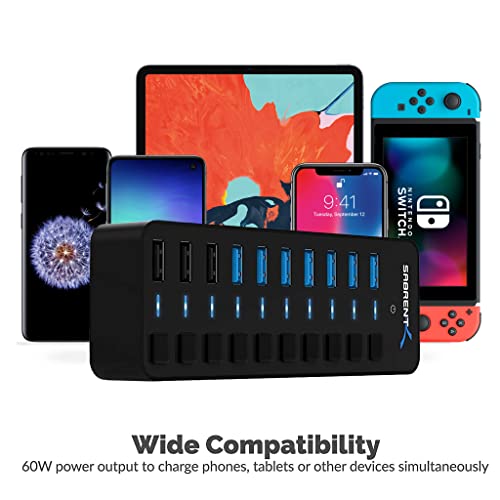
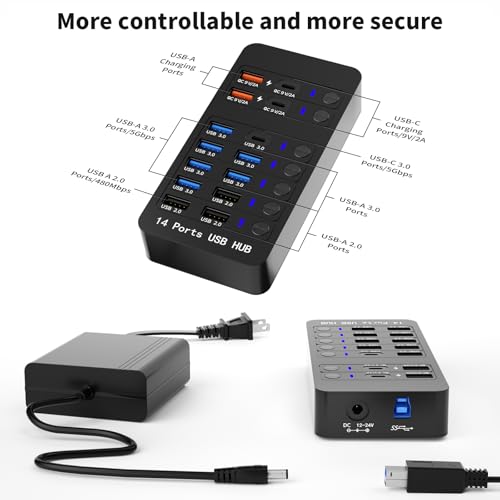
Decide first whether you need a bus-powered hub or a powered hub. A bus-powered USB 3.0 hub is convenient for keyboards, mice, flash drives, receivers, and light accessories, but it shares limited power from the host port; for multiple external hard drives, high-draw devices, tablets, or frequent charging, choose a hub with its own power input. Avoid assuming that more ports means more charging capacity, because unpowered hubs can enumerate devices while still failing under heavier load. Owner feedback was mixed specifically around power capacity. Shoppers found that some hubs handled light charging and multiple connections, but heavy-load use was less ideal when the hub was not powered, making this a key compatibility check before buying.
Desk Fit
A hub that is electrically capable can still be frustrating if it cannot sit where your hands need it. Cable length, footprint, and weight determine whether it works better as a desktop extender or a travel adapter.
Check the upstream cable length and the physical footprint before buying. For a desktop tower under a desk, a longer cable helps keep the ports reachable on the work surface; for a laptop, a short, lightweight hub may be cleaner and less likely to tug on the computer’s port. Also consider whether the hub will sit flat, slide around, or need to be tucked behind a monitor, because inaccessible ports defeat the purpose of expansion. Owner sentiment highlights placement as a practical advantage when done well. Buyers appreciated compact, sleek, lightweight hubs that did not take up much space, and a longer cord was specifically valued because it could reach the computer while keeping the hub accessible on the desk.
Port Control
Small control features can reduce cable wear and make a fixed setup easier to manage. They matter most when several accessories remain plugged in but only some need to be active at any given time.
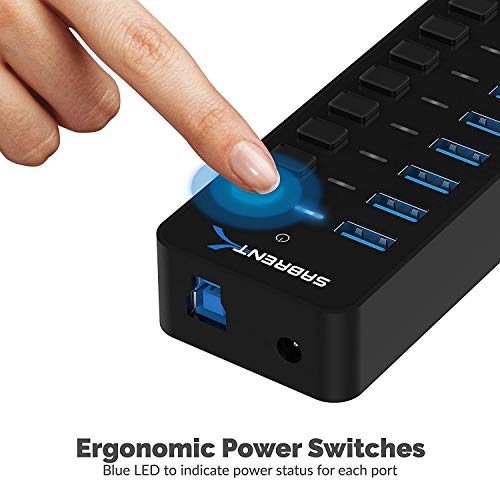
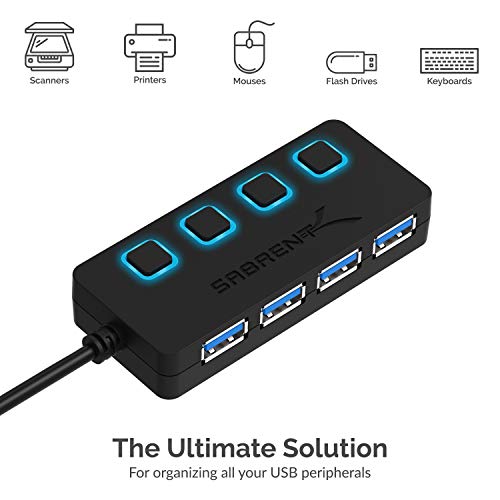
Look for individual port switches and status LEDs if the hub will stay on a desk, behind a monitor, or connected to devices you do not always use. Per-port controls let you disable a drive, light, receiver, or charger without unplugging cables, while clear indicators help confirm which ports are active. Avoid overly bright lights for bedside or dark workspaces, and avoid switches if you need the smallest possible travel hub with no extra bulk. Owner feedback supports this as a convenience feature rather than a core requirement. Buyers liked individual power control and status lights for desk or tucked-away setups, especially when ports did not need to remain active all the time.
Build Quality
USB hubs are handled, moved, and plugged into repeatedly, so weak construction can quickly become a functional problem. Good build quality also supports heat control and stable physical contact across the ports.
Choose a hub that feels solid at the connector, cable strain relief, and port openings, because loose sockets and weak cables are common failure points for frequently moved USB accessories. For multi-device use, prefer a shell that does not trap heat and ports that grip firmly without excessive force. A compact hub can be a good value, but only if it stays cool, maintains connections, and survives repeated plugging and unplugging. Owner sentiment was favorable on quality and value overall: shoppers described small hubs as solid, well made, practical, and able to stay cool in laptop setups. At the same time, the reliability complaints show why build quality should be judged by sustained operation, not just first impressions.
1,000,000+ shoppers use Buyer's Guide every week to find the best products and services online.

Helping millions of users make smarter purchases online.


