
Join the millions that have trusted BuyersGuide.org to help them make smarter buying decisions. Let our independent expert reviews and data-driven shopping recommendations help you find the one that's right for you.













We also considered 10 others:


Our Top Choice
Compare Features


Why These Features Matter:
An e-reader is one of those objects that quietly moves into your life and starts making small demands: it wants a place on the nightstand, it wants to be held in one hand while you eat toast, it wants to survive being tossed into a tote bag with a leaking lip balm. The “best” one isn’t the one with the most braggy features — it’s the one you’ll actually pick up instead of your phone when you have ten minutes and a brain full of notifications.
What matters is the stuff you feel: how the screen looks at 11 p.m. with one eye open, whether the page-turn buttons (if it has them) land under your thumb or make you do hand gymnastics, how often you have to think about charging it, and whether it’s going to slip out of your hand the first time you read in the bath and pretend you’re not nervous.
Screen: The Part You Stare At for Hours
E-ink screens are the whole point — that paper-ish, low-glare look that doesn’t make your eyes feel like they’ve been marinating in backlit doom. But not all “paper-like” screens feel the same in daily life.
- Front lighting (not backlighting): You want light that shines onto the page, not through it. It’s kinder at night and less “tiny TV.”
- Warm light: If you read in bed, warm/amber tones matter more than you think. Bright white light at midnight feels like opening the fridge and getting scolded.
- Glare control: If you read near a window, on a balcony, or in a park, a matte screen saves you from seeing your own squinting reflection.
Honest caveat: Even excellent e-ink can feel a bit sluggish if you’re used to phone-snappy scrolling. Page turns are usually fine; it’s the menus and library browsing that can feel like waiting for a polite person to finish their sentence.
Size & Weight: The One-Hand Test
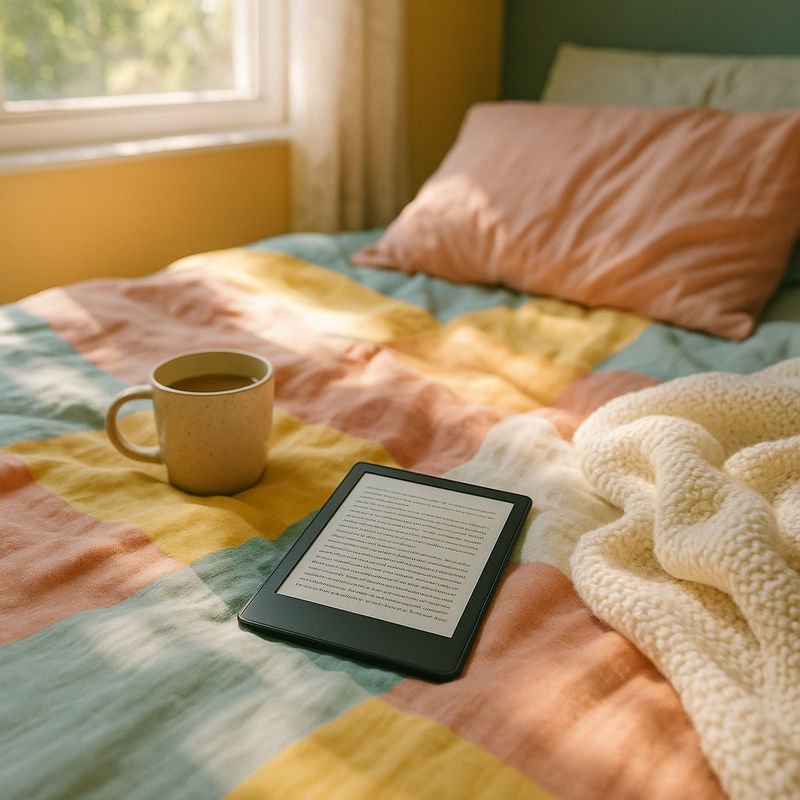
Here’s my unscientific but reliable metric: can you hold it with one hand for a chapter without your wrist starting a quiet rebellion? Most people think they want “bigger is better” until they’re lying on their side trying to prop the thing on a pillow.
- Smaller screens: Better for commuters, tote bags, and anyone who reads in weird positions (so: everyone).
- Larger screens: Great for big fonts, PDFs, or if you hate turning pages every 90 seconds. Also great for people who want an e-reader that feels more like a “reading object” than a gadget.
- Weight distribution: A slightly heavier device with a good bezel can feel easier to hold than a lighter one that’s too slippery and forces a death grip.
Things to know: Ultra-thin designs can be deceptively annoying. If there’s nothing to grab onto, you’ll end up buying a case just to make it feel like a normal object in your hand — which adds weight anyway.
Buttons vs. Taps: Thumb Comfort Is Real
Some e-readers expect you to tap or swipe to turn pages. Others give you buttons. This sounds like preference. It’s actually about how you read when you’re lazy (which is, ideally, most of the time).
- Page-turn buttons: Less screen smudging, easier one-handed reading, and surprisingly nice in winter when your fingers are dry and your touchscreen is being dramatic.
- Touch-only: Cleaner design, usually cheaper, and fewer moving parts. But you may accidentally turn pages with a stray thumb or a blanket edge.
Honest caveat: Buttons can feel a little clicky. If you share a bed with a light sleeper, you’ll notice. (They will, too.)
Library Ecosystem: The Part No One Wants to Think About (But Should)
This is the truth: the best e-reader is often the one that plays nicely with how you get books. Buying, borrowing, and syncing should feel boring — boring is good. Boring means you’re reading, not troubleshooting.
- Library borrowing: If you use your public library a lot, make sure your e-reader works smoothly with your library app/service in your region. Some pairings are seamless; others are “send to device” rituals that feel like faxing.
- Bookstore lock-in: Some devices strongly prefer their own store. That can be convenient (one-click, instant), but it’s also a walled garden with a polite smile.
- File compatibility: If you already have a messy little hoard of EPUBs, PDFs, or downloads from indie sites, you’ll want an e-reader that doesn’t treat those like suspicious contraband.
Things to know: If you switch ecosystems later, transferring books can be anywhere from “fine” to “my weekend is now spreadsheets.” If you’re picky about owning files versus renting access, decide early.
Night Reading: The Bedroom Reality Check
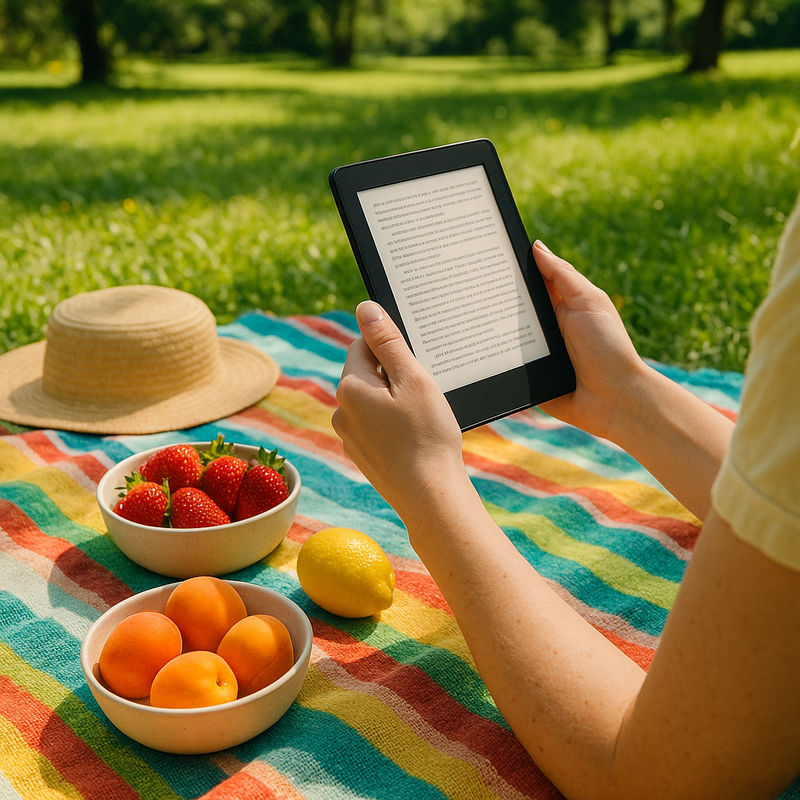
People love to say they’ll read more if they get an e-reader. They mean: they’ll read more in bed. So consider the bedroom specifics: low light, a partner, a cat stepping directly onto the screen, and the general fragility of human willpower at 12:38 a.m.
- Warm front light + very low minimum brightness: The “minimum brightness” setting is crucial. Some devices still feel like a tiny headlamp on the lowest setting.
- Dark mode: Nice if you’re sensitive to light, but not always a magic fix on e-ink. Some people love it; some find it a little uncanny.
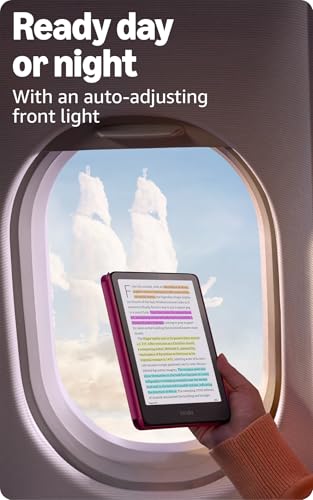
- Auto-adjusting light: Helpful if you move between rooms a lot, but it can also misjudge and do that annoying “why did it suddenly get brighter?” thing.
Battery & Charging: Less Romance, More Logistics
E-readers are blessedly low-maintenance compared to tablets. Still: you’ll only appreciate battery life when you’re traveling and your phone is already fighting for its life.
- Weeks-long battery (in theory): Real life depends on brightness, Wi‑Fi, and how often you browse/store-hop instead of reading.
- Charging port: If you’re trying to reduce cord chaos, prioritize a device that uses the same cable as your other daily tech. The “special cable” era should be over.
Honest caveat: Some devices are so battery-sipping that you’ll forget where you put the charger. This is great until you’re at 3% and tearing apart the “cord drawer” like it owes you money.
Storage & Organization: The Messy Bookshelf Problem, Digitally
You can put thousands of books on an e-reader. You will. And then you’ll spend ten minutes scrolling because you forgot what you named the collection where you put “that one novel with the blue cover.”
- Search and filters: You want a library view that doesn’t make you feel like you’re filing taxes.
- Collections/tags: Essential if you’re a mood reader or you keep multiple books going at once (bed book, subway book, “I’m trying to better myself” book).
- Cloud syncing: If you read across devices, syncing should be dependable. Nothing kills a reading groove like losing your place.
Things to know: PDF handling is often the heartbreak category. If you read lots of PDFs (work docs, textbooks, design references), prioritize screen size and zoom responsiveness — or consider a tablet. Some pain cannot be optimized away.
Water Resistance & Durability: Real Life Is Wet and Sticky
People buy water resistance thinking they’ll become the kind of person who reads in a bubble bath with a candle. More often, it’s about spilled iced coffee, pool splashes, or reading while your kid conducts a mysterious science experiment nearby.
- Water resistance: Worth it if you read near water, travel, or simply exist around beverages.
- Build finish: Matte backs tend to be grippier; glossy backs tend to be prettier and also more likely to slide off a couch cushion at 2 a.m.
- Cases: A good case is less about aesthetics and more about turning your e-reader into something you can toss in a bag without babying.
Honest caveat: Water resistance isn’t invincibility. Saltwater, sand, and “I dropped it in the tub and panicked for 40 seconds” are their own genres of stress.
Annotations & Note-Taking: For the Underliners and the Overthinkers
If you highlight like you’re studying for a final — or you’re the kind of person who dog-ears paperbacks with gusto — pay attention to how highlighting feels. Some e-readers make it seamless. Others make it weirdly fiddly, like you’re trying to pick up a single grain of rice with chopsticks.
- Highlighting accuracy: You want precise selection that doesn’t snag extra words or fight you.
- Exporting notes: If you read for work, school, or writing, the ability to get highlights off the device without a tech ceremony matters.
- Stylus support: Useful for marginalia people, but only if you’ll actually use it. Otherwise it’s just another tiny object to lose.
What to Choose, Based on How You Actually Live
- If you read mostly in bed: Prioritize warm light, a very low minimum brightness, and comfortable one-handed holding. Buttons are a quiet luxury.
- If you commute or travel: Go lighter and smaller, with a sturdy case. Easy library borrowing is a bigger deal than an extra inch of screen.
- If you read PDFs or textbooks: Size matters. So does zoom and layout handling. If your documents are complex, accept that an e-reader might be “good enough,” not perfect.
- If you’re trying to cut phone time: Choose the device that makes getting a book effortless and distraction-free. The less you have to tinker, the more you’ll read.
- If you share books with family: Pay attention to account sharing, profiles, and how purchases/borrows work across devices. Nothing says “domestic friction” like losing your partner’s place in their thriller.
Quick Gut-Check Before You Buy
- Can you comfortably hold it in one hand for 20 minutes?
- Is the warm light actually warm, and can it go dim enough for nighttime?
- Does it fit your book-getting habits (library, store, sideloading)?
- Do you want buttons, or will tapping drive you quietly insane?
- Will you resent needing a special charging cable?
A good e-reader disappears. You don’t want to admire it; you want to forget it exists until you realize you’ve read three chapters instead of doomscrolling. That’s the real flex.
1,000,000+ shoppers use Buyer's Guide every week to find the best products and services online.

Helping millions of users make smarter purchases online.

