











We also considered 10 others:


Our Top Choice
Compare Features


The order above is not editorial opinion, and it is not paid placement. It comes from what shoppers across our network actually do - which fitbit watches for women they compare, and which they ultimately buy. We re-rank as new data comes in, so the long-term favorites have to keep earning their spot against new entrants. The full method, including how we make money.
Fitbit Watches for Women Buyer's Guide
For women shopping this category, the main tradeoff is getting a watch slim enough for smaller wrists and all-day wear without giving up battery life, reliable health tracking, and readable controls. The sharpest checks are fit-related accuracy, skin comfort, overnight battery for sleep tracking, and whether the watch/app will stay reliably connected to your specific phone.
Build
Because a smartwatch is worn all day and exposed to bumps, sweat, water, and frequent charging, build quality directly affects how long it stays comfortable, reliable, and good-looking. Look for solid materials, secure buttons or crowns, dependable seals, and a screen or case that resists scratches; be cautious of flimsy straps, loose fittings, poor water resistance, or reports of units arriving in rough condition or failing with normal use.
Prioritize case size, band fit, and skin-safe materials before general durability: a women-focused fitness watch should sit flat on a smaller wrist, stay snug enough for heart-rate sensors without pinching, and use a band that will not trap sweat, snag sleeves, or irritate sensitive skin. Look for multiple band sizes, easy band swaps, a secure clasp for workouts, water/sweat resistance for shower-adjacent daily use, and a low-profile body if you want it to work with office wear or sleep tracking. Owner feedback generally supports the category’s build quality, with many buyers describing slim trackers and smartwatches as lightweight, well made, durable for everyday use, and not as bulky as oversized smartwatches.
Battery
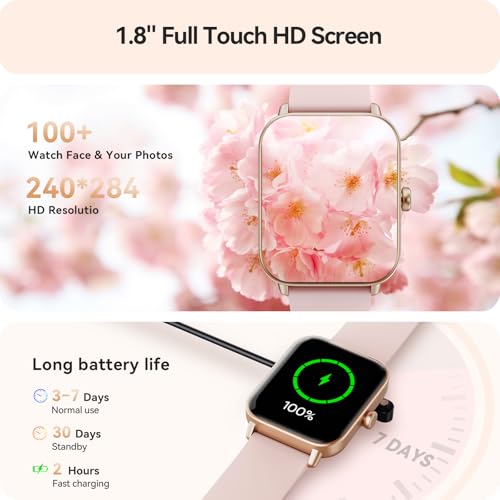
Battery life matters because it determines whether your smartwatch can reliably track workouts, sleep, notifications, and health metrics without constant interruptions. Look for a runtime that fits how you actually use the watch, and pay attention to charging speed and charger convenience so topping up between sleep, work, or exercise is easy. Watch out for heavy GPS, always-on displays, and cellular features, which can drain the battery much faster than basic daily use.
Choose battery life based on whether you will actually wear it overnight: if sleep, recovery, cycle-related wellness logging, or morning readiness features matter, avoid models that need daily charging or lose charge quickly with always-on display, SpO2, GPS, calls, or frequent notifications enabled. A practical target is multi-day use with fast charging, so you can top it up during a shower or morning routine rather than sacrificing sleep data. Owners often praise multi-day battery life, quick recharging, and straightforward charging, though sentiment is split for some watches where battery drains sooner than expected for certain users.
Tracking
Tracking matters because your watch is only useful if its step counts, workouts, heart-rate monitoring, sleep tracking, and health metrics are consistent enough to guide your habits. Look for reliable accuracy across the activities you actually do, clear tracking information in the companion app, and sensors that perform well during movement, not just at rest. Be cautious of watches that report lots of health data but make it hard to understand trends or show inconsistent results from day to day.
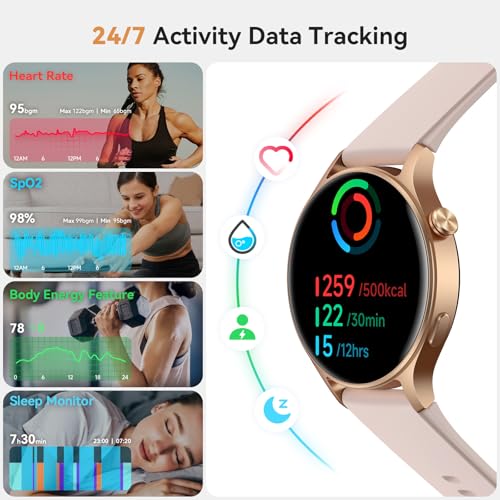
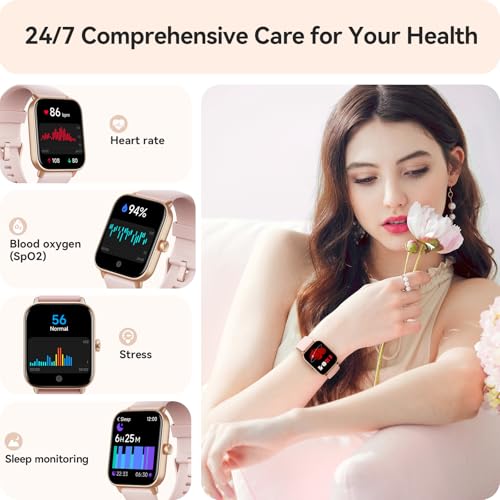
For women’s health and fitness use, accuracy depends heavily on fit: the sensor must maintain consistent skin contact on a narrower wrist, especially during HIIT, walking, sleep, and low-temperature conditions when blood-flow readings can be less stable. Check for the specific metrics you will use—steps, heart rate, sleep stages, SpO2, workouts, reminders, and any cycle or wellness logging—but treat blood oxygen, blood pressure-style readings, stress scores, and sleep staging as trend tools rather than medical measurements. Owner sentiment shows tracking is a major reason people buy these watches, with steps, heart rate, sleep, workouts, oxygen, reminders, and daily activity goals commonly described as useful and motivating.
Ease
A smartwatch should be easy to set up, simple to navigate, and quick to control without forcing you to dig through confusing menus. Look for clear onboarding, intuitive gestures or buttons, readable notifications, and a companion app that makes settings easy to find. Watch out for watches that bury basic features, require too much phone-app tinkering, or feel frustrating during everyday tasks.
Favor a watch that is easy to operate on a small screen without turning into a second phone: clear menus, a responsive touchscreen, a physical or quick-access button, readable text, strong vibration alerts, and simple app setup matter more than a long list of features you will not use. If you plan to wear it all day, also check whether charging, band changes, watch-face customization, alarms, timers, and notification controls are simple enough to manage during a normal routine. Owners commonly describe setup, charging, app use, touch controls, navigation, timers, and daily access to health stats as straightforward, which supports this category for shoppers who want fitness basics without heavy smartwatch complexity.
Value
A smartwatch can feel like a bargain or an overbuy depending on how well its features match what you’ll actually use. Look for strong core functions—reliable notifications, health tracking, battery life, comfort, and app support—at a price that makes sense for your needs, and be cautious about paying extra for niche features you may rarely use.
Judge value by which women-specific daily needs are included without hidden compromises: the best buy is not the watch with the most features, but the one that fits comfortably, tracks sleep and workouts reliably, has usable battery life, supports your phone, and does not lock the insights you care about behind extra services. Factor in replacement bands in smaller sizes, proprietary chargers, screen protectors, and whether advanced health, stress, sleep, or coaching features require ongoing app access. Owner feedback often frames these watches as strong values when they feel well made and deliver core smartwatch and fitness functions without feeling bare-bones.
Connectivity
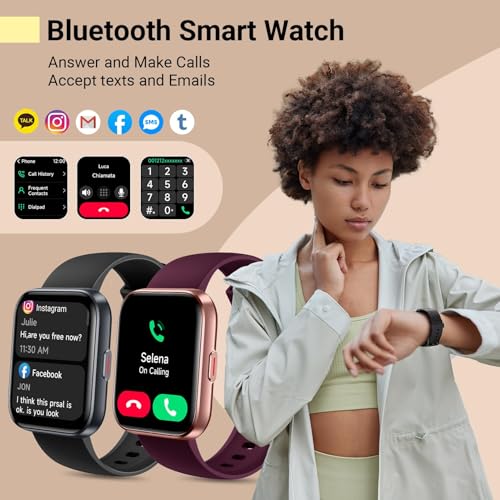
Your smart watch needs reliable connectivity to deliver notifications, calls, app updates, health data syncing, and other features without constant dropouts or delays. Make sure it is compatible with your phone’s operating system and the apps you rely on, and check whether key functions require a nearby phone, Wi-Fi, or cellular service. Poor pairing stability or limited compatibility can make even a feature-rich watch feel frustrating in daily use.
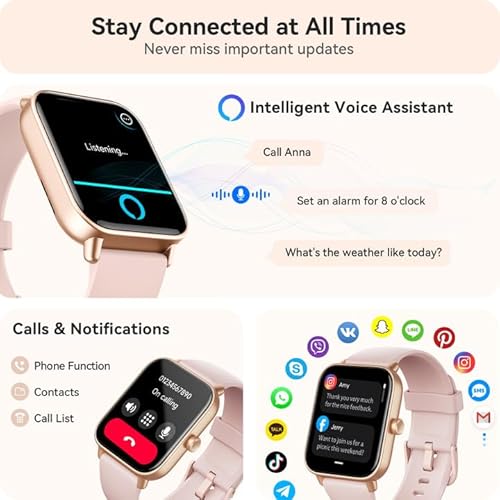
Verify phone and app compatibility before buying, especially if you rely on call, text, calendar, safety, medication, or cycle-tracking reminders: confirm your phone operating system version, Bluetooth requirements, notification permissions, app availability, and whether features differ between phone platforms. Watch for failure modes like dropped Bluetooth connections, missed notifications, stalled syncing, app login problems, or connected features that work at setup but become unreliable after updates. Owner sentiment makes connectivity the clearest caution area: some buyers report easy pairing and useful calls, messages, alerts, and assistant-style commands, while others struggle with syncing, app behavior, disconnections, incompatibility, or missed notifications over time.
1,000,000+ shoppers use Buyer's Guide every week to find the best products and services online.

Helping millions of users make smarter purchases online.


