


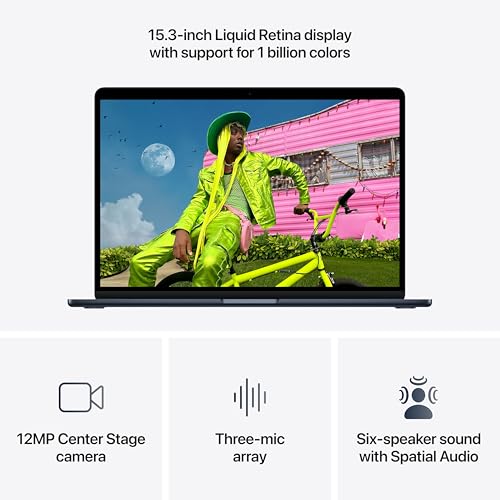



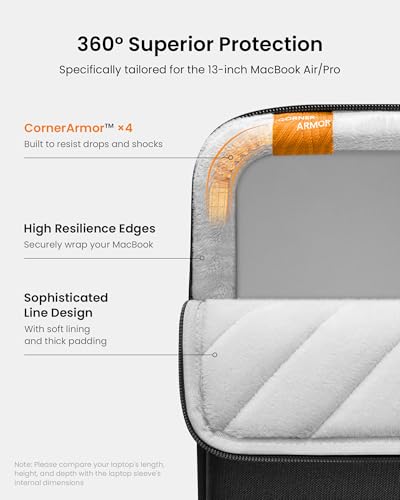



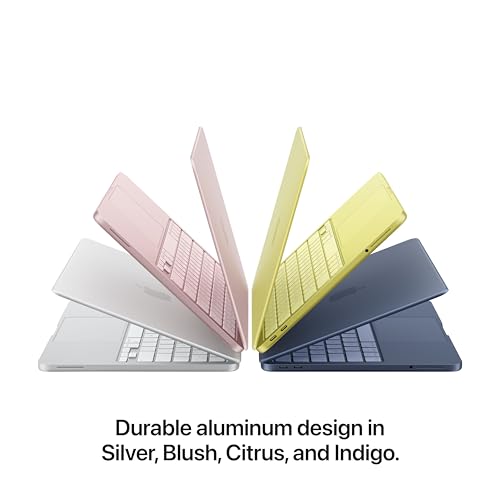






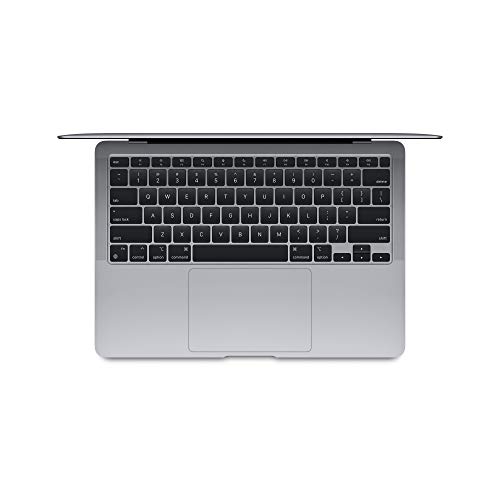


We also considered 10 others:


Our Top Choice
Compare Features


The order above is not editorial opinion, and it is not paid placement. It comes from what shoppers across our network actually do - which apple macbook air laptops they compare, and which they ultimately buy. We re-rank as new data comes in, so the long-term favorites have to keep earning their spot against new entrants. The full method, including how we make money.
Apple MacBook Air Laptops Buyer's Guide
This category’s appeal is the rare mix of thin, silent portability and long battery life, but that same design makes memory, storage, battery condition, and ports critical because they are hard or impossible to fix later. The sharpest buying risks are choosing an under-specced configuration for your workload and accepting a renewed unit without verified battery health, charger quality, and clean activation status.
Build
Build quality affects how long your laptop feels dependable, how well it holds up to daily carrying, and whether it feels solid every time you open the lid or type. Look for sturdy materials, tight seams, a firm hinge, minimal keyboard or chassis flex, and a clean finish on arrival; watch out for loose parts, uneven gaps, creaking panels, cosmetic damage, or anything that suggests poor durability or quality control.
Prioritize the exact generation, screen size, and condition grade because the thin aluminum chassis, display panel, keyboard, trackpad, ports, and fingerprint sensor are expensive to remedy after purchase. For renewed or secondhand units, inspect photos and return terms for corner dents, lid warping, hinge looseness, screen coating wear, bright spots, dead pixels, and keyboard shine; a “looks clean” listing is not enough if it lacks battery and activation-lock assurances. Owner feedback supports this focus on condition: many buyers say these laptops feel premium, sleek, well built, and often arrive near-new looking, especially renewed units, but that makes it even more important to verify that the specific unit matches that expectation.
Battery
Battery life determines how confidently you can work, stream, or study away from an outlet, so look for runtime that matches your typical day rather than just the biggest advertised number. Watch for real-world factors that drain a laptop faster, such as a bright high-resolution screen, heavy apps, gaming, video calls, or lots of background tasks, and consider charging speed and charger size if you travel often.
Treat battery health as a core specification, not a bonus: ask for cycle count, maximum capacity, charger type, and whether the included adapter is certified and appropriate for the model. This category is known for all-day mobility when the battery is healthy, but a degraded pack or unsafe third-party charger can erase the main reason to buy one; avoid listings that will not disclose battery condition or bundle a hot-running, questionable adapter. Owners frequently praise full workdays away from the charger and strong daily endurance, yet sentiment is mixed on used units because some batteries do not hold up as expected and charger quality can be a real watch-out.
Performance
Performance determines how quickly your laptop opens apps, switches between tasks, handles demanding work, and stays responsive in daily use. Look for enough processing power, memory, graphics capability, and storage for what you actually do, and pay attention to cooling and thermals because a powerful laptop that runs hot can slow down, get noisy, or feel uncomfortable over time.
Match the chip, memory, and storage to your workload before buying because memory and internal storage are not realistically upgradeable later. For school, browsing, documents, video calls, and light creative work, lower configurations can feel fast; for heavy tab use, coding, large photo libraries, design work, or long-term ownership, favor more memory and enough storage rather than relying on external drives. Also remember the fanless design is quiet but can slow under sustained exports, long compiles, gaming, or intensive creative loads, so shoppers with repeated heavy workloads should be careful. Owner reports back this up: users describe fast, smooth performance for productivity, multitasking, school, work, streaming, and lighter creative use, with newer chips feeling especially capable.
Portability
Portability matters because you’ll feel the laptop’s weight and size every time you carry it, move between rooms, or fit it onto a small desk or tray table. Look for a balance between lightweight design and the screen size, ports, keyboard comfort, and battery capacity you need, since the thinnest laptops can sometimes trade away durability, connectivity, or cooling.
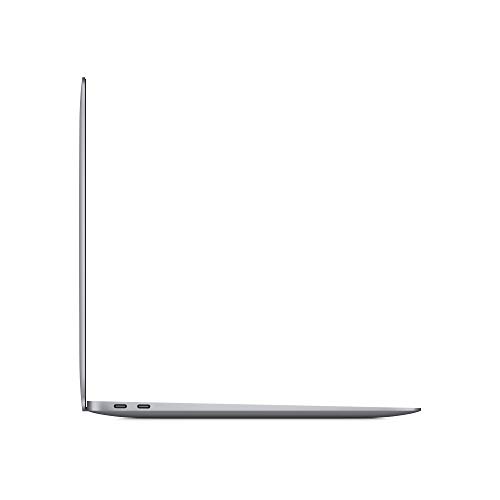
Choose the size around your actual carry pattern: the smaller version is easier for commuting, desks, flights, and classrooms, while the larger screen is better for multitasking but takes more bag space and is less lap-friendly in cramped settings. Because port selection is limited, factor in whether you need card readers, HDMI, multiple displays, wired networking, or many USB accessories; the right hub may be part of the travel kit. Owner sentiment aligns with the category’s strength here, with buyers repeatedly praising the thin, lightweight build, easy carry, long-lasting battery, and the larger screen option for providing more workspace while still feeling portable.
Usability
A laptop should feel effortless from setup through daily use, with intuitive controls, reliable touch or trackpad response, and a keyboard you can type on comfortably for long stretches. Look for a layout and functionality that match how you work—whether that means touchscreen versatility, easy shortcuts, or simple settings—and watch out for cramped keys, inconsistent touch sensitivity, or features that add complexity without improving everyday use.
Before purchase, confirm the laptop is fully erased, not activation-locked, not under remote management, and eligible for the operating-system version and apps you need. This is especially important for renewed units, school or workplace hand-me-downs, and shoppers coming from a different operating system; also check that any required software, peripherals, printer drivers, and external displays are compatible with the chip generation. Owners generally find setup and daily use simple and satisfying, which is a real strength, but that smooth experience depends on receiving a clean, correctly reset unit with no account or management restrictions.
Value
Value matters because a laptop can look affordable up front but cost you more in compromises like weak performance, limited storage, poor battery life, or build quality that does not hold up. Look for the best balance of speed, screen quality, battery life, ports, and durability for how you actually work or study, and be wary of paying extra for features you will not use.
Value depends less on the lowest listing and more on buying the right configuration and condition the first time: since memory, storage, battery, display, and many internal repairs are costly or non-upgradeable, a slightly stronger configuration or better refurb grade can be the better buy. Compare generation, memory, storage, battery health, warranty or return window, charger quality, and expected software-support runway; very old units may look like bargains but can compromise battery life, updates, and app longevity. Owners often feel the price is fair or compelling for the build quality, portability, battery life, everyday speed, and renewed condition they receive, especially when they get a premium-feeling machine without paying full new-device cost.
1,000,000+ shoppers use Buyer's Guide every week to find the best products and services online.

Helping millions of users make smarter purchases online.


