










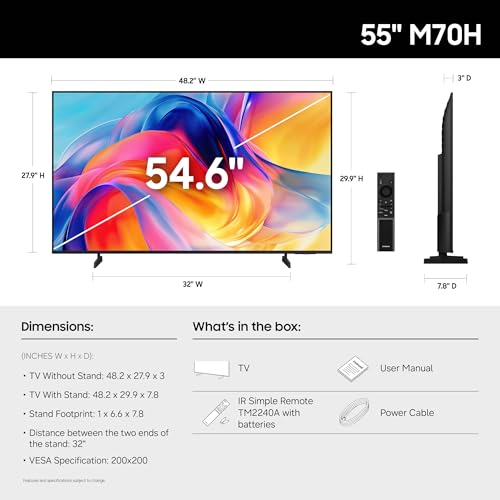


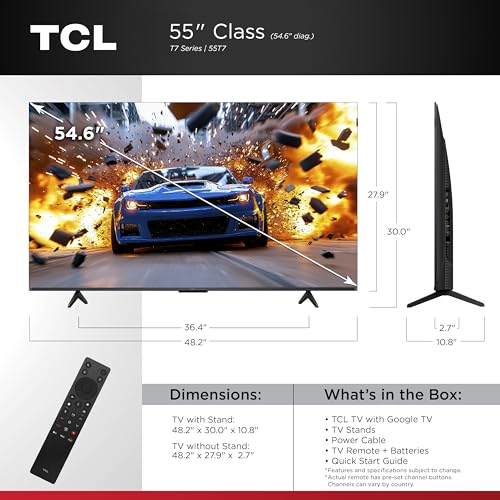

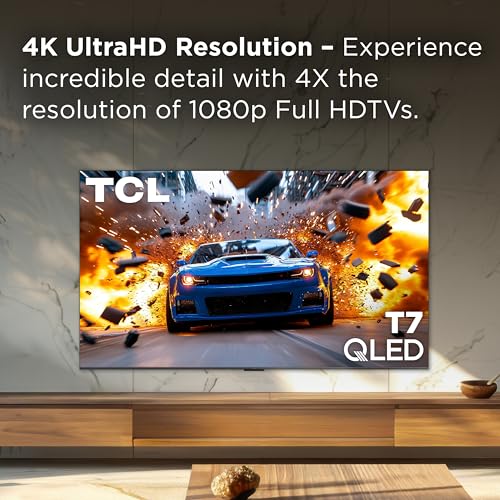

We also considered 9 others:


Our Top Choice
Compare Features


The order above is not editorial opinion, and it is not paid placement. It comes from what shoppers across our network actually do - which 55-inch 4k tvs they compare, and which they ultimately buy. We re-rank as new data comes in, so the long-term favorites have to keep earning their spot against new entrants. The full method, including how we make money.
55-Inch 4K TVs Buyer's Guide
A 55-inch 4K TV sits in the sweet spot for many living rooms and bedrooms: large enough to show real 4K detail from roughly 6 to 8 feet away, but still compact enough for typical media stands and wall mounts. The sharpest buying concerns are not just “does it have 4K,” but whether it has enough brightness and contrast for your room, the right HDMI features for consoles or soundbars, and stable software that will not leave you fighting black screens or app freezes.
Quality
You want a smart TV that feels well built, runs consistently, and keeps delivering stable performance after the novelty wears off. Look for signs of solid construction, dependable software behavior, sturdy ports and stand hardware, and owner feedback about long-term reliability; watch out for reports of freezing, random restarts, loose panels, weak stands, or performance that degrades with regular use.
For a 55-inch 4K TV, judge quality by the parts that affect daily use: a stable smart-TV platform, reliable wake-from-sleep behavior, solid panel uniformity, low input lag in Game mode, and a chassis/stand that feels secure at this size. If you plan to use it as a PC display or gaming screen, confirm it supports proper Game or PC mode, 4:4:4 text clarity if needed, and quick response when waking from sleep; sluggish cursor movement, handshake failures, or black screens are more disruptive here than on a casual bedroom TV. Owner feedback supports that many buyers feel the quality-to-cost tradeoff is strong, especially when upgrading from an older TV, but it also flags real watch-outs around app loading, wake behavior, and occasional black-screen issues that may require unplugging or reconnecting cables.
Connectivity
You want a smart TV that connects reliably to your Wi-Fi, pairs smoothly with your phone, speakers, controllers, or other devices, and supports the apps and inputs you actually use. Look for enough HDMI and USB ports, current wireless standards, and broad compatibility with streaming apps and external gear, while watching out for TVs that drop connections, limit certain apps, or make device switching frustrating.
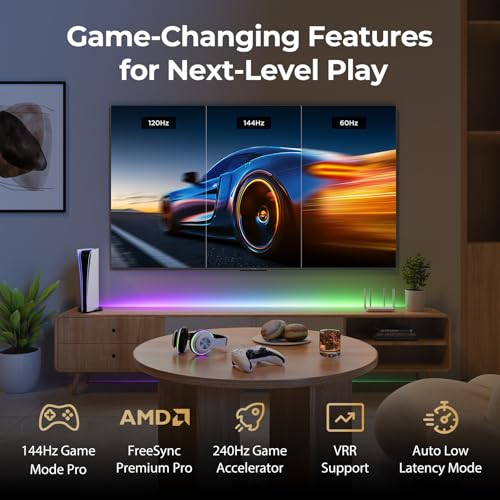
Before buying, map every device you will connect: streaming box, game console, soundbar, cable box, antenna, USB media drive, and possibly a PC. For this category, look for enough HDMI ports, at least one HDMI port with eARC for a soundbar or receiver, low-latency gaming support on the ports you intend to use, and a USB port if you rely on local media playback, power for accessories, or service functions. PC users should be especially cautious about HDMI wake-from-sleep reliability and should confirm that the TV handles computer input cleanly. Owner sentiment backs this up: internet setup is often described as easy and HDMI generally works, but some buyers report missing port options such as USB and occasional PC wake issues that require unplugging and reconnecting the cable.
Picture
Picture quality determines how clear, natural, and immersive everything looks, from dark movie scenes to bright sports broadcasts. You should look for a TV with accurate color, strong contrast, enough brightness for your room, and good motion handling, while watching out for sets that look vivid in a showroom but make skin tones, shadows, or fast action appear unnatural.
For picture quality, prioritize the match between panel performance and your room: bright rooms need strong peak brightness and decent reflection handling, movie-focused dark rooms benefit from local dimming and good black levels, and sports or gaming viewers should look for smooth motion handling and preferably a higher native refresh rate. Do not rely on the 4K label alone; at 55 inches, HDR impact depends heavily on brightness, contrast, local dimming, color volume, and how well the TV upscales cable or lower-resolution streaming. Owner feedback strongly reinforces that this is where many 55-inch 4K sets impress buyers, with repeated praise for sharp, bright, colorful pictures, vivid 4K content, strong contrast, and a noticeable upgrade over older TVs.
Setup
Setup matters because a smart TV can be large, fragile, and awkward to position, especially if you plan to wall-mount it or connect multiple devices. Look for clear instructions, stable stand assembly, accessible ports, straightforward Wi-Fi and account sign-in, and a guided on-screen setup that helps you tune channels and configure picture, sound, and apps without guesswork. Watch out for TVs that require extra tools, uncommon mounting hardware, or two-person lifting beyond what your space and setup plan can handle.
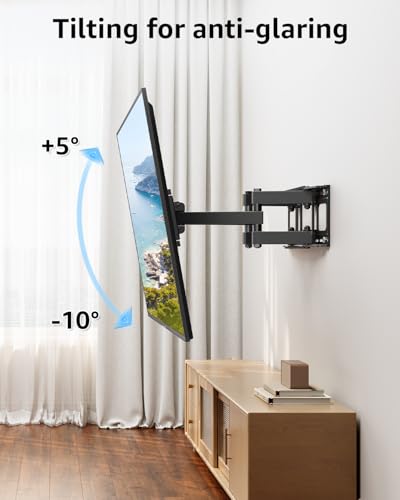
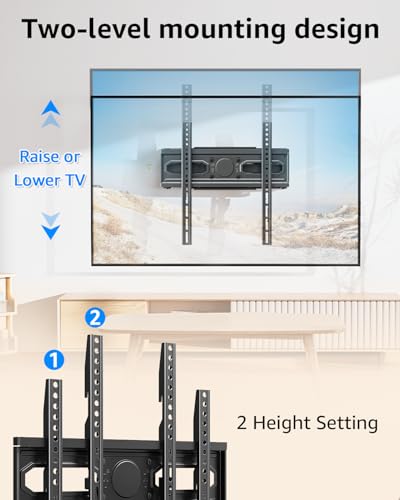
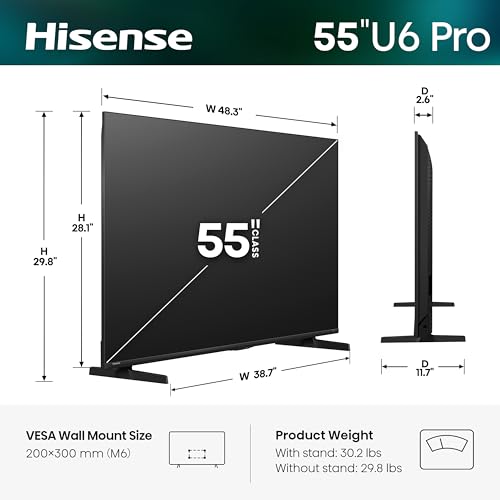
Check the physical setup requirements before delivery: a 55-inch TV may fit the screen space but still have feet that are too wide for a narrow stand, so verify stand width, VESA mount pattern, weight, and cable clearance. Also consider smart-platform setup: you may need a specific account, phone app, Wi-Fi credentials, privacy permissions, and time to update firmware before the TV behaves properly; gamers should immediately enable Game mode, and movie watchers may want to turn off overly aggressive motion smoothing. Owner reports generally support that setup is guided and straightforward, with account sign-in, app access, and password entry often completed quickly.
Value
You want a smart TV that delivers strong picture quality, smooth performance, and useful streaming features without making you pay for extras you won’t use. Look for a balanced mix of display quality, app support, connectivity, and reliability at your budget level, and watch out for models that seem inexpensive but cut corners on brightness, processing speed, or long-term software support.
The best value in a 55-inch 4K TV usually comes from paying for features you will actually see or use: better contrast/local dimming for movies, higher brightness for daytime viewing, true gaming features for consoles, eARC for a soundbar, and a smart platform that will stay responsive. Avoid treating all 55-inch 4K TVs as equivalent, because resolution is now the baseline; the real value gap is in HDR performance, motion, ports, reliability, and software support. Owner sentiment aligns with this: buyers often feel these TVs deliver a major price-to-quality win, especially when replacing an older set, getting stronger picture quality, solid build quality, and gaming-friendly features without moving into premium-TV territory.
1,000,000+ shoppers use Buyer's Guide every week to find the best products and services online.

Helping millions of users make smarter purchases online.


