








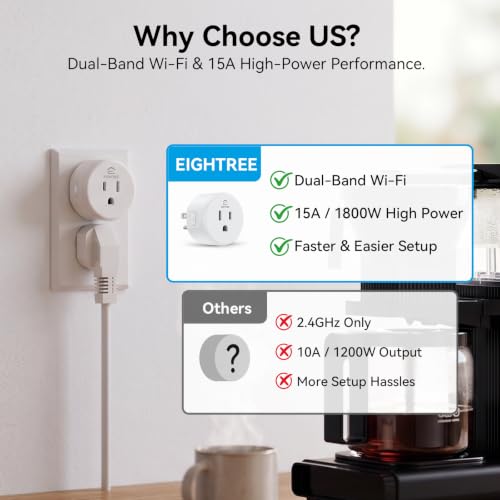


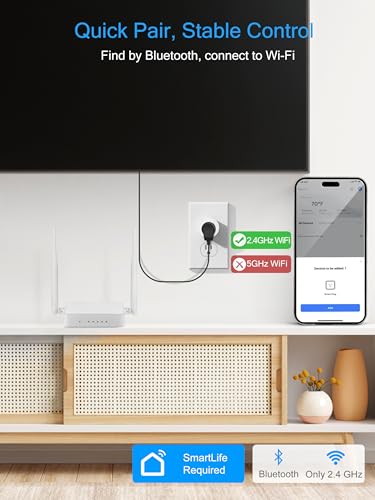

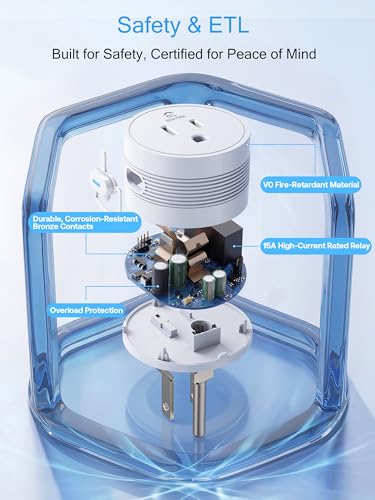


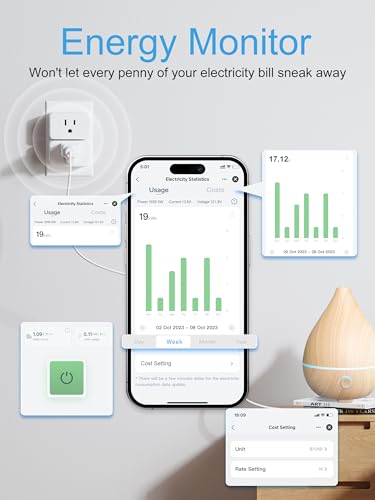

We also considered 10 others:


Our Top Choice
The order above is not editorial opinion, and it is not paid placement. It comes from what shoppers across our network actually do - which smart plugs they compare, and which they ultimately buy. We re-rank as new data comes in, so the long-term favorites have to keep earning their spot against new entrants. The full method, including how we make money.
Smart Plugs Buyer's Guide
Smart plugs look simple, but the real tradeoff is between cheap remote switching and a plug that stays connected, fits your outlet, and safely handles the device you attach. The sharpest buying concerns are ecosystem compatibility, 2.4 GHz Wi‑Fi reliability, and electrical load limits, because failures there can make schedules, voice control, and remote access unreliable or unsafe.
Ecosystem Fit
A smart plug is only convenient if it joins the system you already control every day. Ecosystem fit affects setup time, voice commands, routines, remote access, and whether you have to juggle multiple apps.
Start by matching the plug to the smart-home system you already use, not just to a generic “works with voice control” claim. Check whether it supports your platform directly, whether it needs a separate manufacturer app, whether it requires 2.4 GHz Wi‑Fi, and whether pairing uses a QR code, auto-discovery, or a manual add-device flow; the wrong setup path can turn a simple plug into a reset-and-retry project. Owner feedback strongly favors plugs that pair quickly through a familiar app and then link cleanly to voice assistants, while the main complaints cluster around setups that need extra troubleshooting, alternate pairing steps, or the right network environment before automations work.
Connection Stability
Smart plugs depend on the strength and reliability of the home network. Even a well-built plug can feel unreliable if it is placed at the edge of Wi‑Fi range or cannot recover cleanly after a router or power interruption.
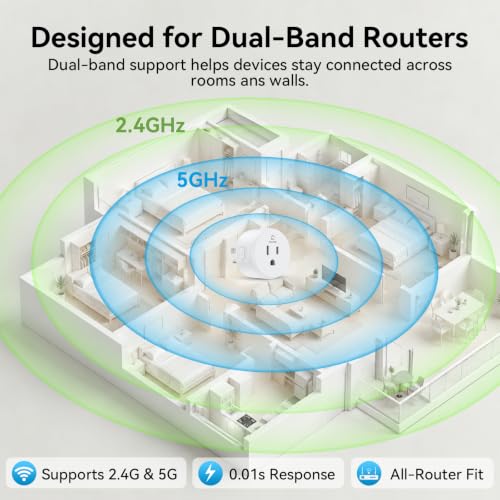
Prioritize stable 2.4 GHz Wi‑Fi performance over novelty features, especially if the plug will be behind furniture, in a garage, near outdoor-facing walls, or on a circuit that loses power occasionally. Look for reliable reconnection after outages, clear power-state behavior after power returns, and an app that shows device status accurately; a plug that drops offline can leave lights, fans, pumps, or holiday displays stuck in the wrong state. Owners often describe good plugs as dependable once paired and consistent for everyday on/off use, but mixed feedback also shows the common failure modes: dropouts, latency, failed pairing, reconnection trouble, and occasional resets.
Load Safety
A smart plug is still an electrical device sitting between the outlet and the load. The wrong rating or use environment can create nuisance shutoffs, overheating risk, or damage to the device being controlled.
Check the electrical rating before plugging anything in: match the plug’s amp and watt limit to the device, leave headroom for motors or heating elements, and avoid high-draw appliances unless the plug is explicitly rated for them. For household use, grounded three-prong support, recognized safety certification, indoor/outdoor rating where relevant, and clear instructions on resistive versus motor loads matter more than app extras. Owner sentiment supports the appeal of plugs with solid build quality and enough 15A capacity for common household uses, but careful shoppers should still treat lamps, seasonal lights, fans, coffee makers, garage gear, and small appliances differently based on draw and safety context.
Automation Depth
Automation is the reason to choose a smart plug over a manual switch or old-style timer. Better automation options let the plug solve daily routines without constant app use.
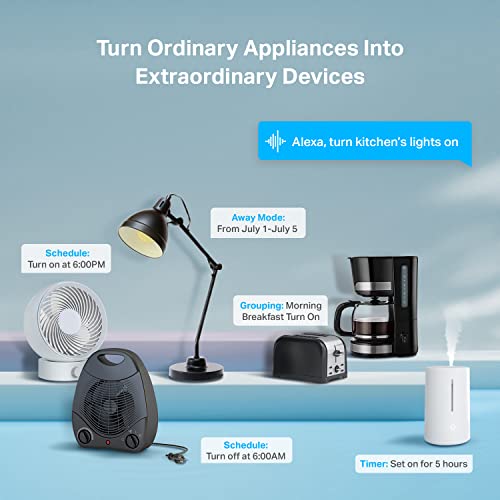
Look beyond basic remote on/off and confirm the automations you actually need: fixed schedules, countdown timers, sunrise/sunset offsets, vacation-style randomization, routines triggered by other devices, and power cycling for equipment that benefits from scheduled resets. If buying a dual-outlet plug, make sure each outlet can be named, scheduled, and controlled independently rather than acting as one shared switch. Owners consistently praise scheduling for lamps, holiday lights, decorations, TVs, fans, coffee pots, and routine power cycling, with flexible timers and remote control standing out as the features that make a plug useful after setup.
Outlet Layout
The best smart plug on paper can be annoying if it blocks nearby outlets or does not fit where the device is used. Form factor determines how many plugs you can actually install without rearranging cords and power strips.
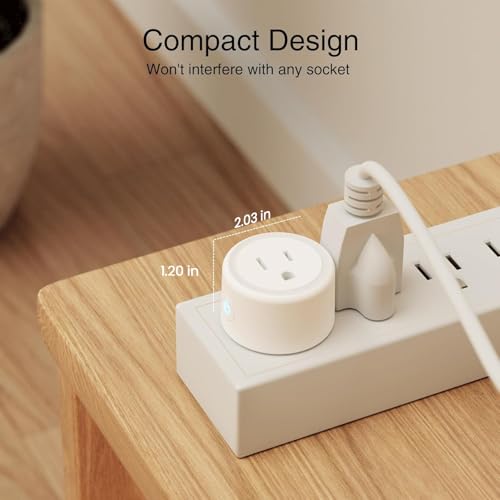
Measure the outlet area before buying: many smart plugs are wider than a normal cord and can block the second receptacle, crowd a power strip, or interfere with furniture clearance. Compact mini plugs are better for duplex outlets and tight spaces, while dual-outlet models are useful only if both sides remain accessible and independently controllable. Owner feedback highlights compact, unobtrusive designs and dual plugs as real conveniences, especially when each side can run separate lamps, displays, or devices rather than wasting outlet space.
Expansion Value
Smart plugs are often bought in groups as a home expands from one controlled lamp to several routines. Good value comes from dependable, compatible outlets you will actually use, not from accumulating extra devices that fragment control.
Compare value by cost per useful controlled outlet, not just by the number of plugs in the box. Multi-packs can be a smart way to automate several lamps or seasonal decorations, but only if they share the same app, support your routines, and have the build quality and load rating needed for each location. Owners often see strong value in multi-packs, dual outlets, and plugs that replace older timers, though feedback is more divided when shoppers feel a plug costs more than its features or reliability justify.
1,000,000+ shoppers use Buyer's Guide every week to find the best products and services online.

Helping millions of users make smarter purchases online.


