









We also considered 10 others:


Our Top Choice
Compare Features


The order above is not editorial opinion, and it is not paid placement. It comes from what shoppers across our network actually do - which shredders they compare, and which they ultimately buy. We re-rank as new data comes in, so the long-term favorites have to keep earning their spot against new entrants. The full method, including how we make money.
Shredders Buyer's Guide
Buying a shredder is a tradeoff between cut security, throughput, and heat/jam tolerance: the safest micro-cut machines can be slower, while high-sheet machines are only useful if they can run long enough for your actual paper piles. For home-office use, pay close attention to duty cycle, bin design, accepted materials, and whether the machine can survive junk mail, cards, staples, and cleanup projects without overheating or clogging.
Performance
Strong shredding performance determines whether a machine can reliably handle your typical workload without jams, slowdowns, or uneven cuts. Look for a shredder rated for the sheet count and materials you actually need to destroy, and be cautious of models that only perform well with very small batches or require frequent pauses to recover.
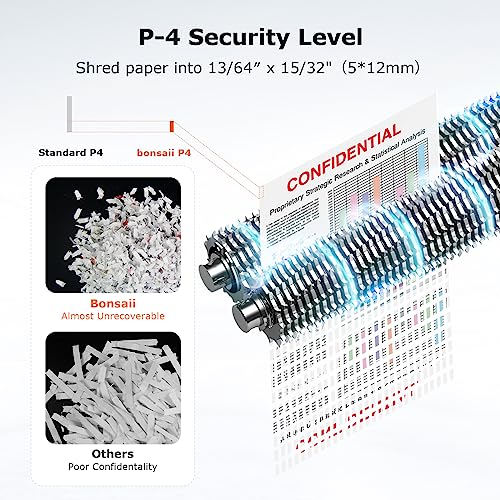
Choose performance around your real destruction task, not just the advertised sheet count: for tax records, medical papers, and financial mail, prioritize cross-cut or micro-cut output, a bin that is easy to empty without spilling confetti, and a feed path that can handle envelopes, junk mail folds, cards, and the occasional staple without forcing you to pre-sort every item. Avoid treating a light home shredder as a bulk archive-destruction machine unless it clearly supports longer run times and thicker mixed loads. Owner feedback supports this distinction: buyers often praise capable home-office models for chewing through varied paper clutter, envelopes, credit cards, IDs, cardstock, light cardboard, and regular mail with few jam complaints, while more basic units are better liked for bills, junk mail, and personal documents than true heavy-duty shredding.
Speed
Speed matters because it determines how long you’ll spend feeding pages and waiting for a shredding job to finish, especially if you regularly clear out stacks of documents. Look for a shredder with a steady pages-per-minute rate and a sheet capacity that matches your typical workload, but watch for models that shred quickly only in short bursts before needing a cooldown.
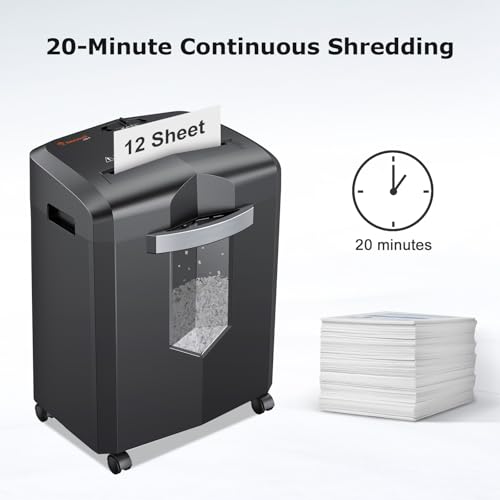
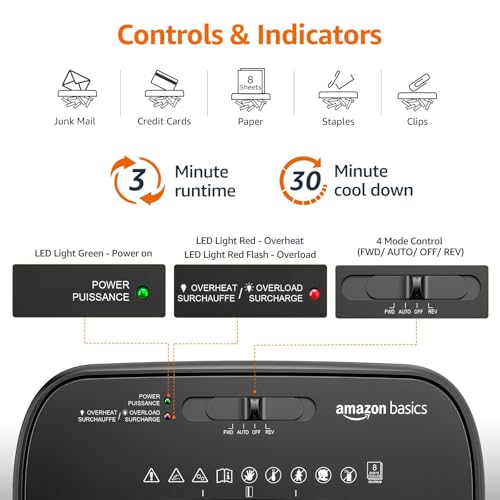
For speed, look beyond “sheets per pass” and check continuous run time, cool-down time, and whether the shredder slows dramatically with micro-cut security or mixed materials. If you are clearing years of files, a slower micro-cut shredder may still be acceptable if it has auto-feed, reverse, and thermal protection; if you only shred daily mail, quick manual feeding matters more than marathon runtime. Owner sentiment is consistent with this tradeoff: many buyers describe fast, smooth feeding through documents, staples, and cards, but speed feedback becomes mixed on larger jobs, with some users recommending smaller batches and occasional reverse cycles, and others noting that micro-cut shredding can feel slow even when the machine is secure and capable.
Build
Build quality matters because a flimsy shredder can jam, overheat, or break down right when you need to clear a stack of documents. Look for sturdy construction, reliable feed mechanisms, clear jam-reversal or jam-prevention features, and a duty cycle that matches how much you plan to shred. Be wary of units that feel lightweight, struggle with more than a few sheets, or require frequent cooldowns during normal use.
Build quality matters most at the cutter, motor, bin rails, wheels, and safety interlock: choose a shredder with a sturdy head, stable cabinet, reliable pullout-bin switch, and cutters rated for the materials you will actually insert, especially cards, unopened junk mail, clips, or light cardboard. Be cautious with flimsy top-heavy units, vague duty-cycle claims, or controls that feel loose, because shredder failures often show up as jams, overheating, broken sensors, or switch problems rather than obvious damage. Owner reports back this up: shoppers frequently describe better-built home-office machines as sturdy, quieter, and capable of handling everyday paper loads plus envelopes, cardstock, IDs, credit cards, paper clips, thick junk mail, and large document piles with less fuss than smaller machines.
Value
You want a shredder that feels worth its cost not just on day one, but after repeated use, so compare its capacity, runtime, security level, build quality, and jam resistance against what you actually need. Watch out for cheap models that save money upfront but struggle with thicker stacks, overheat quickly, or feel flimsy, as they can become frustrating if you shred often.
Judge value by cost per safe, low-hassle shredding session, not just purchase price: a cheaper unit is poor value if it overheats after a few minutes, has a tiny bin, jams on folded mail, or produces strip-cut waste that is not secure enough for sensitive records. For occasional mail, a basic simple shredder can be the right value; for home-office cleanouts, pay for a larger bin, better cutters, longer duty cycle, and easier jam recovery. Owner sentiment strongly supports this practical view: buyers often call capable home-office shredders worthwhile when they perform reliably, shred quickly, and take on workloads that would be tedious with smaller machines, while basic models earn value praise when they are simple, affordable, and do routine home shredding well.
Ease
A shredder that’s easy to use will get used more consistently, so look for simple controls, smooth paper feeding, and a bin that’s quick to remove and empty without scattering shreds. If you handle stacks of documents, auto-feed/autofeed can save time, but check the stated capacity and whether it can handle staples, mixed paper sizes, or folded pages without frequent jams.
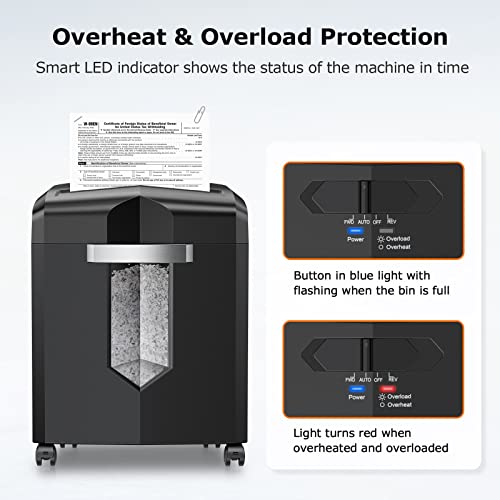
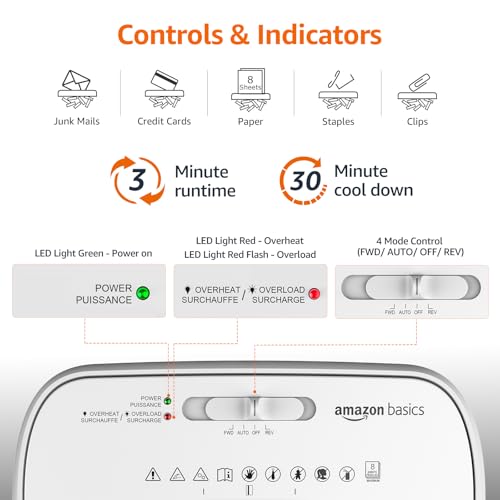
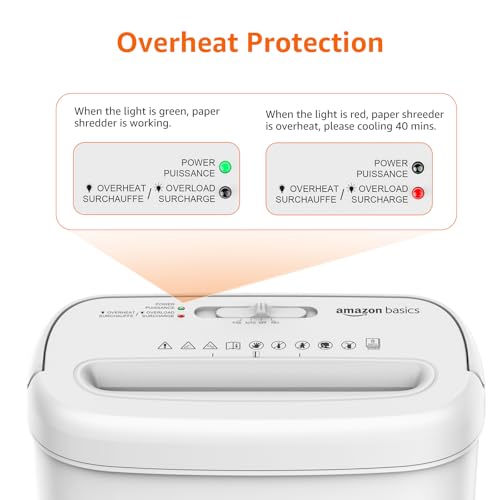
Ease of use should mean fewer handling steps: look for a wide enough slot for folded mail, clear overload and overheat indicators, easy reverse, a pullout bin instead of a lift-off head for heavier machines, visible fill level, and auto-feed if you regularly process stacks. Also check how messy emptying is; micro-cut particles improve security but can cling and spill if the bin design is poor. Owner feedback aligns with these priorities: users praise pullout bins, fine shred size, straightforward setup, simple operation, low jam frequency, and the ability to handle regular mail, documents, junk paper, thicker envelopes, cards, and stack feeding without constant babysitting.
Noise
A shredder’s noise level matters if you use it in a home office, shared workspace, or anywhere you might interrupt calls, conversations, or concentration. Look for quiet operation if you shred frequently or in longer sessions, and be cautious with powerful or heavy-duty units that may cut quickly but sound harsh or disruptive while running.
For a home office, apartment, shared workspace, or shredding while others are on calls, prioritize noise level under load—not just idle motor sound—and expect cards, thick mail, and near-capacity batches to be louder than single sheets. A quieter shredder is especially worthwhile if you shred in short daily sessions near a desk; for garage or occasional bulk use, noise may matter less than duty cycle and bin size. Owner sentiment is favorable here: many buyers say modern home-office shredders are quieter and smoother than expected for their capacity, with several noting less harsh grinding than older or cheaper machines while still handling everyday shredding and heavier loads effectively.
1,000,000+ shoppers use Buyer's Guide every week to find the best products and services online.

Helping millions of users make smarter purchases online.


