





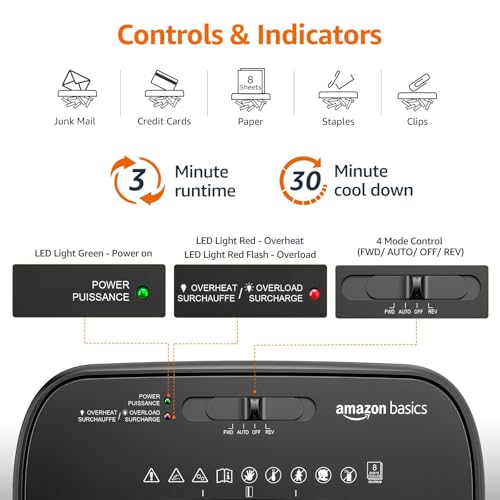


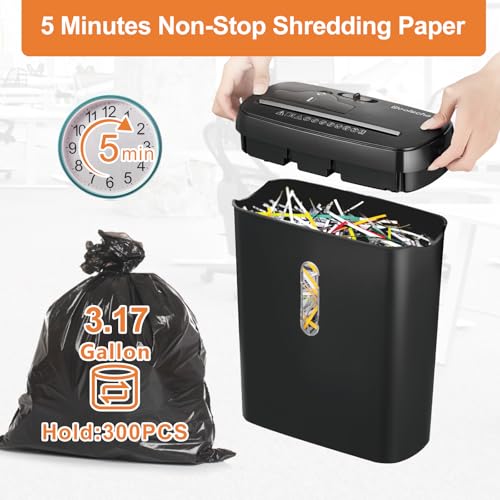
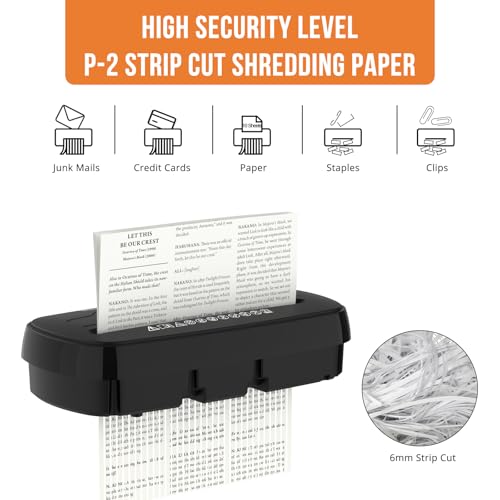
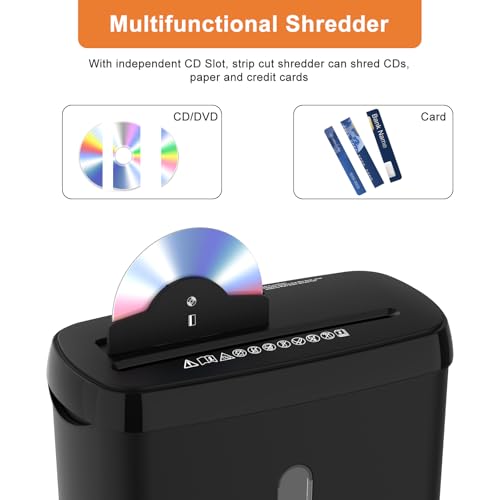








We also considered 10 others:


Our Top Choice
Compare Features


The order above is not editorial opinion, and it is not paid placement. It comes from what shoppers across our network actually do - which office shredders they compare, and which they ultimately buy. We re-rank as new data comes in, so the long-term favorites have to keep earning their spot against new entrants. The full method, including how we make money.
Office Shredders Buyer's Guide
Office shredders are a tradeoff between security, throughput, and heat management: a unit that is fine for daily mail may stall, jam, or overheat during an old-file purge. The sharpest checks are cut security level, real duty cycle versus advertised sheet count, bin capacity, and whether the machine is rated for staples, cards, envelopes, or clips you actually shred.
Performance
Strong shredding performance determines whether a machine can reliably handle your typical workload without jams, slowdowns, or uneven cuts. Look for a shredder rated for the sheet count and materials you actually need to destroy, and be cautious of models that only perform well with very small batches or require frequent pauses to recover.
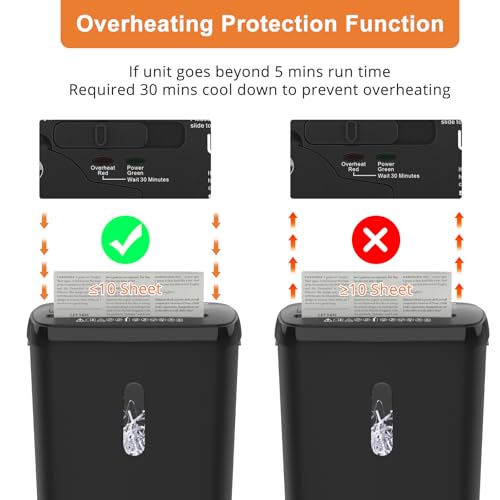
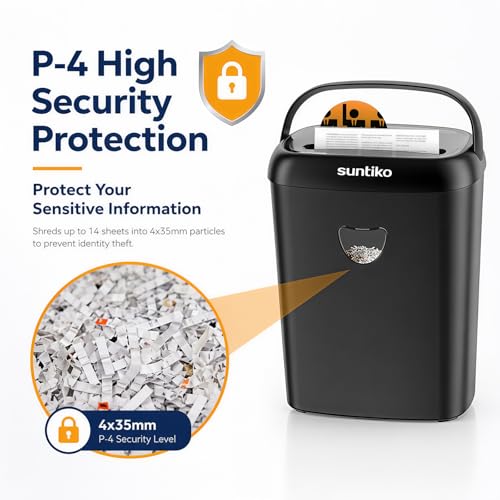
For performance, start by matching the shredder to the documents and risk level: choose micro-cut or high-security cross-cut for tax records, medical papers, HR files, or client data, and avoid basic strip-cut for anything sensitive. Check the rated materials carefully—credit cards, unopened envelopes, cardstock, staples, and occasional paper clips should be explicitly supported if they are part of your workflow, and the machine should have reverse/anti-jam and thermal protection for mixed piles. Owner feedback supports this distinction: buyers praise stronger home-office models for chewing through varied paper clutter, envelopes, cards, IDs, cardstock, and occasional clips, while more basic machines are better liked for junk mail, bills, and personal documents rather than sustained heavy-duty shredding.
Speed
Speed matters because it determines how long you’ll spend feeding pages and waiting for a shredding job to finish, especially if you regularly clear out stacks of documents. Look for a shredder with a steady pages-per-minute rate and a sheet capacity that matches your typical workload, but watch for models that shred quickly only in short bursts before needing a cooldown.
For speed, do not judge only by pages per pass; look at feed speed, duty cycle, cooldown time, and whether auto-feed can handle your actual backlog without babysitting. If you purge file boxes, an auto-feed tray with a locking lid is often more useful than a high manual sheet rating, but check whether it accepts folded, stapled, glossy, or mixed-size pages without jams. Owner sentiment backs this up: shoppers repeatedly describe fast shredding, smooth feeding, and major time savings from loading large stacks and walking away, especially for big cleanouts or busy office use.
Build
Build quality matters because a flimsy shredder can jam, overheat, or break down right when you need to clear a stack of documents. Look for sturdy construction, reliable feed mechanisms, clear jam-reversal or jam-prevention features, and a duty cycle that matches how much you plan to shred. Be wary of units that feel lightweight, struggle with more than a few sheets, or require frequent cooldowns during normal use.
For build quality, prioritize a stable cabinet, metal cutting head, reliable bin-full and door-open sensors, easy jam access, and a pullout bin that seals cleanly instead of scattering confetti. Heavy paper loads create heat and torque, so a sturdy motor housing, overload protection, and cutters rated for your materials matter more than a flashy sheet count; casters and a secure bin interlock are also important in shared offices. Owner reports align with these checks, with sturdier units described as well-built, quieter and neater than expected, able to handle large piles or tougher materials, and worth choosing over cheaper-feeling machines for regular workloads.
Value
You want a shredder that feels worth its cost not just on day one, but after repeated use, so compare its capacity, runtime, security level, build quality, and jam resistance against what you actually need. Watch out for cheap models that save money upfront but struggle with thicker stacks, overheat quickly, or feel flimsy, as they can become frustrating if you shred often.
For value, buy the smallest shredder that safely meets your security, volume, and duty-cycle needs—not just the cheapest unit or the one with the biggest advertised sheet number. Factor in oil or lubricant sheets, replacement bags, bin size, downtime from cooldowns, and whether a more capable model prevents jams during quarterly cleanouts; underbuying often costs time, while overbuying may waste space and noise tolerance. Owner sentiment supports value when capability matches workload: buyers call capable home-office models good buys when they micro-cut well, run quickly, handle demanding paper clearing, and outperform smaller or older shredders without unnecessary complexity.
Noise
A shredder’s noise level matters if you use it in a home office, shared workspace, or anywhere you might interrupt calls, conversations, or concentration. Look for quiet operation if you shred frequently or in longer sessions, and be cautious with powerful or heavy-duty units that may cut quickly but sound harsh or disruptive while running.
For noise, consider where the shredder will run: in a home office, reception area, or shared workspace, a quieter motor and smoother cutting action matter because shredding often happens in bursts during calls or focused work. Look for noise ratings when available, rubber feet or a solid cabinet to reduce vibration, and enough speed/capacity that the machine does not have to run for long periods; very high-power units may still be intrusive if placed near desks. Owner feedback reinforces this concern, with many buyers singling out quieter-than-expected operation, smoother sound, and less harsh grinding compared with older or cheaper shredders, even on higher-capacity units.
Capacity
Capacity determines how many sheets you can shred in one pass and how often you’ll need to empty the bin, so it directly affects speed and convenience. Look for a shredding capacity that matches your typical stack size, but remember that thicker paper, envelopes, staples, or folded sheets can reduce the real-world amount it handles. A larger bin capacity is helpful for frequent shredding, while smaller bins are fine for occasional use but may fill quickly.
For capacity, separate three numbers: manual sheet capacity, auto-feed stack capacity, and bin volume. A high sheet rating is only useful if the duty cycle supports repeated loads; for file purges, a large pullout bin or bag-style bin and auto-feed tray can matter more than feeding 18 sheets by hand. Micro-cut particles often let the bin hold more before emptying, but they also require attention to oiling and jam prevention. Owner sentiment supports prioritizing real capacity: buyers praise large auto-feed trays, roomy bins, and higher sheet feeds for making old files and big backlogs far less hands-on, with fewer interruptions for one-page feeding, overheating, or emptying.
1,000,000+ shoppers use Buyer's Guide every week to find the best products and services online.

Helping millions of users make smarter purchases online.


