










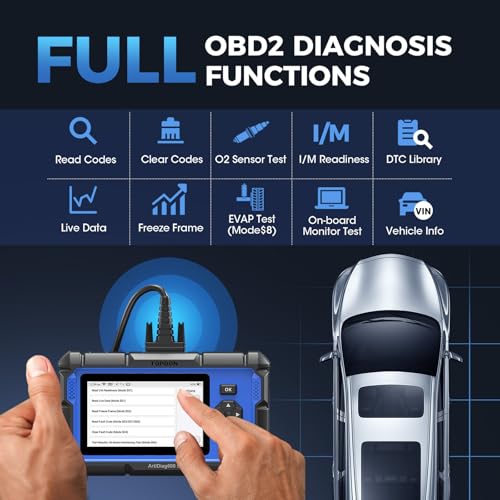


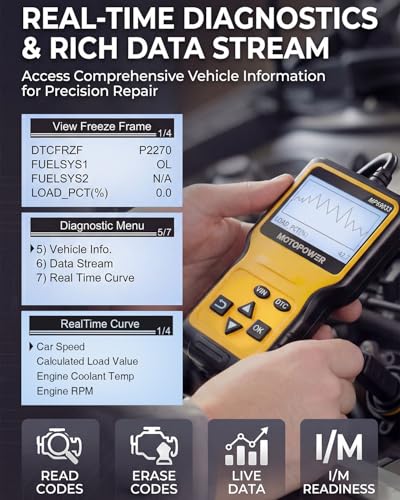


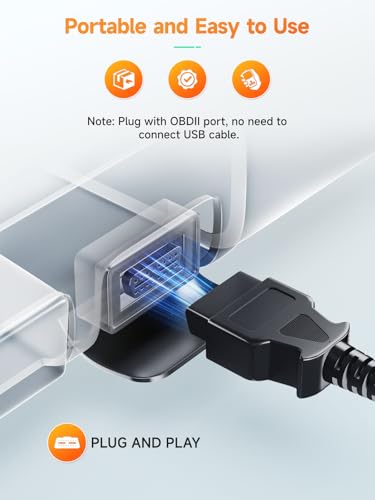


We also considered 10 others:


Our Top Choice
Compare Features


The order above is not editorial opinion, and it is not paid placement. It comes from what shoppers across our network actually do - which obd2 scan tools they compare, and which they ultimately buy. We re-rank as new data comes in, so the long-term favorites have to keep earning their spot against new entrants. The full method, including how we make money.
OBD2 Scan Tools Buyer's Guide
OBD2 scan tools sit between two very different jobs: quickly explaining a check-engine light and safely interrogating multiple vehicle modules like ABS, airbags, transmission, and body systems. The sharpest buying risks are assuming “OBD2 compatible” means full-vehicle coverage, and using advanced service or bidirectional functions without confirming exact vehicle support and safety limits.
Diagnostics
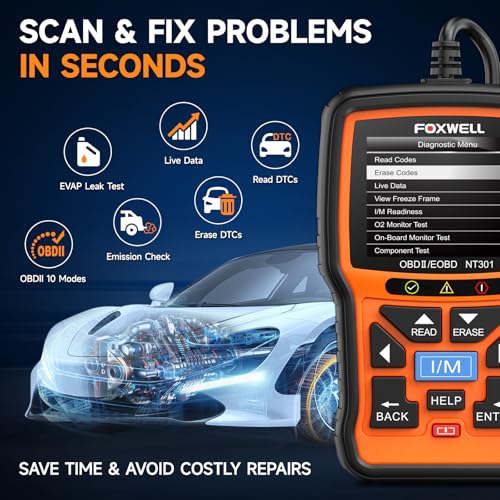
You want a scanner that does more than pull a generic code—it should read the systems your vehicle actually uses, explain likely causes clearly, show useful live data, and let you clear codes when the issue has truly been addressed. Watch for tools that list broad “diagnostic” claims but only cover basic engine codes, lack manufacturer-specific code recognition, or provide vague descriptions that leave you still guessing.
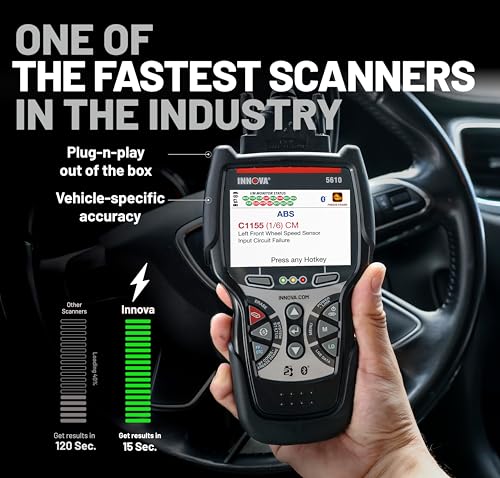
For diagnostics, decide first whether you only need generic powertrain OBD-II codes or whether you need module-level coverage for ABS, SRS/airbag, transmission, body, hybrid/EV, diesel, or manufacturer-specific faults; many inexpensive readers can clear a check-engine light but will miss the system that actually caused a drivability, brake, or airbag warning. Look for stored, pending, permanent-code, freeze-frame, readiness-monitor, and live-data support, and avoid tools that promise “all systems” without a vehicle-coverage lookup for your exact year, make, model, and engine. Owner feedback supports this split: basic readers are praised for quickly identifying check-engine codes and stored codes, while more capable tools are valued for surfacing issues that simpler scanners or even some shop checks may miss.
Ease
You’ll get more value from a car scanner if you can set it up quickly, understand its menus, and read trouble codes without fighting the interface. Look for clear instructions, a readable display or touchscreen, and straightforward prompts that guide beginners through scanning and clearing codes. Watch out for tools with confusing menus, vague error descriptions, or limited instructions, since they can make simple DIY diagnostics feel harder than they need to be.
For ease of use, match the interface to where you will diagnose: a handheld unit is better for quick driveway checks with no phone pairing, while a Bluetooth/app tool needs reliable pairing, clear app menus, and no confusing subscription gate before you can read codes. Prioritize plain-English code definitions, readable live-data graphs, one-touch I/M readiness, clear erase warnings, and menus organized by vehicle system rather than cryptic service abbreviations. Owners consistently favor tools that work right away, connect easily, show readable results, and use a simple plug-in-and-select-codes workflow that does not require advanced mechanic skills.
Value
You want a scanner that gives you enough diagnostic capability for what you’ll actually do, rather than paying for features you won’t use or buying something too limited to be helpful. Look for solid coverage of your vehicle’s systems, clear code definitions, live data, and useful reset or service functions if you need them. Watch out for cheap scanners that only read basic engine codes, as well as expensive ones whose advanced features may require subscriptions or professional-level knowledge.
For value, buy the lowest tier that covers the systems you will actually troubleshoot, not the longest feature list: a basic reader is cost-effective for emissions and check-engine checks, but it is poor value if your real need is ABS bleeding, transmission temperature, service resets, or bidirectional actuator tests. Also check whether updates, enhanced vehicle coverage, repair databases, or app functions require ongoing fees, because a low upfront cost can become less attractive if key functions are locked later. Owner sentiment backs the value case when the tool prevents unnecessary diagnostic visits, helps identify issues before a shop appointment, and avoids paying repeatedly just to read or clear basic codes.
Build
A car scanner should feel sturdy enough to survive glove-box storage, garage drops, and repeated plugging into your vehicle’s OBD port without loose connectors or flimsy buttons. Look for solid build quality, a readable screen or well-designed app interface, dependable battery life if it’s not fully powered by the car, and a design that won’t make basic diagnostics harder than they need to be.
For build and hardware, look for a durable OBD connector, strain-relieved cable or stable dongle housing, bright screen, responsive buttons or touchscreen, and reliable power behavior from the vehicle’s diagnostic port; loose connectors, weak cables, and dim displays are common real-world annoyances under dashboards and in sunlight. If using it frequently, prioritize boot speed, update method, storage case, battery or vehicle-powered operation, and whether it can tolerate garage conditions rather than feeling like a fragile gadget. Owners tend to describe better tools as reliable in regular use, rugged enough for real vehicles, and approachable thanks to readable displays, clear directions, and manageable setup.
Accuracy
You need a scanner you can trust because a misleading trouble code, vague live-data reading, or incomplete diagnostic report can send you toward the wrong repair. Look for broad vehicle coverage, clear code definitions, reliable live sensor data, and access to manufacturer-specific codes when possible. Be cautious of scanners that only show generic codes or present readings without enough context to confirm the problem.
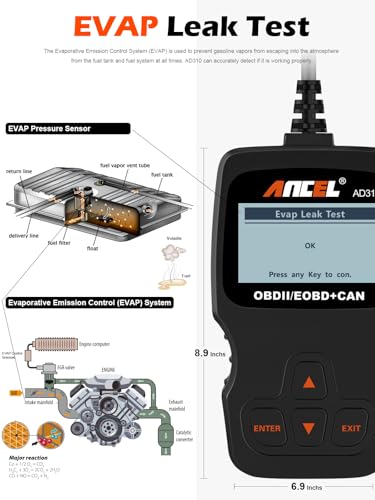
For accuracy, remember that a scan tool reports what the vehicle’s modules know; it should not be judged only by whether it gives a parts-shopping answer. Choose a tool that shows freeze-frame data, fuel trims, oxygen-sensor data, misfire counters, mode $06 where available, readiness status, and live sensor streams so you can confirm a fault instead of replacing the component named in a code. Owner feedback supports prioritizing dependable code reading and useful live data: buyers trust tools that reliably find active and stored codes, provide practical explanations, and help narrow real problems such as emissions readiness, transmission faults, and sensor issues.
Features
Extra features determine whether a car scanner simply reads trouble codes or helps you diagnose, maintain, and verify repairs more confidently. Look for live data if you want to see sensor behavior in real time, reset functions for maintenance tasks, battery testing for charging-system checks, and active tests if you need the scanner to command components on and off. Be cautious with advanced options like key programming or special resets, because compatibility can vary widely by vehicle and some functions may require more experience to use safely.
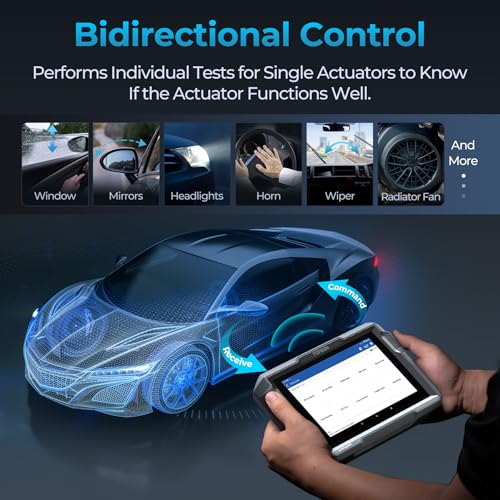
For features, verify the exact functions by vehicle before buying: “full system scan,” “bidirectional control,” “ABS,” “SRS,” “TPMS,” “EPB,” “oil reset,” “battery registration,” “DPF regeneration,” and “throttle relearn” vary widely by model and year. Be cautious with bidirectional controls and service procedures if you are not trained, because commanding pumps, valves, fans, injectors, brakes, or relearns can create safety risks or make a vehicle temporarily undriveable if used incorrectly. Owners value tools that go beyond basic engine codes with broad vehicle support, live data, module scanning, resets, and bidirectional tests, especially when menus remain understandable for DIY and light professional use.
1,000,000+ shoppers use Buyer's Guide every week to find the best products and services online.

Helping millions of users make smarter purchases online.


