









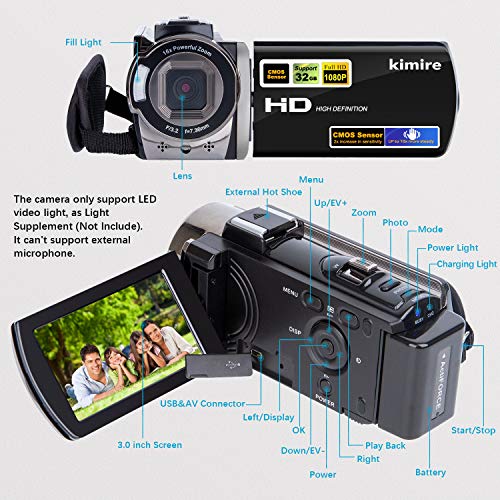
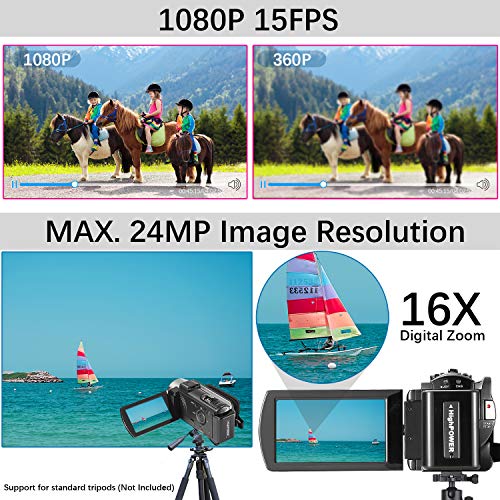


We also considered 10 others:




Our Top Choice
Compare Features


The order above is not editorial opinion, and it is not paid placement. It comes from what shoppers across our network actually do - which cheap camcorders they compare, and which they ultimately buy. We re-rank as new data comes in, so the long-term favorites have to keep earning their spot against new entrants. The full method, including how we make money.
Cheap Camcorders Buyer's Guide
Cheap camcorders are a tradeoff between a ready-to-shoot kit and the risk of headline specs that are inflated or only work in ideal light. The sharpest checks are whether “4K,” zoom, stabilization, audio, waterproofing, and battery claims are genuinely usable for your filming style, not just listed on the box.
Features
Features matter because they determine how well a digital camera fits the way you actually shoot, from built-in modes and connectivity to accessory support, lens options, and rugged or waterproof construction. Look for useful functions you’ll rely on often, not just long spec lists, and make sure the camera’s controls, size, styling, and expandability suit your skill level and typical subjects.
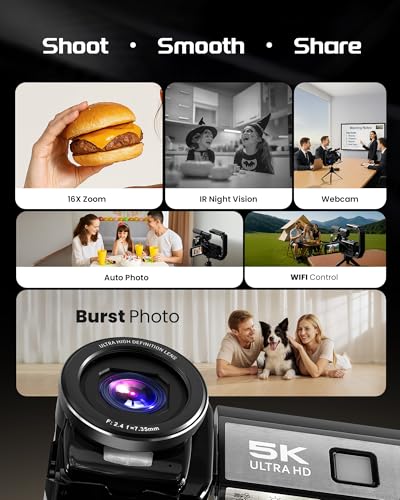
For cheap camcorders, prioritize the features that prevent extra purchases or failed shoots: a real external mic input or included mic for intelligible speech, a remote if you will film yourself, a compatible memory card, at least two batteries, a charger, and mounts or a stabilizer only if they fit your use case. If you plan sports, travel, or water use, check that the waterproof case is rated for the depth you need and that buttons remain usable inside it; also remember that cases can muffle sound, so audio may require separate planning. Owner feedback supports this kit-focused approach: buyers repeatedly value bundles with microphones, remotes, carrying cases, memory cards, stabilizers, mounts, and two batteries, and they report that waterproof-case setups can work well outdoors and around water.
Video
If you plan to record more than stills, you’ll want a camera that delivers clean, detailed video with reliable autofocus, good stabilization, and recording options that match how you shoot. For vlogging, watch for a screen you can monitor while filming, comfortable handheld operation, and microphone support, since built-in audio can pick up handling noise and wind. Also consider practical limits like overheating, battery life, and recording time, especially for longer clips or frequent filming.
For cheap camcorders, do not buy on the “4K” label alone; check whether 4K is recorded at a usable frame rate, whether stabilization still works at that setting, and whether the footage looks clean indoors rather than only in bright daylight. Look for sample clips showing motion, faces, panning, and low-light scenes, because weak sensors can produce smeary detail, rolling shutter, over-sharpening, or noisy night footage even when the resolution claim sounds impressive. Owner sentiment is encouraging for casual use, with many buyers describing clear, sharp video and photos that work for travel, YouTube-style recording, family events, social media, and even underwater clips, but those positives should be verified against your actual shooting conditions.
Quality
A digital camera’s quality and reliability matter because you’re trusting it to perform consistently when a shot can’t be repeated. Look for solid build, dependable autofocus and exposure, durable controls, good battery and card performance, and a reputation for stable operation over long-term use. Watch out for cameras that feel flimsy, overheat easily, freeze or lag, or have user reports of recurring mechanical or software issues.
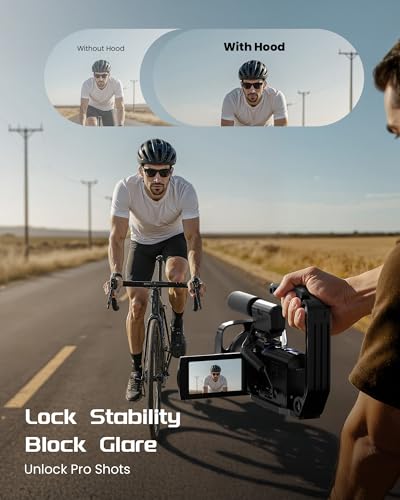
For cheap camcorders, quality should mean dependable construction and consistent recording, not just a lightweight shell that feels fine on day one; inspect hinge strength, tripod thread integrity, port fit, battery-door security, touchscreen response, and whether the camera overheats or corrupts long files. If you will use it outdoors or with kids, favor simple physical controls, a protected lens area, and accessories that lock firmly instead of flimsy mounts that loosen during movement. Buyers often say these cameras feel capable for the money, beginner-friendly, lightweight, and well equipped, with some performing well in outdoor or water-use scenarios, but the failure modes to screen for are durability of moving parts, ports, cases, and mounts.
Image
Image quality determines how sharp, detailed, and natural your photos look, especially when you crop, print, or shoot in challenging light. Look for a camera that delivers accurate color, clean detail, and consistent results across different scenes, not just impressive-looking sample shots in ideal conditions. Also watch for overprocessed images that appear too smooth, too contrasty, or unnaturally saturated.
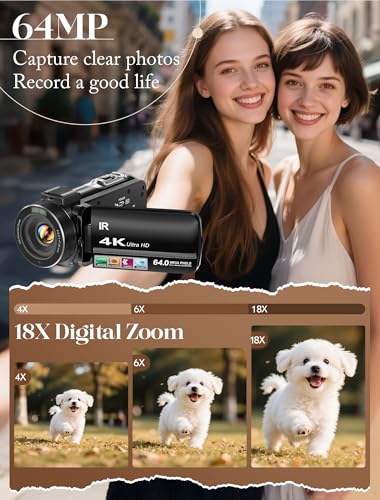
For cheap camcorders, separate image quality from marketing numbers: optical zoom is far more useful than high digital zoom, true stabilization matters for handheld walking shots, and color/skin tones are often more important than maximum megapixels. If you film events, wildlife, sports, or stage performances, check whether zoom remains sharp at the long end and whether focus hunts; if you film family or vlogs, check face exposure, indoor noise, and whether wide-angle distortion is acceptable. Owner feedback backs the potential upside, with many shoppers praising sharp-looking photos and video, pleasing color, strong casual image quality, and zoom that can stay usable for long-range filming, but you should still confirm real samples rather than relying on still-photo megapixel claims.
Usability
You’ll get more out of a digital camera if it feels easy to pick up, set up, and adjust without constantly digging through confusing menus. Look for clear controls, helpful automatic modes, and simple playback or sharing steps, especially if the camera is for a beginner or kid. Watch out for models with tiny buttons, cluttered interfaces, or too many advanced settings if you want photography to feel fun rather than frustrating.
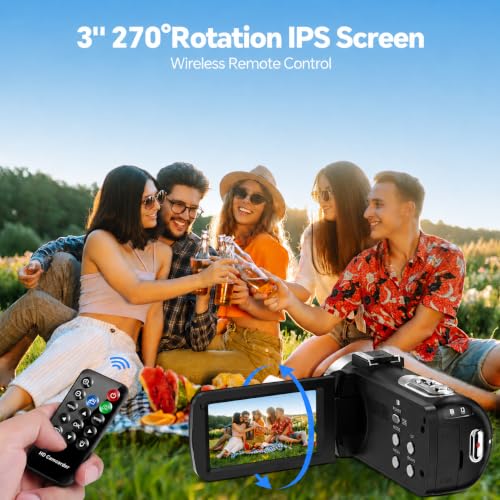
For cheap camcorders, usability is best judged by how fast a non-expert can power on, frame, record, review, and transfer footage without digging through confusing menus. Check for a responsive flip screen or touchscreen, clearly labeled record/zoom buttons, tripod and remote operation for self-recording, simple date/time and SD-card formatting, and file formats your phone or computer can open without conversion. Owner sentiment strongly supports beginner appeal: users often find setup and daily operation straightforward for kids, beginners, casual creators, and point-and-shoot recording, especially when controls are simple, the body is light, and a memory card is included.
Battery
Battery life matters because it determines how long you can shoot without stopping to recharge or swap batteries, especially during travel, events, or long days outdoors. Look for a camera that matches your shooting style, and remember that video recording, continuous autofocus, bright screens, wireless features, and cold weather can drain power faster than casual still photography. Also consider how it charges, including USB charging support and recharge speed, so you know whether you can top it up easily between sessions.
For cheap camcorders, battery planning is critical because small low-cost batteries can drain quickly in 4K, with the screen open, Wi-Fi on, or in cold weather; favor kits with two batteries, external charging, and easy-to-source replacements. Also check whether the camera can record while powered by USB for long events, whether battery swaps reset settings, and whether the charger can refill one battery while the other is in use. Owner feedback is generally positive here: buyers appreciate included extra batteries, chargers, cables, and ready-to-shoot bundles, and many say runtime is good enough for casual projects, outings, and longer beginner recording sessions when spare batteries are on hand.
1,000,000+ shoppers use Buyer's Guide every week to find the best products and services online.

Helping millions of users make smarter purchases online.


