









We also considered 10 others:


Our Top Choice
Compare Features


The order above is not editorial opinion, and it is not paid placement. It comes from what shoppers across our network actually do - which budget gaming headsets they compare, and which they ultimately buy. We re-rank as new data comes in, so the long-term favorites have to keep earning their spot against new entrants. The full method, including how we make money.
Budget Gaming Headsets Buyer's Guide
Budget gaming headsets are a tradeoff between useful gaming features and the corners cut to keep cost down. The sharpest checks are compatibility with your actual platform and whether the headset can survive long sessions without weak hinges, muddy positional audio, or a noisy mic ruining team chat.
Quality
You want headphones that feel solid, fit securely, and keep working well after daily use, not just sound good out of the box. Look for sturdy hinges and headbands, durable cables or ports, replaceable ear pads where possible, and consistent owner feedback about reliability; watch out for fragile plastics, peeling materials, loose joints, or reports of one side failing over time.
For budget gaming headsets, inspect the failure-prone parts first: hinge/yoke thickness, headband flex, cable strain relief, earcup swivel points, mic boom stiffness, and whether the pads or cable can be replaced. Avoid models that rely on thin glossy plastic, non-replaceable fixed cables for controller use, or loose inline controls, because these are common weak points when a headset is tossed in a bag or plugged into controllers repeatedly. Owner feedback supports that the better budget picks can feel surprisingly dependable, with many buyers saying build quality, everyday gaming use, calls, and listening performance exceeded expectations for the category.
Sound
Sound quality determines how enjoyable and accurate your headphones feel across music, calls, movies, and games. Look for clear detail, balanced bass, mids, and treble, enough volume without distortion, and a sound profile that suits your preferences rather than one that overwhelms everything with bass.
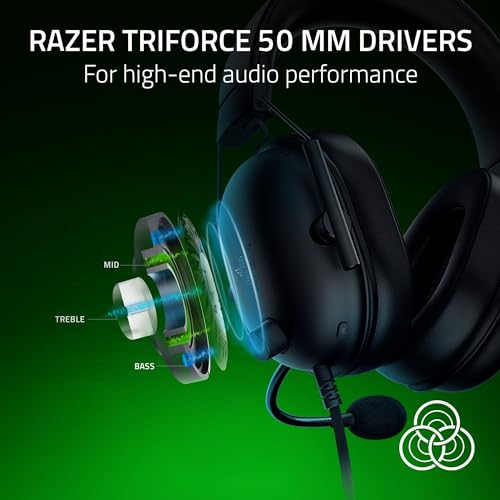
Prioritize clear mids, controlled bass, and reliable left-right imaging over exaggerated “surround” claims; in competitive games, footsteps, reloads, and voice cues matter more than boomy explosions. Check whether virtual surround works only through a PC USB app, because consoles or controller 3.5 mm ports may fall back to plain stereo. Owners commonly praise budget headsets that deliver loud, clear game audio, strong bass, crisp highs, and useful directional cues, but the safest choice is still one that keeps game detail intelligible rather than simply sounding big.
Comfort
Comfort matters because headphones that feel fine for a few minutes can become distracting or painful during long listening sessions. Look for a fit that distributes weight evenly, with ear pads or tips that don’t pinch, trap too much heat, or create pressure points. If you’ll use them while commuting, working out, or moving around, make sure they sit securely without needing constant adjustment.
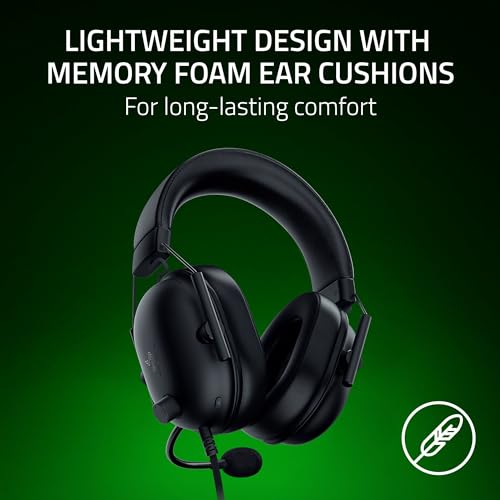
For long gaming sessions, look for moderate clamp force, large enough ear openings, breathable pads, a padded or suspension headband, and enough adjustment for your head size; glasses wearers should be especially cautious of stiff pads and high clamp. Lightweight builds are good, but not if they come from fragile hinges, so balance comfort against durability. Owner sentiment strongly backs comfort as a deciding factor in this niche, with many buyers praising soft padding, adjustable fits, light weight, gentle clamp, and designs that avoid pressure or fatigue over extended play.
Value
Value matters because you want headphones that justify what you spend through sound quality, comfort, durability, features, and everyday usability—not just a low price or a long spec sheet. Look for the mix that fits how you’ll use them, and watch out for paying extra for features you won’t notice or saving money on a pair that feels uncomfortable, fragile, or disappointing over time.
The best value is not the headset with the longest feature list; it is the one whose features actually work on your device. A wired headset may be the better buy if you play through a controller or PC and do not need battery management, while wireless only adds value if the included dongle, Bluetooth mode, mic, and controls work with your console or computer. Owners repeatedly describe stronger budget models as performing above expectations for gaming, calls, music, monitoring, and daily use, which supports focusing on practical performance rather than premium-looking extras.
Microphone
A good microphone matters if you use your headphones for calls, meetings, gaming chat, or voice notes, because clear voice pickup helps others hear you without strain. Look for headphones that keep your voice natural and intelligible while reducing background noise, and watch out for models that sound muffled, thin, robotic, or easily overwhelmed by wind, traffic, keyboard noise, or other people talking nearby.
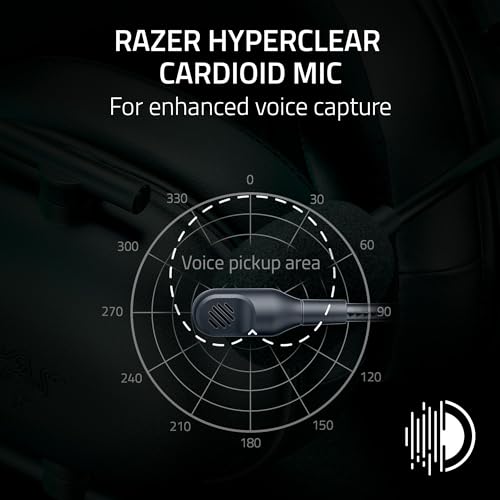
For multiplayer use, check mic position, noise rejection, mute behavior, and platform control compatibility before caring about studio-like quality. A flip-to-mute or clearly labeled inline mute is useful only if it works consistently on your platform, and a detachable boom is convenient only if it locks firmly and does not pick up keyboard, fan, or room noise. Owner feedback is mostly positive on clear teammate chat, Discord-style calls, streaming, and easy controls, but it also flags a real budget risk: some setups pick up background noise or create mute-control frustrations.
Connectivity
You want headphones that connect quickly, stay connected, and work smoothly with the devices you use most, whether that is a phone, laptop, tablet, console, or audio interface. Look for reliable Bluetooth pairing, enough range for how you move around, support for wired mode if you need low-latency or battery-free listening, and broad compatibility with your preferred platforms. Watch out for headphones that sound good but drop connections, switch devices awkwardly, or limit key features when used outside a specific ecosystem.
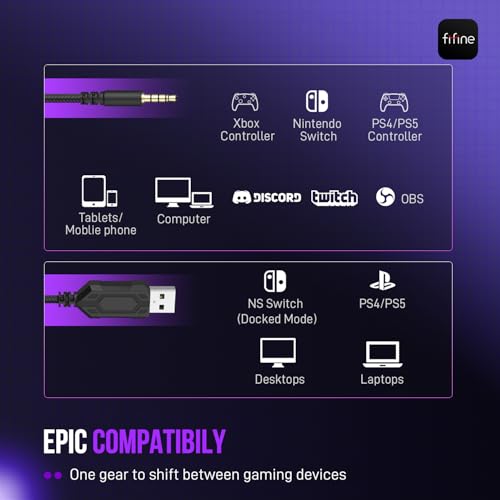
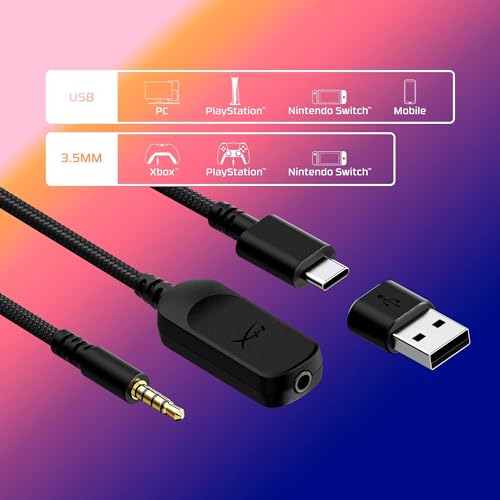
Match the connection type to your exact setup: 3.5 mm is broadly useful for controllers and handhelds, USB may unlock surround or software features on PC, 2.4 GHz wireless is usually better for low-latency gaming, and Bluetooth is more convenient than ideal for fast play unless the headset includes a proper gaming mode. Console buyers should verify support for their platform, dongle type, USB-A/USB-C fit, chat mixing, mic support, and whether the headset can charge while in use. Owners often report stable, easy wireless use and flexible switching across PCs, consoles, controllers, laptops, and other devices, but sentiment is mixed enough to make compatibility and dropout reports a must-check before buying.
1,000,000+ shoppers use Buyer's Guide every week to find the best products and services online.

Helping millions of users make smarter purchases online.


