














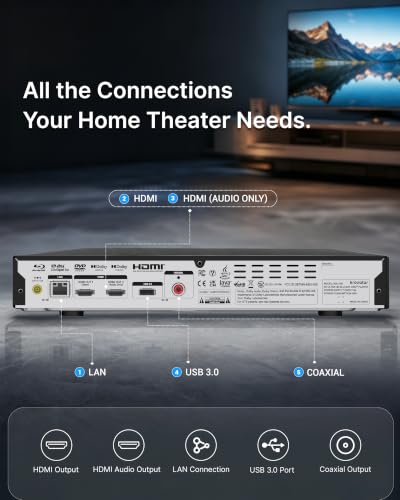


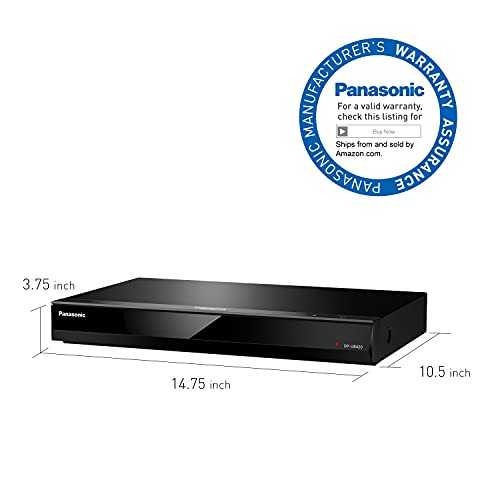


We also considered 10 others:


Our Top Choice
Compare Features


The order above is not editorial opinion, and it is not paid placement. It comes from what shoppers across our network actually do - which blu-ray players they compare, and which they ultimately buy. We re-rank as new data comes in, so the long-term favorites have to keep earning their spot against new entrants. The full method, including how we make money.
Blu-Ray Players Buyer's Guide
Buying a Blu-ray player is a tradeoff between simple, reliable disc playback and the specific library and setup you need it to serve. The sharpest concerns are disc compatibility—especially DVDs, recorded discs, older titles, and imports—and whether the player delivers clean HDMI picture, usable controls, and a form factor that fits either a home shelf or portable viewing.
AV Quality
Blu-ray buying starts with whether the player can make discs look and sound meaningfully better than basic DVD playback. Output quality also depends on the display and audio system it connects to, so the player should match the resolution, audio formats, and viewing setup you actually use.
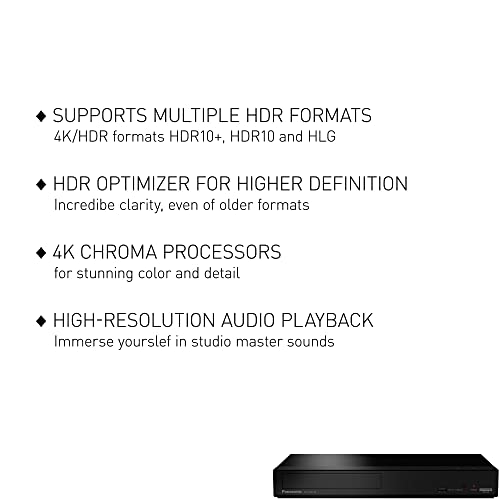
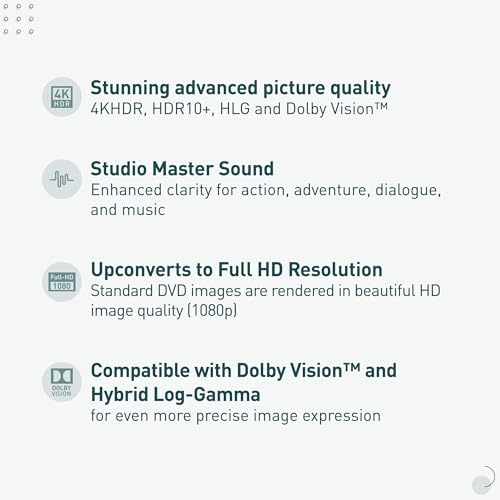
Look for full-HD 1080p Blu-ray output at minimum, clean HDMI video, and support for common surround formats if you use a soundbar or receiver; if choosing a portable unit, judge the built-in screen size, viewing angle, and speaker volume as part of the experience. Avoid treating all disc players as equal: weak video processing can make older DVDs look soft, and poor audio output can flatten movie soundtracks even when the disc itself is high quality. Owner feedback strongly supports prioritizing this dimension: buyers praised crisp, sharp, colorful full-HD picture, vibrant large-screen portable playback, and Dolby or loud built-in sound that made movie nights feel more immersive.
Disc Compatibility
A Blu-ray player is only useful if it handles the discs you already own and the formats you still plan to buy. Region behavior, recorded-disc support, and DVD upscaling can matter as much as basic Blu-ray playback for households with mixed collections.
Match the player to your actual library: confirm Blu-ray and standard DVD support, check whether recorded DVD formats are supported, and be careful about region claims because Blu-ray regions and DVD regions are not the same thing. If you own imports, older discs, burned discs, or a large DVD collection, prioritize broad format support and reliable disc loading over extras you may never use. Owners repeatedly highlighted compatibility as a major strength when a unit handled Blu-rays, regular DVDs, recorded DVD formats, older discs, non-US DVD regions, and some imported discs, with reliable playback across mixed collections.
Setup & Controls
Disc players live in shared spaces, so setup and controls need to be simple for occasional users, kids, and guests. The most common frustration is not always the player mechanism; it can be the remote, menus, or unclear connection process.
Choose a player with straightforward HDMI setup, clearly labeled ports, a readable on-screen menu, and a remote with responsive, logically placed buttons. Check what cables are included and whether the remote is required for important functions, because a finicky remote can turn basic actions like menu navigation, subtitles, or ejecting into a hassle. Owner sentiment strongly favors plug-and-play installation and simple day-to-day operation for adults and kids, but it also flags the remote control as the main watch-out, with complaints focused on awkward or finicky button operation rather than disc playback itself.
Form Factor
Blu-ray players range from shelf components to portable all-in-one units, and the right form factor depends on where the player will actually be used. Size, styling, screen integration, and battery life can determine whether it fits an entertainment center, bedroom, car trip, or outdoor setup.
For a living-room setup, measure shelf depth and height, leave room for cables and tray access, and decide whether a compact body or decor-friendly finish matters. For portable Blu-ray or DVD-style use, look for a screen large enough for comfortable viewing, a rechargeable battery that lasts through a full movie, sturdy hinges, and a size that still fits in a travel bag. Owners praised compact, lightweight bodies that replaced older DVD players neatly, wood-grain styling that blended into shelves, and portable designs helped by large screens and long-lasting batteries, though reactions to compact size were somewhat mixed compared with the stronger praise for playback.
Overall Value
Value in this category is about the whole playback package, not just the lowest upfront cost. A good buy combines dependable disc handling, the right outputs, usable accessories, and sufficient build quality for repeated loading and remote use.
Compare what you get beyond basic disc spinning: HDMI output, included cables, remote, broad disc support, audio/video quality, and build feel all affect whether the player is a good long-term buy. Avoid overpaying for features you will not use, but also avoid stripped-down units if they omit the connections, region behavior, or controls your setup requires. Owners often described good players as strong value when they combined clear picture, reliable playback, disc compatibility, connection options, included accessories, and easy installation without feeling like they sacrificed performance.
1,000,000+ shoppers use Buyer's Guide every week to find the best products and services online.

Helping millions of users make smarter purchases online.


