














Our Top Choice
Why These Features Matter:
A baby monitor is less “tech accessory” and more “household atmosphere.” It’s the thing that hisses softly on the nightstand at 2 a.m., the device you carry like an extra limb while reheating coffee, the screen that ends up propped against a cereal box because every flat surface is already occupied by something sticky. The best monitors don’t just transmit a picture; they behave well in real homes—small bedrooms, creaky floors, loud radiators, Wi‑Fi that gets moody the second the microwave turns on.
Good ones feel boring in the best way: they connect quickly, don’t demand constant attention, and don’t turn routine checks into a full-time job. The features below are the ones that actually change day-to-day life, not the ones that look impressive on packaging.
Video vs. Audio: Decide What You Actually Need at 3 a.m.
Audio-only monitors still make sense for parents who don’t want another glowing rectangle in the bedroom—and for anyone who’s learned the hard way that a video feed can turn into compulsive “just checking.” Audio is also less finicky in older buildings with thick walls and questionable outlets.
Video monitors earn their keep when the baby’s old enough to move, roll, stand, and generally attempt minor stunts. Seeing why the noise is happening (lost pacifier vs. wide awake and practicing new vocal techniques) saves unnecessary trips that end in squeaky floors and accidental wake-ups.
- Look for: a screen that’s readable in low light without torching your retinas.
- Nice to have: an audio-only mode on a video monitor for nights when you’re trying to sleep like a person.
- Skip: ultra-wide “cinematic” views that make the crib look like a tiny stage production but don’t help you see breathing or a pacifier situation.
Wi‑Fi vs. Dedicated Parent Unit: Your Relationship With Reliability
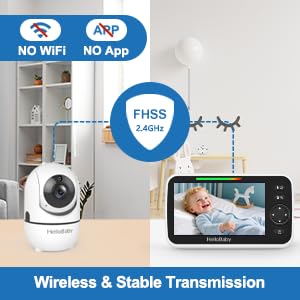
Wi‑Fi monitors are convenient: phone notifications, remote viewing, the ability to check in from downstairs (or outside, if you’re taking out the trash like it’s a covert mission). But Wi‑Fi is also… Wi‑Fi. If your router lives in a far corner, your building has thick plaster walls, or your internet occasionally throws tantrums, a monitor that relies entirely on an app can feel like it’s demanding emotional labor.
Dedicated parent-unit monitors are often less glamorous and more dependable. They tend to connect quickly, work during internet outages, and don’t require handing over your phone battery as tribute. They’re also one less reason to pick up your phone at midnight and accidentally start reading the news.
- Look for: a monitor that reconnects gracefully after power blips (because they happen).
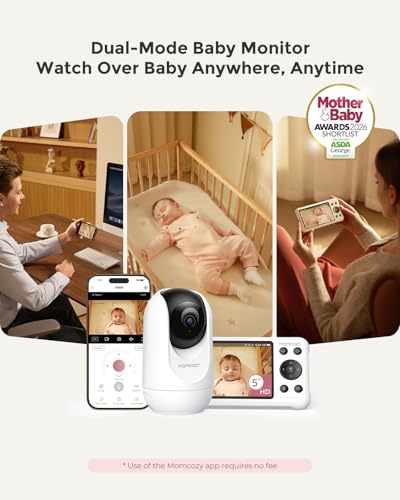
- Nice to have: the option to use both—a parent unit at night and an app during the day.
- Know: app-based monitors can be fantastic, but they’re only as pleasant as your home network.
Night Vision That Doesn’t Look Like a Paranormal Documentary
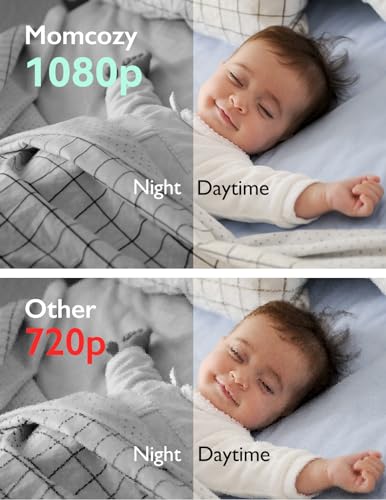
Night vision is where many monitors quietly disappoint. The dream: a clear, calm image that shows the baby’s position without turning every shadow into a jump scare. The reality: some feeds get grainy, overexposed, or oddly reflective—especially if the camera is aimed near a glossy crib rail, a white sleep sack, or anything that bounces infrared light back into the lens.
- Look for: night vision that stays crisp at typical camera distances (across the room, not three inches away).
- Nice to have: a way to dim the parent unit screen aggressively.
- Caveat: “HD” matters less at 2 a.m. than contrast and stable exposure.
Sound: Sensitive Enough to Catch Whimpers, Not So Sensitive It Narrates Your Life
A monitor that picks up every tiny sound can be reassuring—until it’s also broadcasting the radiator pinging, the dog sighing, and your partner opening a bag of chips three rooms away. The sweet spot is a microphone and speaker combo that captures real baby noises clearly, without turning your home into an audio diary.
- Look for: adjustable sensitivity and volume that can get truly quiet.
- Nice to have: decent speaker quality on the parent unit (tinny sound gets exhausting fast).
- Know: background hiss is common; the best monitors make it easy to tune out.
Range and Walls: The Apartment Test
Manufacturers love quoting range numbers that sound like they were measured in an open field with no walls, no pipes, no neighbors’ routers, and no sense of realism. In actual homes—especially apartments—range is about how the signal handles corners, bathrooms, and that one spot in the kitchen where all connectivity goes to die.
- Look for: stable connection through two closed doors and one mildly hostile wall.
- Nice to have: an out-of-range alert that’s helpful, not panic-inducing.
- Caveat: older buildings can humble even expensive monitors; placement matters more than people want to admit.
Camera Placement: The Hidden Stressor
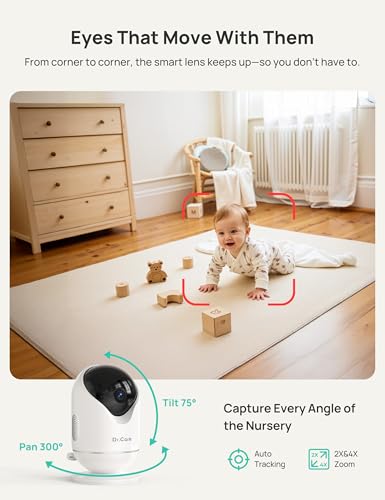
Camera placement is where “easy setup” turns into a small home-improvement project. Some cameras mount beautifully; others require a contortionist’s patience. If the camera can’t angle correctly, you’ll end up with an artsy shot of the crib corner and none of the baby.
Homes with limited outlets often end up with a visible cord situation. It’s not just aesthetics—it’s safety and sanity. The best setups minimize cord drape, avoid tempting grab zones, and don’t force you to rearrange furniture like you’re staging a listing.
- Look for: flexible mounting options (wall mount, shelf stand, crib mount that feels secure).
- Nice to have: a long enough power cord that doesn’t require an extension cord sculpture.
- Know: pan-and-tilt can help, but physical placement still matters.
Battery Life: The Difference Between “Portable” and “Annoying”
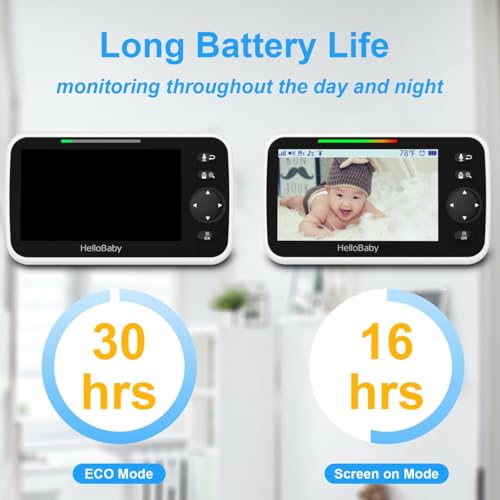
The parent unit battery is the feature you only appreciate after it fails you. A monitor that needs constant docking quickly becomes another household object that’s always in the wrong place, perpetually at 12%, and somehow never on the charger when you need it. Good battery life means you can wander—laundry, shower, balcony reset—without dragging a cable behind you like a Victorian ghost.
- Look for: a parent unit that comfortably lasts through bedtime and at least part of the night off the charger.
- Nice to have: clear battery indicators (not vague little bars that lie).
- Caveat: bigger, brighter screens eat battery; that’s not a flaw, it’s physics.
Alerts and Notifications: Helpful, Until They’re Not
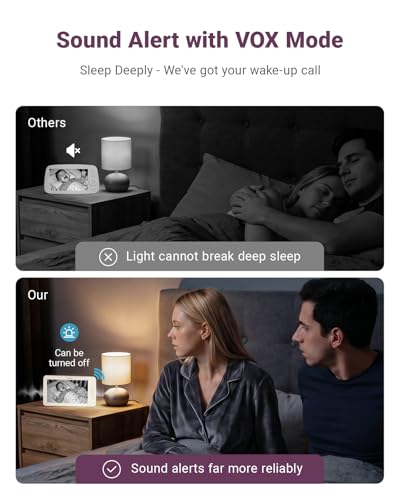
Alerts sound great in theory: motion, sound, temperature, crying detection. In practice, too many notifications create the kind of low-grade anxiety that has you checking the monitor because it sneezed. The best monitors let you tailor alerts so they work like a gentle assistant, not a needy coworker.
- Look for: customizable thresholds and “do not disturb” modes that actually stick.
- Nice to have: vibration alerts for quiet households or light sleepers.
- Know: temperature sensors are often approximate—treat them as a cue, not a verdict.
Privacy and Security: The Boring Part Worth Caring About
Anything connected to your home network deserves a basic privacy gut-check. A monitor doesn’t need to become a hobby. It does need sensible protections: strong account controls, regular firmware updates, and clear options for who can access the feed. If a monitor feels sketchy during setup—confusing permissions, weak password requirements—that’s usually not a great sign.
- Look for: two-factor authentication (for app-based monitors) and straightforward account management.
- Nice to have: local-only options or the ability to disable remote access.
- Caveat: added security can add friction; the best systems make it painless after setup.
Ease of Use: The “Holding a Baby” Standard
A baby monitor should be navigable one-handed, half-asleep, and mildly annoyed. Menus should make sense. Buttons should be where your thumb expects them. The app (if there is one) should load quickly without demanding an update right as you’re attempting a stealth check.
- Look for: simple controls for volume, screen brightness, and camera switching.
- Nice to have: quick access to zoom and pan without digging through submenus.
- Know: some “smart” features add complexity without adding calm.
Nice Extras That Actually Earn Their Keep
Not all extras are fluff. A few genuinely smooth out daily life—especially in homes where naps happen in bright rooms, where multiple caregivers share duties, or where the baby’s sleep schedule is held together by optimism.
- Split-screen or multi-camera support: useful for siblings or for keeping an eye on both crib and play area.
- Portable camera options: for travel, grandparents’ houses, or simply moving from nursery to living room without drama.
- White noise/night light integration: convenient if it’s intuitive; irritating if it’s buried in an app with five taps.
- Two-way talk: occasionally helpful, often overestimated. Some babies find it soothing; others treat it as heckling.
Things to Know Before Buying (So You Don’t End Up Hate-Returning It)
- Expect some fussing with placement. Even great monitors can’t compensate for a bad angle or a cord that won’t behave.
- Decide how much phone reliance you can stand. If a monitor lives on your phone, it will compete with everything else on your phone.
- Be honest about your space. Tiny apartments benefit from simpler systems and less notification noise. Large homes benefit from range and a strong signal.
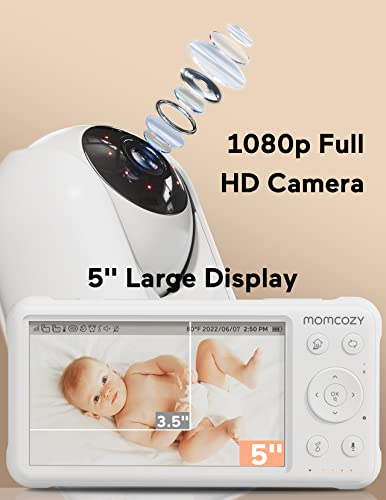
- Don’t overbuy on resolution. The goal is clarity and calm, not filming a nature documentary.
- Plan for charging like it’s part of the routine. The best battery still needs a home base.
How to Choose the Right Monitor for Your Actual Life
For small apartments and light sleepers: prioritize a dedicated parent unit, adjustable sound sensitivity, and a dimmable screen. Keep it simple, keep it quiet.
For houses with spotty Wi‑Fi or thick walls: go for reliability over features. A stable connection and solid range will matter more than clever alerts.
For frequent travel or lots of caregiver handoffs: consider portability, easy pairing, and intuitive controls. Anything complicated will be abandoned by week two.
For anxious checkers (lovingly): avoid overly “chatty” notifications and choose a monitor that lets you set boundaries—audio-only mode, minimal alerts, and a screen that doesn’t lure you into constant peeking.
The Honest Bottom Line
The best baby monitor is the one that disappears into the background—no drama, no nightly reconnect ritual, no glowing screen screaming for attention. Prioritize reliability, sane sound, workable placement, and a setup that fits your home as it is (not as it looked in the listing photos). A monitor can’t make a baby sleep. It can make everyone else less miserable while waiting for that to happen.
1,000,000+ shoppers use Buyer's Guide every week to find the best products and services online.

Helping millions of users make smarter purchases online.

